Best AI Assistants for Daily Workflows (Top 10 Picks)

We evaluated AI assistants for everyday work rather than novelty demos: writing emails and documents, summarizing meetings, researching current information, organizing notes, collaborating with teams, and automating repeatable tasks. The best picks are legitimate, current products with clear availability, broad usefulness, and reliable fit for real daily workflows.

By: Review Streets Research Lab
Updated: June 4, 2026
Approx. 12-14 min read
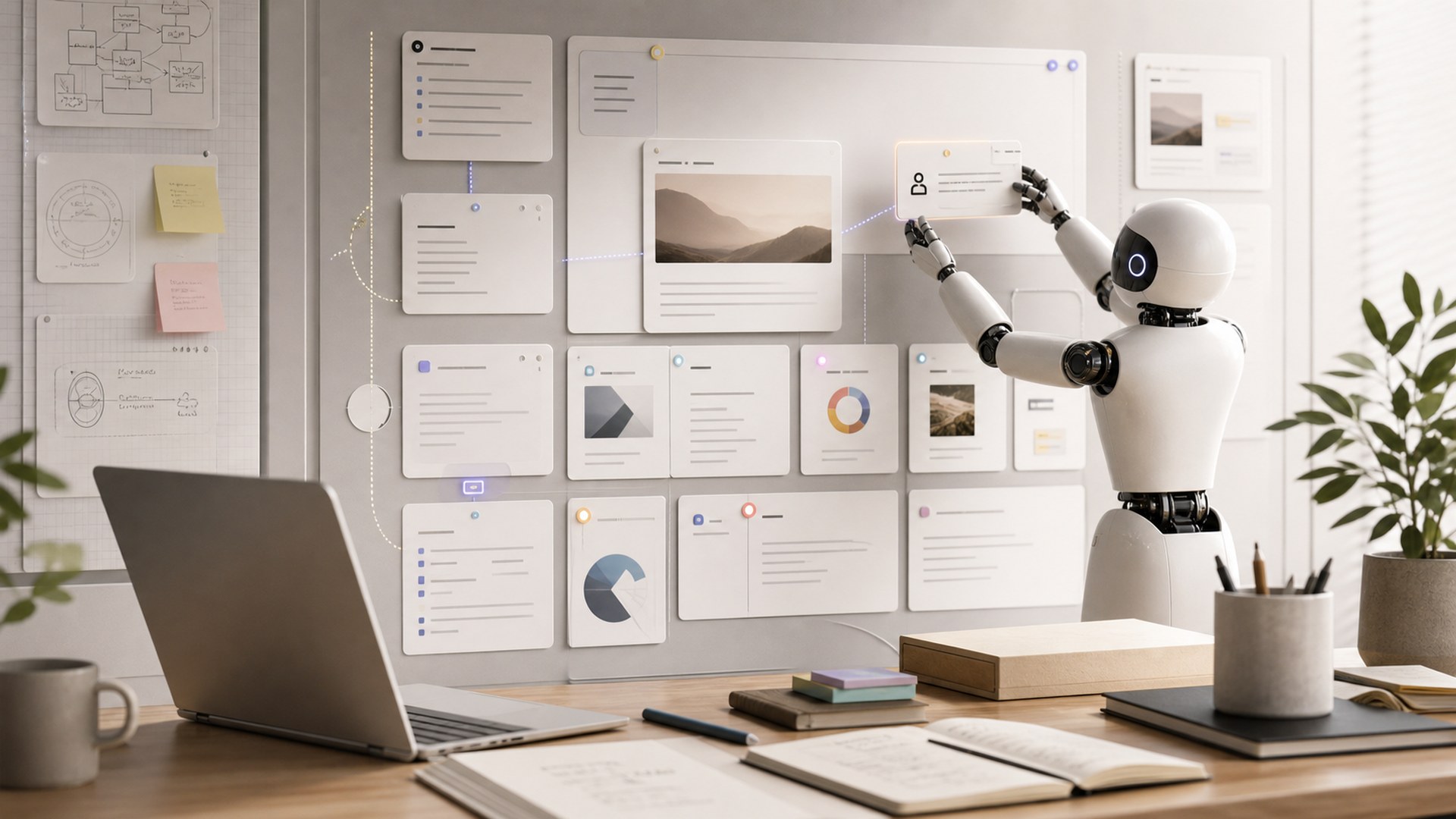
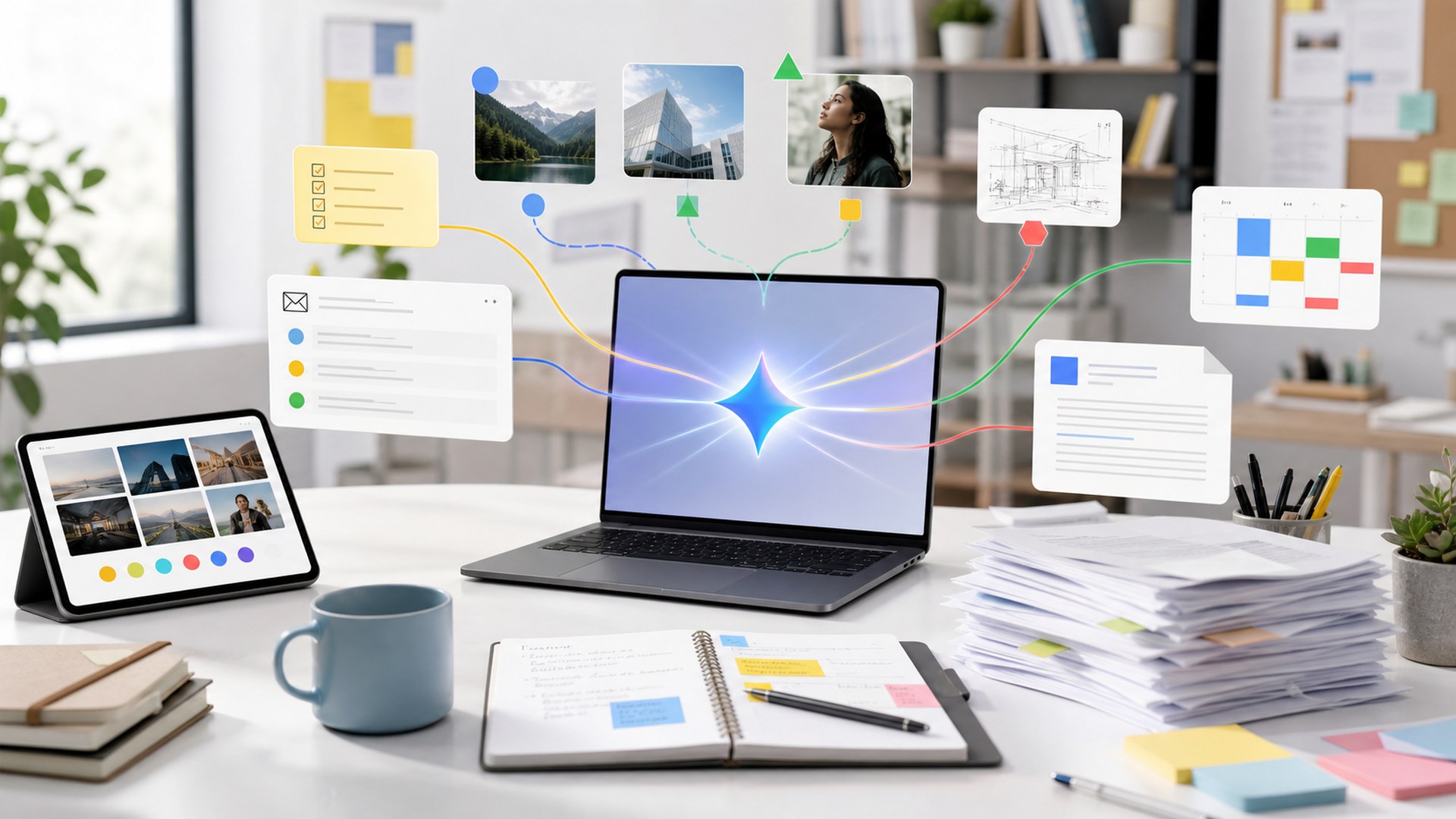
AI assistants coordinating email documents search notes and calendars in a modern work setup

Best AI Assistants for Daily Workflows (Top 10 Picks) - Top 10 Picks

Our editorial picks ranked by performance, build quality, features, usability, ergonomics, value, support, and everyday fit. Tap any image to expand, or jump to full reviews for deeper ownership notes.

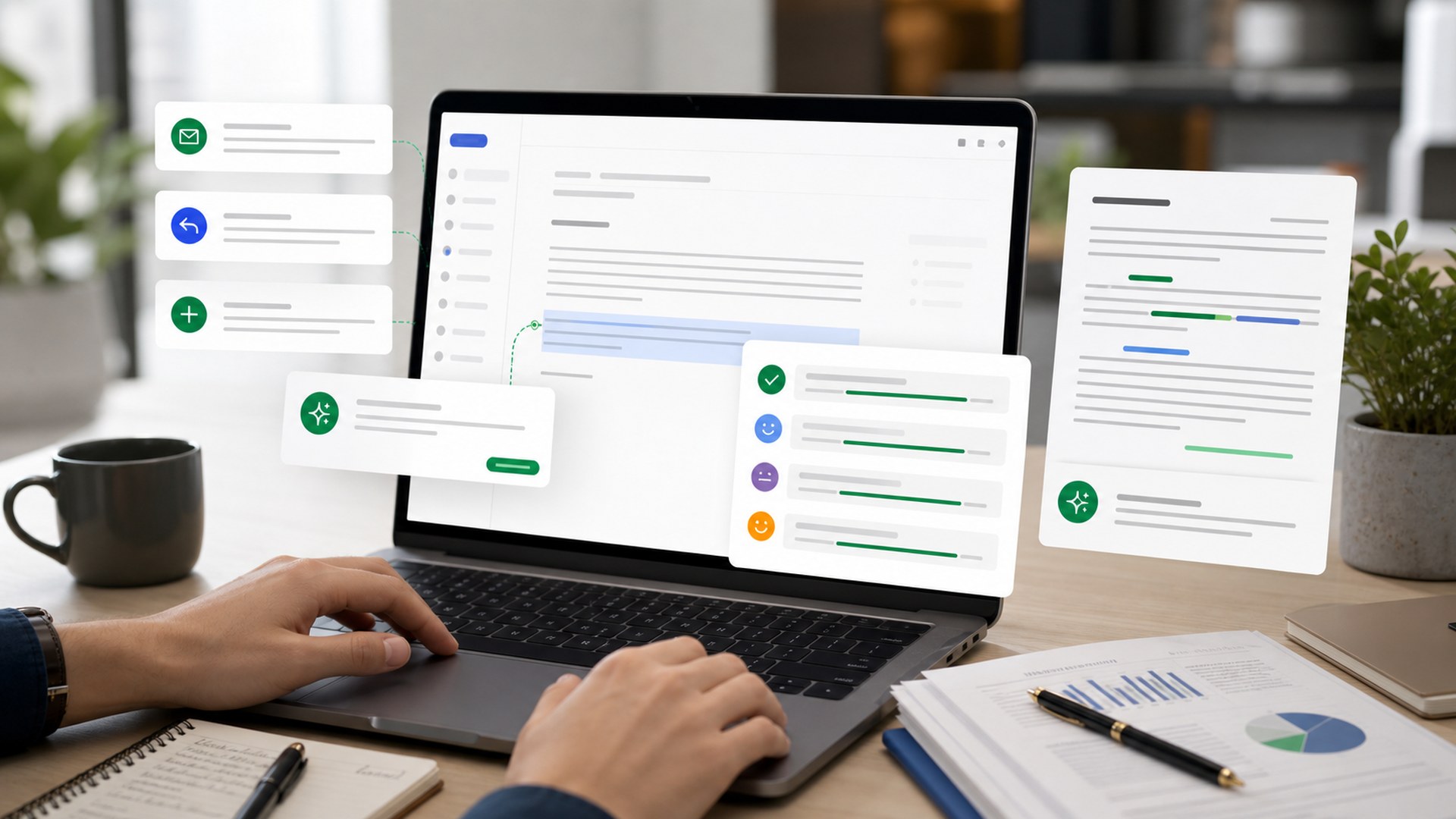
ChatGPT represented as a brand-neutral AI assistant workflow image
#1 Best Overall AI Assistant Score: 9.7 / 10

ChatGPT

The strongest all-around assistant for writing, brainstorming, analysis, coding help, file work, and day-to-day problem solving across many roles.

Core Strength: All-purpose work assistantBest Use: Writing, analysis, planningTeam Fit: Individual to enterpriseLearning Curve: Low

Pros

  • Excellent general-purpose reasoning and writing
  • Broad tool and file workflow support
  • Strong fit for individuals and teams

Cons

  • Best features require a paid plan for many users
  • Still needs fact-checking for important claims
  • Team data controls depend on plan choice

Best For

  • Knowledge workers who need one flexible assistant
  • Writers, marketers, analysts, and operators
  • People who switch between many task types

Claude represented as a brand-neutral AI assistant workflow image
#2 Best for Long Documents and Careful Writing Score: 9.5 / 10

Claude

A polished assistant for long-context reading, careful drafting, document analysis, strategy work, and clean collaborative writing.

Core Strength: Long documentsBest Use: Writing and analysisTeam Fit: Professional teamsLearning Curve: Low

Pros

  • Excellent long-form writing quality
  • Strong document and analysis workflows
  • Thoughtful tone for professional work

Cons

  • Can be more cautious than some users want
  • Availability and limits vary by plan
  • Not the deepest native office-suite integration

Best For

  • Professionals working with long docs
  • Teams drafting briefs, plans, and policies
  • Writers who care about tone and structure
Gemini represented as a brand-neutral AI assistant workflow image
#3 Best for Google Workspace Users Score: 9.2 / 10

Gemini

A strong daily assistant for people already living in Google search, Gmail, Docs, Drive, Sheets, Meet, and multimodal work.

Core Strength: Google ecosystemBest Use: Docs, email, search, multimodal tasksTeam Fit: Google Workspace teamsLearning Curve: Low

Pros

  • Strong Google ecosystem fit
  • Useful multimodal capabilities
  • Good for search-connected everyday tasks

Cons

  • Best value depends on Google workflow depth
  • Output style can vary by task
  • Some business features depend on Workspace plan

Best For

  • Google Workspace households and teams
  • People who mix text, images, and research
  • Users who want assistant access near Google apps
Microsoft 365 Copilot represented as a brand-neutral AI assistant workflow image
#4 Best for Microsoft Office Teams Score: 9.1 / 10

Microsoft 365 Copilot

The strongest pick for organizations that live in Word, Excel, PowerPoint, Outlook, Teams, OneDrive, and Microsoft Graph-connected work.

Core Strength: Office integrationBest Use: Docs, meetings, email, spreadsheetsTeam Fit: Business and enterpriseLearning Curve: Medium

Pros

  • Deep Microsoft 365 integration
  • Strong enterprise administration fit
  • Useful across meetings, docs, email, and spreadsheets

Cons

  • Best for Microsoft-first organizations
  • Higher cost than standalone assistants
  • Quality depends on company data hygiene

Best For

  • Microsoft 365 teams
  • Enterprise and department workflows
  • Meeting, email, and document-heavy organizations
Perplexity represented as a brand-neutral AI assistant workflow image
#5 Best for Research and Current Answers Score: 9.0 / 10

Perplexity

A research-first assistant built for current answers, source discovery, cited summaries, and quick comparison of web information.

Core Strength: AI search and researchBest Use: Current answers, source comparisonTeam Fit: Individuals and research teamsLearning Curve: Low

Pros

  • Excellent for fast research
  • Source-forward answer style
  • Useful for comparing current information

Cons

  • Not a full office productivity suite
  • Sources still require judgment
  • Less ideal for private internal-doc work

Best For

  • Researchers and analysts
  • Buyers comparing current products
  • Users who want source-linked answers
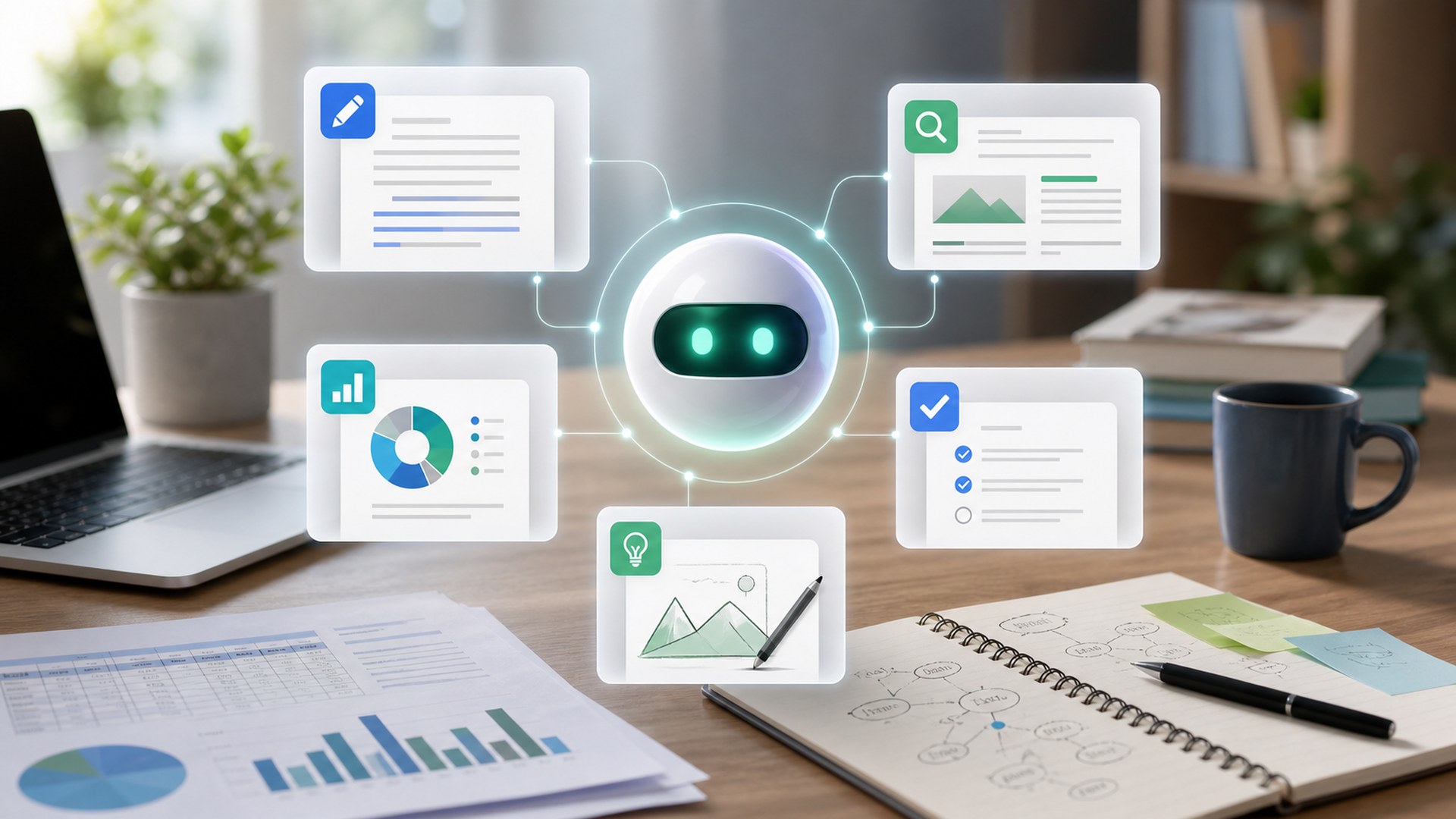
Notion AI represented as a brand-neutral AI assistant workflow image
#6 Best Workspace Knowledge Assistant Score: 8.8 / 10

Notion AI

A useful assistant for teams that organize notes, documents, projects, meeting notes, wikis, and lightweight databases inside Notion.

Core Strength: Workspace knowledgeBest Use: Notes, docs, wikis, projectsTeam Fit: Notion workspacesLearning Curve: Low to medium

Pros

  • Strong inside shared knowledge workspaces
  • Good for notes, summaries, and project docs
  • Helpful for turning messy information into structure

Cons

  • Best value depends on Notion adoption
  • Not a standalone general assistant replacement
  • Complex workspaces require good organization

Best For

  • Notion-based teams
  • Knowledge managers and operators
  • Project notes, docs, and wiki workflows
Grammarly represented as a brand-neutral AI assistant workflow image
#7 Best AI Writing and Communication Assistant Score: 8.7 / 10

Grammarly

A communication-focused assistant for workplace writing, rewriting, tone adjustment, clarity checks, email polish, and everyday message quality.

Core Strength: Writing polishBest Use: Email, tone, clarity, rewritesTeam Fit: Individuals and business teamsLearning Curve: Very low

Pros

  • Excellent for polishing real workplace writing
  • Works across many writing surfaces
  • Helpful tone and clarity guidance

Cons

  • Less powerful for deep reasoning
  • Best features can require paid plans
  • Not built for broad automation workflows

Best For

  • Email-heavy professionals
  • Customer-facing teams
  • People who want clearer writing everywhere
Slack AI represented as a brand-neutral AI assistant workflow image
#8 Best Team Chat Assistant Score: 8.5 / 10

Slack AI

A focused assistant for teams that need channel recaps, thread summaries, conversational search, and faster context recovery in Slack.

Core Strength: Team chat contextBest Use: Summaries and message searchTeam Fit: Slack workspacesLearning Curve: Low

Pros

  • Useful channel and thread summaries
  • Strong fit for chat-heavy teams
  • Reduces catch-up friction

Cons

  • Only valuable for Slack-centered teams
  • Not a broad personal assistant
  • Cost and availability depend on workspace plan

Best For

  • Slack-heavy teams
  • Managers catching up across channels
  • Distributed teams with busy message flow
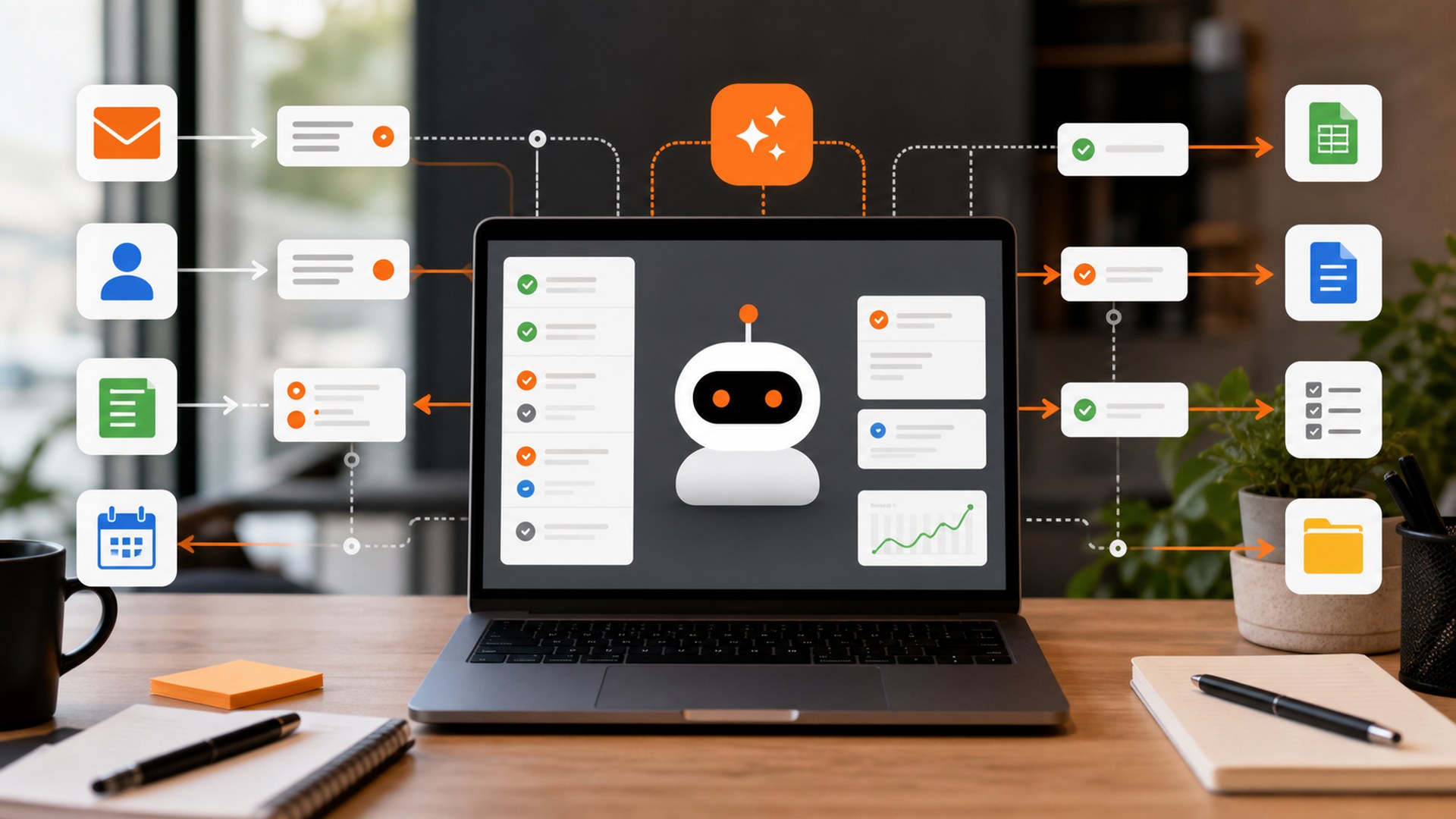
Zapier Agents represented as a brand-neutral AI assistant workflow image
#9 Best AI Automation Assistant Score: 8.4 / 10

Zapier Agents

An automation-first assistant for delegating repeatable work across connected apps, triggers, data handoffs, and routine operations.

Core Strength: Automation agentsBest Use: Cross-app workflowsTeam Fit: Operations and growth teamsLearning Curve: Medium

Pros

  • Excellent cross-app automation potential
  • Useful for repeatable operational tasks
  • Large integration ecosystem

Cons

  • Requires workflow design discipline
  • Can be overkill for simple writing tasks
  • Automation needs careful testing

Best For

  • Operators and small teams
  • No-code automation builders
  • Recurring cross-app workflows
Otter.ai represented as a brand-neutral AI assistant workflow image
#10 Best Meeting Notes Assistant Score: 8.2 / 10

Otter.ai

A meeting-focused assistant for live transcription, summaries, action items, call notes, and searchable conversation history.

Core Strength: Meeting notesBest Use: Transcription and summariesTeam Fit: Call-heavy teamsLearning Curve: Low

Pros

  • Strong meeting transcription workflow
  • Useful summaries and action items
  • Good fit for teams with many calls

Cons

  • Focused mainly on meetings
  • Transcripts still need review for sensitive details
  • Less useful for people with few calls

Best For

  • Meeting-heavy teams
  • Sales, customer success, and recruiting
  • People who need searchable call notes

Methodology

How We Tested

Our rankings weigh practical daily usefulness, output quality, reliability, usability, integrations, collaboration fit, data and workflow reach, value, availability, and buyer sentiment. We favored current-generation assistants from established brands and avoided narrow, hard-to-buy, duplicate, or discontinued tools unless they solved a daily workflow problem unusually well.

Our Evaluation Framework

We compared each product through a consistent editorial framework: core performance, build quality, features, usability, ergonomics, value, warranty/support, and fit for the intended buyer.

What We Prioritized

Performance and core function carried the most weight, followed by reliability, usability, value, and long-term ownership fit.

How to Read the Scores

A higher score means a stronger overall mix of capability, execution, owner experience, and value for the product's intended buyer.

Side-by-Side Comparisons

Quickly narrow your shortlist. Use this first, then jump to full reviews for your finalists.

#ModelBest ForPlatformFootprintFeelWhy It Won
1 ChatGPTBest Overall AI Assistant Best all-around assistant General AI workspace Web, mobile, desktop Flexible and fast Best overall balance of capability, usability, ecosystem, and daily task coverage
2 ClaudeBest for Long Documents and Careful Writing Long documents General AI assistant Web and app workspace Careful and polished Best fit for nuanced writing, long document review, and structured thinking
3 GeminiBest for Google Workspace Users Google workflows Google AI assistant Web, mobile, Workspace Integrated and multimodal Best assistant for users already centered on Google apps and services
4 Microsoft 365 CopilotBest for Microsoft Office Teams Microsoft teams Office-suite assistant Microsoft 365 apps Enterprise-integrated Best option when the assistant needs to work inside Microsoft documents, meetings, and company context
5 PerplexityBest for Research and Current Answers Current research AI answer engine Web and app research Source-driven Best fit when daily work depends on fast, cited, current information
6 Notion AIBest Workspace Knowledge Assistant Knowledge workspaces Workspace AI Inside Notion Organized and structured Best assistant when the daily workflow lives in shared notes, docs, and project hubs
7 GrammarlyBest AI Writing and Communication Assistant Everyday writing polish Communication assistant Browser, desktop, apps Practical and immediate Best focused assistant for improving daily workplace communication at the point of writing
8 Slack AIBest Team Chat Assistant Team chat catch-up Collaboration AI Inside Slack Context-saving Best focused assistant for reducing message overload in Slack-centered teams
9 Zapier AgentsBest AI Automation Assistant Workflow automation AI automation agent Connected apps Operational and scalable Best option when the assistant should do repeatable cross-app work, not just answer questions
10 Otter.aiBest Meeting Notes Assistant Meeting notes Meeting assistant Calls and notes Capture and summarize Best focused assistant for turning meetings into searchable notes and follow-ups

#1 - ChatGPT

Best Overall AI Assistant
Best For
Best all-around assistant
Platform
General AI workspace
Footprint
Web, mobile, desktop
Feel
Flexible and fast
Why it wonBest overall balance of capability, usability, ecosystem, and daily task coverage

#2 - Claude

Best for Long Documents and Careful Writing
Best For
Long documents
Platform
General AI assistant
Footprint
Web and app workspace
Feel
Careful and polished
Why it wonBest fit for nuanced writing, long document review, and structured thinking

#3 - Gemini

Best for Google Workspace Users
Best For
Google workflows
Platform
Google AI assistant
Footprint
Web, mobile, Workspace
Feel
Integrated and multimodal
Why it wonBest assistant for users already centered on Google apps and services

#4 - Microsoft 365 Copilot

Best for Microsoft Office Teams
Best For
Microsoft teams
Platform
Office-suite assistant
Footprint
Microsoft 365 apps
Feel
Enterprise-integrated
Why it wonBest option when the assistant needs to work inside Microsoft documents, meetings, and company context

#5 - Perplexity

Best for Research and Current Answers
Best For
Current research
Platform
AI answer engine
Footprint
Web and app research
Feel
Source-driven
Why it wonBest fit when daily work depends on fast, cited, current information

#6 - Notion AI

Best Workspace Knowledge Assistant
Best For
Knowledge workspaces
Platform
Workspace AI
Footprint
Inside Notion
Feel
Organized and structured
Why it wonBest assistant when the daily workflow lives in shared notes, docs, and project hubs

#7 - Grammarly

Best AI Writing and Communication Assistant
Best For
Everyday writing polish
Platform
Communication assistant
Footprint
Browser, desktop, apps
Feel
Practical and immediate
Why it wonBest focused assistant for improving daily workplace communication at the point of writing

#8 - Slack AI

Best Team Chat Assistant
Best For
Team chat catch-up
Platform
Collaboration AI
Footprint
Inside Slack
Feel
Context-saving
Why it wonBest focused assistant for reducing message overload in Slack-centered teams

#9 - Zapier Agents

Best AI Automation Assistant
Best For
Workflow automation
Platform
AI automation agent
Footprint
Connected apps
Feel
Operational and scalable
Why it wonBest option when the assistant should do repeatable cross-app work, not just answer questions

#10 - Otter.ai

Best Meeting Notes Assistant
Best For
Meeting notes
Platform
Meeting assistant
Footprint
Calls and notes
Feel
Capture and summarize
Why it wonBest focused assistant for turning meetings into searchable notes and follow-ups

FAQ: Ai Assistants For Daily Workflows

Quick answers to common questions before choosing from this Top 10 list.

In-Depth Reviews: What These Picks Are Really Like to Use

These full reviews expand on the Top 10 cards with a deeper look at strengths, tradeoffs, ownership fit, and ideal buyers.

60-second takeReal-use breakdownWho it's for
#1 Best Overall AI AssistantScore: 9.7 / 10

ChatGPT

The strongest all-around assistant for writing, brainstorming, analysis, coding help, file work, and day-to-day problem solving across many roles.

Compare Specs

What It's Great At

  • Excellent general-purpose reasoning and writing
  • Broad tool and file workflow support
  • Strong fit for individuals and teams

Watch-Outs

  • Best features require a paid plan for many users
  • Still needs fact-checking for important claims
  • Team data controls depend on plan choice

Ideal Buyer

  • Knowledge workers who need one flexible assistant
  • Writers, marketers, analysts, and operators
  • People who switch between many task types
The Real-World Verdict

ChatGPT takes the top spot because it is the most versatile daily-work assistant for the broadest range of people. It can draft, revise, summarize, analyze files, help plan projects, and turn rough ideas into usable work quickly.

Practical Ownership Notes

Its strength is not one narrow workflow; it is the number of normal work problems it can help with in one place. That makes it easy to recommend when a buyer wants one assistant before building a specialized stack.

Where It Fits in the Top 10

The main tradeoff is governance and verification. Important facts still need review, and teams should choose the plan that matches their privacy and admin needs. For most daily workflows, though, it is the safest overall first pick.

#2 Best for Long Documents and Careful WritingScore: 9.5 / 10

Claude

A polished assistant for long-context reading, careful drafting, document analysis, strategy work, and clean collaborative writing.

Compare Specs

What It's Great At

  • Excellent long-form writing quality
  • Strong document and analysis workflows
  • Thoughtful tone for professional work

Watch-Outs

  • Can be more cautious than some users want
  • Availability and limits vary by plan
  • Not the deepest native office-suite integration

Ideal Buyer

  • Professionals working with long docs
  • Teams drafting briefs, plans, and policies
  • Writers who care about tone and structure
The Real-World Verdict

Claude ranks near the top because it feels especially strong when the work involves long documents, nuanced tone, and structured reasoning. It is a natural fit for people who review reports, draft strategy docs, or need a careful writing partner.

Practical Ownership Notes

The assistant is easy to work with and often produces cleaner first drafts than more chaotic tools. Its project and artifact-style workflows also make it useful for building polished outputs instead of one-off answers.

Where It Fits in the Top 10

Its fit is strongest when writing quality and long-context handling matter more than native integration with a specific office suite. For document-heavy teams, it is one of the best assistants available.

#3 Best for Google Workspace UsersScore: 9.2 / 10

Gemini

A strong daily assistant for people already living in Google search, Gmail, Docs, Drive, Sheets, Meet, and multimodal work.

Compare Specs

What It's Great At

  • Strong Google ecosystem fit
  • Useful multimodal capabilities
  • Good for search-connected everyday tasks

Watch-Outs

  • Best value depends on Google workflow depth
  • Output style can vary by task
  • Some business features depend on Workspace plan

Ideal Buyer

  • Google Workspace households and teams
  • People who mix text, images, and research
  • Users who want assistant access near Google apps
The Real-World Verdict

Gemini is the best pick for Google-centered daily workflows. If your work already runs through Gmail, Docs, Drive, Sheets, Meet, and Google search, the assistant fits naturally into the places where tasks begin.

Practical Ownership Notes

It is especially useful for users who mix research, writing, planning, and visual inputs. The workflow value rises when it is part of a broader Google Workspace setup rather than a standalone chatbot.

Where It Fits in the Top 10

The tradeoff is that non-Google teams may not get the same lift. For Google users, Gemini is a current-generation assistant with strong daily usefulness and a clear place in the stack.

#4 Best for Microsoft Office TeamsScore: 9.1 / 10

Microsoft 365 Copilot

The strongest pick for organizations that live in Word, Excel, PowerPoint, Outlook, Teams, OneDrive, and Microsoft Graph-connected work.

Compare Specs

What It's Great At

  • Deep Microsoft 365 integration
  • Strong enterprise administration fit
  • Useful across meetings, docs, email, and spreadsheets

Watch-Outs

  • Best for Microsoft-first organizations
  • Higher cost than standalone assistants
  • Quality depends on company data hygiene

Ideal Buyer

  • Microsoft 365 teams
  • Enterprise and department workflows
  • Meeting, email, and document-heavy organizations
The Real-World Verdict

Microsoft 365 Copilot is not the cheapest way to get AI help, but it is the obvious shortlist pick for Microsoft-centered organizations. Its value comes from working near the documents, meetings, email, files, and permissions that already define the workday.

Practical Ownership Notes

For teams, the biggest advantage is context. When the organization has clean Microsoft 365 data and sensible permissions, Copilot can reduce friction across summaries, drafts, spreadsheets, and follow-ups.

Where It Fits in the Top 10

It is less compelling for solo users outside Microsoft?s ecosystem. Inside that ecosystem, though, it is one of the most practical AI assistants for daily office workflows.

#5 Best for Research and Current AnswersScore: 9.0 / 10

Perplexity

A research-first assistant built for current answers, source discovery, cited summaries, and quick comparison of web information.

Compare Specs

What It's Great At

  • Excellent for fast research
  • Source-forward answer style
  • Useful for comparing current information

Watch-Outs

  • Not a full office productivity suite
  • Sources still require judgment
  • Less ideal for private internal-doc work

Ideal Buyer

  • Researchers and analysts
  • Buyers comparing current products
  • Users who want source-linked answers
The Real-World Verdict

Perplexity earns its place because research is a daily workflow for many professionals. It is built around finding, synthesizing, and citing information rather than simply generating copy from a prompt.

Practical Ownership Notes

That makes it useful for market scans, product comparisons, competitive research, and quick backgrounders. It is often faster than opening a pile of tabs and stitching the first pass together manually.

Where It Fits in the Top 10

It should not replace source judgment, and it is not a full document or office suite. As a research assistant, though, it is one of the clearest category fits.

#6 Best Workspace Knowledge AssistantScore: 8.8 / 10

Notion AI

A useful assistant for teams that organize notes, documents, projects, meeting notes, wikis, and lightweight databases inside Notion.

Compare Specs

What It's Great At

  • Strong inside shared knowledge workspaces
  • Good for notes, summaries, and project docs
  • Helpful for turning messy information into structure

Watch-Outs

  • Best value depends on Notion adoption
  • Not a standalone general assistant replacement
  • Complex workspaces require good organization

Ideal Buyer

  • Notion-based teams
  • Knowledge managers and operators
  • Project notes, docs, and wiki workflows
The Real-World Verdict

Notion AI is strongest when the assistant sits inside the workspace where the team already stores knowledge. It can summarize notes, draft documents, extract action items, and help turn scattered project material into something usable.

Practical Ownership Notes

Its practical value depends heavily on whether Notion is already central to the team. If it is, AI help inside the workspace reduces a lot of copying between tools.

Where It Fits in the Top 10

It is not the broadest general assistant, but it is excellent for people whose daily workflow is notes, docs, projects, and internal knowledge organization.

#7 Best AI Writing and Communication AssistantScore: 8.7 / 10

Grammarly

A communication-focused assistant for workplace writing, rewriting, tone adjustment, clarity checks, email polish, and everyday message quality.

Compare Specs

What It's Great At

  • Excellent for polishing real workplace writing
  • Works across many writing surfaces
  • Helpful tone and clarity guidance

Watch-Outs

  • Less powerful for deep reasoning
  • Best features can require paid plans
  • Not built for broad automation workflows

Ideal Buyer

  • Email-heavy professionals
  • Customer-facing teams
  • People who want clearer writing everywhere
The Real-World Verdict

Grammarly belongs on a daily-workflow list because communication is a daily workflow. It is not trying to be the deepest all-purpose reasoning tool; it is trying to help people write clearer emails, messages, drafts, and customer-facing notes.

Practical Ownership Notes

Its advantage is placement. When writing help appears where the writing happens, people actually use it. That makes it valuable for fast edits, tone shifts, and reducing avoidable communication friction.

Where It Fits in the Top 10

Power users may still prefer a general assistant for big ideation or analysis. For everyday writing polish, Grammarly remains one of the most practical AI assistants.

#8 Best Team Chat AssistantScore: 8.5 / 10

Slack AI

A focused assistant for teams that need channel recaps, thread summaries, conversational search, and faster context recovery in Slack.

Compare Specs

What It's Great At

  • Useful channel and thread summaries
  • Strong fit for chat-heavy teams
  • Reduces catch-up friction

Watch-Outs

  • Only valuable for Slack-centered teams
  • Not a broad personal assistant
  • Cost and availability depend on workspace plan

Ideal Buyer

  • Slack-heavy teams
  • Managers catching up across channels
  • Distributed teams with busy message flow
The Real-World Verdict

Slack AI is narrow in the best possible way: it helps with the message overload that many teams face every day. Summaries, recaps, and chat search can save real time when channels move faster than people can read.

Practical Ownership Notes

The value is highest for distributed teams, managers, and anyone who needs to catch up without reading every thread from the beginning. It turns conversation history into usable context.

Where It Fits in the Top 10

It is not the best standalone assistant for writing documents or research. But for Slack-centered organizations, it solves a daily workflow problem directly.

#9 Best AI Automation AssistantScore: 8.4 / 10

Zapier Agents

An automation-first assistant for delegating repeatable work across connected apps, triggers, data handoffs, and routine operations.

Compare Specs

What It's Great At

  • Excellent cross-app automation potential
  • Useful for repeatable operational tasks
  • Large integration ecosystem

Watch-Outs

  • Requires workflow design discipline
  • Can be overkill for simple writing tasks
  • Automation needs careful testing

Ideal Buyer

  • Operators and small teams
  • No-code automation builders
  • Recurring cross-app workflows
The Real-World Verdict

Zapier Agents is the best fit when the daily workflow is not just asking an AI to draft something, but asking it to move work across apps. It is built for operations, handoffs, and repeatable tasks.

Practical Ownership Notes

That makes it especially useful for small teams that depend on forms, email, CRM records, docs, calendars, and notifications. The assistant becomes more valuable when connected to clear triggers and well-defined actions.

Where It Fits in the Top 10

The tradeoff is setup discipline. Bad automations create cleanup work. For teams ready to design and test workflows, Zapier Agents is one of the most interesting daily-work assistants.

#10 Best Meeting Notes AssistantScore: 8.2 / 10

Otter.ai

A meeting-focused assistant for live transcription, summaries, action items, call notes, and searchable conversation history.

Compare Specs

What It's Great At

  • Strong meeting transcription workflow
  • Useful summaries and action items
  • Good fit for teams with many calls

Watch-Outs

  • Focused mainly on meetings
  • Transcripts still need review for sensitive details
  • Less useful for people with few calls

Ideal Buyer

  • Meeting-heavy teams
  • Sales, customer success, and recruiting
  • People who need searchable call notes
The Real-World Verdict

Otter.ai rounds out the list because meetings are one of the most common daily workflow drains. A focused assistant that captures, summarizes, and organizes meeting notes can save time for people who spend much of the week on calls.

Practical Ownership Notes

Its strength is clarity after the meeting: searchable transcripts, summaries, and action items that help teams remember what was decided. That is especially useful for sales, customer success, recruiting, and internal project calls.

Where It Fits in the Top 10

It is not the broadest assistant on the list, and sensitive transcripts still require care. For meeting-heavy work, though, it remains a strong dedicated pick.

Key Takeaways

  • ChatGPT is our best overall ai assistant pick.
  • Claude is our best for long documents and careful writing pick.
  • Gemini is our best for google workspace users pick.
  • Microsoft 365 Copilot is our best for microsoft office teams pick.
  • Perplexity is our best for research and current answers pick.

Top Picks

Tap a pick to jump to the full review, or compare specs.

Best Overall AI AssistantChatGPT ->

Best for Long Documents and Careful WritingClaude ->

Best for Google Workspace UsersGemini ->

Jump to Comparison

Quick Access

Jump directly to standout picks from this Top 10 list.

Some links may earn Review Streets a commission. Rankings remain editorially independent.

Useful Add-Ons for AI Workflows

  • A shared prompt library for common emails, briefs, meeting notes, and research tasks.
  • A clear review checklist for facts, tone, permissions, and customer-facing copy.
  • Single sign-on and workspace permissions for teams using AI across company data.