
Best AI Tools for Experiential Fabrication Studios (Top 10 Picks)

We evaluated the best AI tools for experiential fabrication studios, comparing automation, modeling, workflow integration, and production capabilities for immersive builds, interactive environments, and large-scale fabrication projects.

By: Review Streets Research Lab
Updated: May 23, 2026
Approx. 10–12 min read

Best AI Tools for Experiential Fabrication Studios - Top 10 Picks

Our editorial picks ranked by concept development, fabrication workflow support, spatial design flexibility, integration potential, and long-term studio value. Tap any image to expand, or jump to full reviews for deeper specs.

Autodesk Fusion AI fabrication platform
#1 Best Overall Score: 9.6 / 10

Autodesk Fusion

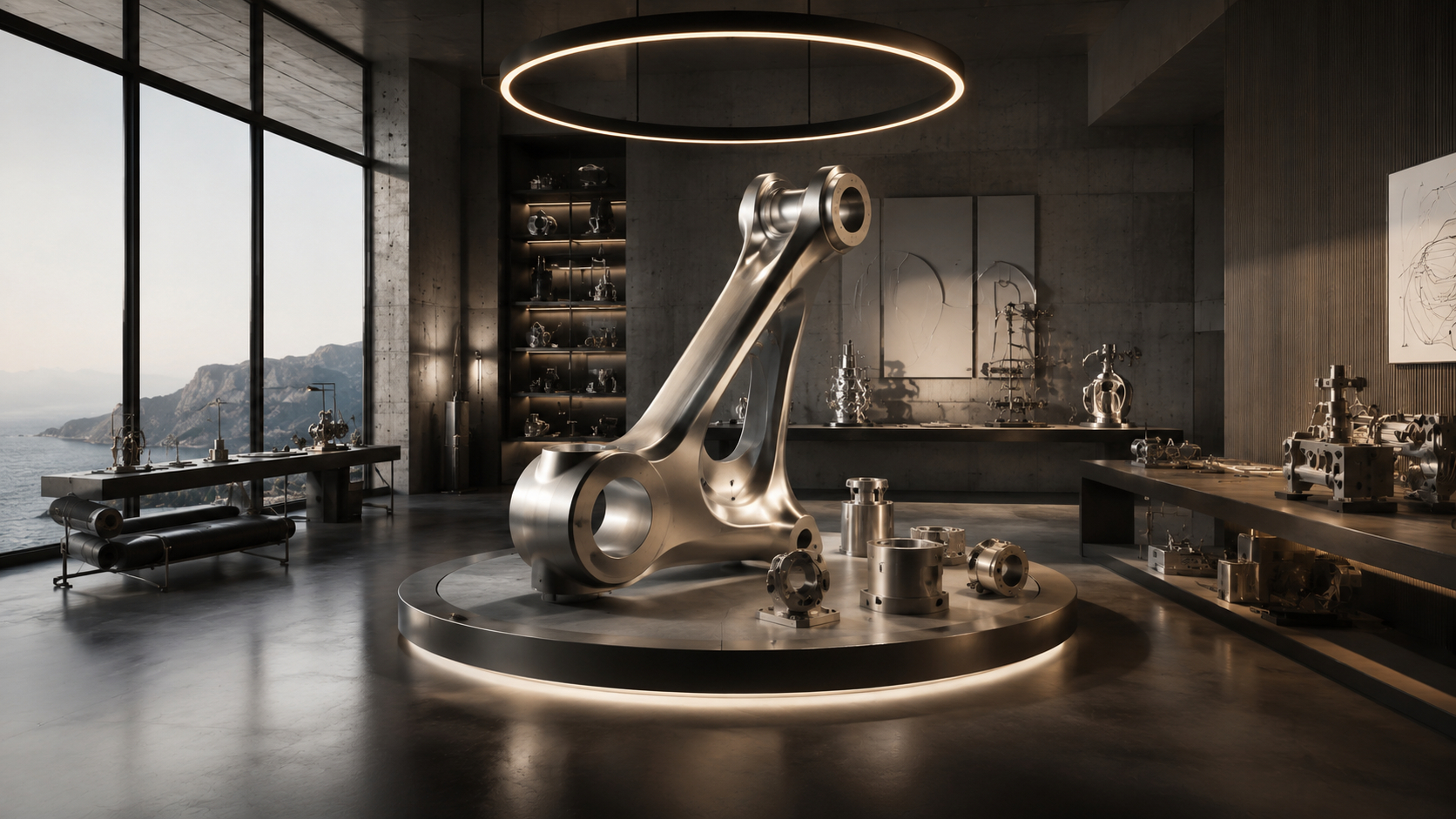
Autodesk Fusion is the strongest all-around pick for experiential fabrication studios that need design, engineering, simulation, and manufacturing tools in one connected workflow. Its AI-assisted design exploration and CAM depth make it especially useful for studios moving from concept models to CNC-ready production.

Workflow: CAD to CAM AI Use: Generative Design Studio Fit: Production Best For: CNC Builds

Pros

  • Strong CAD and CAM workflow
  • Useful AI-assisted design exploration
  • Excellent for CNC-ready fabrication

Cons

  • Learning curve for new teams
  • Subscription cost can scale
  • Less focused on immersive runtime design

Best For

  • CNC fabrication studios
  • Prototype-to-production workflows
  • Engineering-led experiential builds
Rhino Grasshopper computational design tool
#2 Best for Parametric Studios Score: 9.4 / 10

Rhino Grasshopper

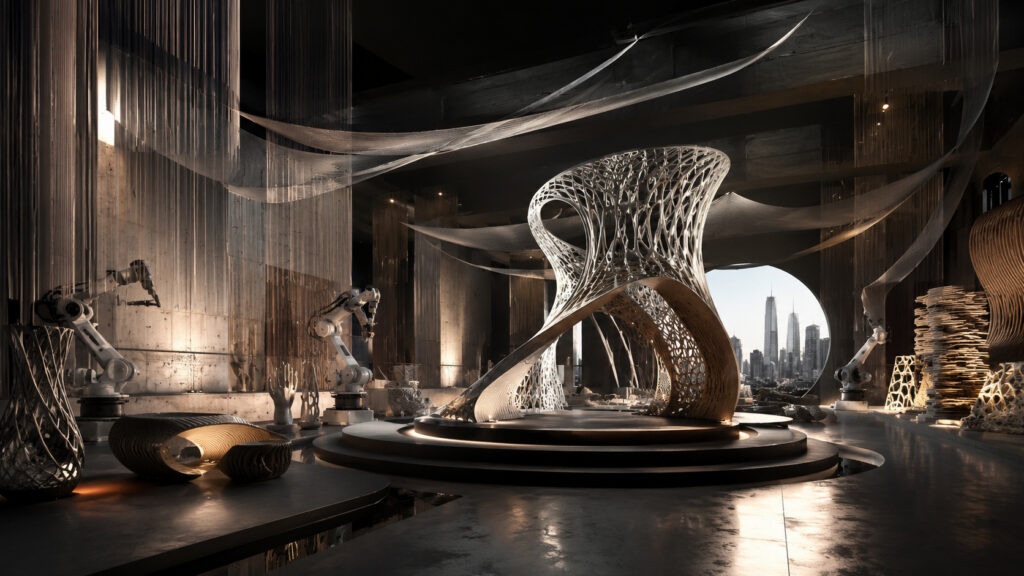
Rhino Grasshopper remains a studio favorite for complex spatial systems, sculptural structures, modular patterns, and fabrication-aware geometry. With AI-assisted scripting and plug-in ecosystems, it gives experiential teams exceptional control over repeatable, adaptive design logic.

Workflow: Parametric AI Use: Scripting Aid Studio Fit: Custom Builds Best For: Geometry

Pros

  • Exceptional parametric control
  • Massive plug-in ecosystem
  • Great for custom fabrication logic

Cons

  • Requires technical design skill
  • Can become complex quickly
  • CAM workflow often needs add-ons

Best For

  • Parametric installations
  • Architectural fabrication teams
  • Custom spatial systems
Houdini procedural environment design tool
#3 Best Procedural Design Score: 9.2 / 10

Houdini

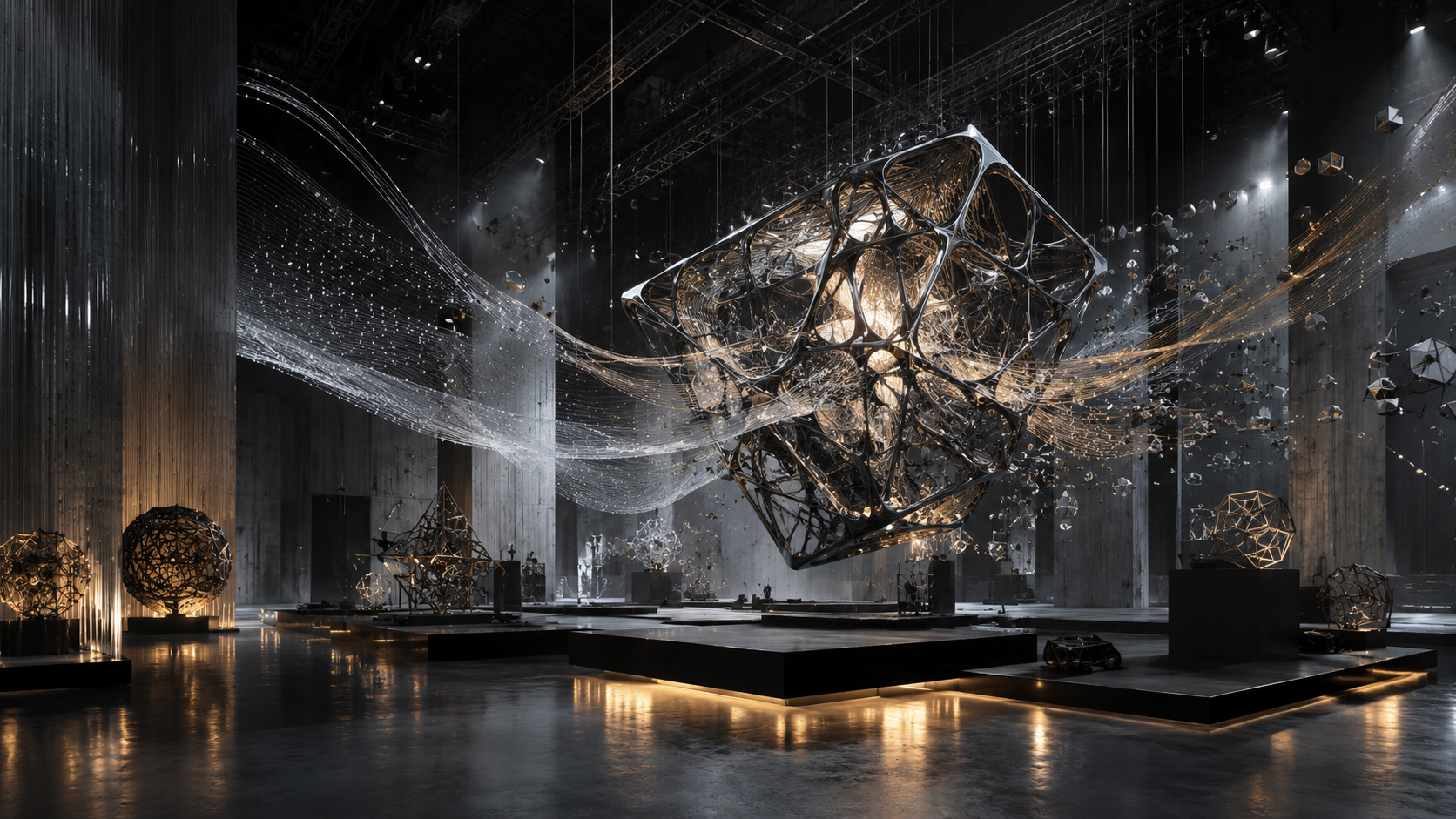
Houdini is ideal for studios building immersive terrain, generative forms, large-scale environments, and complex visual systems. Its procedural workflow supports rapid iteration and AI-enhanced creative exploration for teams that need flexible design systems.

Workflow: Procedural AI Use: Creative Iteration Studio Fit: Environments Best For: Generative Forms

Pros

  • Powerful procedural workflows
  • Excellent for large environment systems
  • Strong iteration and simulation tools

Cons

  • Steep learning curve
  • Less direct for CNC output
  • Can require technical artists

Best For

  • Generative environments
  • Immersive terrain design
  • Procedural installation concepts
Unreal Engine real time experiential design platform
#4 Best Real Time Preview Score: 9.1 / 10

Unreal Engine

Unreal Engine gives experiential studios a powerful way to preview spatial concepts, lighting, interaction, and audience flow before physical fabrication begins. Its real-time rendering and AI-assisted content workflows are especially valuable for immersive pitch development and previsualization.

Workflow: Real Time AI Use: Scene Creation Studio Fit: Immersive Best For: Previsualization

Pros

  • Excellent real-time visualization
  • Strong immersive design workflow
  • Useful for client presentations

Cons

  • Not a direct fabrication CAM tool
  • Hardware demands can be high
  • Requires scene-building expertise

Best For

  • Immersive mockups
  • Interactive spatial previews
  • Pitch-ready environments
TouchDesigner interactive installation tool
#5 Best for Interactive Installations Score: 8.9 / 10

TouchDesigner

TouchDesigner is a standout tool for studios creating reactive environments, sensor-driven installations, projection systems, and live experiential media. AI integrations can extend its visual generation and control logic, making it valuable for studios blending fabrication with interaction.

Workflow: Node Based AI Use: Reactive Media Studio Fit: Interactive Best For: Installations

Pros

  • Excellent for real-time interaction
  • Strong sensor and media workflows
  • Flexible for custom installations

Cons

  • Not intended for physical CAD modeling
  • Can be technical for new users
  • Requires careful system planning

Best For

  • Interactive exhibits
  • Sensor-based experiences
  • Projection and media walls
Blender AI assisted 3D creation tool
#6 Best Value Score: 8.8 / 10

Blender

Blender offers remarkable value for studios that need concept modeling, visualization, animation, and AI-assisted plug-in workflows without heavy software costs. It is especially useful for early creative development, scene planning, and asset preparation before engineering handoff.

Workflow: 3D Creation AI Use: Add Ons Studio Fit: Concepting Best For: Value

Pros

  • Free and highly capable
  • Strong modeling and visualization tools
  • Large AI and add-on ecosystem

Cons

  • Less production-CAM focused
  • Interface can feel dense
  • Requires add-ons for some workflows

Best For

  • Concept visualization
  • Budget-conscious studios
  • Creative asset development
nTop computational engineering design platform
#7 Best for Advanced Structures Score: 8.7 / 10

nTop

nTop is a strong choice for fabrication studios working with advanced lattice structures, lightweight forms, functional surfaces, and engineered geometries. Its computational approach helps teams develop complex physical parts that are difficult to model with traditional CAD alone.

Workflow: Computational AI Use: Optimization Studio Fit: Engineering Best For: Complex Parts

Pros

  • Excellent for complex geometries
  • Strong engineering-driven workflows
  • Useful for lightweight structures

Cons

  • Specialized use case
  • Not ideal for casual concepting
  • Requires technical knowledge

Best For

  • Advanced fabrication studios
  • Lightweight structural design
  • Functional experimental parts
Adobe Substance 3D material design suite
#8 Best for Materials Score: 8.5 / 10

Adobe Substance 3D

Adobe Substance 3D is best for studios that need convincing surface finishes, material studies, product mockups, and visual realism before physical production. AI-assisted material creation can help teams explore finishes, textures, and branded environment concepts faster.

Workflow: Materials AI Use: Texture Creation Studio Fit: Visual Realism Best For: Finishes

Pros

  • Excellent material realism
  • Useful AI-assisted texture tools
  • Strong visualization support

Cons

  • Not a structural design tool
  • Best with other 3D software
  • Subscription adds ongoing cost

Best For

  • Material studies
  • Finish visualization
  • Brand environment mockups
Shapr3D rapid concept modeling tool
#9 Best for Fast Concepts Score: 8.4 / 10

Shapr3D

Shapr3D is a practical option for fast concept modeling, early dimensional studies, and client-facing ideation. It is not the deepest fabrication platform here, but its speed, accessibility, and CAD compatibility make it useful for early-stage experiential design.

Workflow: Rapid CAD AI Use: Early Ideation Studio Fit: Concepts Best For: Speed

Pros

  • Fast and approachable modeling
  • Good for early design reviews
  • Useful CAD export options

Cons

  • Less advanced for complex systems
  • Limited procedural design depth
  • Not a full CAM environment

Best For

  • Fast concept sketches
  • Client design sessions
  • Early dimensional mockups
Midjourney AI concept visualization tool
#10 Best for Moodboards Score: 8.2 / 10

Midjourney

Midjourney is best used as an early visual ideation tool for experiential fabrication studios, especially when exploring mood, material direction, lighting, and spatial atmosphere. It should not replace technical modeling, but it can accelerate creative alignment before production design begins.

Workflow: Visual Ideation AI Use: Image Generation Studio Fit: Moodboards Best For: Concepts

Pros

  • Fast visual concept generation
  • Useful for creative direction
  • Strong mood and style exploration

Cons

  • Not fabrication-ready output
  • Requires technical translation
  • Can produce impractical concepts

Best For

  • Moodboards
  • Early visual direction
  • Client concept exploration

Methodology

How We Tested

Our rankings are built around how experiential fabrication studios actually choose AI-supported tools: design flexibility, fabrication readiness, workflow integration, production reliability, and overall value.

Our Testing Framework

We evaluate each tool based on how well it supports real studio workflows, from early concept development and parametric modeling to CNC preparation, immersive visualization, materials, and interactive installations.

  • Concept-to-fabrication workflow support
  • AI-assisted design, modeling, or visualization value
  • Compatibility with CAD, CAM, 3D, and production pipelines
  • Reliability for professional studio teams
  • Overall value for experiential fabrication use
Data Sources We Use

Our analysis combines multiple independent sources to avoid single-source bias:

  • Expert reviews and professional creative technology evaluations
  • User feedback from designers, fabricators, technical artists, and studio teams
  • Manufacturer specifications, documentation, and workflow compatibility details
  • Known reliability, ecosystem, and adoption trends across professional design tools
How We Score & Rank Products

Each product is scored on a 10-point scale using weighted criteria. Rankings reflect comparative usefulness for experiential fabrication studios, not just popularity, brand recognition, or isolated feature lists.

  • Performance and production results
  • Build quality, stability, and reliability
  • Ease of use for multidisciplinary studio teams
  • Design features, AI capabilities, and workflow execution
  • Value, support, ecosystem depth, and long-term fit
What We Don’t Do

To keep our recommendations unbiased:

  • We don’t accept paid placements or rankings
  • We don’t rank tools based on affiliate rates or commercial pressure
  • We don’t treat AI buzzwords as proof of real production value
How Often Rankings Are Updated

Rankings are reviewed regularly and updated when AI features, software pricing, workflow integrations, platform support, or professional reliability trends change.

Our goal is to keep each list useful for active studios making practical tool decisions, not frozen around outdated software capabilities.

Side-by-Side Comparisons

Quickly narrow your shortlist. Use this first, then jump to full reviews for your finalists.

# Model Best For Platform Weight Power Feel Why It Won
1 Autodesk Fusion Best Overall CNC-ready production CAD / CAM Medium Very strong Design-to-production workflow depth
2 Rhino Grasshopper Best for Parametric Studios Parametric geometry Computational CAD Heavy Very strong Flexible fabrication-aware geometry
3 Houdini Best Procedural Design Generative environments Procedural 3D Heavy Very strong Procedural systems and iteration
4 Unreal Engine Best Real Time Preview Immersive previews Real-time engine Heavy Very strong Real-time spatial visualization
5 TouchDesigner Best for Interactive Installations Reactive installations Node-based media Medium Strong Interaction and media control
6 Blender Best Value Concept visualization 3D creation suite Medium Strong High capability without high cost
7 nTop Best for Advanced Structures Engineered parts Computational design Heavy Strong Complex structures and optimization
8 Adobe Substance 3D Best for Materials Material studies Texture suite Medium Moderate-Strong Realistic surfaces and finishes
9 Shapr3D Best for Fast Concepts Rapid CAD concepts Direct CAD Light Moderate Fast modeling and client ideation
10 Midjourney Best for Moodboards Visual ideation Image generation Light Moderate Fast mood and concept direction

#1 — Autodesk Fusion

Best Overall
Best For
CNC-ready production
Platform
CAD / CAM
Weight
Medium
Power Feel
Very strong
Why it wonDesign-to-production workflow depth

#2 — Rhino Grasshopper

Best for Parametric Studios
Best For
Parametric geometry
Platform
Computational CAD
Weight
Heavy
Power Feel
Very strong
Why it wonFlexible fabrication-aware geometry

#3 — Houdini

Best Procedural Design
Best For
Generative environments
Platform
Procedural 3D
Weight
Heavy
Power Feel
Very strong
Why it wonProcedural systems and iteration

#4 — Unreal Engine

Best Real Time Preview
Best For
Immersive previews
Platform
Real-time engine
Weight
Heavy
Power Feel
Very strong
Why it wonReal-time spatial visualization

#5 — TouchDesigner

Best for Interactive Installations
Best For
Reactive installations
Platform
Node-based media
Weight
Medium
Power Feel
Strong
Why it wonInteraction and media control

#6 — Blender

Best Value
Best For
Concept visualization
Platform
3D creation suite
Weight
Medium
Power Feel
Strong
Why it wonHigh capability without high cost

#7 — nTop

Best for Advanced Structures
Best For
Engineered parts
Platform
Computational design
Weight
Heavy
Power Feel
Strong
Why it wonComplex structures and optimization

#8 — Adobe Substance 3D

Best for Materials
Best For
Material studies
Platform
Texture suite
Weight
Medium
Power Feel
Moderate-Strong
Why it wonRealistic surfaces and finishes

#9 — Shapr3D

Best for Fast Concepts
Best For
Rapid CAD concepts
Platform
Direct CAD
Weight
Light
Power Feel
Moderate
Why it wonFast modeling and client ideation

#10 — Midjourney

Best for Moodboards
Best For
Visual ideation
Platform
Image generation
Weight
Light
Power Feel
Moderate
Why it wonFast mood and concept direction

FAQ: AI Tools for Experiential Fabrication Studios

Quick answers to the practical questions studios ask before choosing AI-supported tools for concept design, fabrication planning, visualization, materials, and interactive installations.

In-Depth Reviews: What These AI Tools Are Really Like to Use

These full reviews expand on the Top 10 cards with a deeper look at real-world workflow behavior, production strengths, usability tradeoffs, and long-term studio fit for experiential fabrication teams.

60-second take Real-use breakdown Who it’s for (and not for)
#1 Best Overall Score: 9.6 / 10

Autodesk Fusion

The most balanced “concept-to-production” platform in this list. It connects CAD, engineering, simulation, and CAM workflows in a way that feels practical for real fabrication studios.

Compare Specs

What It’s Great At

  • Connected workflows: CAD, simulation, and CAM feel unified.
  • Production readiness: excellent for CNC-oriented studios.
  • Long-term scalability: supports growing fabrication pipelines.

Watch-Outs

  • Learning curve: deep enough to require onboarding time.
  • Subscription costs: can scale with larger teams.
  • Creative flexibility: less expressive than procedural platforms.

Ideal Buyer

  • Fabrication studios: moving from concept to production.
  • CNC teams: needing CAD-to-CAM continuity.
  • Studios standardizing workflows: across departments.
The Real-World Verdict

Fusion wins because it feels production-aware from the start. Instead of treating fabrication as an afterthought, the software encourages a workflow where concepts, engineering decisions, and manufacturing realities stay connected.

Where It Feels Strongest
  • CNC workflows: especially efficient for fabrication output.
  • Iteration: design revisions stay manageable.
  • Engineering crossover: practical for mixed creative/technical teams.
Who Should Skip
  • Skip it if: your work is mostly moodboards or concept art.
  • Skip it if: you want lightweight casual modeling only.
#2 Best for Parametric Studios Score: 9.4 / 10

Rhino Grasshopper

The strongest choice for studios building repeatable geometry systems, sculptural structures, and fabrication-aware parametric workflows that need precision without sacrificing experimentation.

Compare Specs

What It’s Great At

  • Parametric logic: highly adaptable geometry workflows.
  • Custom systems: ideal for installations and structures.
  • Plugin depth: massive ecosystem support.

Watch-Outs

  • Technical complexity: can overwhelm newer teams.
  • Workflow setup: requires thoughtful structure.
  • CAM depth: often depends on additional tools.

Ideal Buyer

  • Architectural studios: building custom systems.
  • Parametric designers: needing procedural flexibility.
  • Fabricators: creating repeatable geometry logic.
The Real-World Verdict

Grasshopper feels less like “software” and more like a design framework. Studios that think in systems, patterns, and adaptable structures usually get the most value from it.

Fabrication Workflow Feel
  • Best use: modular systems and adaptive geometry.
  • Strength: rapid iteration through logic changes.
  • Benefit: reusable design frameworks for future builds.
Who Should Skip
  • Skip it if: you want fast beginner-friendly modeling.
  • Skip it if: your workflow rarely uses custom geometry logic.
#3 Best Procedural Design Score: 9.2 / 10

Houdini

The most flexible procedural environment tool here. Excellent for generative forms, immersive spatial systems, and large-scale environment concepts that evolve through iteration.

Compare Specs

What It’s Great At

  • Procedural systems: highly scalable environment generation.
  • Creative iteration: fast experimentation with complex forms.
  • Simulation depth: strong for large immersive scenes.

Watch-Outs

  • Steep learning curve: requires technical comfort.
  • Fabrication handoff: less direct than CAD-first tools.
  • Production setup: workflow planning matters heavily.

Ideal Buyer

  • Immersive environment studios: building large systems.
  • Creative technologists: exploring procedural workflows.
  • Experimental designers: needing rapid iteration.
The Real-World Verdict

Houdini excels when the design process itself is evolving. Instead of manually building every variation, studios can create procedural systems that generate and adapt environments dynamically.

#4 Best Real Time Preview Score: 9.1 / 10

Unreal Engine

The strongest real-time visualization platform in this ranking. Ideal for immersive previews, spatial storytelling, lighting studies, and interactive environment presentation.

Compare Specs

What It’s Great At

  • Real-time previews: immersive spatial visualization.
  • Client presentations: highly cinematic results.
  • Interactive environments: strong experiential workflows.

Watch-Outs

  • Hardware demands: larger scenes require strong systems.
  • Fabrication output: not a CAM-focused platform.
  • Learning curve: deeper than basic visualization tools.

Ideal Buyer

  • Immersive studios: presenting interactive concepts.
  • Pitch-driven teams: needing cinematic previews.
  • Spatial designers: testing environment behavior.
The Real-World Verdict

Unreal Engine changes how clients experience a concept before fabrication begins. Studios using immersive walkthroughs, interactive storytelling, or projection-heavy environments often gain the most value here.

#5 Best for Interactive Installations Score: 8.9 / 10

TouchDesigner

A highly flexible platform for reactive environments, sensor-based installations, projection systems, and interactive experiential media workflows.

Compare Specs

What It’s Great At

  • Interactive media: responsive installations and projection work.
  • Real-time control: flexible node-based workflows.
  • Creative experimentation: adaptable for custom systems.

Watch-Outs

  • Technical setup: complex installations require planning.
  • CAD limitations: not intended for engineering workflows.
  • Workflow depth: beginners may need training time.

Ideal Buyer

  • Interactive installation studios: creating reactive experiences.
  • Projection teams: building immersive media systems.
  • Creative technologists: blending software and physical space.
The Real-World Verdict

TouchDesigner shines when an installation needs to feel alive. Motion tracking, reactive media, sensors, and projection workflows all fit naturally into its real-time approach.

#6 Best Value Score: 8.8 / 10

Blender

The strongest value-focused 3D platform in this list. Great for concept modeling, visualization, animation, and early creative development without premium software costs.

Compare Specs

What It’s Great At

  • Cost efficiency: high-end creative tools without high pricing.
  • Visualization: strong rendering and concept workflows.
  • Community support: huge ecosystem of add-ons and tutorials.

Watch-Outs

  • CAM workflows: less direct than engineering platforms.
  • Interface complexity: can feel dense initially.
  • Studio standardization: varies by pipeline needs.

Ideal Buyer

  • Creative studios: needing concept and visualization tools.
  • Smaller teams: avoiding heavy software costs.
  • Hybrid pipelines: pairing Blender with technical CAD tools.
The Real-World Verdict

Blender succeeds because it lowers the barrier to high-quality 3D work. Many studios use it for concept stages, previs, or visualization before moving projects into fabrication-focused systems.

#7 Best for Advanced Structures Score: 8.7 / 10

nTop

A computational design platform built for advanced geometry, lightweight structures, and highly engineered fabrication workflows that traditional CAD tools struggle to handle elegantly.

Compare Specs

What It’s Great At

  • Complex geometry: advanced computational structures.
  • Optimization: efficient lightweight design systems.
  • Engineering depth: excellent for advanced fabrication teams.

Watch-Outs

  • Specialized workflows: less casual than mainstream CAD.
  • Learning investment: technical understanding helps heavily.
  • General concepting: overkill for simpler creative work.

Ideal Buyer

  • Engineering-led studios: creating advanced structures.
  • Experimental fabrication teams: exploring optimization.
  • High-complexity projects: requiring advanced geometry logic.
The Real-World Verdict

nTop feels most valuable when conventional CAD becomes restrictive. Studios working on lattice systems, engineered surfaces, or highly optimized fabrication parts usually understand its value quickly.

#8 Best for Materials Score: 8.5 / 10

Adobe Substance 3D

A specialized material and texture workflow platform that helps experiential studios explore finishes, surfaces, and branded visual realism before production begins.

Compare Specs

What It’s Great At

  • Surface realism: convincing materials and textures.
  • Brand visualization: strong for immersive mockups.
  • Material exploration: rapid finish iteration.

Watch-Outs

  • Not structural: focused on appearance, not engineering.
  • Workflow dependence: strongest with companion 3D tools.
  • Subscription model: ongoing cost consideration.

Ideal Buyer

  • Brand experience teams: refining visual finishes.
  • Visualization artists: building realistic materials.
  • Studios: presenting immersive mockups before fabrication.
The Real-World Verdict

Substance 3D is less about geometry and more about visual confidence. Studios presenting immersive concepts often benefit from realistic surfaces before a single physical panel is fabricated.

#9 Best for Fast Concepts Score: 8.4 / 10

Shapr3D

A fast, approachable CAD platform that excels during early concept exploration, client ideation, and quick dimensional studies without feeling overly technical.

Compare Specs

What It’s Great At

  • Speed: quick concept generation and revisions.
  • Accessibility: approachable for mixed-skill teams.
  • Client collaboration: useful for early-stage ideation.

Watch-Outs

  • Advanced systems: less capable for complex workflows.
  • Fabrication depth: limited compared to heavier CAD suites.
  • Large production pipelines: may require companion tools.

Ideal Buyer

  • Concept teams: needing rapid modeling.
  • Studios: presenting dimensional ideas quickly.
  • Smaller fabrication groups: preferring approachable CAD.
The Real-World Verdict

Shapr3D succeeds because it reduces friction. Teams that need to move from idea to dimensional concept quickly usually appreciate how lightweight and direct the workflow feels.

#10 Best for Moodboards Score: 8.2 / 10

Midjourney

The fastest concept visualization tool in this ranking. Excellent for moodboards, atmosphere exploration, and visual direction before technical modeling begins.

Compare Specs

What It’s Great At

  • Fast ideation: rapid visual concept generation.
  • Mood direction: useful for creative alignment.
  • Atmosphere exploration: excellent early-stage inspiration.

Watch-Outs

  • Not fabrication-ready: concepts require technical translation.
  • Consistency: generated outputs can vary heavily.
  • Engineering workflows: limited practical production value alone.

Ideal Buyer

  • Creative directors: exploring visual direction quickly.
  • Pitch teams: building moodboards and atmosphere studies.
  • Studios: accelerating early concept discussions.
The Real-World Verdict

Midjourney is most useful when a studio needs visual momentum. It helps teams explore atmosphere, lighting, materials, and emotional direction before technical design begins.

Key Takeaways

  • Autodesk Fusion is the #1 overall winner for studios that need the clearest path from design to fabrication-ready production.
  • Blender is the best value pick for concept modeling, visualization, and AI-assisted creative development without premium software costs.
  • TouchDesigner is the best special-use pick for reactive installations, projection systems, and sensor-driven experiential environments.
  • Shapr3D is the easiest lightweight pick for fast CAD concepts, client ideation, and early dimensional studies.
  • Platform fit matters: choose around your studio’s CAD, CAM, visualization, materials, and interactive workflow ecosystem.
  • Most buyers should start with the tool that matches their main production bottleneck, not the one with the flashiest AI features.

Top Picks

Tap a pick to jump to the full review, or compare specs.

Best Overall Autodesk Fusion →

Best for Parametric Studios Rhino Grasshopper →

Best Value Blender →

Jump to Comparison

Quick Access

Jump directly to standout picks from this Top 10 list.

Some links may earn Review Streets a commission. Rankings remain editorially independent.

Companion Tools You’ll Want

  • Reliable CAD file translator (helps move models between Fusion, Rhino, Shapr3D, and fabrication partners)
  • CAM or CNC post-processor setup (keeps toolpaths, machine exports, and production handoff more consistent)
  • Shared asset and texture library (useful for materials, finishes, environment references, and repeatable visual standards)
  • Version control or project file backup (protects large design files, revisions, and client-approved production assets)
  • Calibration and review hardware (a capable workstation, color-accurate display, and VR or projection preview when needed)

Tip: Choose add-ons around your studio’s handoff chain—modeling, visualization, CAM, and installation tools are only useful if files move cleanly between them.