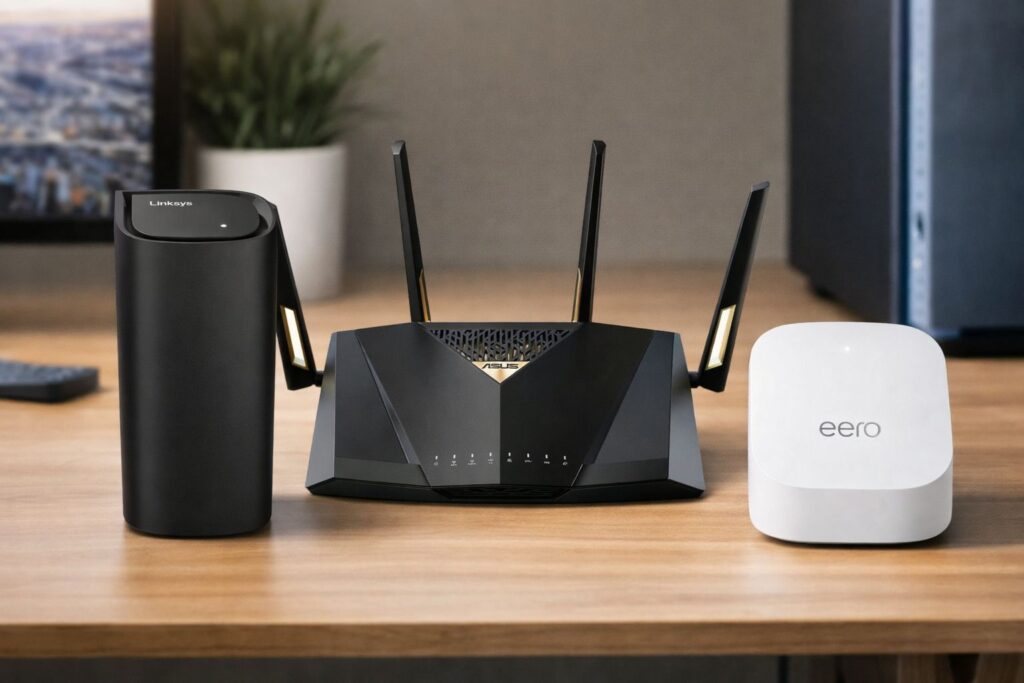
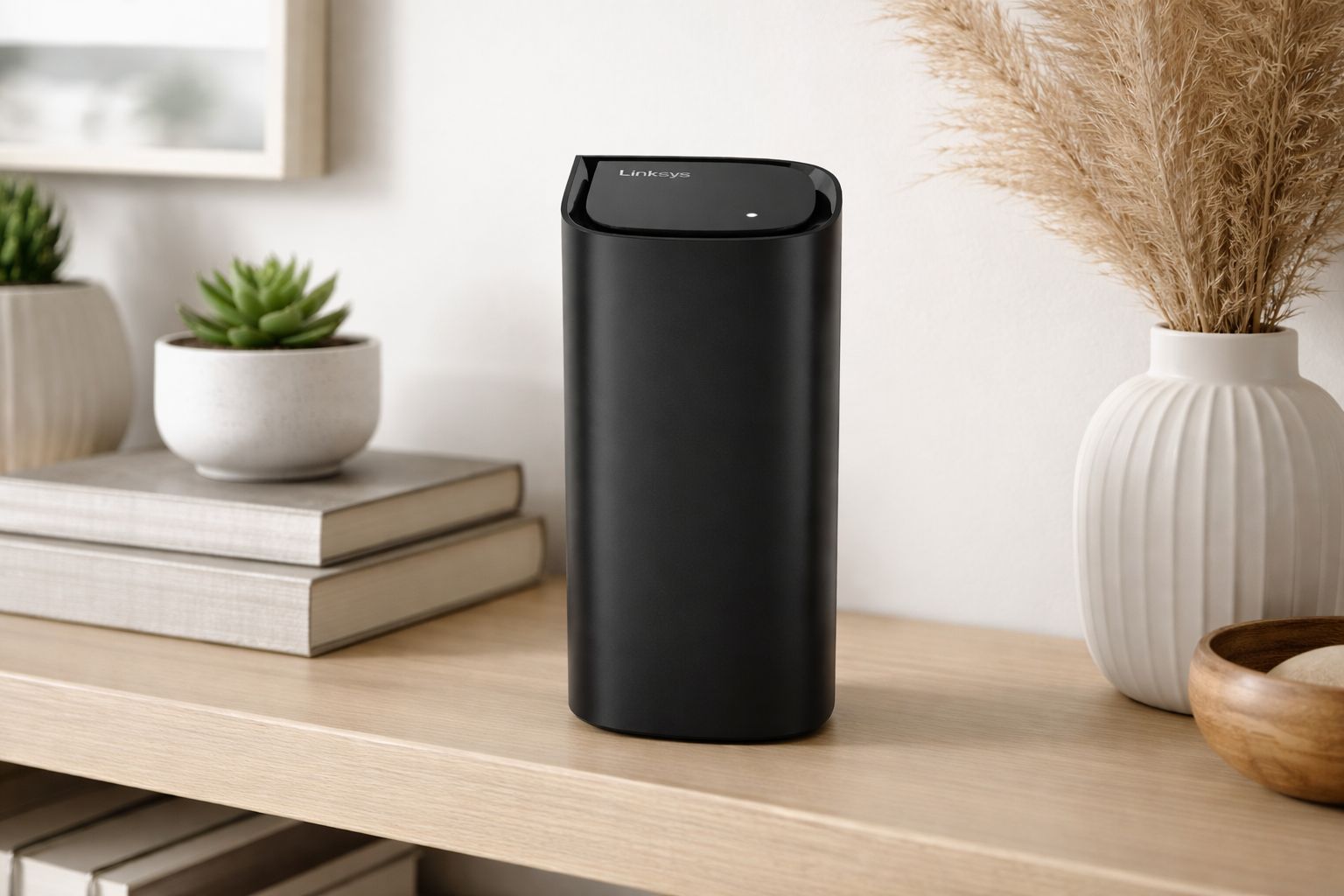
Choosing the best WiFi router in 2026 means balancing speed, coverage, reliability, and advanced features. This guide compares leading models to help you find the strongest performer for modern home networks.

Quick Picks
If you want a faster decision, these three picks cover the best overall choice, the strongest value option, and a standout specialty router.
A premium all-around router with strong speed, flexible wired connectivity, and advanced features that make it a smart long-term pick for demanding home networks.
An easy WiFi 7 value pick with strong everyday speed, useful port selection, and enough performance to suit most homes without flagship-level pricing.
A flagship-speed router built for heavy bandwidth, low-latency gaming, and large device loads when maximum performance matters more than keeping costs down.
Our editorial picks ranked by real-world wireless performance, coverage strength, wired connectivity, ease of setup, and long-term value. Tap any image to expand, or jump to full reviews for deeper specs.
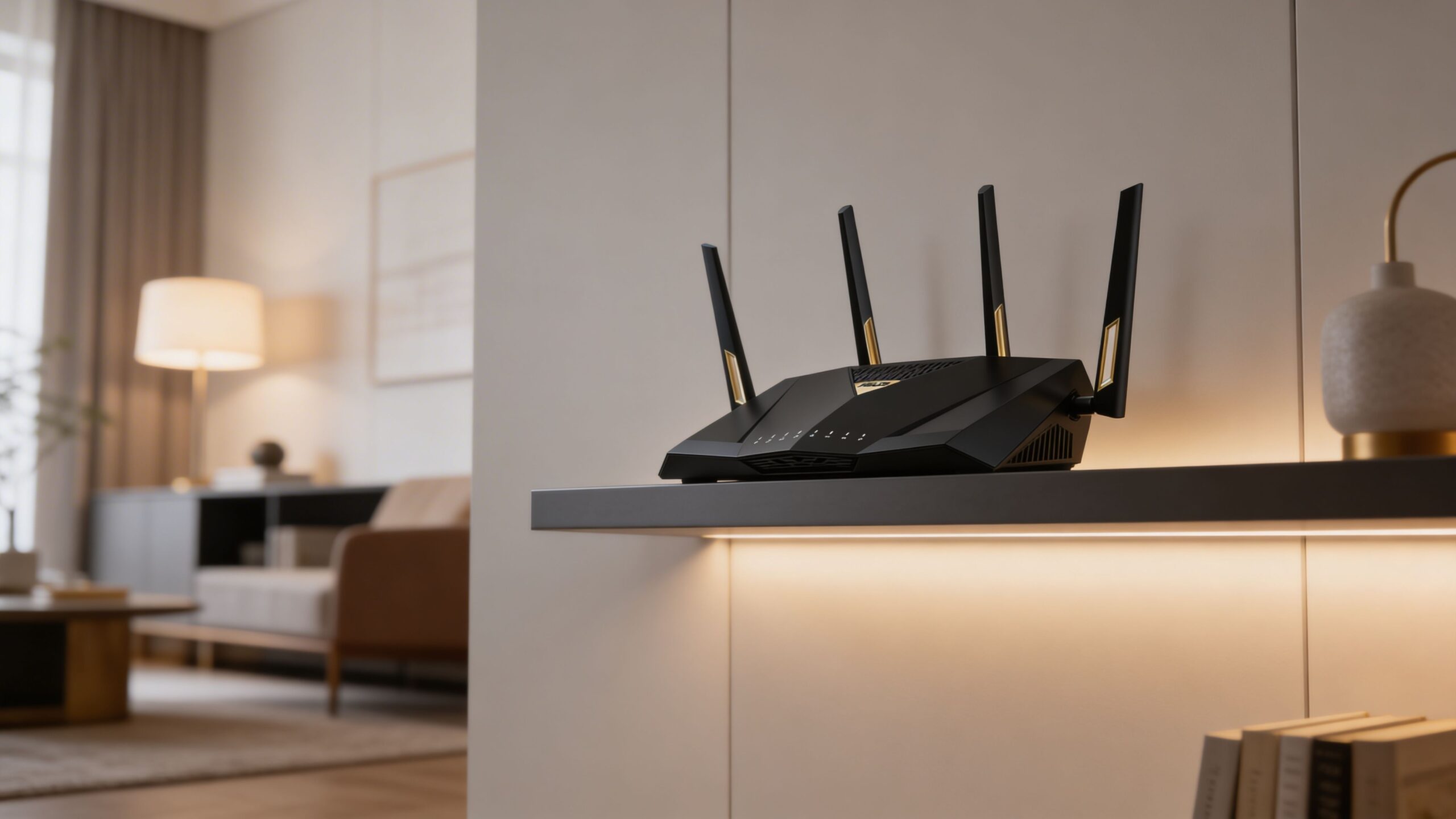
A high-performance WiFi 7 router built for fast homes, wired upgrades, and heavy connected-device loads. It stands out for its strong port selection, powerful wireless performance, and advanced controls without requiring a full mesh system.
A flagship WiFi 7 router designed for users who want elite wireless speed in a sleek standalone design. It is especially compelling for large homes, high-speed internet plans, and demanding streaming or gaming setups.
A feature-rich WiFi 7 router with excellent multi-gig support and a polished modern design. It is a strong fit for homes that need both fast wireless performance and serious wired expansion.
A premium mesh-ready WiFi 7 router that focuses on simple setup, clean design, and reliable whole-home coverage. It is ideal for users who want powerful networking without managing complex router settings.
A strong value-focused WiFi 7 router that brings next-generation wireless features into a more approachable price range. It balances speed, port selection, and usability for households upgrading from older WiFi 5 or WiFi 6 gear.
A performance-minded WiFi 7 router with strong gaming appeal, responsive controls, and useful network tuning options. It is a smart choice for households that want low-latency performance without moving into the highest flagship price tier.
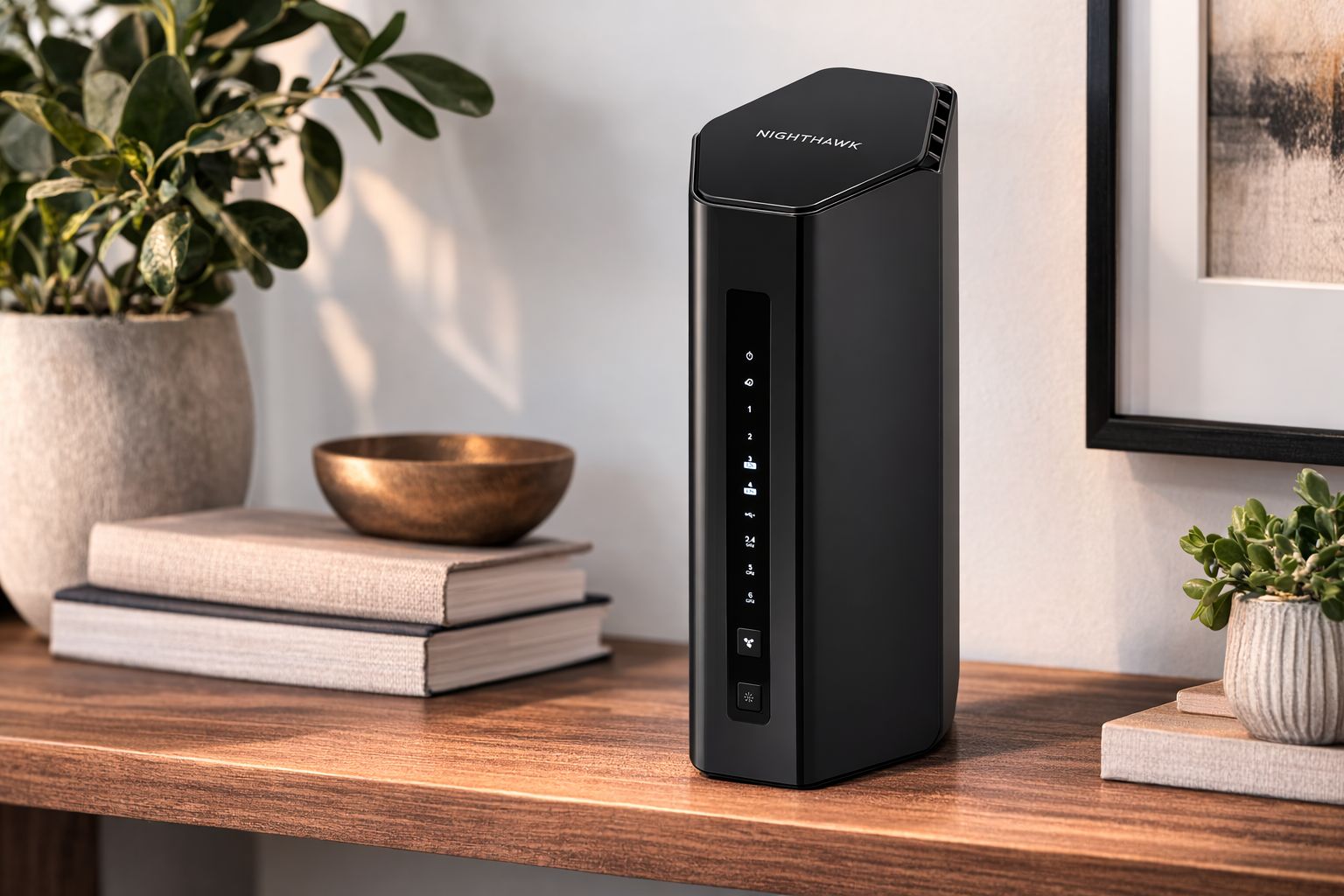
A more approachable Nighthawk WiFi 7 router for users who want modern speeds in a cleaner, smaller setup. It works well for apartments, townhomes, and smaller households that do not need a flagship router.
A streamlined WiFi 7 mesh router that prioritizes easy setup, clean management, and dependable coverage. It is a strong fit for families who want modern wireless performance without constant router tweaking.
A practical WiFi 7 mesh option for users who want better coverage without chasing the highest possible speeds. It offers a sensible balance of simplicity, range, and value for everyday connected homes.
A simple, polished WiFi 6E mesh router for users who prioritize ease of use over advanced customization. It remains a good fit for Google smart homes and households that want clean coverage with minimal setup friction.
Methodology
Our router rankings are built from real-world networking performance, independent expert analysis, and large-scale user feedback—combined into a consistent scoring framework that reflects how routers perform in everyday homes.
We evaluate wifi routers using a structured framework designed to reflect real household usage, including streaming, gaming, smart home connectivity, and multi-device performance across typical home layouts.
Our analysis blends multiple independent sources to reduce bias and provide a balanced view of router performance:
Each router receives a score on a 10-point scale based on weighted criteria that reflect real-world performance and long-term usability for most households.
To keep our recommendations independent and trustworthy:
Router rankings are reviewed frequently as new models are released, firmware updates change performance, or pricing shifts alter the overall value of a product.
Our goal is to keep every recommendation list current, practical, and genuinely helpful for buyers evaluating today’s networking hardware.
Quickly narrow your shortlist. Use this first, then jump to full reviews for your finalists.
| # | Model | Best For | Platform | Weight | Power Feel | Why It Won |
|---|---|---|---|---|---|---|
| 1 | Asus RT-BE88U Best Overall | Power users | WiFi 7 router | Medium | Very strong | Premium balance with deep flexibility |
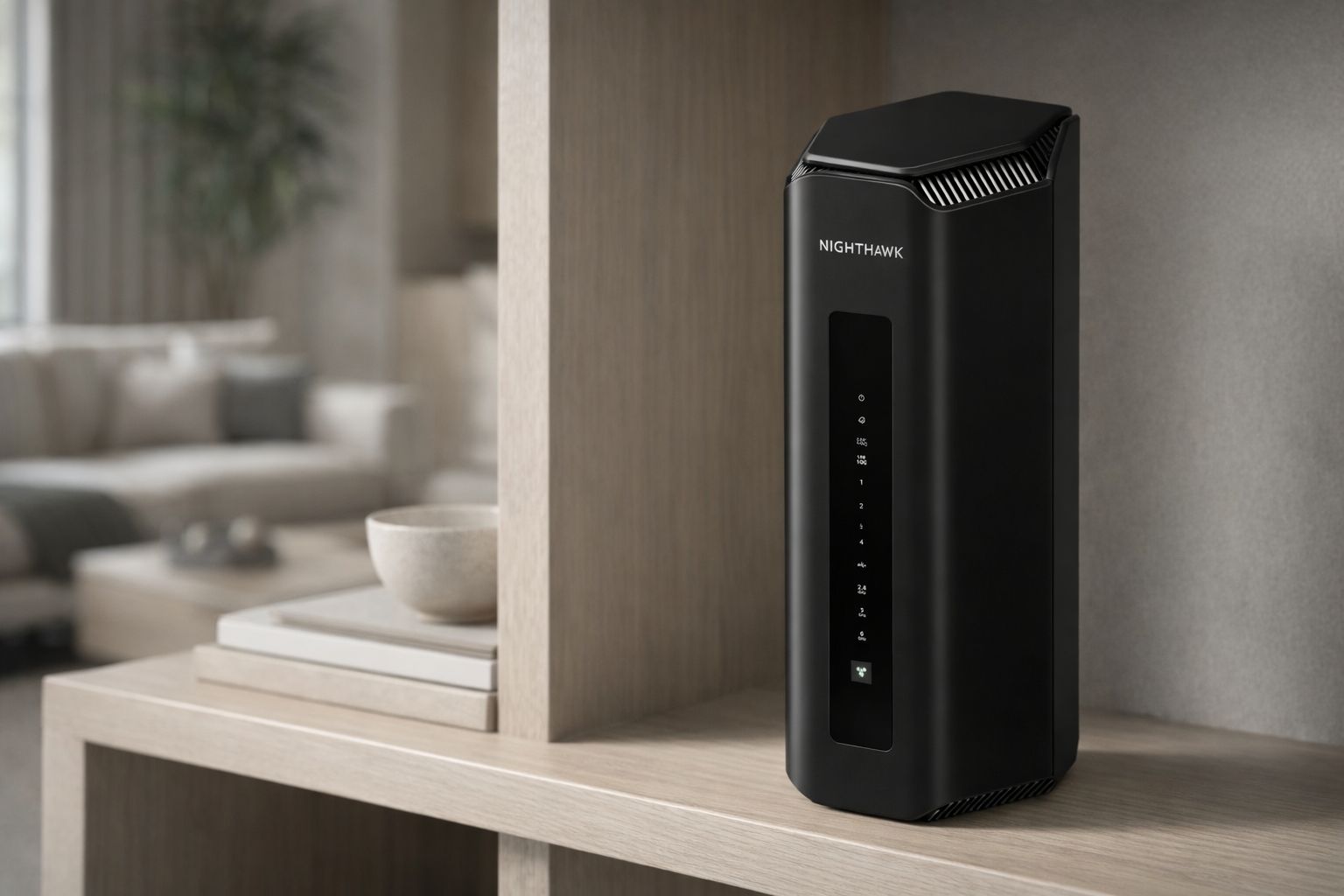
| 2 | Netgear Nighthawk RS700S Best for Gaming | Gaming homes | WiFi 7 router | Heavy | Very strong | Flagship speed for heavy traffic |
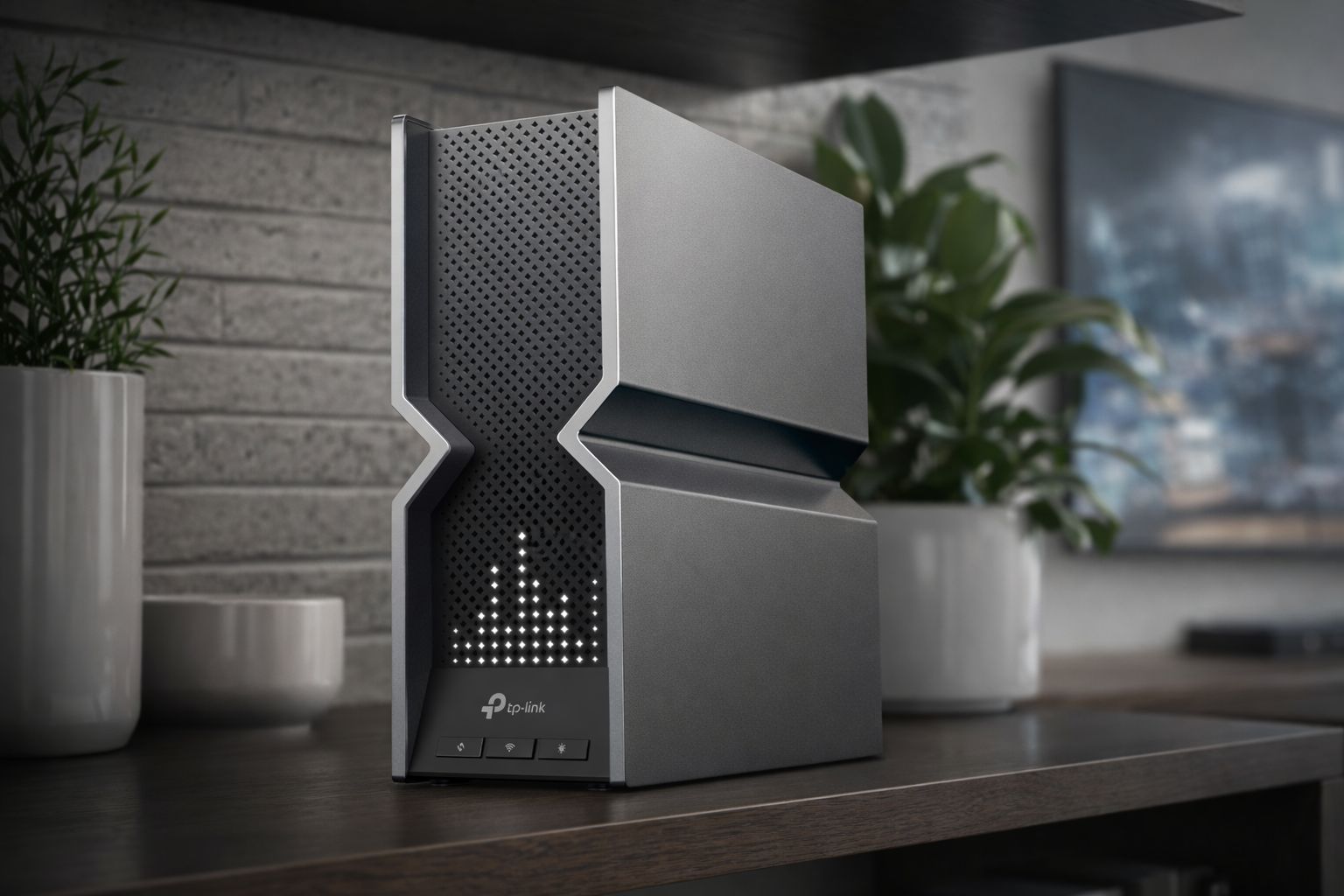
| 3 | TP-Link Archer BE800 Best Premium Value | Multi-gig homes | WiFi 7 router | Heavy | Very strong | Flagship specs at better value |
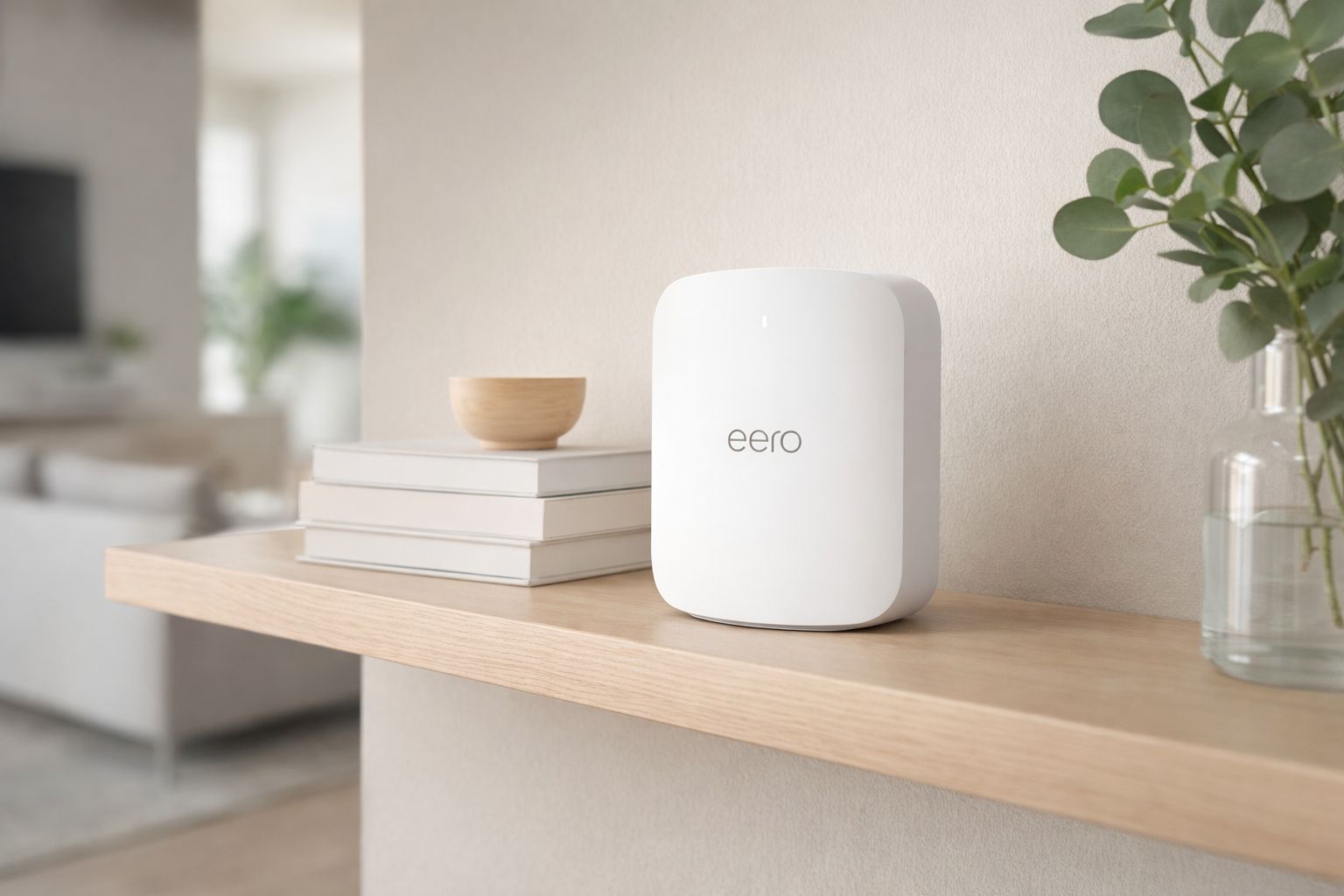
| 4 | Eero Max 7 Best for Whole-Home Speed | Large homes | WiFi 7 mesh-ready | Medium | Strong | Fast coverage with easy expansion |
| 5 | TP-Link Archer BE550 Best Value | Most households | WiFi 7 router | Medium | Strong | Smart WiFi 7 price-to-performance |
| 6 | Asus RT-BE86U Best for Enthusiasts | Advanced users | WiFi 7 router | Medium | Strong | Great tuning without flagship pricing |
| 7 | Netgear RS300 Best Midrange WiFi 7 | Midrange shoppers | WiFi 7 router | Medium | Strong | Accessible entry into WiFi 7 |
| 8 | Eero Pro 7 Best for Easy Setup | Easy mesh setups | WiFi 7 mesh-ready | Light | Moderate-Strong | Simple setup with solid coverage |
| 9 | Linksys Velop Pro 7 Best Design Friendly Mesh | Coverage-first homes | WiFi 7 mesh-ready | Light | Moderate | Clean design for whole-home coverage |
| 10 | Google Nest Wifi Pro Best Simple Mesh Budget | Simple homes | WiFi 6E mesh-ready | Light | Moderate | Simple experience with easy expansion |
Quick answers to the questions people actually ask before they buy. Expand a topic to get the why—not just the spec sheet summary.
Coverage, stability, and fit for your home usually matter more than chasing the highest advertised speed. For most buyers, the best router is the one that matches the internet plan, home size, and device load without adding unnecessary cost.
If you want the safest all-around answer, our Best Overall pick, the Asus RT-BE88U, makes the most sense for demanding homes and longer-term upgrades. If you want strong everyday performance without paying premium-flagship pricing, our Best Value pick, the TP-Link Archer BE550, is the easier recommendation. If you already know your main priority, a specialty pick can be smarter:
WiFi 7 is the better long-term buy if you are upgrading now and plan to keep the router for several years, especially if you have many devices or fast internet. That is why most of our top-ranked routers use it. WiFi 6E can still be enough if your needs are lighter and you care more about easy setup or price than future-proofing.
A single router is usually the better value if you live in a small-to-medium home and can place it centrally. A mesh-friendly model makes more sense if your layout is wide, multi-story, or difficult for one router to cover cleanly. Several of our top 10 picks lean into that “expand later” approach.
For many homes, a good midrange router is enough. Premium models become easier to justify when you have fast fiber, many active devices, gaming priorities, or want multi-gig wired flexibility. That is the main divide in this list: some picks are about maximum headroom, while others are about smarter everyday value.
These full reviews expand on the Top 10 cards with a deeper buyer-focused breakdown. We focus on real home-network behavior: coverage consistency, stability under device load, app quality, wired flexibility, ease of setup, and the small design choices that determine whether a router feels seamless or frustrating once it is actually running your home.
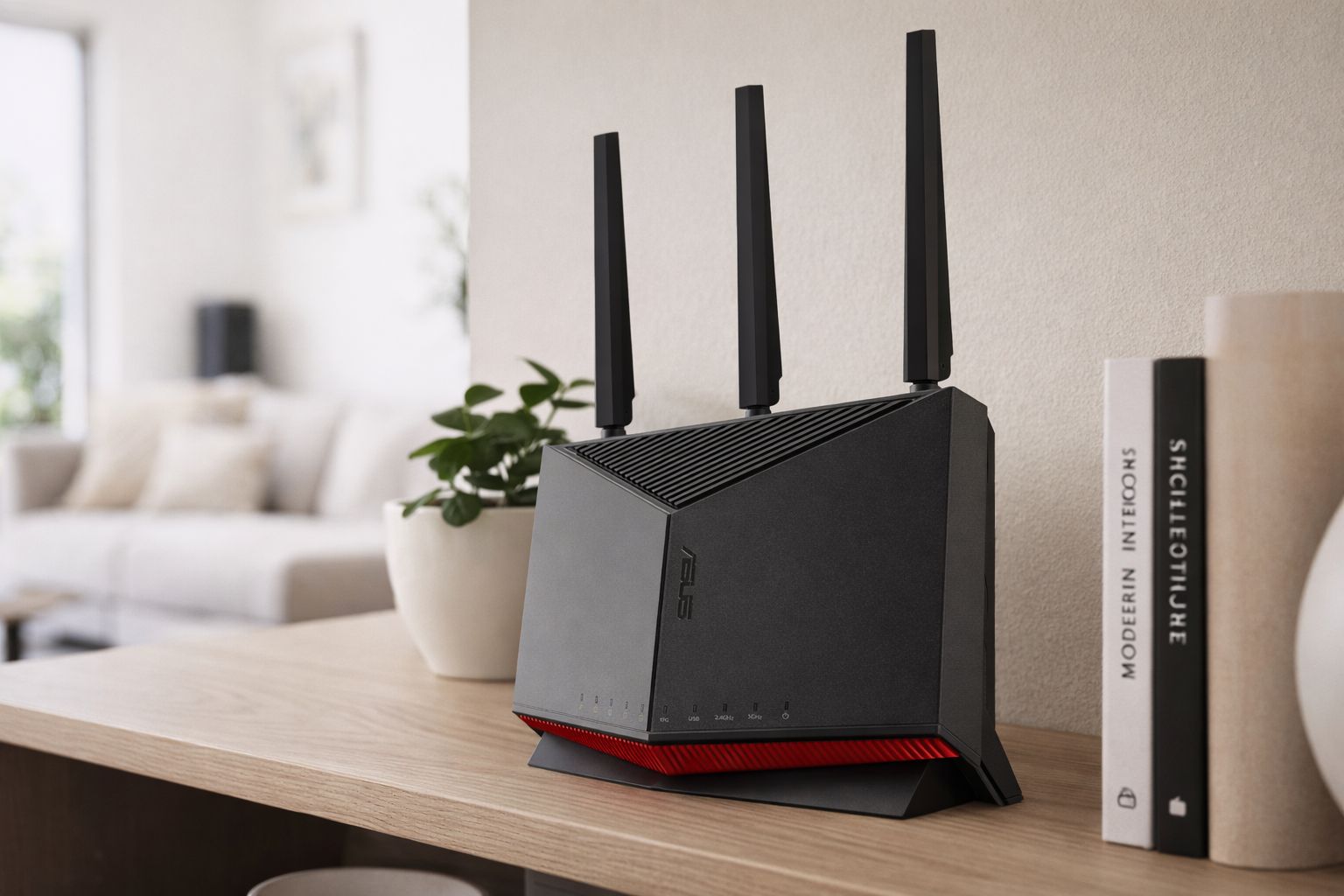
The safest premium pick for most demanding buyers. It pairs strong WiFi 7 speed with unusually useful wired flexibility, so it feels just as comfortable in a gaming-heavy home as it does in a work-from-home setup with fast fiber and lots of connected gear.
The RT-BE88U wins because it feels like the least compromised answer in the list. It is fast, stable, and flexible in ways that matter once the network gets busy: gaming traffic, smart home devices, streaming, and wired desktop gear all fit comfortably into its lane. It is not just about top-end speed; it is about feeling prepared for the way modern households actually use a router.
Great routers do not just bench well on an empty network. The RT-BE88U keeps its composure when multiple devices are active, which is a big part of why it earned the top spot.
A lot of premium routers feel expensive because their value depends on future upgrades. This one at least gives you clear ways to grow into it, especially if you add faster internet, wired gaming gear, or network storage later.
A flagship-speed router built for buyers who care most about raw bandwidth, low-latency behavior, and heavy device loads. If your home network is asked to do a lot at once, this is one of the most confident high-end picks on the board.
The RS700S is the kind of router you buy because you already know your network is not light-duty. It feels purpose-built for bigger bandwidth and harder workloads, and that is why it edges into a specialty lane rather than taking the overall crown. For gaming-first buyers, though, it is one of the strongest fits here.
This is one of the easier routers in the list to recommend when the home is large, the usage is heavy, and there is little patience for slowdowns during peak hours.
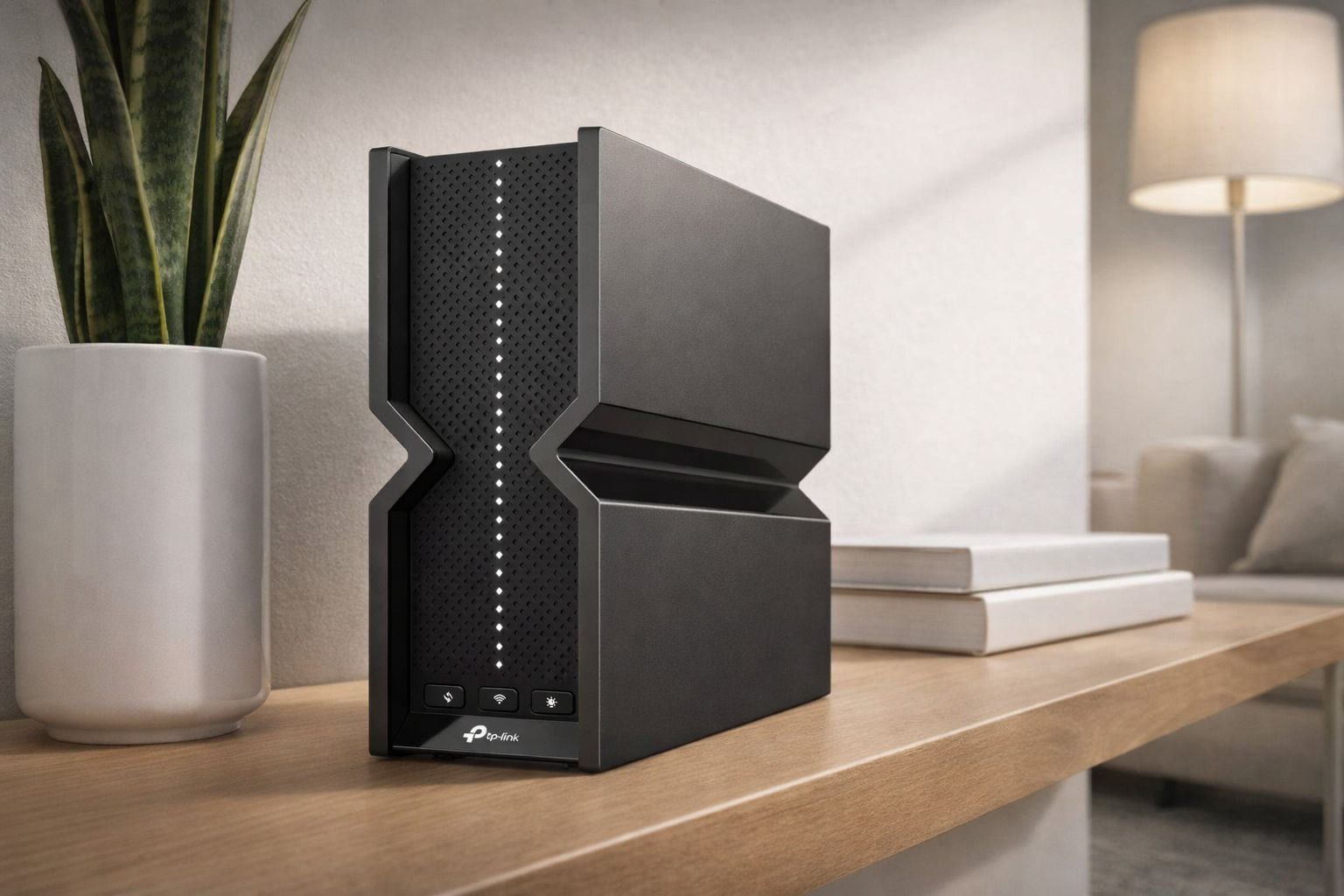
A premium WiFi 7 router that makes more sense than a lot of expensive flagships. It still feels fast, loaded, and future-ready, but its value story is stronger than most buyers expect at this tier.
The BE800 is easier to recommend than many luxury routers because its premium feel is paired with a more practical value case. You still get the “this is a serious upgrade” experience, but it does not feel like you are paying only for bragging rights. That balance is why it sits so high in the ranking.
This is not the “budget” lane. It is the premium lane for buyers who still want to feel smart about what they spent.
Buyers stepping into premium routers often care just as much about not regretting the purchase as they do about chasing the biggest number. The BE800 is one of the better “premium but practical” answers in that space.
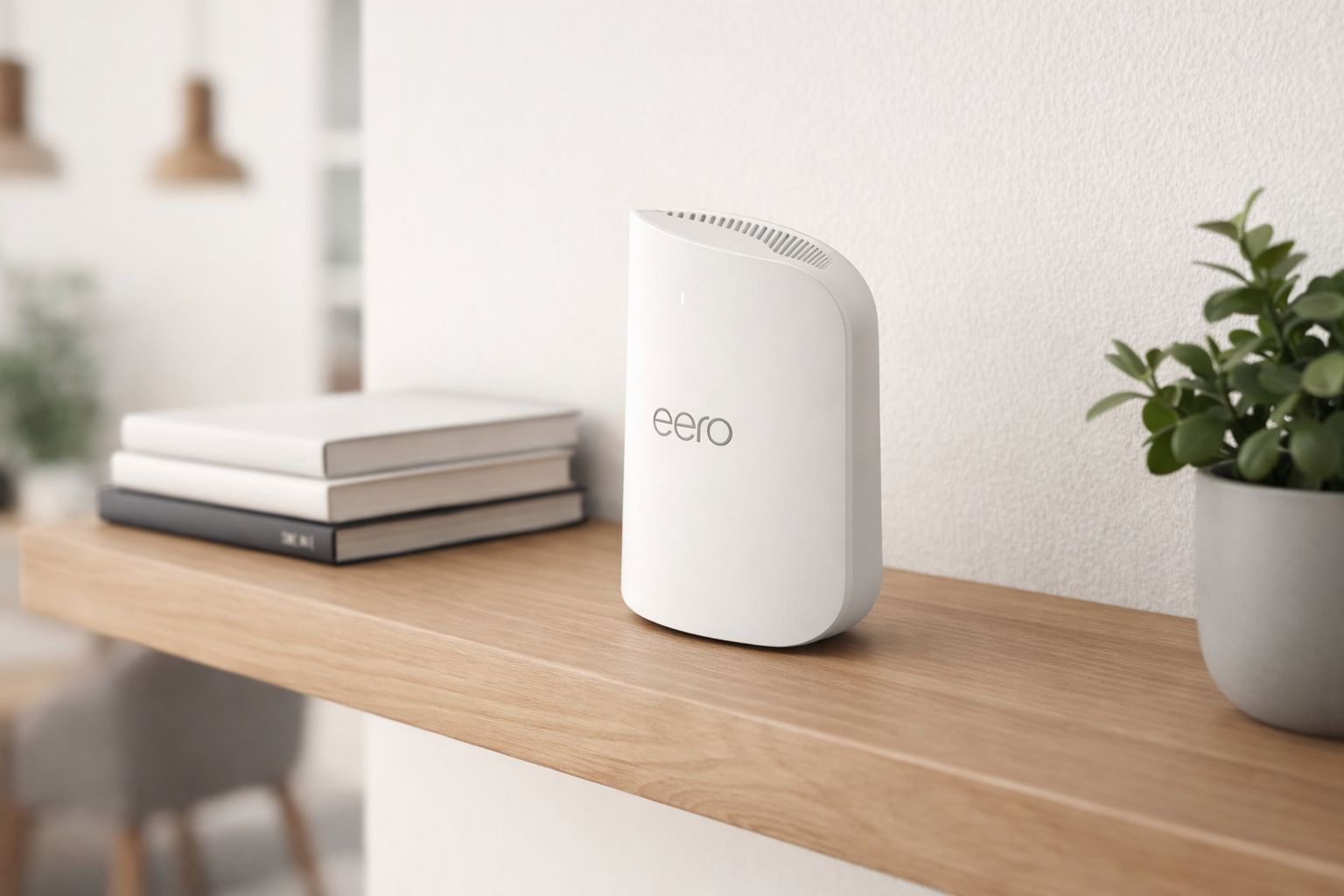
A high-end router that makes premium networking feel more approachable. It is especially compelling for larger homes and buyers who want strong performance now with an easy path toward wider mesh coverage later.
The Max 7 is not trying to win by being the most “enthusiast” router in the room. It wins by blending very strong modern performance with an easier ownership experience. That makes it especially appealing in homes where coverage and simplicity matter just as much as peak speed.
Buyers who want deeper manual tuning may still prefer ASUS-style routers. Buyers who want a cleaner everyday experience often land here instead.
The smart value WiFi 7 pick for most households. It gives buyers a meaningful step into newer wireless hardware without forcing them into flagship pricing that only heavy users will truly appreciate.
The BE550 ranks where it does because it is easier to recommend to real buyers than many routers above and below it. It is modern enough to feel like a real step forward, but not so expensive that you feel forced into a premium lane you may not need. That is exactly what “Best Value” should look like in this category.
If the #1 pick is the “buy once, buy premium” answer, the BE550 is the “be smart, not cheap” answer. That makes it one of the most broadly useful recommendations in the list.
A smart enthusiast lane pick that trims some cost from the top ASUS option while keeping a lot of the same appeal. It is for buyers who want more control and stronger networking tools than simpler app-first routers usually provide.
The RT-BE86U makes sense for buyers who know they care about router settings, security tools, and long-term network control. It is not the easiest or cheapest recommendation in the list, but it is a very rational one for people who actually want that extra layer of control.
This router feels best in the hands of someone who is willing to spend a little more time choosing settings and understanding how the network is put together.
A more accessible WiFi 7 entry point for buyers who want modern hardware without jumping into flagship pricing. It feels like a sensible middle lane between older-network complacency and high-end overspending.
The RS300 is appealing because it does not try to be everything. It is the “step up without going all the way” router in this list, which is often exactly the right answer for buyers who want modern wireless hardware but still need a reasonable purchase decision.
This is a strong fit for buyers who want a router that feels current and capable, but still fundamentally practical.
A cleaner, more attainable eero path into WiFi 7 for buyers who value simple setup, solid whole-home behavior, and less network-management friction. It is not trying to win the enthusiast race, and that is part of its appeal.
The Pro 7 is a good example of a router that is easier to like than to benchmark-glorify. It does not need to dominate every comparison category to be useful. Its strength is that it makes a modern network feel less intimidating, and for plenty of buyers that matters more than having the most aggressive hardware profile.
If you do not want to turn your router into a hobby, the Pro 7’s style of ownership will likely feel more comfortable than a feature-dense enthusiast model.
A cleaner, more placement-friendly mesh-style option for buyers who care about whole-home coverage and a less aggressive visual footprint. It is more about balanced living-room-friendly networking than about chasing benchmark drama.
The Velop Pro 7 is easier to understand once you stop judging it like a pure performance trophy. Its appeal is more domestic and coverage-oriented: cleaner placement, friendlier aesthetics, and a stronger “make wifi disappear into the background” mindset. That is a real advantage for the right household, even if it is not the highest-scoring value play.
For some buyers, a router that can live in the open without feeling intrusive is more important than a little extra benchmark glory.
A practical pick for buyers who want easy setup, clean everyday use, and a simple mesh path more than they want the latest premium-router bragging rights. It is not the most future-forward option here, but it still makes sense in the right home.
Nest Wifi Pro lands tenth not because it is bad, but because the market has moved upward and faster around it. It still has a real audience: buyers who want a calmer setup experience, clean mesh-style expansion, and everyday reliability without making networking into a project. That is a narrower lane in 2026, but it is still a valid one.
Tap a pick to jump to the full review, or compare specs.
Best Overall Asus RT-BE88U →
Best for Gaming Netgear Nighthawk RS700S →
Best Value TP-Link Archer BE550 →
Jump to ComparisonJump to the sections people use most when narrowing down the right wifi router.
We prioritize reputable sellers, easy returns, and reliable availability.
Tip: Think about your whole setup, not just the router—placement, modem quality, and future mesh compatibility often matter more than chasing the highest speed rating.
Choose a retailer
Prices checked regularly. We may earn a commission at no cost to you.