Box vs DocuWare: Which Cloud Document Management System Is Better?

Box and DocuWare both live in the document-management conversation, but they are bought for different moments. Box is the stronger cloud collaboration layer when teams share sensitive files across departments, clients, and apps. DocuWare is more compelling when documents need capture, indexing, approvals, and structured process automation.

By: Review Streets Research Lab
Updated: September 8, 2026
Approx. 10-12 min read
Box vs DocuWare business comparison image

Head-to-head

Box vs DocuWare: Which Cloud Document Management System Is Better?

Box is the stronger default for broad cloud document collaboration. DocuWare is better when the buyer is mainly modernizing approval-heavy document processing.

Box comparison image

Box

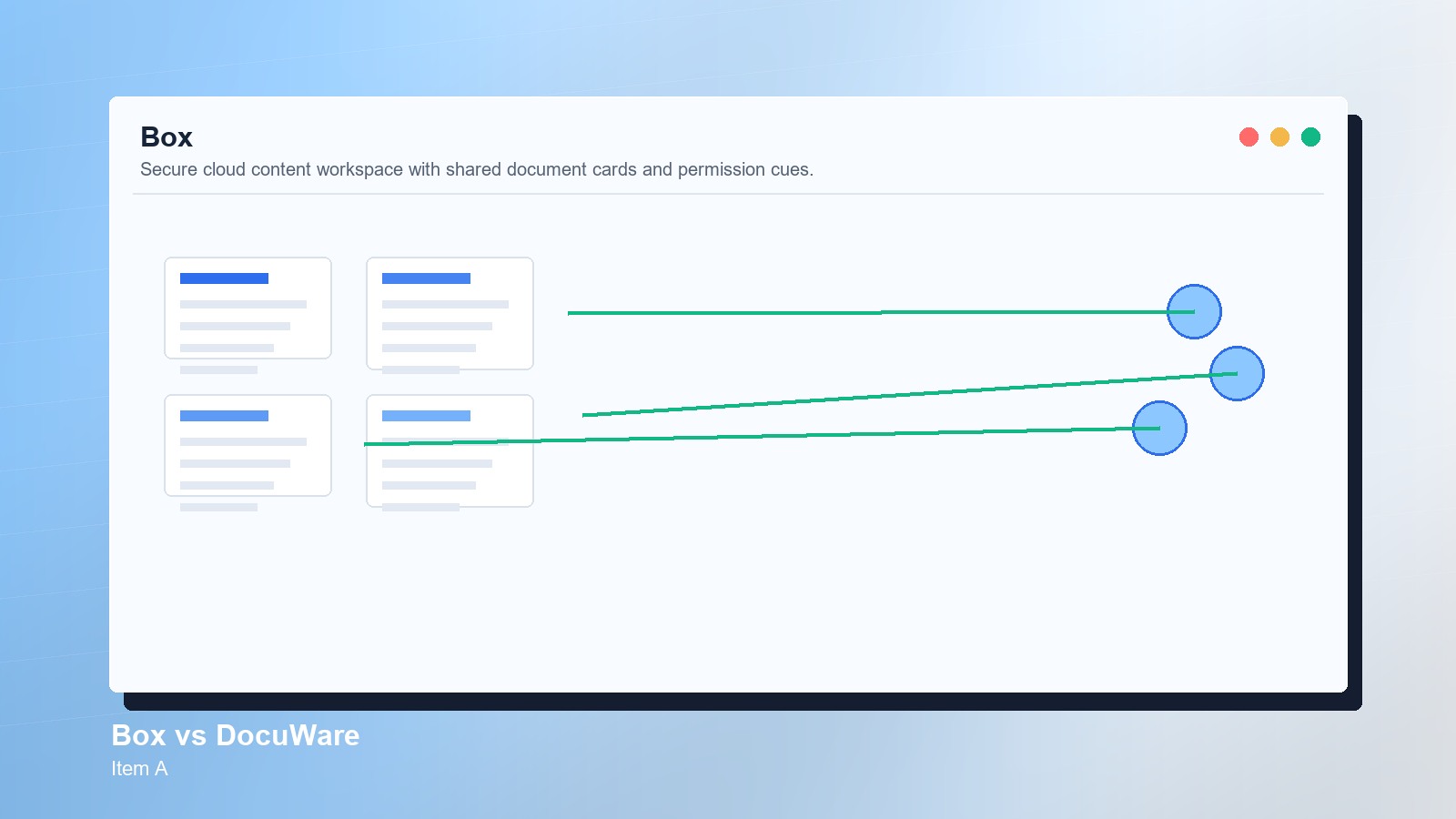
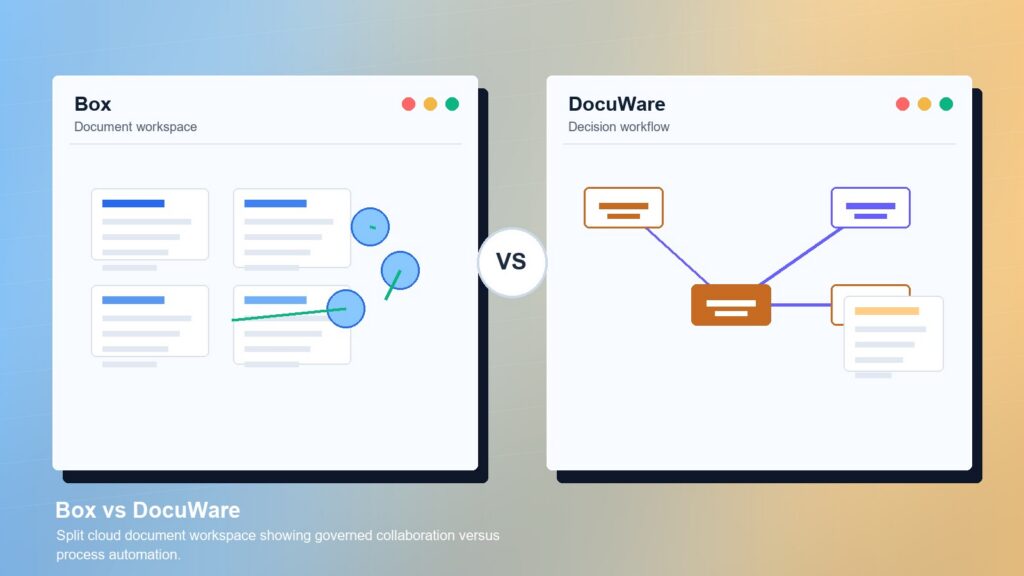
Box is stronger when the organization wants governed external sharing, app-connected content workflows, granular permissions, retention planning, and a broad cloud workspace for business documents.

Score 8.8/10 Best for secure cloud content collaboration Focus Collaboration Why buy Fit
  • Strong governed external collaboration
  • Good workflow and integration reach
  • Broad fit for shared content operations
VS
DocuWare comparison image

DocuWare

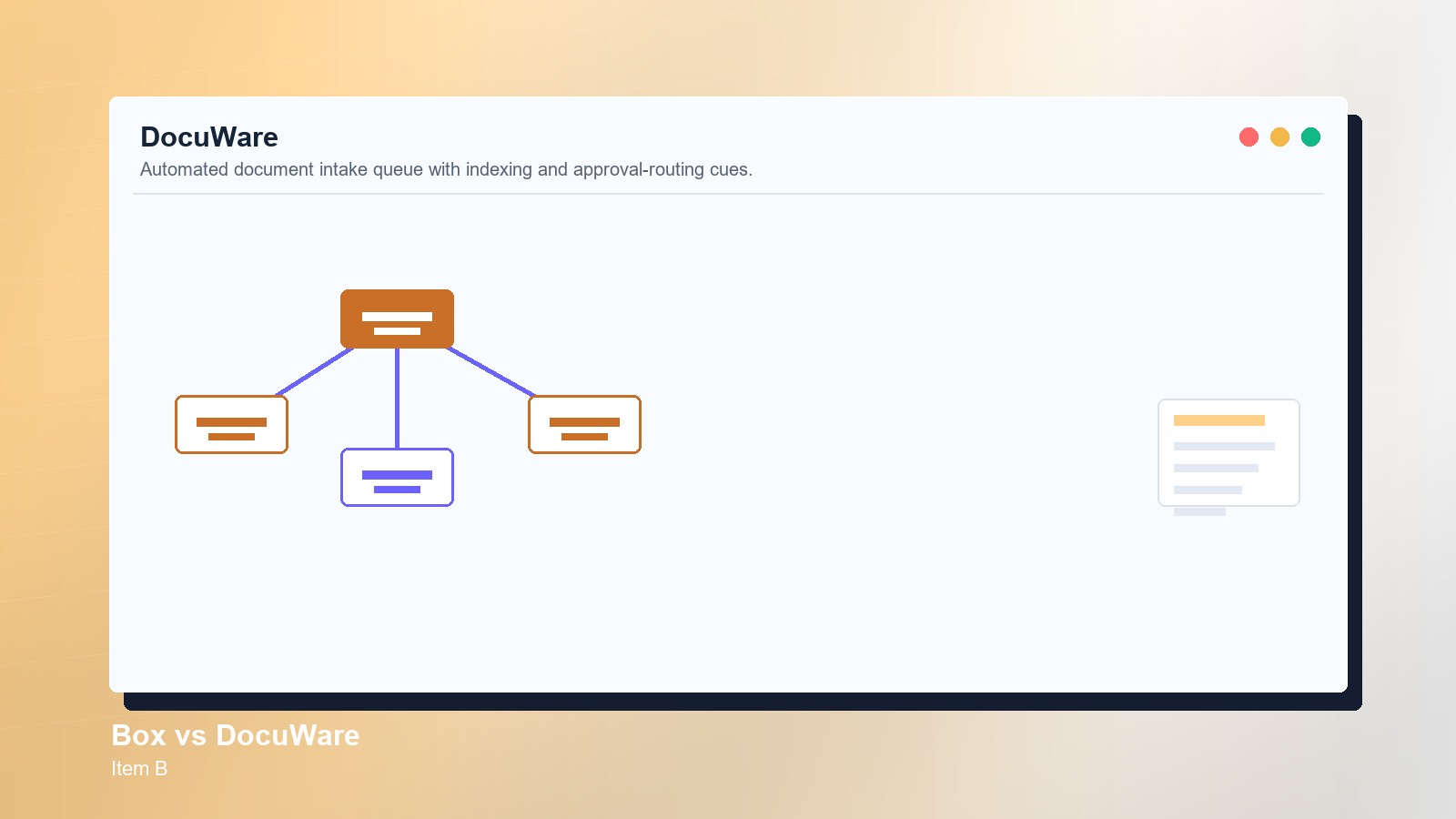
DocuWare is stronger when the buyer needs document capture, indexing, routing, approvals, invoice or record workflows, secure archiving, and repeatable process automation around stored files.

Score 8.6/10 Best for workflow-heavy document processing Focus Automation Why buy Fit
  • Strong document workflow automation
  • Good capture, indexing, and archive fit
  • Useful for approval-heavy back offices
Metric
Box
DocuWare
Winner
Governance
Policy-rich collaboration
Structured document control
Box
Workflow
App-connected approvals
Strong process automation
DocuWare
Search
Content workspace search
Capture and index search
DocuWare
Sharing
Strong external sharing
Process-based sharing
Box
Adoption
Needs workspace rules
Process-led rollout
Box
Best fit
Broad content collaboration
Workflow-heavy documents
Box
Real-world context
Box wins when documents need governed sharing across people and systems. DocuWare can win when the real bottleneck is paper intake, invoice routing, approval queues, and archived records rather than broad collaboration.

Why people choose it

  • Strong governed external collaboration
  • Good workflow and integration reach
  • Broad fit for shared content operations

Why people choose it

  • Strong document workflow automation
  • Good capture, indexing, and archive fit
  • Useful for approval-heavy back offices
Winner: Box Box wins for most Cloud Document Management Systems buyers in this matchup because it covers more day-to-day content collaboration needs. DocuWare remains a strong specialist for structured document workflow automation.
Read FAQs

Deep dive

What actually matters in this matchup

This matchup turns on the difference between a shared content workspace and a document-process engine. We weighted external collaboration, permissions, workflow automation, indexing, retrieval, administration, migration, and how often files move outside one back-office queue. That keeps the choice practical.

Collaboration model: Box is stronger when documents move between departments, vendors, customers, and project teams. Its value comes from a governed place to work on content. DocuWare feels better when documents enter a structured queue and move through defined approvals. That keeps the choice practical.

Workflow emphasis: DocuWare has the clearer story for capture, indexing, routing, and repeatable document approvals. Box can support workflows and integrations, but its broader advantage is collaboration around content rather than automating one document process end to end. That keeps the choice practical.

Governance posture: Box has the edge when external sharing rules, permissions, retention planning, and administrator oversight must apply across many teams. DocuWare can protect and archive documents well, but buyers usually evaluate it through a narrower process lens. That keeps the choice practical.

Adoption path: Box may be easier to spread across departments because the workspace pattern is familiar to knowledge workers. DocuWare adoption depends more on mapping the intake, routing, indexing, and approval details that back-office users follow every day. That keeps the choice practical.

Migration reality: A Box migration should clean up folder ownership, external links, and permission sprawl. A DocuWare rollout should test scanning, metadata capture, approval routing, and archived search. The first project plan tells buyers which platform fits better. That keeps the choice practical.

Final choice: Choose Box when the document problem is collaboration, secure sharing, and content governance across a broad organization. Choose DocuWare when the bigger need is structured intake, approval automation, and repeatable document processing for specific departments. That keeps the choice practical.

Methodology

How we evaluated the matchup

This review weighs document-management fit against practical adoption, governance, workflow, and migration realities.

Scope: We evaluated Box and DocuWare as cloud document management choices for business buyers. The review uses official product information and workflow analysis, with emphasis on collaboration breadth, document automation, governance, migration planning, and administrator ownership. That keeps the choice practical.

What we compared: The comparison weighs secure sharing, workflow automation, permissions, capture, indexing, search, external access, retention planning, integrations, department adoption, archive needs, and whether the buyer needs a broad content workspace or a process-specific document system. That keeps the choice practical.

Interpretation: Box wins because more buyers in this category need governed collaboration across active content. DocuWare scores well when the work is document processing, but that specialist strength is less universal than shared content management. That keeps the choice practical.

Buyer checks: Before choosing, verify current plans, security controls, capture tools, workflow designers, approval routing, retention needs, external-user rules, migration support, integrations, storage terms, and who will own document cleanup after launch. That keeps the choice practical. That matters during rollout.

FAQ

Box vs DocuWare: common questions

Is Box better than DocuWare?
Box is better when the buyer needs broad cloud content collaboration, secure external sharing, workflow integrations, and governance across active files. DocuWare is better when document capture, indexing, routing, approvals, and archiving drive the project. That keeps the choice practical. That matters during rollout.
Where does DocuWare beat Box?
DocuWare beats Box when the document workflow starts with intake and needs structured routing, approval steps, indexing, records control, or invoice-style processing. It is less about broad collaboration and more about repeatable document operations. That keeps the choice practical. That matters during rollout.
Which is easier for everyday file sharing?
Box is usually easier to position for everyday file sharing because it supports a broader collaboration workspace. DocuWare can share documents, but its strongest case appears when files must follow a defined business process. That keeps the choice practical. That matters during rollout.
Which has stronger workflow automation?
DocuWare has the stronger specialist workflow automation case for document capture, approval routing, indexing, and archiving. Box can support workflows and integrations, but it is stronger as a governed collaboration hub. That keeps the choice practical. That matters during rollout. That keeps the buying decision grounded.
Should small businesses consider DocuWare?
Small businesses should consider DocuWare when paperwork, approvals, invoices, or records are slowing operations. If the main issue is secure collaboration and shared files across teams, Box will usually feel broader. That keeps the choice practical. That matters during rollout. That keeps the buying decision grounded.
Which platform is better for external collaboration?
Box is better for external collaboration when clients, partners, and multiple departments need controlled access to active content. DocuWare is better when external access belongs inside a defined workflow or records process. That keeps the choice practical. That matters during rollout. That keeps the buying decision grounded.
What should buyers demo first?
Demo one active project folder, one external collaborator, one approval, one captured document, one permission change, and one search task. The better system should make the normal document path easier to govern. That keeps the choice practical. That matters during rollout. That keeps the buying decision grounded.
Is this review based on hands-on testing?
No. This review uses official product information, public documentation, and document-management workflow analysis. Buyers should confirm current pricing, plan limits, security features, integrations, implementation support, and contract terms with each vendor. That keeps the choice practical. That matters during rollout. That keeps the buying decision grounded.

Key Takeaways

  • Box wins for broad collaboration.
  • DocuWare wins workflow automation moments.
  • Capture needs change the shortlist.
  • External sharing needs governance.
  • Migration planning matters early.
  • Choose by document path, not storage.

Verdict

The Better Default for Broad Content Collaboration

Box is the stronger default when cloud document management needs secure collaboration across teams, clients, and apps.

#1 Winner

Box

Box wins because its collaboration and governance model fits more general cloud document management needs than DocuWare's process-focused automation strength.

  • Broader collaboration fit
  • Stronger external sharing model
  • Good governance across active content

Runner-up

Jump to the Head-to-Head

Tip: Start the demo with one real document path. If it behaves like a shared workspace, Box leads; if it behaves like an approval queue, DocuWare deserves more weight.

Where to Buy

Use the official Box and DocuWare pages to confirm current plans, demos, security details, and implementation options.

Vendor terms, demos, pricing, and feature availability change regularly. Some links may earn a commission and never affect rankings.

Accessories You’ll Want

  • External access map (shows which clients, vendors, and departments need document permissions)
  • Approval path inventory (separates collaboration files from records that need routed approvals)
  • Folder cleanup plan (removes stale owners and duplicate content before migration)
  • Retention rule checklist (keeps archive, deletion, and legal review needs visible)
  • Integration register (records which apps must open, route, or store each document)

Tip: Use the same sample documents in every demo so differences in workflow, search, permissions, and cleanup are easy to see.