Dropbox Business vs DocuWare: Which Enterprise Document Management Software Is Better?

Dropbox Business and DocuWare can both reduce file chaos, but they do not solve the same enterprise document problem. Dropbox Business is strongest when employees need familiar folders, sync, shared links, recovery, and straightforward collaboration. DocuWare is stronger when documents enter a process, need indexing, move through approvals, and must remain easy to retrieve as records later.

By: Review Streets Research Lab
Updated: September 8, 2026
Approx. 10-12 min read
Dropbox Business vs DocuWare business comparison image

Head-to-head

Dropbox Business vs DocuWare: Which Enterprise Document Management Software Is Better?

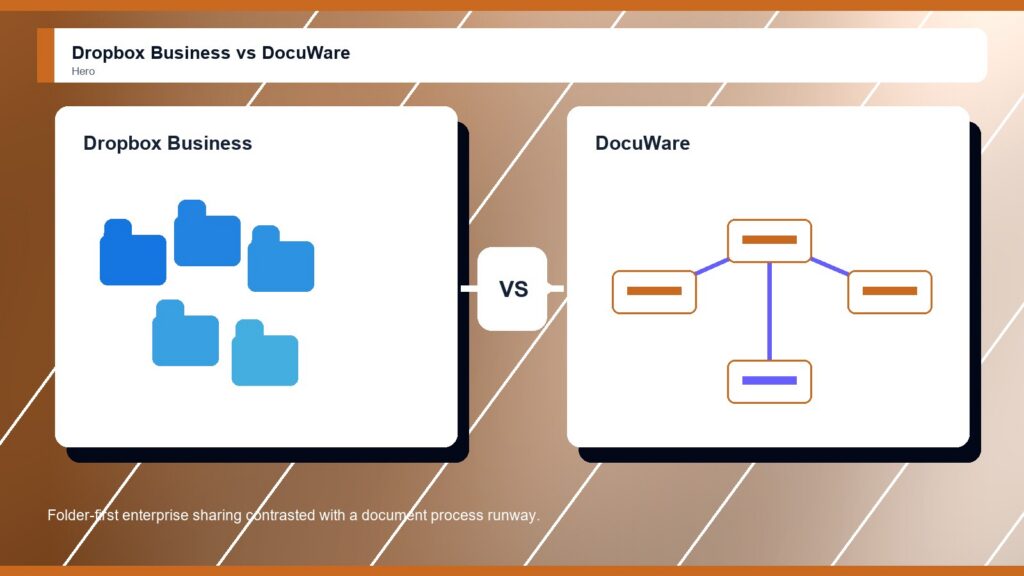
DocuWare is the stronger Enterprise Document Management Software choice when the buyer needs process control. Dropbox Business is better when enterprise needs are mostly file sync, sharing, and simple adoption.

Dropbox Business comparison image

Dropbox Business

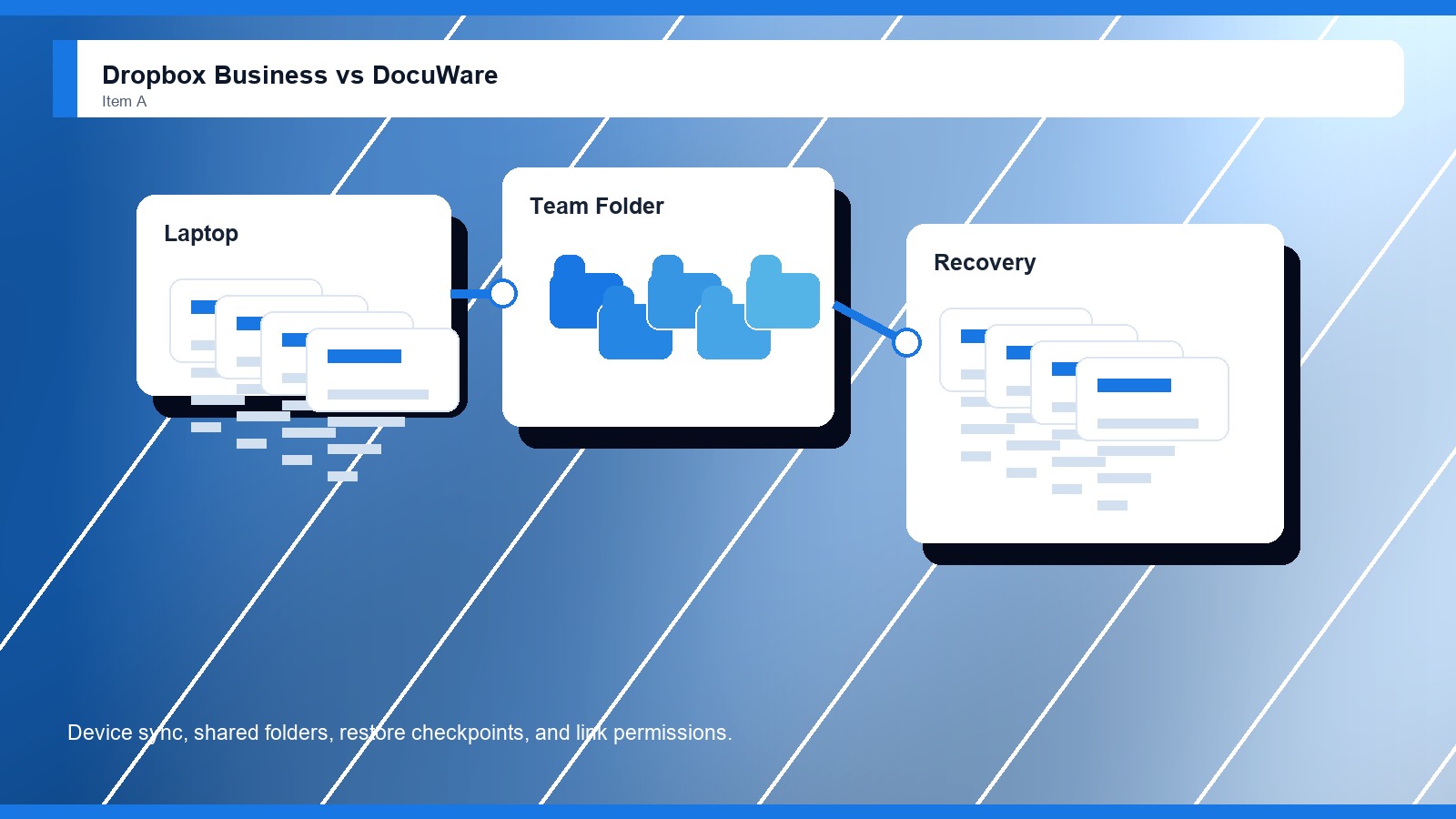
Dropbox Business is stronger when the company wants familiar team folders, device sync, shared links, recovery controls, admin roles, SSO, and straightforward adoption for distributed employees.

Score 8.5/10 Best for enterprise file sync and familiar sharing Focus Sync Why buy Fit
  • Very familiar file-sharing model
  • Fast user adoption and sync
  • Good fit for straightforward teams
VS
DocuWare comparison image

DocuWare

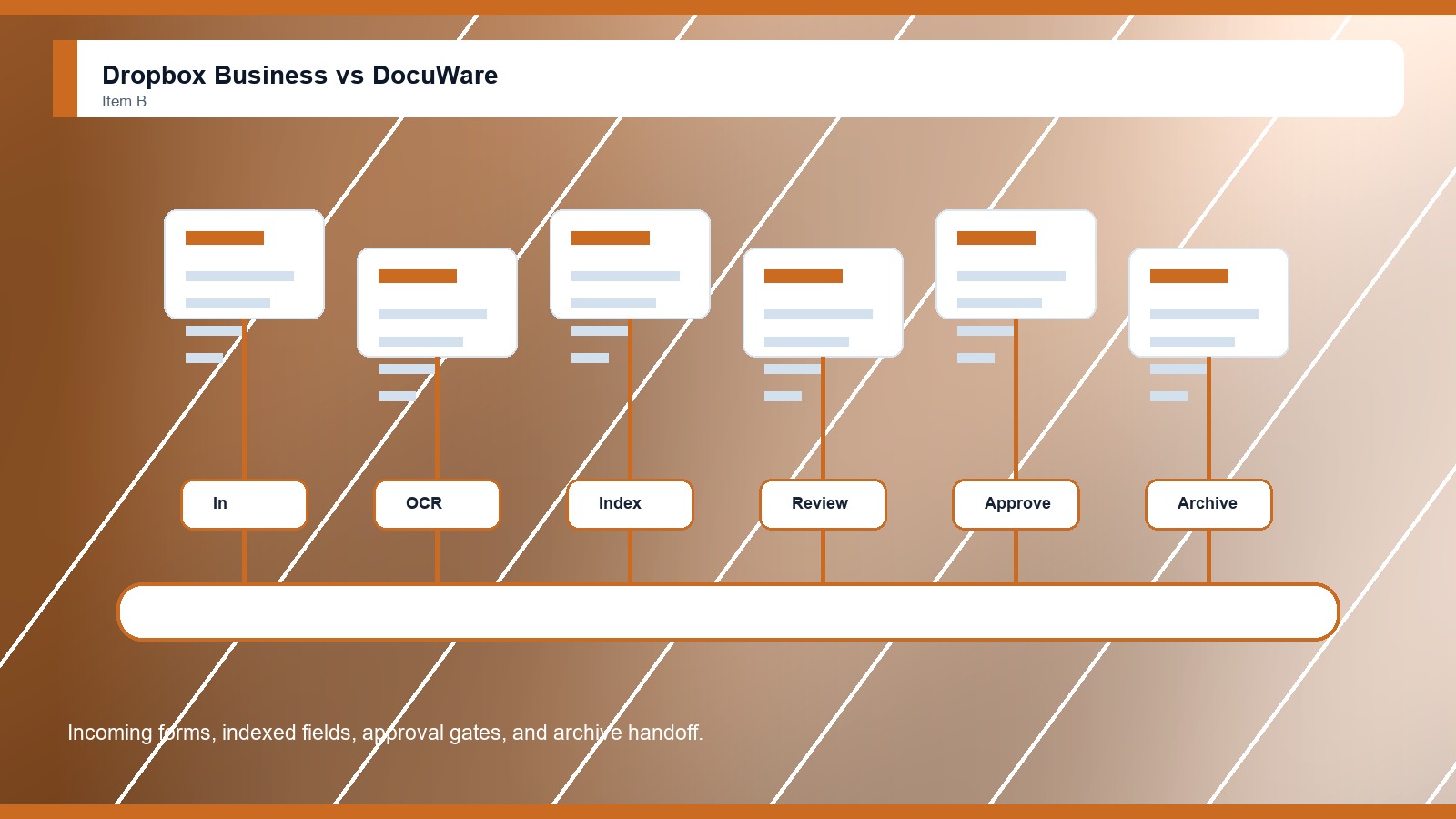
DocuWare is stronger when the buyer needs capture, indexing, routing, approval automation, records handling, secure archiving, and repeatable document processes for departments such as finance, HR, and operations.

Score 8.7/10 Best for structured enterprise document workflows Focus Process Why buy Fit
  • Strong capture and workflow automation
  • Good document indexing and archive fit
  • Useful for approval-heavy departments
Metric
Dropbox Business
DocuWare
Winner
Governance at scale
Team folders, roles, SSO, and plan-level controls
Controlled archive, document roles, retention, and process rules
DocuWare
Workflow depth
Light content work around folders, sharing, and signatures
Strong capture, indexing, routing, and approval automation
DocuWare
Search and metadata
File and folder search that depends on clean organization
Structured index search for routed document records
DocuWare
Collaboration control
Fast links, sync, Transfer, and familiar shared folders
Collaboration mostly inside document process paths
Dropbox Business
Enterprise rollout
Fast rollout when file habits are already simple
Needs process mapping and implementation discipline
Dropbox Business
Best fit
Enterprise file sync and sharing
Back-office document process automation
DocuWare
Real-world context
DocuWare wins when enterprise document management means repeatable handling of incoming files, approvals, records, and archives. Dropbox Business remains useful when a company wants a clean shared workspace without building a formal document process.

Why people choose it

  • Very familiar file-sharing model
  • Fast user adoption and sync
  • Good fit for straightforward teams

Why people choose it

  • Strong capture and workflow automation
  • Good document indexing and archive fit
  • Useful for approval-heavy departments
Winner: DocuWare DocuWare wins for Enterprise Document Management Software buyers who need capture, indexing, approval routing, and controlled records. Dropbox Business is the better fit when the organization mainly needs familiar folders, sync, shared links, and recovery.
Read FAQs

Deep dive

What actually matters in this matchup

This comparison is about file access versus document process control. We weighted team adoption, sync habits, external sharing, capture, indexing, workflow routing, records retention, search, audit needs, migration cleanup, and whether documents simply need to be available or reliably moved through a defined business path.

Operating model: Dropbox Business feels natural when employees already think in folders, devices, and shared links. DocuWare feels more natural when documents arrive from forms, scans, invoices, HR packets, or email intake and then need a defined route through the business. That keeps the choice practical.

Process discipline: DocuWare has the stronger enterprise document-management case because it focuses on capture, indexing, approvals, and archiving. Dropbox Business supports collaboration around files, but it is not primarily a document-process engine for routed records. That keeps the choice practical. That matters during rollout.

Search and records: Dropbox Business can work well when folder structure and naming rules are healthy. DocuWare is stronger when search depends on index fields, document type, approval state, vendor name, retention period, or other structured record details. That keeps the choice practical.

Adoption tradeoff: Dropbox Business usually asks less of users at launch. DocuWare asks the company to define document classes, routes, owners, and exceptions. That extra design work is worthwhile when informal sharing already causes delays or missing approvals. That keeps the choice practical.

Enterprise risk: The risk in Dropbox Business is that unmanaged links and duplicated folders can become the process. The risk in DocuWare is overbuilding workflows that users avoid. Buyers should pilot one real document path before choosing either system. That keeps the choice practical.

Final choice: Choose DocuWare when document management requires intake control, indexing, approvals, archiving, and retrieval by business context. Choose Dropbox Business when the company mostly needs easy file access, shared folders, recovery, and collaboration employees understand immediately. That keeps the choice practical.

Methodology

How we evaluated the matchup

This review weighs enterprise document management software fit against practical adoption, governance, workflow, and migration realities.

Scope: We evaluated Dropbox Business and DocuWare as enterprise document management options for buyers deciding between familiar file sharing and structured document processing. The analysis uses official vendor information, public documentation, category fit, and practical workflow criteria. That keeps the choice practical.

What we compared: The comparison weighs file sync, shared links, team folders, recovery, capture, indexing, workflow routing, approvals, archive needs, retention planning, search, admin visibility, migration cleanup, implementation effort, and long-term ownership. That keeps the choice practical. That matters during rollout.

Interpretation: DocuWare wins because this category rewards controlled document processes when records, approvals, and archives matter. Dropbox Business still scores well when user comfort and simple file exchange are more important than process automation. That keeps the choice practical. That matters during rollout.

Buyer checks: Before choosing, verify current plan limits, storage terms, workflow tools, capture methods, indexing fields, archive controls, recovery windows, external-sharing policies, integration needs, implementation help, and the owner of ongoing document cleanup. That keeps the choice practical. That matters during rollout.

FAQ

Dropbox Business vs DocuWare: common questions

Is Dropbox Business better than DocuWare?
Dropbox Business is better when the enterprise mainly needs familiar folders, sync, recovery, and fast file sharing. DocuWare is better when document intake, indexing, routed approvals, retention, secure archives, and repeatable process control are the main requirements. That keeps the choice practical. That matters during rollout.
Where does DocuWare beat Dropbox Business?
DocuWare beats Dropbox Business when documents need structured handling after they enter the organization. It is stronger for approvals, invoice-style workflows, captured records, index fields, archive search, and repeatable department processes. That keeps the choice practical. That matters during rollout. That keeps the buying decision grounded.
Which is easier for employees?
Dropbox Business is usually easier because employees already understand folders, links, and device sync. DocuWare may require more training because users need to follow document classes, routing steps, approval tasks, and archive rules. That keeps the choice practical. That matters during rollout. That keeps the buying decision grounded.
Which is better for enterprise records?
DocuWare is better for enterprise records when the buyer needs indexing, retention, controlled routing, and archive retrieval. Dropbox Business can store files, but it is less specialized for records that must follow a defined lifecycle. That keeps the choice practical. That matters during rollout.
Can Dropbox Business replace document management software?
Dropbox Business can replace lightweight document management when file sharing is the real need. It is less suitable when the business needs formal intake, status tracking, approvals, index fields, and controlled records handling. That keeps the choice practical. That matters during rollout. That keeps the buying decision grounded.
Can a company use both?
Yes. Dropbox Business may handle everyday collaboration while DocuWare handles formal document processes. The company must define which system owns records, retention, approvals, and final document status to avoid duplicate repositories. That keeps the choice practical. That matters during rollout. That keeps the buying decision grounded.
What should buyers demo first?
Test one shared folder, one external link, one captured document, one approval route, one archive search, and one departed-user recovery scenario. The normal document path should make the better choice obvious. That keeps the choice practical. That matters during rollout. That keeps the buying decision grounded.
Is this review based on hands-on testing?
No. This review uses official product information, public documentation, and document-management workflow analysis. Buyers should confirm current pricing, plan limits, security features, integrations, implementation support, and contract terms with each vendor. That keeps the choice practical. That matters during rollout. That keeps the buying decision grounded.

Key Takeaways

  • DocuWare wins process-heavy needs.
  • Dropbox wins simple file sharing.
  • Indexing changes search quality.
  • Approval paths need ownership.
  • Sync is not always document control.
  • Choose by document lifecycle.

Verdict

The Better Default for Structured Document Processing

DocuWare is the stronger default when enterprise document management depends on capture, indexing, approval routing, and archive control.

#1 Winner

DocuWare

DocuWare wins because it handles formal document processes more directly than a sync-first file-sharing workspace.

  • Stronger capture and indexing fit
  • Better routed approval model
  • More useful archive control

Runner-up

Jump to the Head-to-Head

Tip: Start with the document that causes the most delay. If it needs intake, indexing, approvals, and archive search, DocuWare should lead.

Where to Buy

Use the official Dropbox Business and DocuWare pages to confirm current plans, demos, security details, and implementation options.

Vendor terms, demos, pricing, and feature availability change regularly. Some links may earn a commission and never affect rankings.

Accessories You’ll Want

  • Document intake inventory (lists scans, forms, invoices, emails, and uploads that must enter the workflow)
  • Approval route map (captures approvers, exceptions, due dates, and escalation rules)
  • Archive search sample (tests whether records can be found by index fields later)
  • Shared-link policy (keeps simple file sharing from bypassing formal records processes)
  • Workflow owner chart (names who maintains routes, fields, permissions, and exceptions after launch)

Tip: Use the same sample documents in every demo so workflow, search, governance, and rollout differences are visible.