Dropbox Business vs Egnyte: Which Cloud Document Management System Is Better?

Dropbox Business and Egnyte solve different versions of the document problem. Dropbox Business feels closest to the shared-folder habits many teams already understand. Egnyte is built for buyers who need more control over permissions, sensitive content, audit visibility, file lifecycle rules, and document-heavy operational work.

By: Review Streets Research Lab
Updated: September 4, 2026
Approx. 10-12 min read
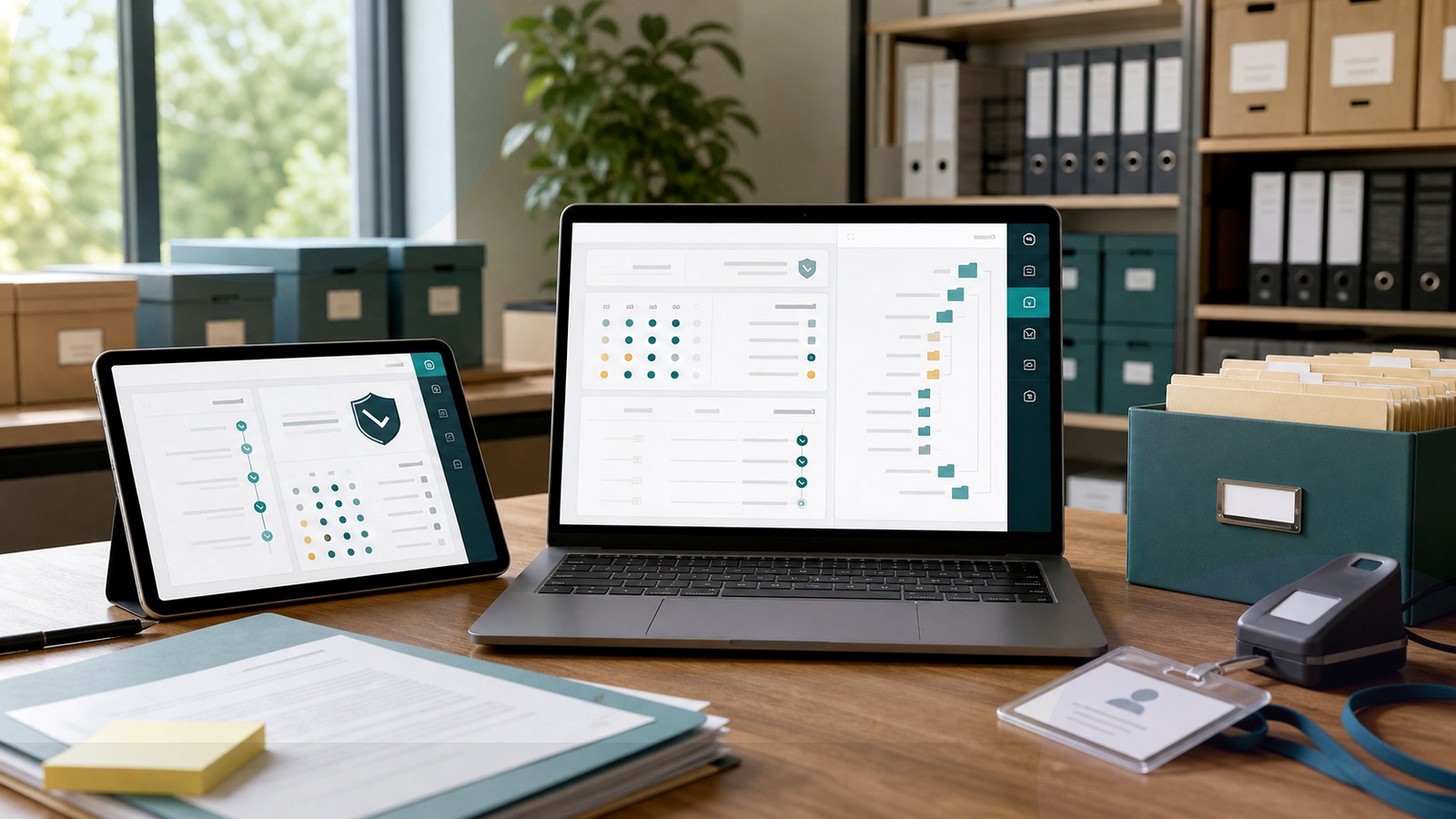
Dropbox Business vs Egnyte business comparison image

Head-to-head

Dropbox Business vs Egnyte: Which Cloud Document Management System Is Better?

Egnyte is the stronger document-management choice when governance and admin oversight matter. Dropbox Business is better when familiar file sync is the adoption priority.

Dropbox Business comparison image

Dropbox Business

Dropbox Business fits teams that need shared folders, link sharing, desktop sync, file recovery, quick collaboration, and a familiar experience that employees can use with minimal training.

Score 8.4/10 Best for simple team file sync and sharing Focus Sharing Why buy Ease
  • Fast shared-folder adoption
  • Simple sync and link sharing
  • Good everyday collaboration fit
VS
Egnyte comparison image

Egnyte

Egnyte fits teams that need governed access, content classification, audit trails, controlled external sharing, hybrid file workflows, and stronger visibility into sensitive document repositories.

Score 8.8/10 Best for content governance and controlled file access Focus Control Why buy Governance
  • Stronger document governance
  • Better sensitive-file oversight
  • More administrative control
Metric
Dropbox Business
Egnyte
Winner
Governance
Basic team controls
Deeper file governance
Egnyte
Sharing
Fast folder links
Controlled external access
Dropbox Business
Adoption
Most familiar folders
Requires process discipline
Dropbox Business
Workflow
Lighter file workflow
Repository workflows
Egnyte
Admin views
Everyday activity views
Best risk visibility
Egnyte
Best fit
Simple sync
Governed file ops
Egnyte
Real-world context
Egnyte wins when the business has outgrown basic shared folders and needs to see who can access sensitive content. Dropbox Business remains strong for teams whose main pain is scattered files rather than compliance or repository control.

Why people choose it

  • Very familiar sync and file-sharing experience
  • Good collaboration for teams that live in shared folders
  • Lower training burden for simple document workflows

Why people choose it

  • Strong governance, security, and audit visibility
  • Good fit for document-heavy and regulated workflows
  • Useful bridge between cloud sharing and controlled file operations
Winner: Egnyte Egnyte wins for most cloud document management buyers because governance and admin visibility are more important than familiar sync once document risk grows. Dropbox Business remains better for simpler sharing habits.
Read FAQs

Deep dive

What actually matters in this matchup

This decision starts with the risk behind the folder tree. We weighted familiar sync, external links, user training, permission sprawl, content classification, audit needs, recovery, and whether the platform must manage documents or simply make files easier to share. Verify first.

Folder habits: Dropbox Business has the advantage when employees already think in folders, synced desktops, and quick shared links. Egnyte can support file access well, but its strongest value appears when those folders need more governance than ordinary sharing provides. Test user habits.

Control needs: Egnyte is stronger when administrators need to identify risky content, stale access, permission drift, and external sharing exposure. Dropbox Business offers team controls, but it is less compelling when governance becomes the main project goal. Audit risky folders before migration.

Training burden: Dropbox Business usually creates less training friction because the user model is familiar. Egnyte may require more explanation, yet that additional structure can be worth it when users handle client records, project documents, or regulated content. Train with client records.

Operations fit: Egnyte fits document-heavy operations where access control and file lifecycle review are ongoing work. Dropbox Business fits teams that mainly want a cleaner shared-drive replacement with good collaboration and recovery but fewer governance expectations. Assign file ownership before launch begins.

Buying signal: If the conversation is about storage, links, and adoption, Dropbox Business deserves serious consideration. If the conversation includes audit reports, sensitive folders, policy enforcement, or permission cleanup, Egnyte should lead the shortlist. Run one audit report during vendor demos first.

Final choice: Choose Egnyte when file governance has become unavoidable. Choose Dropbox Business when the team needs a simple shared workspace that people will use immediately. The better platform is the one that matches the document risk. Let document risk set priorities.


Methodology

How we evaluated the matchup

This review weighs familiar file sharing against governance, audit, and controlled access.

Scope: We evaluated Dropbox Business and Egnyte as cloud document management options for teams balancing adoption with governance. Scores use official product information and buyer workflow analysis rather than hands-on lab testing. Review vendor documentation against real folder risks first.

What we compared: The comparison weighs sync behavior, folder habits, external links, permission controls, content classification, audit visibility, admin reporting, recovery, migration cleanup, user training, integrations, and whether governance requirements justify added structure. Include offboarding and external access tests early.

Interpretation: Egnyte wins because document-management buyers often need stronger oversight as file risk grows. Dropbox Business scores well for ease and familiar sharing, but that advantage matters most when governance requirements remain modest. Score governance only where document risk exists.

Buyer checks: Before choosing, verify plan limits, storage terms, recovery windows, audit features, external sharing rules, permission reports, identity integrations, desktop sync behavior, mobile access, migration tools, and who will manage folders after launch. Name a folder owner before migration.

FAQ

Dropbox Business vs Egnyte: common questions

Is Dropbox Business better than Egnyte?
Dropbox Business is better when a team wants familiar shared folders, sync, link sharing, recovery, and fast adoption. Egnyte is better when governance, audit visibility, controlled access, and sensitive-document oversight matter more. Use one active project folder to test both tools before choosing.
Where does Egnyte beat Dropbox Business?
Egnyte beats Dropbox Business on governance depth, sensitive-content visibility, audit reporting, and controlled file operations. It is the stronger choice when administrators must manage risk rather than only make files easier to share. Ask administrators to show actual risk reports during vendor demos.
Where does Dropbox Business beat Egnyte?
Dropbox Business beats Egnyte on familiarity and low-friction adoption for teams that already understand synced folders and shared links. It can be the better fit when collaboration is simple and governance needs are modest. Let nontechnical users try the sharing workflow without coaching.
Which is better for compliance-minded buyers?
Egnyte is the better choice for compliance-minded buyers in this matchup because its strengths center on visibility, classification, audit needs, and controlled access. Dropbox Business can work when requirements are lighter. Map required evidence before comparing collaboration tools for regulated work with stakeholders.
Which is better for everyday file sharing?
Dropbox Business is better for everyday file sharing when users need a simple, familiar workspace. Egnyte can still share files effectively, but its additional governance value is most useful when risk must be managed. Test sharing with one outside collaborator and content owner.
Should a small team choose Egnyte?
A small team should choose Egnyte if sensitive client files, project repositories, audits, or permission cleanup already matter. If the team only needs simple shared folders, Dropbox Business may be easier to roll out. Run a permission review before deciding on simplicity alone.
What should buyers test before switching?
Test sync behavior, external links, permission changes, audit reports, recovery, search, mobile access, and one sensitive folder. Also test whether users can follow the intended workflow without creating unmanaged copies. Include mobile access, offboarding, duplicate-folder cleanup, and admin review in that test too.
Is this review based on hands-on testing?
No. This article uses official product information, public documentation, and document-management workflow analysis. Buyers should confirm current pricing, security features, plan limits, integrations, storage, support, and contract terms directly with each vendor. Verify current vendor details before relying on current plan assumptions today.

Key Takeaways

  • Egnyte wins on file governance.
  • Dropbox wins on user familiarity.
  • Sensitive content changes priorities.
  • Audit needs matter early.
  • Simple sharing can be enough.
  • Choose based on folder risk.

Verdict

The Better Default for Content Governance

Egnyte is the stronger default when a cloud document platform must control sensitive files, permissions, and audit visibility.

#1 Winner

Egnyte

Egnyte wins because it gives document-heavy teams more control and visibility than a simple sync-first file-sharing platform.

  • Stronger governance posture
  • Better audit visibility
  • More controlled file operations

Runner-up

Jump to the Head-to-Head

Tip: If nobody reviews permissions today, do not assume a new file-sharing tool will create governance by itself.

Where to Buy

Use the official Dropbox Business and Egnyte pages to confirm current plans, demos, security controls, and storage terms.

Vendor terms, demos, pricing, and feature availability change regularly. Some links may earn a commission and never affect rankings.

Accessories You’ll Want

  • Folder risk scorecard (ranks repositories by sensitivity, ownership, and outside access)
  • Departed-user checklist (shows what happens to access, links, and owned files after offboarding)
  • Sync exception log (tracks files that should not be copied to unmanaged devices)
  • External collaborator list (keeps client and vendor access from lingering after projects close)
  • Migration cleanup board (assigns duplicate folders and stale documents to real owners)

Tip: Audit one sensitive folder before buying; it will reveal whether adoption or governance is the harder problem.