Dropbox Business vs Google Drive: Which Secure File Sharing Platforms Is Better?

Dropbox Business and Google Drive are both familiar cloud storage choices, but the buying logic is not identical. Dropbox Business is strongest when teams care about sync, shared folders, file delivery, and straightforward secure sharing. Google Drive is strongest when storage is part of a broader Google Workspace workflow with Docs, Sheets, Slides, Gmail, and shared drives.

By: Review Streets Research Lab
Updated: September 9, 2026
Approx. 10-12 min read
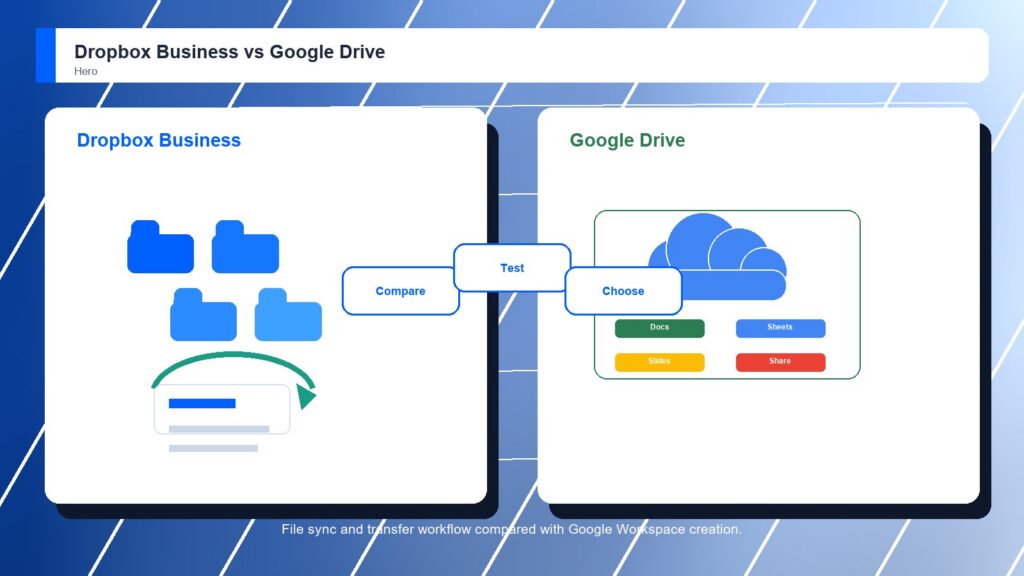
Dropbox Business vs Google Drive business comparison image

Head-to-head

Dropbox Business vs Google Drive: Which Secure File Sharing Platforms Is Better?

Dropbox Business wins narrowly because this category rewards file movement, sync reliability, sharing clarity, and transfer workflows as their own job. Google Drive is excellent when Workspace collaboration is the center of gravity. If the company already measures work through Google apps, Drive may feel more natural even without winning the category.

Dropbox Business comparison image

Dropbox Business

Dropbox Business is stronger when familiar folders, fast sync, shared links, team spaces, admin controls, and large file delivery are the main buying reasons.

Score 8.8/10 Best for fast file sync, sharing, and transfer workflows Focus Fast sync Rating 8.8/10
  • Very familiar folder and sync model
  • Strong transfer and delivery workflow
  • Quick adoption for everyday teams
VS
Google Drive comparison image

Google Drive

Google Drive is stronger when Google Workspace is already the daily workspace and teams want storage, shared drives, Docs, Sheets, Slides, search, mobile access, and fast collaboration.

Score 8.6/10 Best for Google Workspace storage and real-time collaboration Focus Workspace native Rating 8.6/10
  • Native Google Workspace collaboration
  • Easy sharing around Docs and shared drives
  • Low adoption friction for Workspace teams
Metric
Dropbox Business
Google Drive
Winner
Secure sharing controls
Simple shared links, team folders, password options, and admin controls
Workspace sharing, shared drives, link access, and admin policy controls
Dropbox Business
External collaboration
Easy outside collaboration for teams already sharing files frequently
Excellent Docs, Sheets, Slides, comments, and Workspace collaboration
Google Drive
Sync and transfer
Excellent desktop sync, folder familiarity, and large file transfer flow
Good Drive for desktop sync, cloud storage, and browser access
Dropbox Business
Governance and compliance
Solid business security with lighter content-governance depth
Good Workspace security baseline with less specialist content governance
Google Drive
Ease of rollout
Fast adoption for teams that already understand Dropbox folders
Very easy if Google Workspace is already the company standard
Google Drive
Best fit
Simple secure sync, sharing, and file delivery
Workspace-native collaboration and familiar cloud storage
Dropbox Business
Real-world context
Dropbox Business is the cleaner file-sharing decision. Google Drive is the cleaner Workspace decision. The winner changes if the company is buying a file layer versus extending collaboration inside a suite it already trusts.

Why people choose it

  • Very familiar folder and sync model
  • Strong transfer and delivery workflow
  • Quick adoption for everyday teams

Why people choose it

  • Native Google Workspace collaboration
  • Easy sharing around Docs and shared drives
  • Low adoption friction for Workspace teams
Winner: Dropbox Business Dropbox Business is the better overall secure file sharing platform for teams that want a dedicated, familiar system for file sync, shared folders, transfer packages, and outside delivery. Google Drive is the better suite-native option for companies standardizing on Google Workspace and collaborative documents.
Read FAQs

Deep dive

What actually matters in this matchup

This comparison starts with the verb users say most often. If they send, sync, transfer, and recover files, Dropbox Business fits better. If they draft, edit, comment, and search in Workspace, Google Drive pulls ahead. That keeps the choice practical.

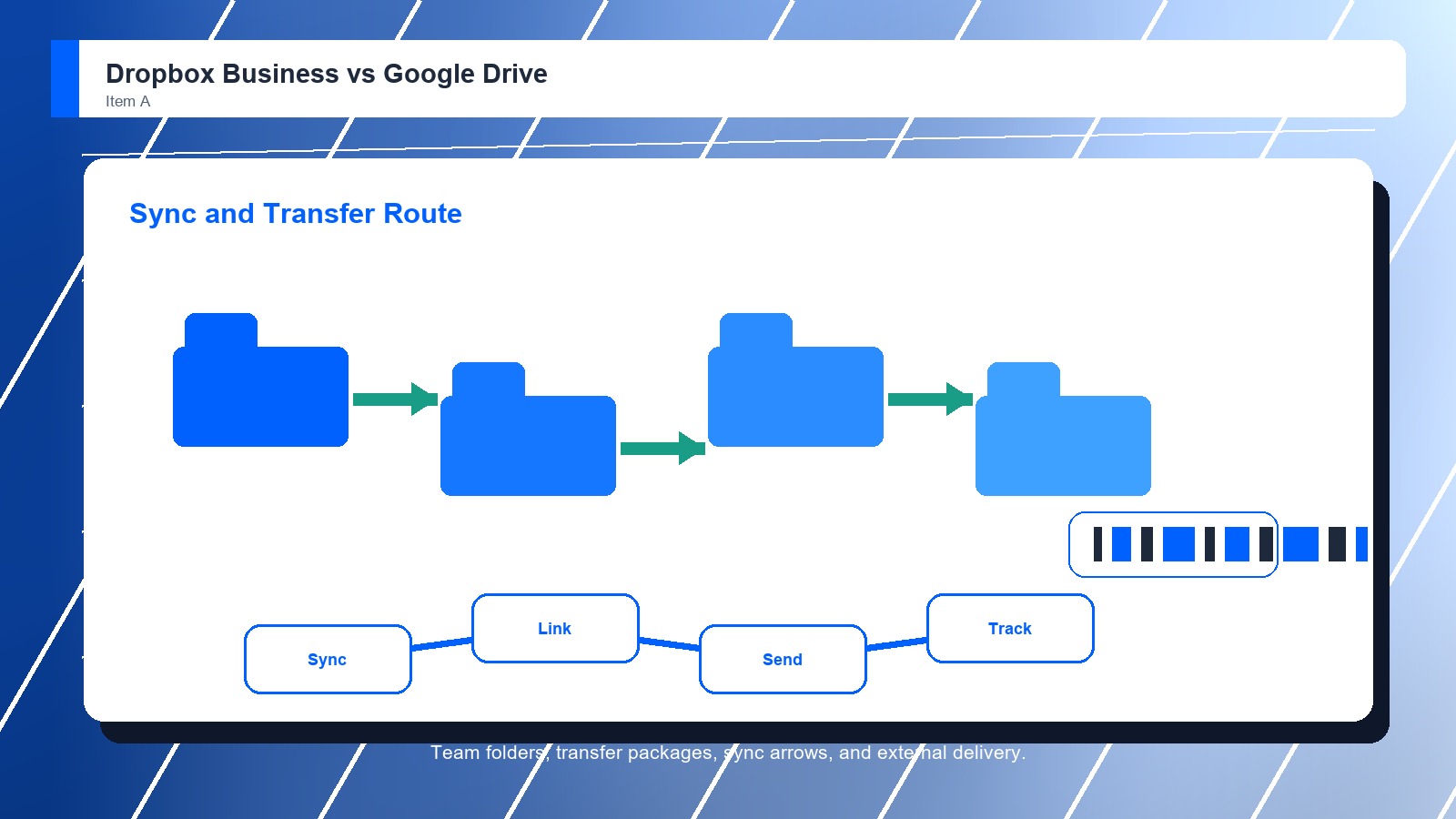
File Movement: Dropbox Business has the stronger file-first rhythm. Shared folders, desktop sync, transfer packages, and familiar delivery habits make sense when users frequently move finished assets, revisions, and large folders between internal teams and outside collaborators. That keeps the choice practical.

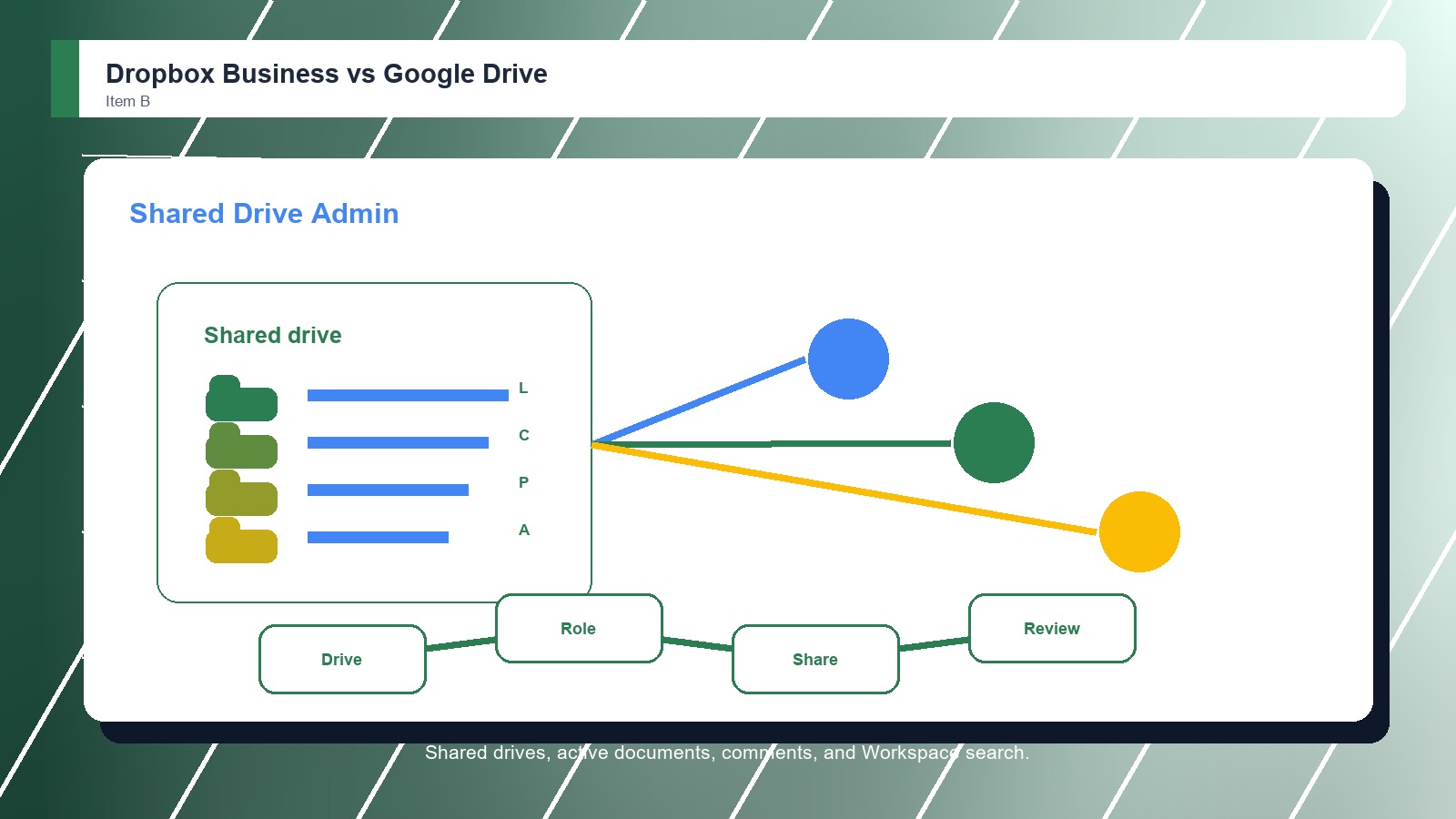
Suite Collaboration: Google Drive is more persuasive when the file is part of active Workspace collaboration. Docs, Sheets, Slides, comments, search, and shared drives keep the content close to daily work, which can matter more than dedicated transfer features. That keeps the choice practical.

Decision Boundary: Buyers should avoid treating these products as interchangeable storage buckets. Dropbox Business is better when file delivery is the workflow. Google Drive is better when collaborative document creation and Workspace administration define the way people work. That keeps the choice practical.

Demo Evidence: Buyers should make Dropbox Business and Google Drive show the same live workflow with familiar files and real permission examples. A controlled demo reveals whether the stronger product advantage appears in daily work or only in vendor positioning. That keeps the choice practical.

Governance Check: The winning secure file sharing platform should fit the team's control model. Administrators need to explain access, sharing, retention, exports, and exceptions clearly enough that staff do not create parallel folders or side workflows. That keeps the choice practical. That matters during rollout.

Adoption Reality: The practical choice depends on who keeps shared content orderly after launch. If employees, managers, or external partners cannot follow the folder, sharing, and review routine, even the better-rated option can lose value quickly. That keeps the choice practical. That matters during rollout.

Methodology

How we evaluated the matchup

This review weighs secure file sharing platforms fit against real buyer workflows, adoption risk, control needs, and long-term ownership.

File workflow: We weighted sync behavior, folder familiarity, shared links, transfer needs, recovery expectations, outside delivery, and whether users can move large or frequent files without adding side tools. That keeps the choice practical. That matters during rollout. That keeps the buying decision grounded.
Workspace pull: We compared how strongly Google Drive benefits from Docs, Sheets, Slides, Gmail, search, shared drives, and the administrative patterns companies already use inside Google Workspace. That keeps the choice practical. That matters during rollout. That keeps the buying decision grounded.
Operational cost: We considered support burden, training, account administration, vendor consolidation, file recovery, policy ownership, and whether the buyer wants a dedicated file platform or a suite extension. That keeps the choice practical. That matters during rollout. That keeps the buying decision grounded.

Buyer checks: Before choosing a secure file sharing platform, confirm current pricing, demos, sharing controls, admin settings, migration support, storage limits, security documentation, integrations, and contract terms with the vendor. That keeps the choice practical. That matters during rollout. That keeps the buying decision grounded.

FAQ

Dropbox Business vs Google Drive: common questions

Is Dropbox Business better than Google Drive?
Dropbox Business is better when secure file sharing centers on sync, folder movement, transfer packages, recovery, and simple outside delivery. Google Drive can be better when Google Workspace is already standard and files are created, edited, commented on, and searched inside Google apps.
Where does Google Drive have the advantage?
Google Drive has the advantage when collaboration happens inside Google Workspace. Docs, Sheets, Slides, Gmail, shared drives, and Workspace search make it easy for teams to create and revise content together without moving between separate file systems. That keeps the choice practical. That matters during rollout.
Which is better for large file delivery?
Dropbox Business is usually the stronger fit for large file delivery because transfer and sync workflows are central to the product experience. Google Drive can handle cloud storage well, but its clearest advantage is collaborative Workspace content rather than delivery workflow. That keeps the choice practical.
Which should a small business choose?
A small business should choose Google Drive if it already runs on Google Workspace and wants one familiar suite. It should choose Dropbox Business if the main pain is file sharing itself, especially large files, shared folders, recovery, and external delivery. That keeps the choice practical.
Should buyers demo Dropbox Business and Google Drive with real files?
Yes. Buyers should bring real folders, external users, sharing rules, search examples, and security questions into both demos. The best secure file sharing platform choice becomes clearer when users test everyday retrieval, permissions, handoffs, and administration instead of watching polished sample data. That keeps the choice practical.
Should pricing decide the winner?
Pricing should narrow the shortlist, but it should not decide the winner alone. A cheaper secure file sharing platform can cost more if search fails, migration drags, permissions confuse users, support is weak, or adoption requires workarounds after launch. That keeps the choice practical.
Can a team migrate from Google Drive to Dropbox Business later?
Yes, but migration should be treated as a project. Confirm export options, folder structures, metadata, permission mapping, version history, archived files, training needs, and support responsibilities before assuming a future move from Google Drive to Dropbox Business will be simple. That keeps the choice practical.
Who should own the final decision?
The final decision should include the people who create, approve, share, search, and administer files every week. Leadership can choose the budget, but the best secure file sharing platform fit depends on real user behavior and long-term ownership. That keeps the choice practical.

Key Takeaways

  • Dropbox Business wins overall.
  • Workspace fit changes adoption.
  • External sharing needs testing.
  • Governance depth matters.
  • Sync habits affect value.
  • Admins should verify controls.

Verdict

Dropbox Business wins for Secure File Sharing Platforms

Choose Dropbox Business if the secure file sharing project is about sync, shared folders, transfer workflows, and simple external delivery. Choose Google Drive if the real decision is Workspace standardization, shared drives, Docs collaboration, and reducing the number of separate business apps.

#1 Winner

Dropbox Business

Dropbox Business wins because it keeps everyday sync and file delivery simple while adding useful business controls

  • Secure sharing controls
  • Sync and transfer
  • Best fit

Runner-up

Jump to the Head-to-Head

Tip: A creative operations team moving large client files may prefer Dropbox Business because sync and transfer workflows are simple. A professional services team drafting every deliverable in Docs and Sheets may prefer Google Drive because files stay near the actual work.

Where to Buy

Use the official Dropbox Business and Google Drive pages to confirm current demos, features, implementation options, support details, and contract terms.

Vendor terms, demos, pricing, and feature availability change regularly. Some links may earn a commission and never affect rankings.

Accessories You’ll Want

  • Workflow map (shows who creates, files, shares, reviews, approves, and retrieves documents)
  • Permission checklist (keeps access, external sharing, client data, and administrator rules visible)
  • Migration inventory (identifies old folders, email attachments, versions, metadata, and owners before rollout)
  • Pilot workspace (tests one real client, partner, or team file set before a full migration)
  • Adoption scorecard (captures search success, training friction, support issues, and user confidence)

Tip: Before choosing either secure file sharing platform, map who creates, reviews, shares, stores, and retrieves files so the demo follows real work.