Egnyte vs Google Drive: Which Secure File Sharing Platforms Is Better?

Egnyte and Google Drive both support cloud file sharing, but they are built for different centers of gravity. Egnyte is strongest when secure sharing connects to sensitive-data discovery, hybrid repositories, large files, compliance needs, and administrative visibility. Google Drive is strongest when file work is embedded in Google Workspace collaboration.

By: Review Streets Research Lab
Updated: September 9, 2026
Approx. 10-12 min read
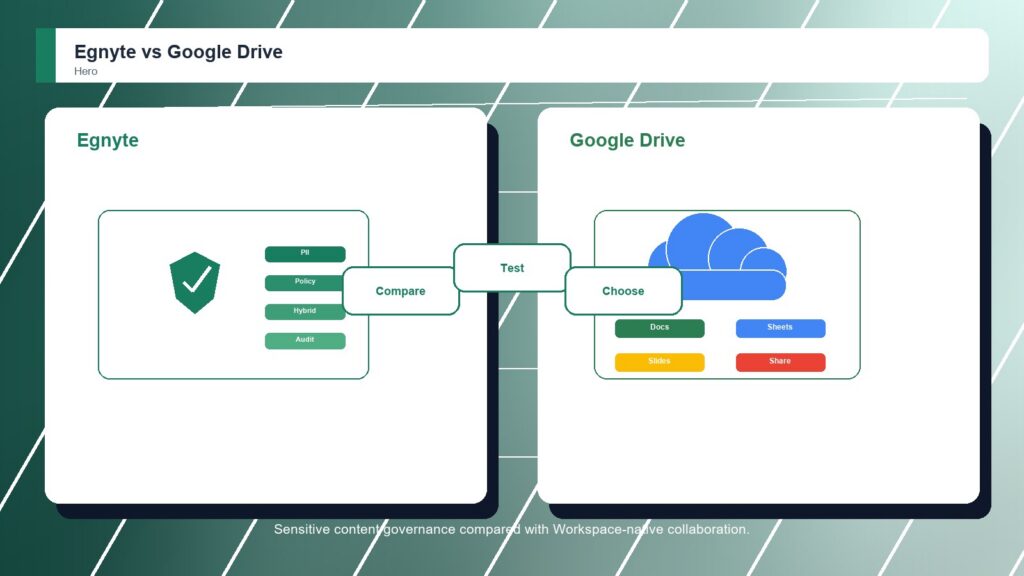
Egnyte vs Google Drive business comparison image

Head-to-head

Egnyte vs Google Drive: Which Secure File Sharing Platforms Is Better?

Egnyte wins because it treats secure file sharing as part of content governance, not only cloud storage. Google Drive is easier for teams already working in Workspace, especially when Docs, Sheets, Slides, comments, and shared drives carry the daily workload. Regulated or complex file estates should start with Egnyte.

Egnyte comparison image

Egnyte

Egnyte is stronger when secure sharing must connect with sensitive-data discovery, repository visibility, hybrid access, large files, and compliance support.

Score 9.1/10 Best for sensitive content governance and hybrid collaboration Focus Content governance Rating 9.1/10
  • Strong sensitive-data governance
  • Good hybrid and large-file collaboration
  • Useful policy and compliance controls
VS
Google Drive comparison image

Google Drive

Google Drive is stronger when Google Workspace is already the daily workspace and teams want storage, shared drives, Docs, Sheets, Slides, search, mobile access, and fast collaboration.

Score 8.6/10 Best for Google Workspace storage and real-time collaboration Focus Workspace native Rating 8.6/10
  • Native Google Workspace collaboration
  • Easy sharing around Docs and shared drives
  • Low adoption friction for Workspace teams
Metric
Egnyte
Google Drive
Winner
Secure sharing controls
Sensitive-content aware sharing rules, permissions, and upload links
Workspace sharing, shared drives, link access, and admin policy controls
Egnyte
External collaboration
Secure collaboration with employees, vendors, customers, and contractors
Excellent Docs, Sheets, Slides, comments, and Workspace collaboration
Google Drive
Sync and transfer
Strong large-file sync and hybrid file access patterns
Good Drive for desktop sync, cloud storage, and browser access
Egnyte
Governance and compliance
Excellent content governance, classification, and compliance support
Good Workspace security baseline with less specialist content governance
Egnyte
Ease of rollout
More planning when repositories and policies are complex
Very easy if Google Workspace is already the company standard
Google Drive
Best fit
Sensitive data governance and hybrid content collaboration
Workspace-native collaboration and familiar cloud storage
Egnyte
Real-world context
Egnyte is the security-led answer. Google Drive is the collaboration-led answer. Drive can be enough when Workspace is the real operating system, but Egnyte is stronger when sensitive files need visibility and control beyond ordinary shared drives.

Why people choose it

  • Strong sensitive-data governance
  • Good hybrid and large-file collaboration
  • Useful policy and compliance controls

Why people choose it

  • Native Google Workspace collaboration
  • Easy sharing around Docs and shared drives
  • Low adoption friction for Workspace teams
Winner: Egnyte Egnyte is the better overall secure file sharing platform for organizations that need sensitive-content visibility, policy control, hybrid access, and governance across repositories. Google Drive remains a strong option when Workspace productivity, simple cloud storage, and user familiarity matter more than governance depth.
Read FAQs

Deep dive

What actually matters in this matchup

The difference is visible once the file estate gets messy. Google Drive shines when work starts in Workspace. Egnyte shines when leaders need to know where sensitive content lives and how it is being shared. That keeps the choice practical.

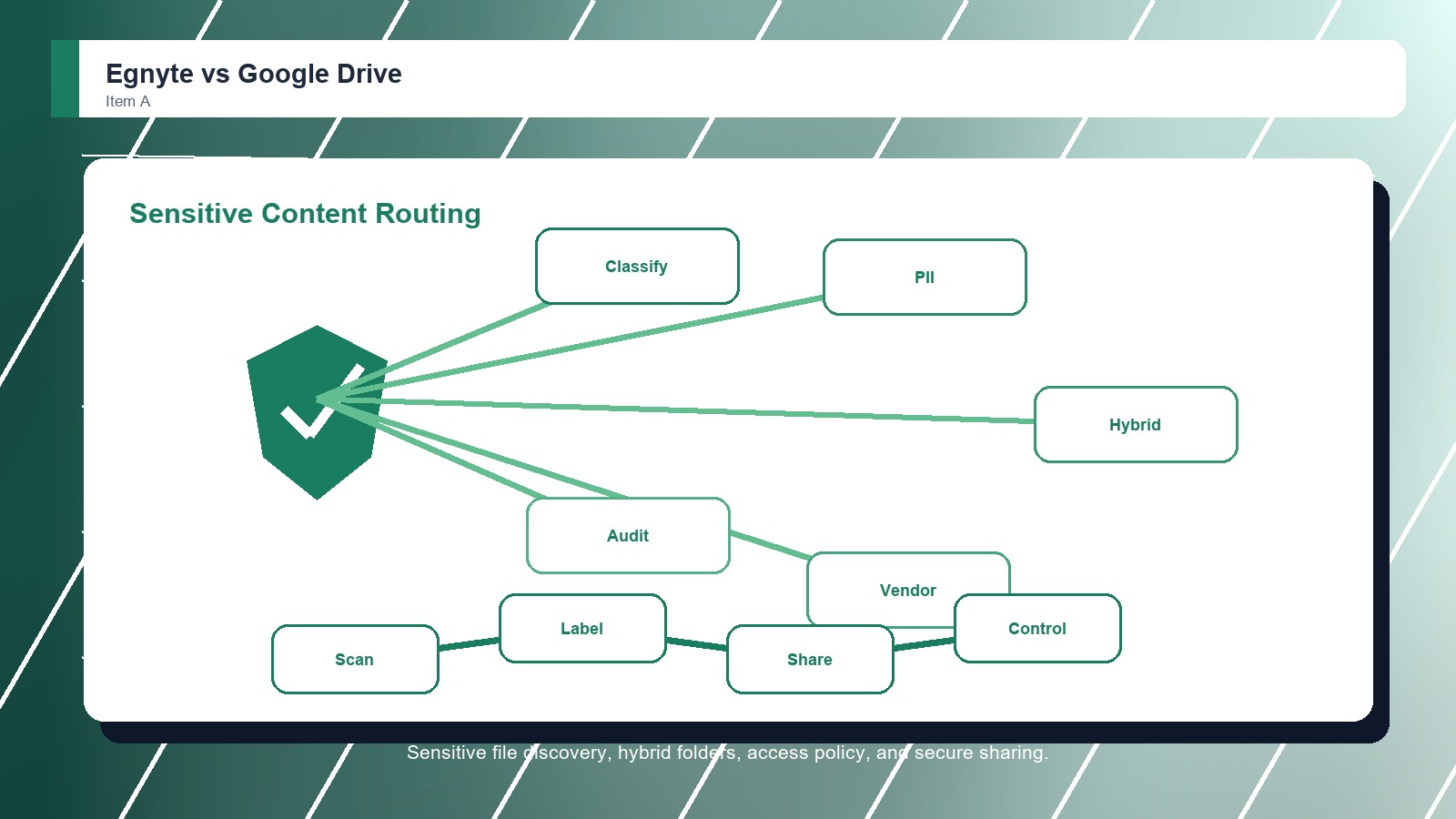
Sensitive Content: Egnyte is stronger when the business needs to discover, classify, and control sensitive information before sharing it. That matters in environments where a permission mistake can expose client data, regulated records, project files, or intellectual property. That keeps the choice practical.

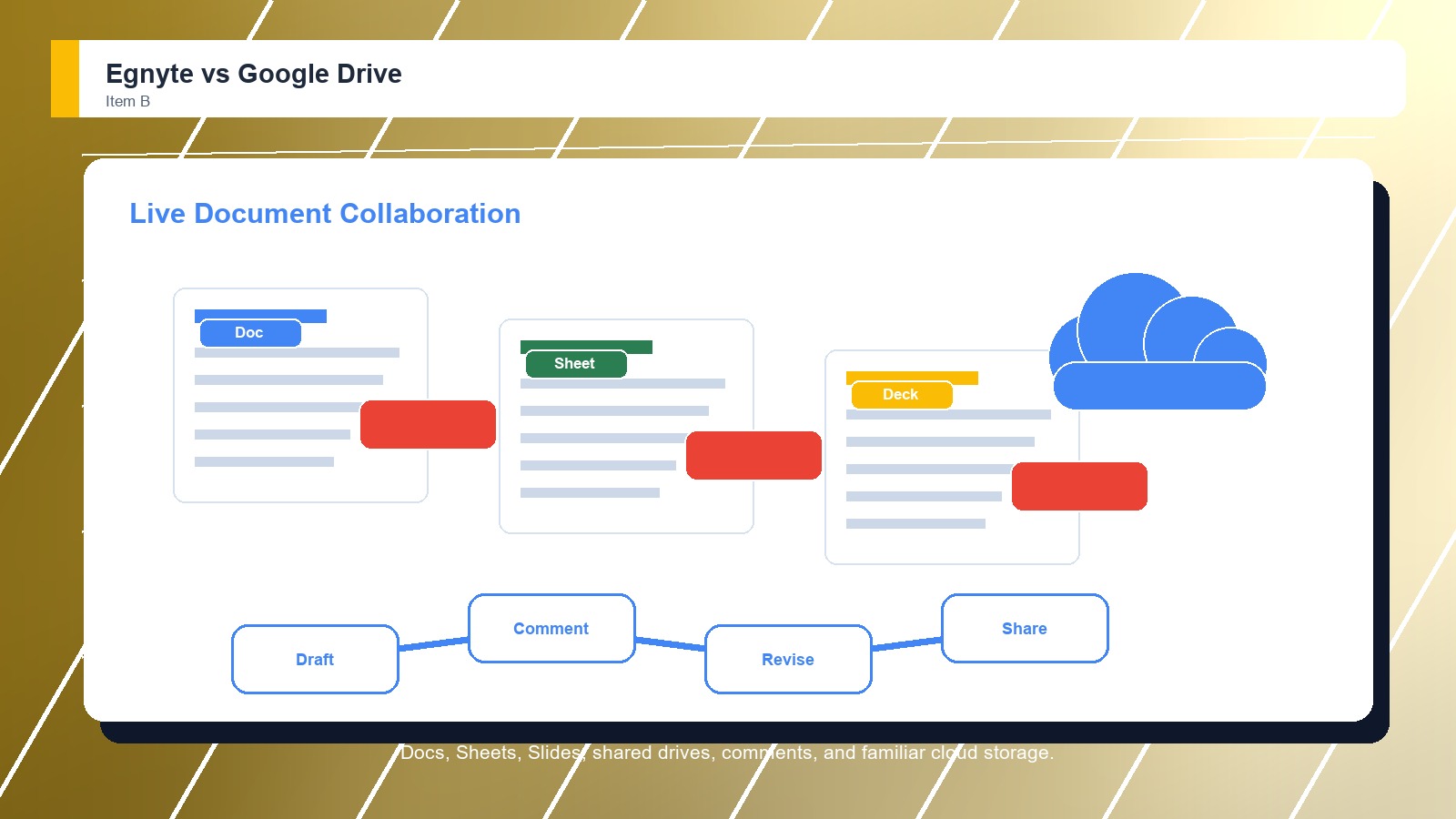
Workspace Flow: Google Drive earns its place when collaboration speed matters more than governance depth. Shared drives, Docs, Sheets, Slides, comments, and search make it natural for teams to create and revise content without leaving the Workspace environment. That keeps the choice practical.

Repository Complexity: Egnyte becomes more compelling as files spread across departments, legacy folders, project spaces, and external relationships. Google Drive stays attractive when the company has already centralized work in Workspace and does not need a deeper content-governance layer. That keeps the choice practical.

Demo Evidence: Buyers should make Egnyte and Google Drive show the same live workflow with familiar files and real permission examples. A controlled demo reveals whether the stronger product advantage appears in daily work or only in vendor positioning. That keeps the choice practical.

Governance Check: The winning secure file sharing platform should fit the team's control model. Administrators need to explain access, sharing, retention, exports, and exceptions clearly enough that staff do not create parallel folders or side workflows. That keeps the choice practical. That matters during rollout.

Adoption Reality: The practical choice depends on who keeps shared content orderly after launch. If employees, managers, or external partners cannot follow the folder, sharing, and review routine, even the better-rated option can lose value quickly. That keeps the choice practical. That matters during rollout.

Methodology

How we evaluated the matchup

This review weighs secure file sharing platforms fit against real buyer workflows, adoption risk, control needs, and long-term ownership.

Governance scope: We weighted sensitive-content discovery, policy control, hybrid access, external sharing rules, compliance fit, repository visibility, and the administrator's ability to explain file risk clearly. That keeps the choice practical. That matters during rollout. That keeps the buying decision grounded.
Collaboration speed: We compared day-to-day creation, editing, comments, search, shared drives, desktop access, and how quickly users can work with internal teams and outside collaborators. That keeps the choice practical. That matters during rollout. That keeps the buying decision grounded.
Risk profile: We considered whether the buyer manages sensitive files, large projects, regulated workflows, contractors, or legacy repositories, because those conditions make secure sharing harder than ordinary cloud storage. That keeps the choice practical. That matters during rollout. That keeps the buying decision grounded.

Buyer checks: Before choosing a secure file sharing platform, confirm current pricing, demos, sharing controls, admin settings, migration support, storage limits, security documentation, integrations, and contract terms with the vendor. That keeps the choice practical. That matters during rollout. That keeps the buying decision grounded.

FAQ

Egnyte vs Google Drive: common questions

Is Egnyte better than Google Drive?
Egnyte is better when secure file sharing needs sensitive-data governance, hybrid access, large-file collaboration, repository visibility, and compliance support. Google Drive can be better when the company mainly needs Workspace-native storage, Docs collaboration, shared drives, and simple user adoption. That keeps the choice practical.
Where does Google Drive beat Egnyte?
Google Drive beats Egnyte when the team already works inside Google Workspace and collaboration speed matters most. Docs, Sheets, Slides, comments, shared drives, search, and mobile access make everyday document creation easier for many users. That keeps the choice practical. That matters during rollout.
Which is better for regulated teams?
Egnyte is the safer default for regulated teams because content governance and sensitive-data visibility are closer to the center of the product. Google Drive can support secure work, but buyers must verify Workspace policies, shared-drive practices, and administrative controls. That keeps the choice practical.
Which is easier for everyday users?
Google Drive is easier for everyday users who already know Google Workspace. Egnyte can require more structure around repositories and policy, but that structure is useful when secure sharing must protect sensitive content across many teams and locations. That keeps the choice practical.
Should buyers demo Egnyte and Google Drive with real files?
Yes. Buyers should bring real folders, external users, sharing rules, search examples, and security questions into both demos. The best secure file sharing platform choice becomes clearer when users test everyday retrieval, permissions, handoffs, and administration instead of watching polished sample data. That keeps the choice practical.
Should pricing decide the winner?
Pricing should narrow the shortlist, but it should not decide the winner alone. A cheaper secure file sharing platform can cost more if search fails, migration drags, permissions confuse users, support is weak, or adoption requires workarounds after launch. That keeps the choice practical.
Can a team migrate from Google Drive to Egnyte later?
Yes, but migration should be treated as a project. Confirm export options, folder structures, metadata, permission mapping, version history, archived files, training needs, and support responsibilities before assuming a future move from Google Drive to Egnyte will be simple. That keeps the choice practical.
Who should own the final decision?
The final decision should include the people who create, approve, share, search, and administer files every week. Leadership can choose the budget, but the best secure file sharing platform fit depends on real user behavior and long-term ownership. That keeps the choice practical.

Key Takeaways

  • Egnyte wins overall.
  • Workspace fit changes adoption.
  • External sharing needs testing.
  • Governance depth matters.
  • Sync habits affect value.
  • Admins should verify controls.

Verdict

Egnyte wins for Secure File Sharing Platforms

Choose Egnyte if secure file sharing must include sensitive-data governance, hybrid repositories, large-file collaboration, and stronger administrative visibility. Choose Google Drive if the priority is Workspace-native storage, document collaboration, and low-friction sharing for teams already using Google apps.

#1 Winner

Egnyte

Egnyte wins because it connects secure file sharing with stronger content visibility, policy control, and hybrid file access

  • Secure sharing controls
  • Sync and transfer
  • Governance and compliance

Runner-up

Jump to the Head-to-Head

Tip: An architecture, media, life sciences, or financial services team managing sensitive project files should prefer Egnyte. A small Workspace-first business that mostly coedits documents may prefer Google Drive because collaboration is immediate and less process-heavy.

Where to Buy

Use the official Egnyte and Google Drive pages to confirm current demos, features, implementation options, support details, and contract terms.

Vendor terms, demos, pricing, and feature availability change regularly. Some links may earn a commission and never affect rankings.

Accessories You’ll Want

  • Workflow map (shows who creates, files, shares, reviews, approves, and retrieves documents)
  • Permission checklist (keeps access, external sharing, client data, and administrator rules visible)
  • Migration inventory (identifies old folders, email attachments, versions, metadata, and owners before rollout)
  • Pilot workspace (tests one real client, partner, or team file set before a full migration)
  • Adoption scorecard (captures search success, training friction, support issues, and user confidence)

Tip: Before choosing either secure file sharing platform, map who creates, reviews, shares, stores, and retrieves files so the demo follows real work.