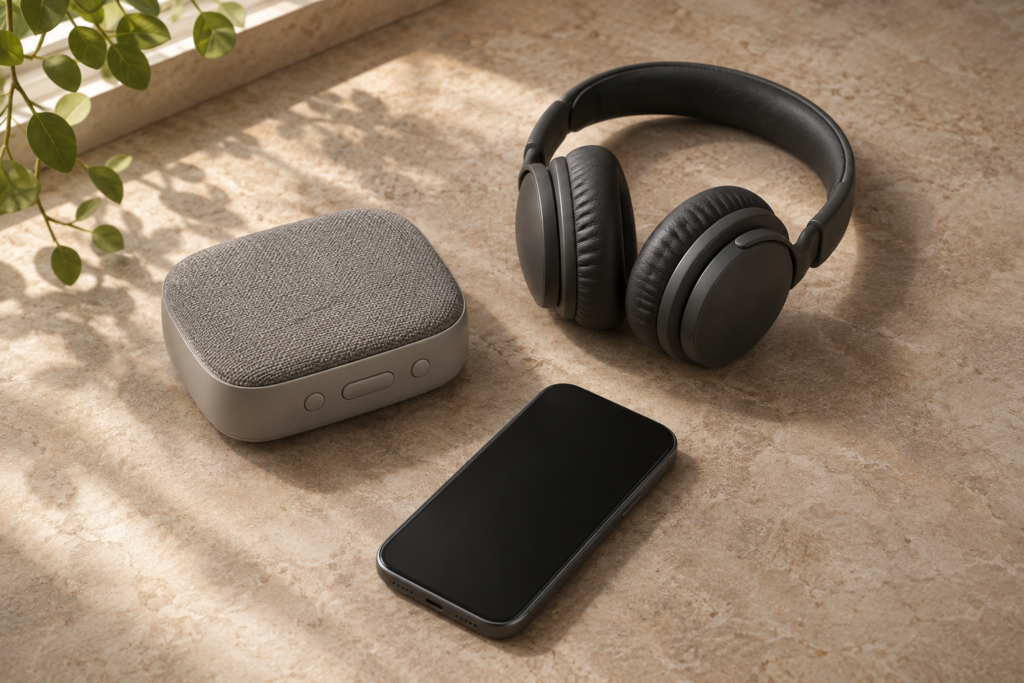
A spoken session on the original Morphée
Imagine selecting Body Scan on the original Morphée’s first key. Set the second key to session one, Presence bubble, and choose the length on the third. Press Play to hear it through the speaker.
The manual describes the exercise as moving your attention down through the body, starting at the head. If you follow along, you’re the one doing the noticing.
Rain on Leaves in Calm
In Calm 7.4 or later, open Scenes from Settings under Profile. Download Rain on Leaves and select it as the background. In this example, the Scene plays by itself through the phone’s speaker. To keep it playing with the screen off, set the duration under “Play sounds outside the app,” then turn off the screen.
The rain is the whole selection in this example. You might choose to listen closely to its sound, or leave it in the background while you do something else. Either choice is yours.