How Office Printers Work

Office printers work by converting a digital page description into synchronized data processing, paper transport, and marking. An application and driver create the job; a spooler or server queues it; the printer controller interprets the page, resolves fonts and graphics, and rasterizes the intended dots. Mechanical systems then feed, mark, duplex, finish, and eject the sheets.

A “printed” status can describe several different milestones: accepted by the queue, transmitted to the device, rasterized, counted at an output sensor, or physically collected by the user. This explainer follows the entire mechanism and distinguishes laser toner and fusing from inkjet deposition while showing where media, policy, supplies, faults, and secure release affect the outcome.

By: Review Streets Research Lab
Updated: September 1, 2026
Explainer · 8-12 min read
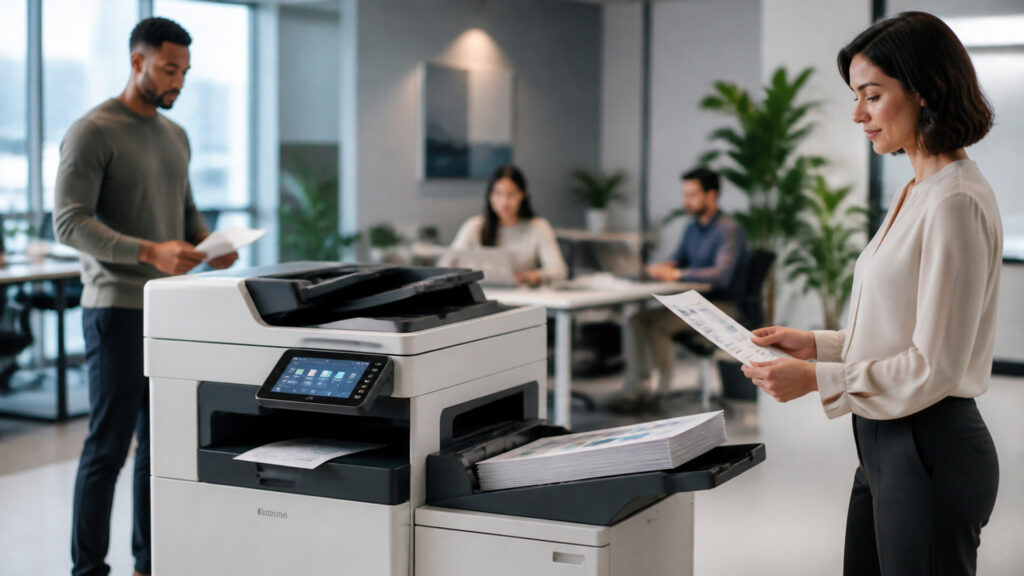
Editorial business scene illustrating office printers work
What You'll Learn

Following Office Printers From Page Description to Job Status

Trace one page description through print queue, marking engine, and output sensor, then test job status against usage counter.

  • Creating a Page Description
  • Spooling, Authorizing, and Scheduling the Job
  • Interpreting and Rasterizing Pages
  • Transporting and Marking Paper
  • Detecting Output and Reporting Completion
  • How marking engine changes the conclusion

Tip: Choose a real page description; record its source, state, responsible print systems engineer, exception route, and final evidence in the print production record.

Definitions

Terms That Keep Office Printers Mechanisms Separate

These definitions prevent office printer, print driver, and marking engine from becoming one vague idea.

Office printer

A device that converts digital page descriptions into marked paper output.

  • Here, office printer produces human-readable pages.
  • Its limit is that it depends on drivers, media, supplies, and policy.
  • Verify paper tray before the print systems engineer relies on it in the print production record.

Print driver

Software translating application and operating-system choices into a printer-compatible job and settings.

  • Here, print driver bridges user intent to device language.
  • Its limit is that it can change layout or capability selection.
  • Verify marking engine before the print systems engineer relies on it in the print production record.

Spool file

The staged representation of a print job held while scheduling and transmission occur.

  • Here, spool file supports queueing and retry.
  • Its limit is that it may contain sensitive document data.
  • Verify duplex path before the print systems engineer relies on it in the print production record.

Raster image

The device-ready dot pattern generated from text, vectors, images, fonts, color, and layout.

  • Here, raster image guides the marking engine.
  • Its limit is that it depends on resolution and rendering rules.
  • Verify fuser unit before the print systems engineer relies on it in the print production record.

Marking engine

The electrophotographic, inkjet, or related mechanism placing toner or ink onto media.

  • Here, marking engine creates visible output.
  • Its limit is that it requires matched supplies and operating conditions.
  • Verify output sensor before the print systems engineer relies on it in the print production record.

Fuser unit

The heated pressure system bonding toner to paper in a laser printer.

  • Here, fuser unit stabilizes the image.
  • Its limit is that it must reach temperature and match media.
  • Verify job status before the print systems engineer relies on it in the print production record.

Tip: Keep office printer distinct from print driver; they control different transitions and failure meanings.

Creating

Creating a Page Description

An application and operating system combine document content, fonts, page size, orientation, copies, sides, color, quality, and finishing choices.

  • Name the print systems engineer responsible for page description
  • Retain the source establishing print driver
  • Record spool file as a separate state
  • Route uncertain print queue into an owned print defect
  • Validate paper tray against independent marking engine evidence
  • Preserve the print production record when duplex path is corrected

This mechanism closes only when paper tray, the originating fact, the print systems engineer's decision, and every material print defect agree in the print production record.

Spooling,

Spooling, Authorizing, and Scheduling the Job

A local, server, cloud, or secure-release queue stores the job, applies identity and policy, selects a device, and manages order or hold state.

  • Name the print systems engineer responsible for print driver
  • Retain the source establishing spool file
  • Record print queue as a separate state
  • Route uncertain raster image into an owned print defect
  • Validate marking engine against independent duplex path evidence
  • Preserve the print production record when fuser unit is corrected

This mechanism closes only when marking engine, the originating fact, the print systems engineer's decision, and every material print defect agree in the print production record.

Interpreting

Interpreting and Rasterizing Pages

The controller parses printer language, resolves fonts and graphics, applies color and halftone rules, and builds a raster image for each side.

  • Name the print systems engineer responsible for spool file
  • Retain the source establishing print queue
  • Record raster image as a separate state
  • Route uncertain paper tray into an owned print defect
  • Validate duplex path against independent fuser unit evidence
  • Preserve the print production record when output sensor is corrected

This mechanism closes only when duplex path, the originating fact, the print systems engineer's decision, and every material print defect agree in the print production record.

Transporting

Transporting and Marking Paper

Feed rollers select media; sensors track it; the marking engine applies toner or ink; laser devices fuse toner; duplex paths return sheets for the reverse side.

  • Name the print systems engineer responsible for print queue
  • Retain the source establishing raster image
  • Record paper tray as a separate state
  • Route uncertain marking engine into an owned print defect
  • Validate fuser unit against independent output sensor evidence
  • Preserve the print production record when job status is corrected

This mechanism closes only when fuser unit, the originating fact, the print systems engineer's decision, and every material print defect agree in the print production record.

Detecting

Detecting Output and Reporting Completion

Output sensors, page counts, supply estimates, fault codes, finishers, queues, and management services report progress, partial results, and completion evidence.

  • Name the print systems engineer responsible for raster image
  • Retain the source establishing paper tray
  • Record marking engine as a separate state
  • Route uncertain duplex path into an owned print defect
  • Validate output sensor against independent job status evidence
  • Preserve the print production record when usage counter is corrected

This mechanism closes only when output sensor, the originating fact, the print systems engineer's decision, and every material print defect agree in the print production record.

Quick Reality Check

What Office Printers Evidence Can—and Cannot—Prove

The model can expose how print queue, raster image, and paper tray connect. It cannot invent missing facts, make unsupported decisions, or turn job status into universal proof.

Evidence That Makes print queue Defensible

A stable page description identifier preserves the initiating fact through correction and rework.

A reconciled raster image print production record shows whether output sensor reached its intended state.

Limits Beyond the marking engine Mechanism

Local rules, materials, environments, contracts, and professional judgment can change the appropriate duplex path treatment.

A successful job status milestone cannot prove the source was complete, authorized, readable, or substantively correct.

Common Myths

Misconceptions About Office Printers

These misconceptions confuse visible page description activity with the independent controls required at raster image, duplex path, and job status.

Does visible page description prove print queue is correct?

No. page description and print queue establish different facts in office printers. The print systems engineer must connect them through the print production record, test marking engine, and route any print defect before relying on the result.

Can successful paper tray close the entire process?

No. paper tray proves one stage. Preserve duplex path, output sensor, and final usage counter evidence, including failed attempts and authorized recovery. Check print driver against spool file. Assign print queue review to a named owner.

Is fuser unit only a device setting?

No. fuser unit affects interpretation, ownership, and evidence surrounding job status. Configuration enforces rules, while the print systems engineer still owns exceptions and change. Check spool file against print queue.

Does job status guarantee the outcome?

No. job status is a milestone, not proof that every input and handoff is complete. Reconcile it with authoritative usage counter before closing the print production record. Check print queue against raster image.

Tip: Challenge a universal claim by locating its print driver source, print defect route, and output sensor completion evidence.

FAQ

Frequently Asked Questions About Office Printers

These implementation questions assign authority for page description, separate states, route marking engine failures, and test the job status handoff.

Which source should control page description?

Use the authoritative request, record, or observed artifact establishing page description. Retain its identifier, version, owner, time, and correction route in the print production record. Check raster image against paper tray.

Which states need independent timestamps?

Track spool file, print queue, paper tray, and duplex path separately. A print queue transition needs its trigger, identity, source reference, failure meaning, and reversal rule. Check paper tray against marking engine.

How should a marking engine problem be handled?

Create an owned print defect with the affected identifier, state, evidence, impact, remedies, and closure test. Preserve the earlier event instead of overwriting it. Check marking engine against duplex path.

What must reconcile before job status is accepted?

Compare originating page description, intermediate raster image, recorded fuser unit, acknowledgments, exceptions, and authoritative usage counter. Separate timing, duplication, mapping, version, and omission. Check duplex path against fuser unit. Assign output sensor review to a named owner.

When should the design be changed?

Redesign when page description lacks an owner, marking engine has no exception route, or usage counter needs recurring reconstruction. In office printers, that pattern signals a failing boundary. Check fuser unit against output sensor.

Bottom Line

Office printers convert page descriptions into paper through drivers, spooling, policy, rasterization, media transport, marking, duplexing, finishing, sensing, and status reporting.

Reliable output requires compatible fonts and formats, correct media, maintained supplies and paths, visible queue states, controlled retries, secure release where needed, and verification that the physical pages—not merely the spool file—were completed.

Next Steps

Continue Beyond Office Printers

Use the adjacent explainer for the next paper tray boundary, or browse the direct category for systems sharing page description and usage counter.

How Office Machines Work

Continue into the neighboring mechanism that changes how paper tray and fuser unit should be governed.

Office Printers

Browse the direct Office Printers category for related systems involving page description, marking engine, and job status.

Quick Summary

Office Printers Explained

  • Page description establishes the starting fact.
  • Print queue has an independent completion test.
  • Marking engine changes the downstream decision.
  • Output sensor needs retained authority and evidence.
  • Job status must reconcile with usage counter.