How Shipping Scales Fit Into Your Workflow

A shipping scale supplies the weight needed for a parcel task. Keeping that reading associated with the same parcel is the crucial handoff. The examples here follow the packed box through weighing, show how work resumes after a change, and explain the labeling and dispatch steps that still remain.

By: Review Streets Research Lab
Updated: November 25, 2026
Explainer · 8–10 min read
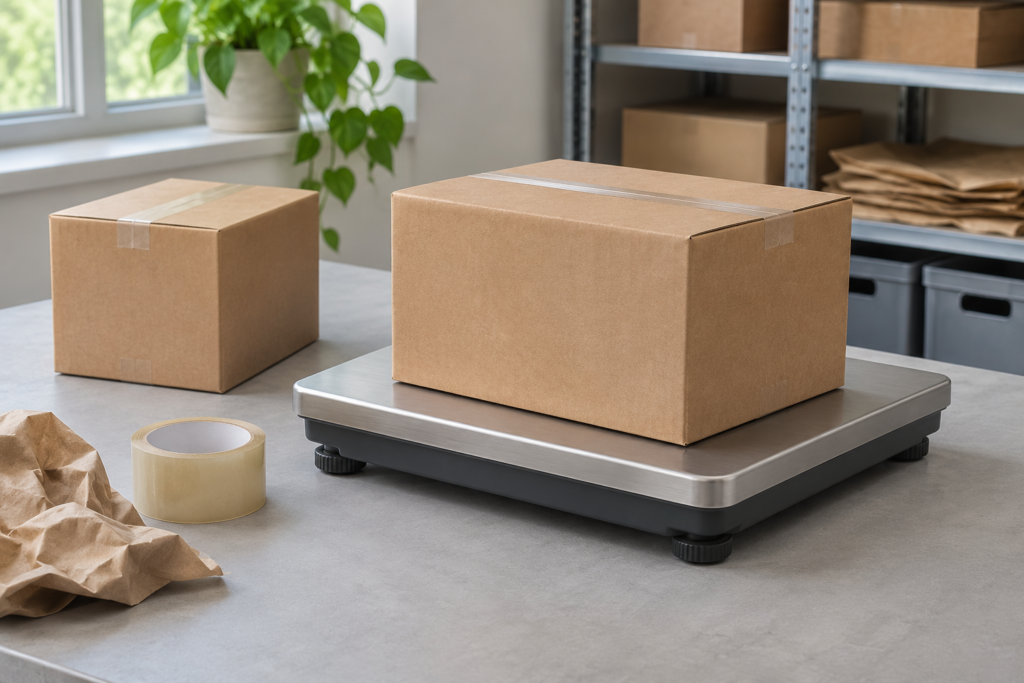
A plain sealed parcel on an unbranded shipping scale, with a second carton and packing materials beside it.
What you will learn

The handoffs around the weighing task

Follow the object being handled, the reading being used and the task receiving it. Each answers a different question in the explanation below.

  • Why packaging belongs in USPS parcel weight.
  • Where a documented physical weighing cycle begins and ends.
  • How WorldShip identifies the package on screen.
  • Why typed entry and a scale-button action are different handoffs.
  • What a retained display means after the parcel is removed.
  • Why a light, bulky parcel can still need dimension information.
  • Which labeling and carrier-handover work remains after measurement.

Tip: When reading an example, keep its named scale, application and mode together. The examples explain particular documented routines.

Key definitions

Six terms used in this explanation

These definitions keep the physical parcel, a displayed weight and a shipping task from becoming interchangeable ideas. The operating examples come afterward.

Packed parcel

The contents together with their outgoing packaging.

  • Included: USPS includes packing materials in package weight.
  • Protection: A box for breakables needs room for cushioning, under FedEx guidance.
  • Task boundary: Product-only weight leaves out the outgoing packaging.

Gross weight

The load shown during normal, untared weighing in the Avery ZP2XX example.

  • Starting point: Its normal cycle begins with an empty platter at zero.
  • Object: The displayed value concerns the item placed on that platter.
  • Handoff: A gross reading does not identify the receiving package task.

Tare

A way to leave a container out of the indicated contents weight.

  • Example: DYMO S100/S250/S400 instructions describe container-based weighing.
  • Purpose: The container supports items that are awkward to place directly.
  • Effect: Its weight is excluded from that measurement.

Hold

A feature that keeps a reading visible after the item is removed.

  • Example: The DYMO S100/S250/S400 manual describes this feature.
  • Duration: That retained reading remains for about ten seconds.
  • Meaning: It refers to the removed item, not a newly introduced parcel.

Current package

In WorldShip, the package whose information is displayed in the Shipping window.

  • Position: The navigation bar identifies the displayed package number.
  • Movement: Its controls let the operator view another package.
  • Changes: Modify Shpmt accepts changes to a package already added.

Shipping label

A document prepared for attachment to a shipment.

  • Information: FedEx Ship Manager needs sender, recipient and package details.
  • Attachment: Purchased Click-N-Ship labels go on the package.
  • Handover: USPS drop-off or eligible pickup follows label preparation.

Tip: Read a term as a description of its particular job. The pillars show how those jobs meet at the packing station.

Before weighing

The outgoing parcel is the object being prepared

USPS domestic guidance weighs the complete parcel, including packing materials.

  • Contents come first. ShipStation’s documented scan-and-pack example starts with the items being scanned and placed in their box.
  • Choose a supporting box. FedEx’s breakables guidance calls for one sturdy enough to support the product.
  • Protection takes space. FedEx’s U.S. breakables guidance calls for a supporting box with room for cushioning around the product.
  • Closure is part of preparation. FedEx describes taping the middle seam and edges of a standard corrugated box.
  • Then the packed box reaches weighing. In ShipStation’s optional connected-scale scan routine, that action applies the weight to the shipment before label creation.

Packing establishes the outgoing object. Weighing it does not, by itself, verify the protective packing.

The physical event

A weighing cycle has a beginning and an end

Avery’s ZP2XX normal routine concerns the load on its platter.

  • Before loading, its instructions start with the empty platter and a zero display.
  • The item produces the gross reading; the display also has a stable-weight indicator.
  • Removing the item ends that normal cycle. The next item is a separate weighing event.

This establishes a reading for the item handled, without establishing a recipient or shipping service.

The reading handoff

The operator connects a reading with the parcel task

Pitney Bowes documents this explicitly for listed Connect+ and SendPro P-Series systems: when the carrier prompts for weight, a package goes on the attached USB scale and the operator clicks the scale button.

  • Choose the receiving task. WorldShip’s navigation identifies the package displayed in its Shipping window; that is the screen context to keep in view.
  • Use the documented entry route. When weight is not being supplied electronically, WorldShip permits typing it into Package Weight.
  • Complete the capture action. In the listed SendPro example, clicking the scale button brings the package’s reading into the Weight field.

The practical connection is between the parcel just weighed and the task receiving its reading. A populated field alone does not establish that the intended parcel supplied it.

Changes and interruptions

Resuming the task

ShipStation’s regular weight widget uses a deliberate Scale-button pull. This routine requires ShipStation Connect and a compatible USB scale plugged directly into the workstation.

  • After repacking, refresh this button-captured weight for the revised parcel.
  • A live packing mode behaves differently. ShipStation’s optional scan workflow can adjust weight as items and packing material are added.
  • The point reached matters. WorldShip uses Modify Shpmt to accept changes to an added package. Its separate pre-End-of-Day void process addresses pending shipments, with a different route when details have already gone to UPS.

A resumed task needs its applicable correction route. A package still being edited and a pending shipment can call for different WorldShip actions.

After weighing

Labeling and carrier handover still follow

ShipStation lists weight alongside service, package type and dimensions in its shipping configuration. Supplying one of those inputs does not settle the others.

  • Complete the shipment information. FedEx’s U.S. Ship Manager instructions require sender and recipient details as well as package weight and type.
  • For purchased USPS Click-N-Ship labels, printing and attachment remain explicit tasks.
  • Hand over the parcel. USPS then offers Post Office drop-off or a scheduled pickup where eligible; a reading on the bench does neither.

Completing the weight entry leaves label attachment and handover to finish. Those later physical jobs need their own completion.

Reality check

Two hypothetical moments at a homewares bench

These illustrations use invented parcels and no measured weights. Their purpose is to make the handoff visible, with the documented limits kept alongside it.

Illustration: a mug and folded cloth

Imagine a homewares seller preparing a mug parcel and a separate parcel of folded cloth. Neither has an assumed weight, and the example predicts no difference between their readings.

For the fragile item, FedEx’s guidance calls for a supporting box and cushioning space. USPS includes the packing material in parcel weight. The relevant object is each finished package, regardless of its merchandise description.

Illustration: padding added during a pause

Now imagine that the seller pauses before creating a label, then adds padding to the mug parcel. The example supplies no before-and-after measurements or claimed capture result.

In ShipStation’s button-based routine, the missing action is another weight pull for that revised parcel. This follows from the packing change and capture method; it predicts no particular increase in the reading.

Misleading assumptions

Five inferences to avoid

Each statement below goes further than the documented behavior supports. The correction names the narrower boundary.

The product’s weight is the outgoing parcel weight.

USPS includes packaging. A merchandise-only value therefore leaves part of the outgoing load unaccounted for.

A connected scale always keeps the weight field live.

ShipStation documents a button pull and a separate optional live scan-packing mode. A connection alone does not tell you which routine applies.

Taring the shipping box gives the shipping weight.

Tare excludes a container; USPS includes outgoing packaging. Excluding a traveling box answers a different weighing question.

A combined total makes different parcels interchangeable.

WorldShip’s identical-package division assumes matching weights, dimensions and shipment options. Its documentation directs nonidentical packages to Package Entry mode.

Weight alone makes a parcel collection-ready.

For purchased USPS Click-N-Ship labels, attachment and parcel handover still remain.

Tip: Read the documented verb closely: display, capture, modify and print describe different actions in these examples.

Follow-up questions

Questions about the remaining boundaries

These answers address regional support, awkward handling and the points where weighing meets another task. Each named example keeps its own scope.

Does WorldShip support scales in every country?

No. UPS says scale support is unavailable in some countries. A connected routine documented elsewhere does not establish support in your location.

What if a bulky parcel hides the display?

The DYMO S100/S250/S400 manual describes Hold for that situation. It lets the operator remove the item and read the retained value afterward.

What if the scale turns itself off during a pause?

ShipStation says Connect cannot wake devices that have switched off through inactivity. The interrupted weighing task needs the device operating again before a new reading can be taken.

Can I finish without a label printer at home?

USPS Label Broker provides a separate printing handoff. For its Click-N-Ship route, buy the postage and take the ready-to-ship parcel plus Label Broker ID to a participating USPS location.

Why can a light parcel still need dimensions?

UPS uses dimensional weight when a parcel is large relative to its weight. It represents occupied space for rating purposes, so the scale reading does not settle that part of the shipping task.

Can a label be changed after creation?

FedEx Ship Manager documents editing immediately after creation through Edit on the confirmation screen. That is a specific correction point, not a promise that every label remains editable later.

What if weighing and dispatch fall on different days?

ShipStation provides a future ship-date choice for creating a label to ship later. The label’s shipping date is a separate choice from when the parcel was weighed.

What if the empty scale shows an unexpected weight?

For its PitneyShip Cube incorrect-weight issue, Pitney Bowes says to remove packages before zeroing. Use the instructions for the actual model; this example is not a calibration procedure.

Tip: Use the answer that matches the situation, then return to that product’s current instructions. These examples are documentation-based explanations, not reports of equipment testing.

Bottom line

Keep the parcel and its reading together. The useful handoff is the weight of the object just handled reaching the intended shipping task.

After that handoff, complete the remaining physical work: attach the label and use the documented drop-off or eligible pickup route.

Next steps

Explore Shipping Scales

Continue with the format that matches your next question.