
How to Choose Magnetic Rowers for Rowing Machines Training Goals
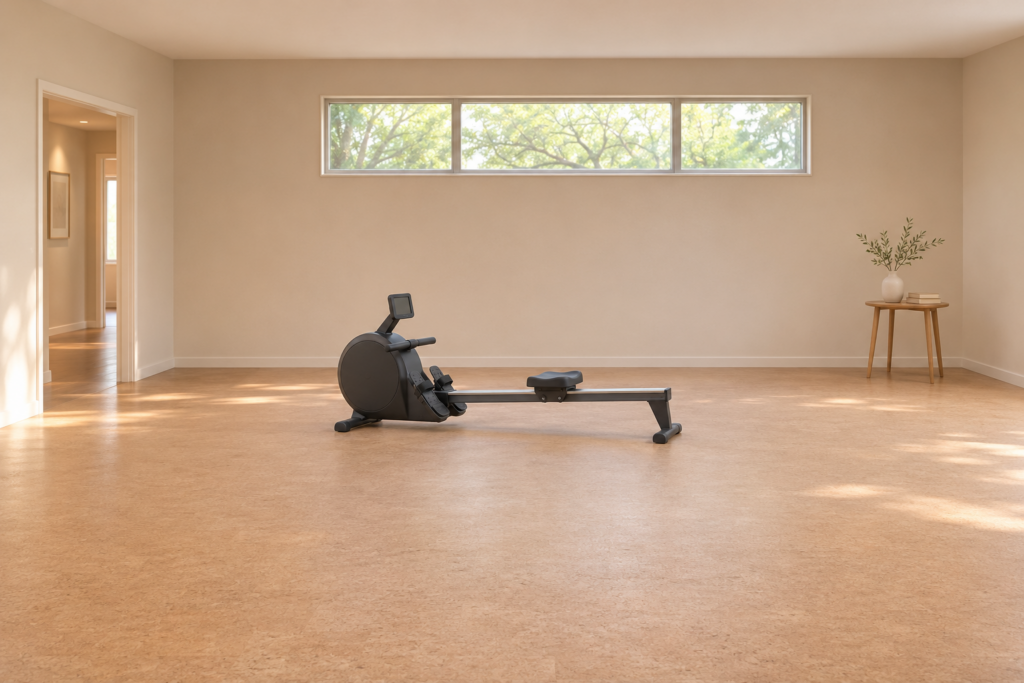
Buying a magnetic rower for an existing training plan means deciding what the machine must do for you and what preparation you will accept. Use the documented examples below to make that purchase specific. The BODYCRAFT VR500 with RW56 console combines air and magnetic resistance.
Buying framework
Define what your plan requires
Use two questions to set the purchase brief.
Plan: Does your written plan specify a power target, repeated segments or a sequence that changes between repetitions?
Preparation: Will you enter the plan before starting, or keep a useful session for later?
Who this is for
Match the console to how sessions arrive
A session repeated from instruction and a rower shared by different planners create different buying pressures.
Repeating a coach’s written session: Imagine receiving the same session from a coach each week, with a target you do not want to reinterpret. Your priority is reproducing that instruction consistently, rather than inventing a new sequence while exercising.
Several people bringing different plans: Imagine a household in which different people bring different written sessions to the same rower. One person’s preferred starting setup may be wrong for the next; each wants a turn without adopting somebody else’s plan.
What to pay attention to
Three choices to compare
Use the examples to decide which arrangement belongs on your shortlist.
Your requirement
Read the feature against the task in your written plan.
Your accepted work
Decide which preparation you are willing to take on.
Workload: Choose Manual to set workload yourself. Watts pursues your power target, lowering workload as strokes speed up and raising it as they slow. A watts readout alone only reports power.
Repetitions: Standard intervals repeat common work/rest settings. Custom INT, the custom interval option, takes separate work and rest entries for changing segments.
Preparation: EDIT builds a workout profile, a sequence of resistance segments, before exercise. To save an eligible completed program afterward, select a User profile before starting and explicitly save during review. Only profile, Manual and Interval programs qualify.
Avoid these traps
Avoid an assumption about completion
A purchase requirement needs a documented answer.
Goals: At the goal, the timer counts upward; a countdown is not an automatic finish.
Decision guidance
Apply both requirements together
Keep the complete requirement when judging a promising option.
Combined decision: Save Custom INT to recall changing repetitions. A saved standard interval still lacks the required variation.
Ownership & compatibility
Preserve what you want to compare later
Include the ongoing task in your buying decision.
History: Save workout-history summaries separately: a repeatable custom program is not the session result.
FAQ
Three additional questions
Resolve these remaining details about the offered configuration.
Is pace an average?
Can the target change?
Does the handlebar have controls?
Readiness check
Let your usual session break a tie
A specialized option need not decide a purchase for everyday use.
Research note: Desk research uses the RW56 manual. BODYCRAFT’s product page documents the hybrid configuration and handle remote. This guide uses one manufacturer as an example. We did not test usability, controller accuracy, program retention or export.
Preparation you repeat: If two consoles can deliver your required sessions, let your most frequent session break the tie. Choose the one with easier preparation for that session; an elaborate option for occasional use need not decide the whole purchase.
Reading shortcuts
Go straight to the section you need.
Decision reminders
Keep the purchase focused.
- Retain the written requirement: Use your existing plan when comparing the machines on your shortlist.
- Match the offered configuration: Keep its documentation with your purchase notes so you can identify what you agreed to buy.
Lists
Use a shortlist while exploring candidates.
- Discover options: Find machines to investigate against your written requirements.
Have specific finalists? A comparison can focus the remaining choice.
Compare
Use a comparison once your finalists are clear.
- Decide between candidates: Compare the complete configurations you would actually buy.
Still exploring options? Lists provide a starting point.