iManage Work vs Clio Manage: Which Legal Document Management Software Is Better?

iManage Work and Clio Manage both help law firms organize work, but they sit in different parts of the legal stack. iManage Work is a document and email management platform for firms that need secure workspaces, search, Microsoft-aligned collaboration, mobility, governance, and knowledge reuse. Clio Manage is a practice-management system for firms that want matters, clients, tasks, calendars, billing, payments, and documents in one daily operations hub.

By: Review Streets Research Lab
Updated: September 8, 2026
Approx. 10-12 min read
iManage Work vs Clio Manage business comparison image

Head-to-head

iManage Work vs Clio Manage: Which Legal Document Management Software Is Better?

iManage Work wins when the stated need is legal document management. Clio Manage is stronger when the firm wants practice-management simplicity and document needs are secondary.

iManage Work comparison image

iManage Work

iManage Work is stronger when the organization needs a mature document and email management platform with strong search, workspaces, Microsoft 365 alignment, governance, security, mobility, and large-firm adoption patterns.

Score 9.2/10 Best for large-firm document, email, and knowledge work control Focus Knowledge work Why buy Fit
  • Excellent legal work-product management depth
  • Strong search, workspace, and email filing fit
  • Very good governance and large-firm adoption case
VS
Clio Manage comparison image

Clio Manage

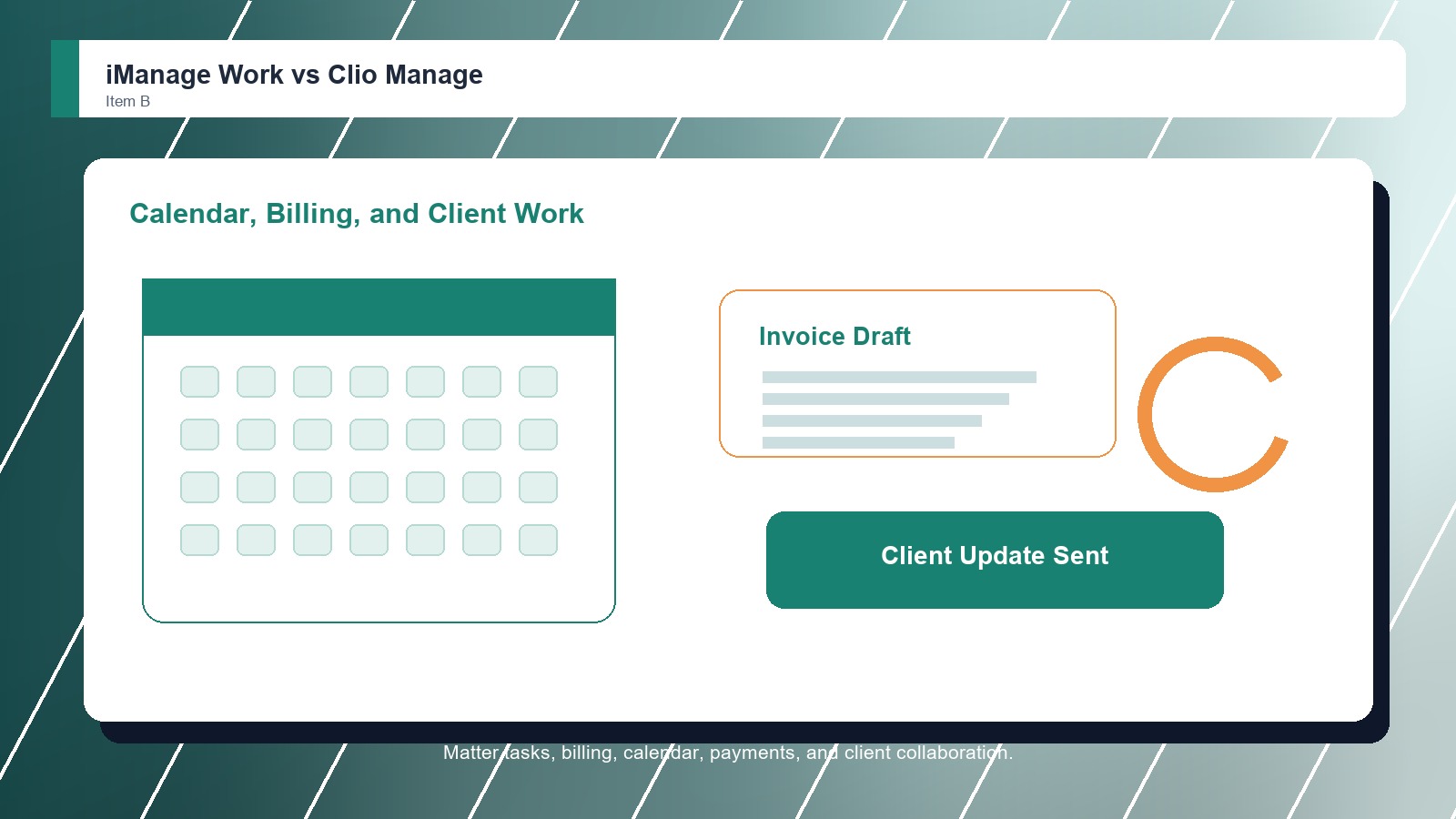
Clio Manage is stronger when the buyer wants legal practice management around matters, clients, calendars, tasks, billing, payments, client collaboration, and document storage rather than a dedicated enterprise legal DMS rollout.

Score 8.5/10 Best for law firms that need practice management plus documents Focus Practice ops Why buy Fit
  • Strong matter and practice-management fit
  • Good document features for smaller firms
  • Useful billing, calendar, and client-work context
Metric
iManage Work
Clio Manage
Winner
Matter file control
Deep workspaces for documents, emails, and knowledge assets
Matter records connected to practice operations and documents
iManage Work
Email and search
Excellent document and email search across organized workspaces
Useful document access, but less specialist DMS search depth
iManage Work
Security and governance
Very strong security, need-to-know access, and governance fit
Good legal practice controls, lighter dedicated DMS governance
iManage Work
Collaboration and Microsoft fit
Strong Microsoft 365 fit, mobility, sharing, and co-authoring path
Client collaboration works best inside practice-management context
iManage Work
Implementation fit
Needs disciplined change management for larger legal teams
Easier for firms that want one practice-management workspace
Clio Manage
Best fit
Large legal and professional-services knowledge work
Small and midsize firms centralizing practice operations
iManage Work
Real-world context
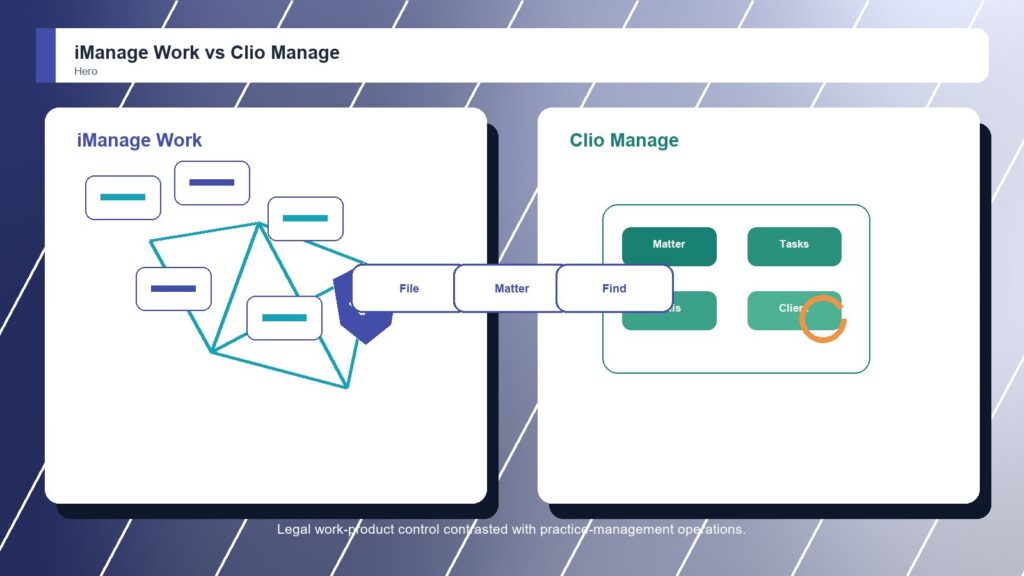
iManage Work wins when legal work product is the operating center and the firm needs serious document, email, search, and governance control. Clio Manage remains the better fit for firms that first need matter operations, billing discipline, deadlines, and client communication.

Why people choose it

  • Excellent legal work-product management depth
  • Strong search, workspace, and email filing fit
  • Very good governance and large-firm adoption case

Why people choose it

  • Strong matter and practice-management fit
  • Good document features for smaller firms
  • Useful billing, calendar, and client-work context
Winner: iManage Work iManage Work wins this Legal Document Management Software matchup because it offers stronger dedicated document and email management, workspaces, search, security, and governance. Clio Manage is the practical alternative when an all-in-one practice-management system matters more than specialist DMS depth.
Read FAQs

Deep dive

What actually matters in this matchup

This comparison is really about legal work product versus legal practice operations. We weighted matter workspaces, document filing, email management, search, security, Microsoft 365 alignment, client communication, billing context, calendars, migration, adoption, and whether the firm needs a DMS backbone or a simpler daily hub.

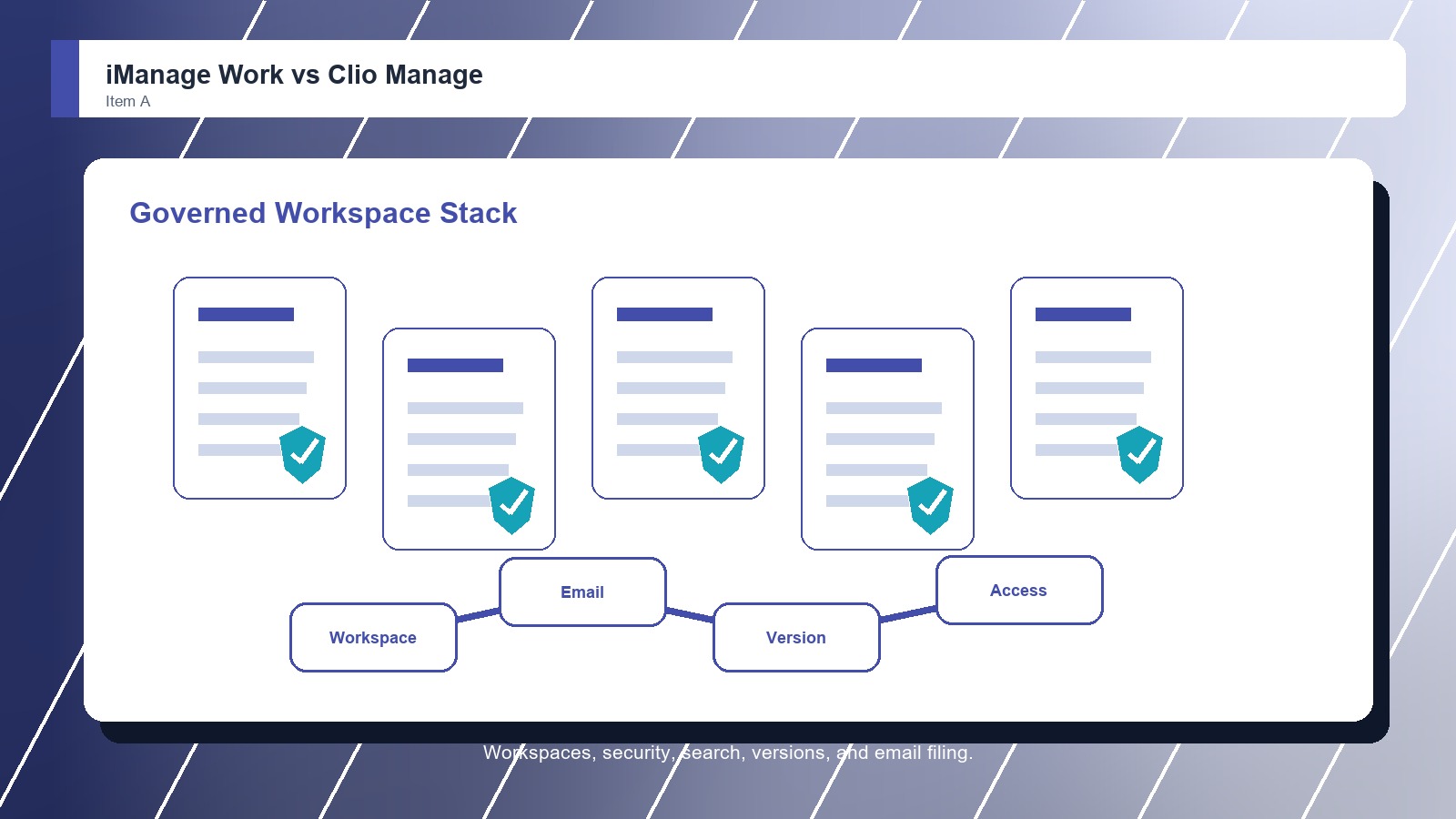
DMS backbone: iManage Work is stronger when documents and emails are the backbone of the firm. Its workspace model is designed for professionals who need to file, search, edit, secure, and reuse work product across matters and teams. That keeps the choice practical.

Operations hub: Clio Manage is stronger when the firm wants one place for cases, clients, tasks, deadlines, billing, payments, and basic document handling. That makes it attractive for firms that need operational order more than enterprise DMS specialization. That keeps the choice practical.

Email and knowledge reuse: iManage Work pulls ahead when prior work, email threads, attachments, versions, and institutional knowledge must be searchable. Clio Manage can keep documents tied to matters, but it is less focused on deep work-product retrieval. That keeps the choice practical. That matters during rollout.

Security model: iManage Work is the better fit when access control, ethical walls, threat monitoring, retention, and professional-services governance are central to the buying case. Clio Manage is better when security needs are important but simpler and tied to practice-management roles. That keeps the choice practical.

Firm-size fit: Clio Manage may be the more useful first purchase for many small firms because it solves several operational problems at once. iManage Work is the stronger strategic choice when a firm already has practice operations covered and needs a serious legal DMS.

Final choice: Choose iManage Work when legal document management, email filing, search, security, and knowledge work define success. Choose Clio Manage when the firm mainly needs one approachable system to run matters, billing, calendars, client work, and everyday documents. That keeps the choice practical.

Methodology

How we evaluated the matchup

This review weighs legal document-management fit against real law-firm filing, search, security, migration, and adoption realities.

Scope: We evaluated iManage Work and Clio Manage as legal software options for firms deciding between a dedicated legal DMS and practice management with document features. That keeps the choice practical. That matters during rollout. That keeps the buying decision grounded.

What we compared: The comparison weighs document and email management, matter workspaces, search, security, governance, Microsoft integration, client communication, billing and calendar adjacency, firm-size fit, rollout effort, and ownership model. That keeps the choice practical. That matters during rollout. That keeps the buying decision grounded.

Interpretation: iManage Work wins because the category is legal document management, where specialist DMS depth matters. Clio Manage remains valuable when the buyer needs practice management before document-management specialization. That keeps the choice practical. That matters during rollout. That keeps the buying decision grounded.

Buyer checks: Before choosing, verify document volume, email filing requirements, security controls, ethical walls, Microsoft 365 workflows, search needs, client communication, billing processes, data migration, training effort, support, and current plan terms. That keeps the choice practical. That matters during rollout.

FAQ

iManage Work vs Clio Manage: common questions

Is iManage Work better than Clio Manage?
iManage Work is better when the firm needs dedicated legal document and email management with strong search, workspaces, governance, and Microsoft alignment. Clio Manage is better when the firm needs practice management first. That keeps the choice practical. That matters during rollout. That keeps the buying decision grounded.
Where does Clio Manage beat iManage Work?
Clio Manage beats iManage Work when matters, calendars, billing, payments, tasks, client communication, and simple document organization need to live in one approachable system. That keeps the choice practical. That matters during rollout. That keeps the buying decision grounded. That keeps the choice practical.
Which is better for document-heavy firms?
iManage Work is better for document-heavy firms because it is designed around legal work product, email filing, search, security, and workspace governance. Clio Manage is less specialized for high-volume DMS needs. That keeps the choice practical. That matters during rollout. That keeps the buying decision grounded.
Which is better for small law firms?
Clio Manage may be better for small firms that need one system to run the practice. iManage Work is better when even a smaller firm has complex document, email, search, or security requirements. That keeps the choice practical. That matters during rollout. That keeps the buying decision grounded.
Can iManage Work and Clio Manage be used together?
Yes. A firm can use Clio Manage for practice management and iManage Work for document and email management. The integration plan must make document ownership and matter records clear. That keeps the choice practical. That matters during rollout. That keeps the buying decision grounded.
What should the first demo test?
Test matter setup, email filing, document search, client sharing, billing-related documents, restricted access, and Microsoft editing. The right system should match the firm's daily pain, not just the broad feature list. That keeps the choice practical. That matters during rollout. That keeps the buying decision grounded.
Is Clio Manage legal document management software?
Clio Manage includes document management features, but it is primarily legal practice management software. It is a good fit when documents need to sit beside matter operations rather than in a dedicated DMS. That keeps the choice practical. That matters during rollout. That keeps the buying decision grounded.
Is this review based on hands-on testing?
No. This review uses official product information, public documentation, and legal document-management workflow analysis. Buyers should confirm current pricing, plan terms, security features, integrations, implementation support, and contract requirements with each vendor. That keeps the choice practical. That matters during rollout. That keeps the buying decision grounded.

Key Takeaways

  • iManage Work wins DMS depth.
  • Clio wins operations simplicity.
  • Email search separates the choice.
  • Small firms may value one hub.
  • Governance pushes toward iManage.
  • Choose by the daily pain.

Verdict

The Better Default for Legal Work-Product Control

iManage Work is the stronger default when legal document management depends on document and email workspaces, search, security, and governance.

#1 Winner

iManage Work

iManage Work wins because it gives document-heavy legal teams a stronger platform for work product, email filing, search, Microsoft workflows, and governance.

  • Stronger document and email depth
  • Better work-product search
  • More complete governance fit

Runner-up

Jump to the Head-to-Head

Tip: Name the core problem first. If it is finding and governing work product, choose iManage Work; if it is running matters, start with Clio Manage.

Where to Buy

Use the official iManage Work and Clio Manage pages to confirm current demos, security details, integrations, implementation options, and contract terms.

Vendor terms, demos, pricing, and feature availability change regularly. Some links may earn a commission and never affect rankings.

Accessories You’ll Want

  • Work-product inventory (lists document, email, attachment, draft, and final-version needs)
  • Practice workflow map (separates matter operations from dedicated document-management requirements)
  • Microsoft editing test (checks co-authoring, filing, version behavior, and user comfort)
  • Client-sharing rules (defines what can leave the DMS or practice-management platform)
  • Dual-system ownership chart (prevents unclear document ownership when both tools are used)

Tip: Use the same matters, emails, security examples, and migration fields in every demo so the DMS differences are visible.