iManage Work vs MyCase: Which Legal Document Management Software Is Better?

iManage Work and MyCase both support law-firm document workflows, but they aim at different operating models. iManage Work is a mature legal document and email management platform for firms that need deep search, governance, and professional file control. MyCase is broader practice management with documents connected to everyday case work.

By: Review Streets Research Lab
Updated: September 8, 2026
Approx. 10-12 min read
iManage Work vs MyCase business comparison image

Head-to-head

iManage Work vs MyCase: Which Legal Document Management Software Is Better?

iManage Work wins when a firm needs advanced legal document management, especially around email, security, search, and professional knowledge work. MyCase is more attractive when the firm wants one approachable system for matters, clients, billing, and documents without building a specialist DMS program.

iManage Work comparison image

iManage Work

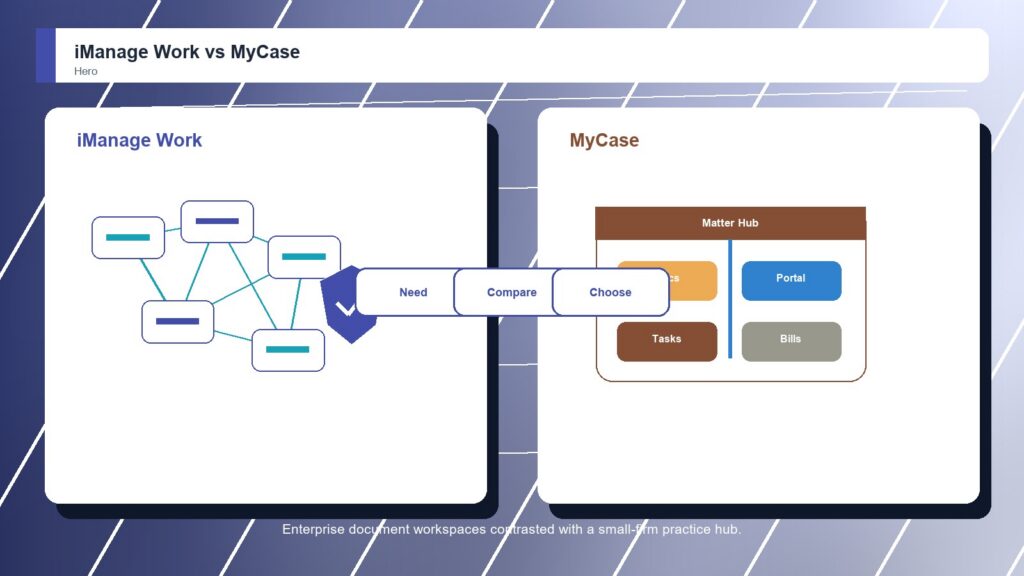
iManage Work is stronger when the organization needs a mature document and email management platform with strong search, workspaces, Microsoft 365 alignment, governance, security, mobility, and large-firm adoption patterns.

Score 9.2/10 Best for large-firm document, email, and knowledge work control Focus Knowledge work Rating 9.2/10
  • Excellent legal work-product management depth
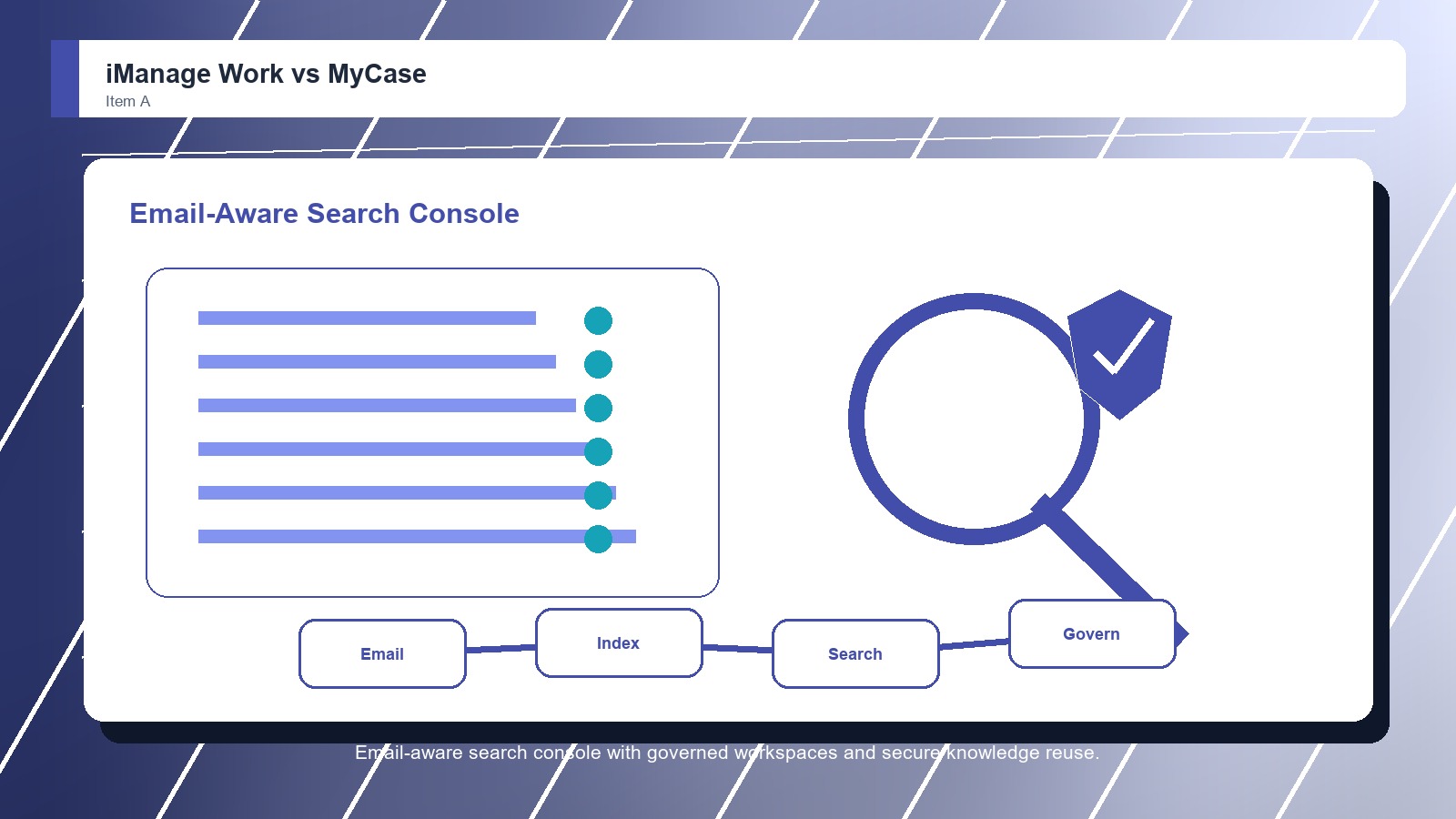
  • Strong search, workspace, and email filing fit
  • Very good governance and large-firm adoption case
VS
MyCase comparison image

MyCase

MyCase is stronger when the firm wants documents tied directly to matters, client messages, billing, intake, and daily case work in one approachable legal operations workspace.

Score 8.4/10 Best for small and midsize law firms that want practice management with document storage Focus Practice hub Rating 8.4/10
  • Good document storage inside practice management
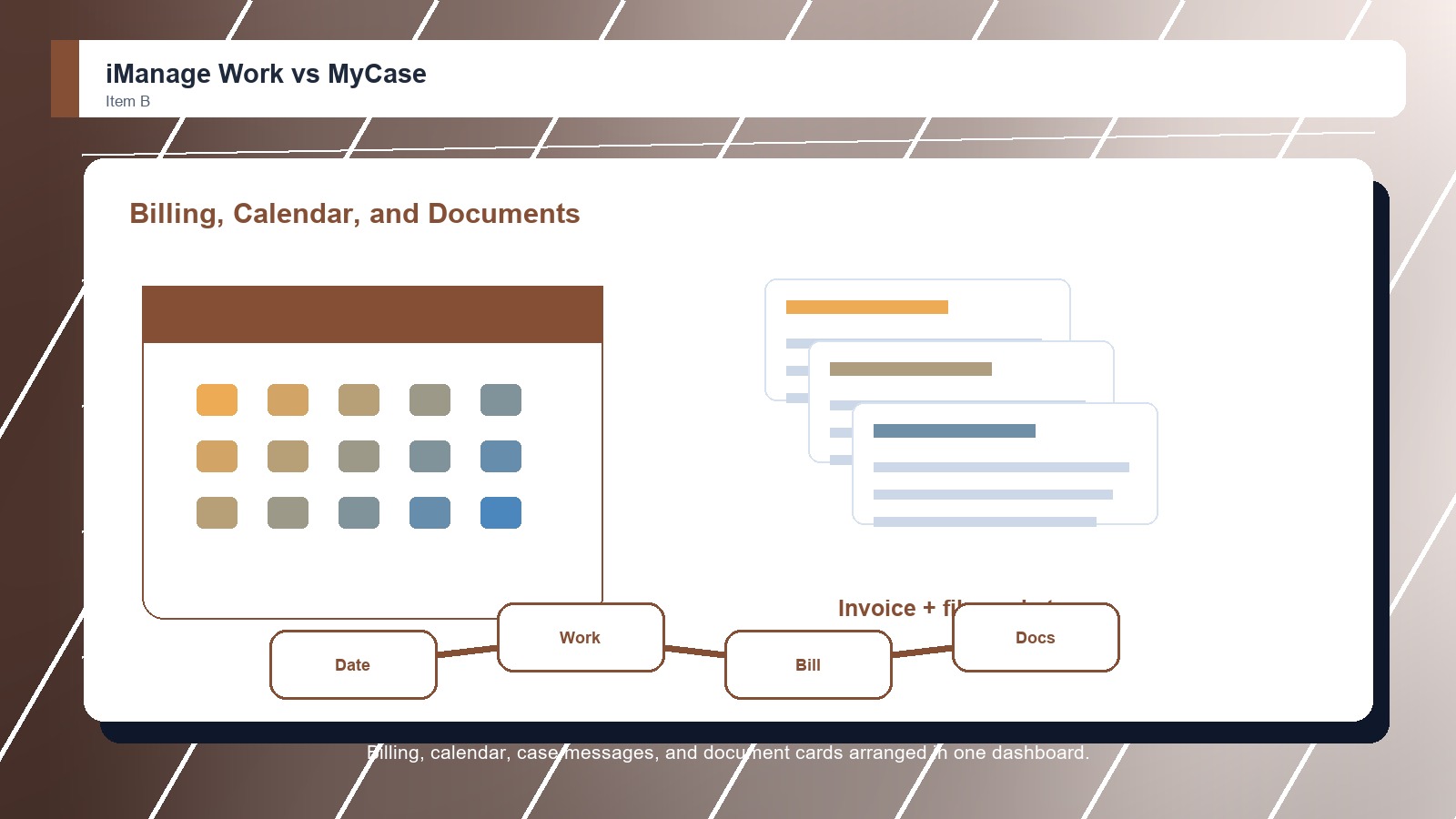
  • Useful client portal and matter context
  • Approachable for smaller law-firm operations
Metric
iManage Work
MyCase
Winner
Matter file control
Deep workspaces for documents, emails, and knowledge assets
Matter records with documents inside the practice workflow
iManage Work
Email and search
Excellent document and email search across organized workspaces
Case documents and portal sharing, lighter specialist email filing
iManage Work
Security and governance
Very strong security, need-to-know access, and governance fit
Secure practice-management controls with less DMS governance depth
iManage Work
Collaboration and Microsoft fit
Strong Microsoft 365 fit, mobility, sharing, and co-authoring path
Client portal collaboration rather than heavy Microsoft DMS depth
iManage Work
Implementation fit
Needs disciplined change management for larger legal teams
Approachable rollout for firms centralizing practice work
MyCase
Best fit
Large legal and professional-services knowledge work
Small and midsize firms wanting one legal operations hub
iManage Work
Real-world context
This is not a close comparison if the requirement is advanced DMS capability. iManage Work has the deeper legal document foundation. MyCase is compelling only when the firm is solving a broader practice-management problem and document management can remain lighter.

Why people choose it

  • Excellent legal work-product management depth
  • Strong search, workspace, and email filing fit
  • Very good governance and large-firm adoption case

Why people choose it

  • Good document storage inside practice management
  • Useful client portal and matter context
  • Approachable for smaller law-firm operations
Winner: iManage Work iManage Work is the better overall choice in legal document management because it handles complex document and email workflows with more depth. MyCase is still a sensible choice for smaller firms that prioritize ease, practice-management breadth, and simpler day-to-day operations over advanced DMS controls.
Read FAQs

Deep dive

What actually matters in this matchup

The sharper distinction is between professional document infrastructure and everyday legal operations. iManage Work is built for firms that treat documents and email as high-value knowledge assets. MyCase is built for firms trying to simplify the whole practice record. That keeps the choice practical.

Email-Centered Work: iManage Work is much stronger when email belongs inside the document-management conversation. For firms where client correspondence, attachments, and matter history are inseparable, that advantage is difficult for a practice-management suite to match. That keeps the choice practical. That matters during rollout.

Small-Firm Simplicity: MyCase can be the better lived experience for smaller firms that do not need enterprise DMS depth. Its value is the convenience of keeping documents close to matters, billing, communication, and calendar tasks. That keeps the choice practical. That matters during rollout.

Implementation Reality: iManage Work deserves planning because it can reshape document behavior across a firm. MyCase is lighter to introduce, but that same lightness limits how much formal document discipline it can enforce. That keeps the choice practical. That matters during rollout.

Demo evidence: Buyers should make iManage Work and MyCase show the same live workflow, using familiar files and real permission examples. A controlled demo reveals whether the stronger product advantage appears in daily work or only in vendor positioning. That keeps the choice practical.

Governance check: The winner should also fit the team's control model. For legal document management software platforms, that means administrators can explain access, sharing, retention, exports, and exceptions clearly enough that staff do not create parallel folders or side workflows. That keeps the choice practical.

Adoption reality: The practical choice depends on who will keep the system orderly after launch. If attorneys, staff, managers, or external partners cannot follow the filing and sharing routine, even the better-rated option can lose value quickly. That keeps the choice practical.

Methodology

How we evaluated the matchup

This review weighs legal document management software fit against real buyer workflows, governance needs, adoption risk, and long-term ownership.

Document complexity: We evaluated each product against legal document and email management needs, including filing expectations, search depth, security controls, collaboration, and support for professional knowledge work. That keeps the choice practical. That matters during rollout. That keeps the buying decision grounded.

Firm adoption: We considered how easily attorneys and staff can adopt each system, because the best platform depends partly on whether a firm can support a deeper DMS rollout. That keeps the choice practical. That matters during rollout. That keeps the buying decision grounded.

Practice breadth: We weighed the value of broader practice-management features when they reduce tool switching and keep documents connected to the work users already perform every day. That keeps the choice practical. That matters during rollout. That keeps the buying decision grounded.

Buyer verification: We recommend confirming current pricing, implementation scope, permissions, migration support, export options, integrations, security documentation, administrator controls, and contract terms before choosing a legal document management software platform for production use. That keeps the choice practical. That matters during rollout.

FAQ

iManage Work vs MyCase: common questions

Is iManage Work better than MyCase?
For legal document management, yes. iManage Work is better for firms that need advanced document and email control. MyCase is better for firms that want simpler practice management and only need documents as part of the broader matter workflow. That keeps the choice practical.
Which is easier to implement?
MyCase is usually easier to implement because it is designed as an approachable practice-management platform. iManage Work can require more planning and governance decisions, but that additional work supports deeper document control for firms that need a mature DMS. That keeps the choice practical.
Which is better for email management?
iManage Work is better for email management because document and email workflows are central to its purpose. MyCase can support matter communication and documents, but it is not as specialized for filing large volumes of email into firmwide document workspaces. That keeps the choice practical.
Should a small firm choose MyCase instead?
A small firm should consider MyCase if it mainly wants matters, billing, tasks, documents, and client communication in one easy system. It should choose iManage Work when document and email control are important enough to justify a specialized implementation. That keeps the choice practical.
Should buyers demo iManage Work and MyCase with real files?
Yes. Buyers should bring real matters, folders, client files, sharing rules, and search examples into both demos. The best legal document management software platform choice becomes clearer when users test everyday retrieval, permissions, handoffs, and administration instead of watching polished sample data. That keeps the choice practical.
Should pricing decide the winner?
Pricing should narrow the shortlist, but it should not decide the winner alone. A cheaper legal document management software platform can cost more if search fails, migration drags, permissions confuse users, support is weak, or adoption requires workarounds after launch. That keeps the choice practical.
Can a team migrate from MyCase to iManage Work later?
Yes, but migration should be treated as a project. Confirm export options, folder structures, metadata, permission mapping, version history, archived files, training needs, and support responsibilities before assuming a future move from MyCase to iManage Work will be simple. That keeps the choice practical.
Who should own the final decision?
The final decision should include the people who create, approve, share, search, and administer files every week. Leadership can choose the budget, but the best legal document management software platform fit depends on real user behavior and long-term ownership. That keeps the choice practical.

Key Takeaways

  • iManage Work wins overall.
  • MyCase still has a clear buyer.
  • Document depth matters most.
  • Adoption planning changes results.
  • Matter workflows need testing.
  • Category fit is Legal Document Management Software.

Verdict

iManage Work wins for Legal Document Management Software

Choose iManage Work if document and email management are central to risk, productivity, and knowledge retrieval. Choose MyCase if the firm wants practical document organization inside a simpler practice-management environment that also handles the non-document work.

#1 Winner

iManage Work

iManage Work wins because excellent legal work-product management depth

  • Matter file control
  • Email and search
  • Security and governance

Runner-up

Jump to the Head-to-Head

Tip: A regional firm with heavy email filing, client confidentiality requirements, and distributed matter teams should lean toward iManage Work. A small family law or personal injury firm may prefer MyCase if the bigger need is keeping cases, clients, invoices, documents, and reminders in one approachable workspace.

Where to Buy

Use the official iManage Work and MyCase pages to confirm current demos, security details, integrations, implementation options, and contract terms.

Vendor terms, demos, pricing, and feature availability change regularly. Some links may earn a commission and never affect rankings.

Accessories You’ll Want

  • Workflow map (shows who creates, files, shares, reviews, approves, and retrieves documents)
  • Permission checklist (keeps access, external sharing, client data, and administrator rules visible)
  • Migration inventory (identifies old folders, email attachments, versions, metadata, and owners before rollout)
  • Pilot workspace (tests one real matter, client, or partner file set before a full migration)
  • Adoption scorecard (captures search success, training friction, support issues, and user confidence)

Tip: Before choosing either legal document management software platform, map who creates, reviews, shares, stores, and retrieves files. The better product is the one that matches those real behaviors instead of forcing every team into a generic file cabinet.