
Interior Comfort Buying Guide: How to Choose the Right One
Comfort begins with the factory adjustment range. Before adding a cushion, cover, support, shade, organizer, or powered pad, set the seat, wheel, mirrors, head restraint, belt, and climate controls for the actual occupant. An accessory that changes seating height or depth can also change pedal reach, steering distance, sight lines, and restraint geometry.
Treat every add-on as part of a connected cabin. Identify seat-mounted side airbags and passenger sensors, keep deployment zones and vents clear, route power away from controls and moving rails, and secure anything that could become loose. Test entry, driving position, shoulder checks, every control, and the accessory's hottest, coldest, or most loaded condition before accepting the comfort benefit.
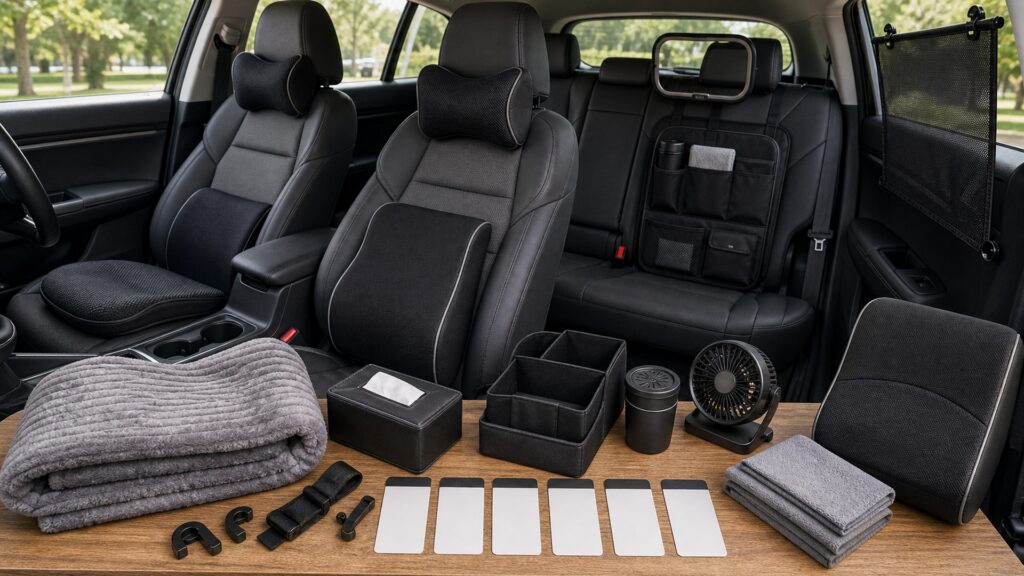
Buying framework
Set the whole-cabin comfort baseline before buying
Convert the desired whole-cabin comfort improvement into physical, functional, and maintenance requirements.
Establish the factory baseline: Adjust seat height, fore-aft, backrest, lumbar, head restraint, wheel, mirrors, belt, pedals where adjustable, HVAC, and vents before shopping.
Name the discomfort precisely: Separate pressure, unsupported posture, heat, cold, glare, noise, draft, reach, odor, clutter, and vibration because each calls for different evidence.
Map safety interfaces: Locate side and curtain airbags, passenger sensing, belt anchors and buckles, head restraints, controls, pedals, displays, windows, mirrors, and moving seat hardware.
Define an acceptance drive: Repeat entry, buckling, steering, braking, shoulder checks, reversing, climate use, rough-road motion, and removal with the intended occupant.
Who this is for
Match the solution to the whole-cabin comfort user
Different bodies, occupants, routes, climates, and cabin layouts justify different whole-cabin comfort priorities.
Short-trip solo driver: Factory adjustment, glare control, a small secure support, and easy removal may solve the problem without powered or permanent accessories.
Long-distance driver: Sustainable support, pressure distribution, heat and moisture control, control reach, and position consistency matter across hours rather than minutes.
Passenger-focused household: Different bodies and seating positions require removable solutions that preserve passenger sensing, belts, airbags, and child-restraint rules.
Shared or multi-purpose vehicle: Choose quickly adjustable, washable, clearly stored accessories that cannot be left loose or incorrectly positioned by the next user.
What to pay attention to
Evidence that predicts whole-cabin comfort performance
Specifications matter only when translated into what changes inside the exact vehicle during whole-cabin comfort use.
Human-to-Vehicle Fit
Evaluate posture, seat adjustment, head restraint, belt path, steering distance, pedal reach, visibility, and entry before adding thickness or support.
System Compatibility
Protect airbags, occupant sensors, heaters, ventilation, HVAC outlets, controls, wiring, power limits, and secure storage through installation and use.
Dimensional change: Measure added seat height, depth, backrest thickness, head position, knee space, and reach rather than judging a cushion by softness alone.
Restraint compatibility: Confirm side-airbag seams, curtain zones, buckle access, belt routing, pretensioner areas, head-restraint position, and owner-manual restrictions.
Occupant-sensor behavior: Passenger cushions and covers may affect classification on some vehicles; follow the exact manual and verify warning indicators without assuming compatibility.
Thermal and airflow effect: Assess breathability, heater or ventilated-seat restrictions, HVAC blockage, sun exposure, surface temperature, humidity, and drying after perspiration or spills.
Visibility and distraction: Nothing should narrow windshield or mirror views, create reflections, hide warnings, require prolonged screen attention, or move during braking.
Power and securement: Verify voltage, current, fuse, socket limits, automatic shutoff, cord routing, connector temperature, anchor strength, and storage when unused.
Avoid these traps
Mistakes that compromise whole-cabin comfort
Convenience becomes a defect when an add-on alters controls, restraints, airbags, visibility, airflow, or secure storage.
Adding thickness before adjusting the seat: A pad can mask a solvable factory-setting problem while reducing steering distance, thigh support, headroom, or pedal control.
Trusting an airbag-compatible label alone: Vehicle design and instructions govern; a generic seam claim does not prove compatibility with the exact seat and occupant system.
Mounting comfort items on the dashboard: Loose pads, fans, screens, or decorations can block sight lines, reflect in glass, or enter an airbag deployment path.
Evaluating only in a parked cabin: Pressure, reach, glare, noise, heat, movement, and securement often change after sustained driving and real braking.
Decision guidance
Choose a defensible whole-cabin comfort path
Select the least intrusive option that proves the required whole-cabin comfort outcome under representative conditions.
Start with factory controls: Use available seat, wheel, mirror, lumbar, HVAC, shade, and vent adjustments before adding an accessory.
Add one reversible intervention: Test a single exact problem—support, glare, surface temperature, or storage—so its effect on posture and systems remains identifiable.
Use vehicle-documented accessories near restraints: When the product touches a seat, belt, airbag, sensor, or control, require explicit exact-vehicle guidance or decline it.
Seek professional assessment for persistent access needs: A certified driving-rehabilitation or qualified medical professional can address body-vehicle fit beyond ordinary consumer comfort products.
Ownership & compatibility
Maintain the whole-cabin comfort result
Inspection, cleaning, adjustment, records, and replacement keep the original whole-cabin comfort decision valid.
Recheck the seated geometry: Inspect steering distance, pedal reach, belt path, head-restraint relation, visibility, pressure, and securement whenever users or settings change.
Inspect heat and power paths: Look for hot plugs, damaged cords, pinched wiring, weak sockets, failed shutoff, blocked ventilation, odor, and material changes.
Remove what no longer helps: Retire accessories that flatten, slide, interfere, trap moisture, obscure views, complicate restraint use, or add clutter without measurable benefit.
FAQ
Questions to resolve for whole-cabin comfort
Use exact vehicle documentation and product instructions to settle these points.
Should I buy a cushion for lower-back discomfort?
Can a seat cover work with side airbags?
Will a passenger cushion affect the airbag sensor?
How far should a driver sit from the steering wheel?
Are heated seat pads safe to leave plugged in?
Can an organizer hang from the front seat?
Do sunshades improve comfort while driving?
How should a new comfort accessory be tested?
When is a comfort issue beyond a consumer accessory?
Bottom line
Preserve safety while improving whole-cabin comfort
A successful upgrade remains compatible, removable, understandable, and safe throughout ownership.
Fit the occupant first: Use factory adjustments to establish posture, restraint geometry, control reach, visibility, and airflow.
Protect connected systems: Keep airbags, sensors, belts, head restraints, controls, vents, wiring, windows, and mirrors operating normally.
Prove one benefit at a time: Test a reversible upgrade during real use, document its effect, inspect it, and remove it when value declines.
Reading Shortcuts
Move through the whole-cabin comfort planning decision in order.
Decision Reminders
Comfort is valid only when the driving position remains safe and repeatable.
- Establish the factory baseline: Verify and record this requirement.
- Name the discomfort precisely: Verify and record this requirement.
- Map safety interfaces: Verify and record this requirement.
- Recheck the seated geometry: Verify and record this requirement.
- Inspect heat and power paths: Verify and record this requirement.
- Remove what no longer helps: Verify and record this requirement.
Glossary Snippets
Terms used in this comfort accessory plan.
When to Use a Top 10 Review
Use rankings only after the requirements are fixed.
- Fit the occupant first: Use this as a shortlist filter.
- Protect connected systems: Use this as a shortlist filter.
- Prove one benefit at a time: Use this as a shortlist filter.
- Exclude: Use this as a shortlist filter.
Already down to 2–3 options? A Comparison is usually the faster next step.
When to Use a Comparison
Compare finalists through the seating, belt, airbag, sensor, control-reach, visibility, airflow, securement, power, and removal trial; make seat travel an explicit recorded result.
- Establish the factory baseline: Check both candidates against this requirement.
- Name the discomfort precisely: Record the result for each shortlisted option.
- Map safety interfaces: Use the same operating conditions for both tests.
- Define an acceptance drive: Keep the evidence with the final decision.
Still exploring? Start with a Top 10 to build a shortlist first.