
The LG C4 OLED TV enters a competitive field where picture quality, brightness, and gaming features must balance with real-world usability. This review evaluates how it performs across everyday viewing, fast-paced content, and smart functionality, highlighting key tradeoffs against rival OLEDs to help clarify where it stands—and who it’s best suited for.
LG C4 OLED TV Review
By: Review Streets Research Lab
Updated: April 13, 2026
Approx. 8–10 min read
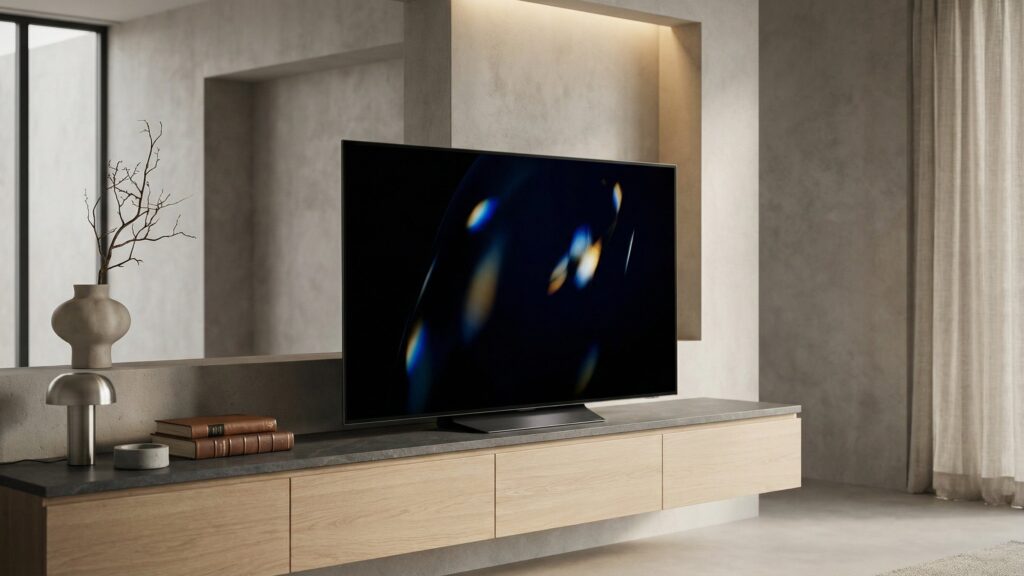
Quick Summary
The LG C4 delivers the core strengths buyers expect from a premium OLED, with strong contrast, excellent motion handling, and a polished overall experience for movies, gaming, and everyday streaming. It fits best in setups where picture quality and responsiveness matter most, though buyers in very bright rooms may want to weigh its brightness against stronger-performing alternatives.
9.0
Score
Best for: Movies, gaming & everyday streaming
Pros & Cons
LG C4 OLED TV: what we liked (and what we didn’t)
A quick look at the biggest strengths and tradeoffs based on picture quality, gaming performance, and everyday usability.
Pros
- Excellent Contrast: Dark scenes look rich and controlled, which helps movies and prestige TV feel more cinematic at home.
- Strong Gaming Response: Fast input response and smooth motion make it well suited to console and PC play without feeling sluggish.
- Wide Viewing: Picture quality holds up better off-center than many LED alternatives, which is useful in wider living room seating layouts.
- Polished Smart Platform: Day-to-day streaming, app switching, and source changes feel straightforward once the main setup is in place.
- Slim Premium Design: It looks clean on a wall or media console and gives the set a more refined, high-end presence.
Cons
- Bright-Room Limits: In sun-filled spaces, it may not punch through glare as confidently as brighter mini-LED competitors.
- Premium Pricing: It sits in a price tier where buyers will naturally compare it against stronger-value options and step-up models.
- OLED Care Tradeoff: Long-term use still benefits from basic screen-care habits, especially for households that leave static content on often.
- Menu Learning Curve: The feature set is broad, but dialing in settings can take more effort than on simpler, less configurable TVs.
Specs
LG C4 OLED TV key specifications
These are the core specs and practical details most buyers compare across premium OLED TVs.
| Spec | LG C4 OLED TV |
|---|---|
| Type | OLED 4K Smart TV |
| Platform | webOS smart TV platform |
| Voltage | Standard AC power (120V typical) |
| Speed | 120Hz native refresh rate (supports higher VRR modes) |
| Chuck | N/A (television display) |
| Torque | N/A (not applicable to TV category) |
| Length | Varies by screen size (approx. 42"–83" class options) |
| Weight | Varies by size; larger panels require stable mounting or wide stand |
| Clutch settings | N/A (television display) |
| LED light | Self-lit OLED pixels (no backlight) |
| Included | TV panel, stand, remote, power cable (varies by retailer bundle) |
| Best use | Home theater, gaming setups, and everyday streaming in controlled lighting |
| Warranty | Manufacturer limited warranty (typically 1 year; varies by region) |
Performance
How the LG C4 OLED TV performs
We evaluated picture quality, motion handling, gaming responsiveness, interface ease, and everyday viewing practicality across common home theater, streaming, and console-use scenarios to understand how this TV performs in real-world ownership.
Picture Quality
Dark scenes look rich and detailed, with the kind of contrast that gives movies and premium shows a more immersive feel.
Brightness & Glare
It holds up well in typical rooms, though very bright spaces can reduce some of the punch that makes OLED look its best.
Motion & Gaming
Fast-moving sports, action scenes, and gaming all feel smooth and responsive, with very little sense of lag or smear.
Smart TV Usability
Streaming, input switching, and menu navigation are generally easy to live with, though the layout can feel busy at first.
Viewing Flexibility
The picture stays consistent across wider seating positions, making it easier to enjoy in living rooms that are not centered around one seat.
Overall Performance
A strong all-around OLED performer that feels especially convincing for mixed use, with its main compromise showing up in brighter rooms.
Testing note: Performance observations are based on real-world viewing, streaming, gaming, and day-to-day setup use across common home environments and repeat-use impressions.
Build Quality
Build quality & durability
The LG C4 feels thoughtfully built for everyday home use, with a slim, premium presentation that still gives a reassuring sense of fit and finish. It does not feel rugged in the way a thicker TV might, but it does feel carefully assembled and more refined than many midrange alternatives.
Key contact points—stand, rear panel, ports, and remote—generally feel well executed, with clean alignment and a polished overall finish. The inputs are easy enough to access during setup, and the day-to-day interface experience adds to the impression of a product that was designed to feel cohesive rather than pieced together.
In normal use, it gives off solid long-term ownership signals as long as it is handled like the thin OLED panel it is. It feels dependable once installed, but the screen’s slim build means moves, wall mounting, and furniture changes call for more care than with bulkier LED sets that tolerate rougher handling.
Compared with thicker televisions, the LG C4 trades some handling confidence during setup for a cleaner, more elegant form once in place. Buyers who value a sleek look and premium finish will likely see that as a fair trade, while those who move TVs often may prefer something less delicate-feeling.
Setup & Maintenance
Setup, daily use, and upkeep
The LG C4 is straightforward to get up and running—most of the “setup” comes down to choosing the right picture mode, adjusting brightness for your room, and organizing inputs for your devices. A few early tweaks can make everyday viewing feel more natural and reduce the need to constantly adjust settings later.
Best setup for common tasks
- Movie Watching: Use a cinema-focused picture mode with reduced processing for more natural motion and better shadow detail.
- Bright Room Viewing: Increase brightness settings and enable adaptive features to help maintain visibility during daytime use.
- Gaming Setup: Activate game mode for faster response and smoother input transitions across consoles or PC connections.
- Streaming Apps: Organize frequently used apps and inputs so switching between services feels quick and consistent.
What to do for smoother starts
- Quick Calibration: Spend a few minutes adjusting basic picture settings early to avoid constantly tweaking during playback.
- Input Labeling: Name connected devices so switching between them is faster and less confusing during daily use.
- Remote Familiarity: Learn shortcut buttons and navigation flow to reduce time spent digging through menus.
Maintenance (simple but important)
- Screen Cleaning: Use a soft, dry cloth to remove dust and fingerprints without applying pressure to the panel.
- Vent Awareness: Keep airflow areas clear to help manage heat during longer viewing or gaming sessions.
- Software Updates: Install updates when available to keep apps stable and improve overall system responsiveness.
- Panel Care Habits: Avoid leaving static images on screen for extended periods to help preserve long-term panel consistency.
Tip: Set brightness and picture modes based on your room lighting, then leave them consistent—constant changes can make it harder to judge image quality and overall performance.
Real-World Use
Where the LG C4 OLED TV fits best
On paper, the LG C4 is a premium OLED TV. In everyday use, it stands out most when contrast, motion clarity, and overall viewing immersion matter more than maximum brightness in sunlit environments.
Home theater setups
Ideal for movie nights and streaming series, where controlled lighting allows the OLED panel to show deeper contrast and more natural shadow detail. It creates a more immersive viewing experience without needing heavy picture adjustments.
Console and PC gaming
A strong fit for gaming setups where responsiveness and smooth motion matter. Fast transitions and consistent image handling make it easier to stay focused during longer sessions without noticeable lag or distraction.
Everyday streaming and TV
For general use—streaming shows, live TV, and casual viewing—it offers a clean, consistent picture that holds up across different content types. Navigation and switching between apps remain manageable once initial setup is complete.
Where it’s less ideal
In very bright rooms with lots of direct sunlight, it may not maintain the same level of visibility as brighter LED alternatives. If glare control and peak brightness are top priorities, other display types may feel more practical.
Value
Is the LG C4 OLED TV worth it?
The LG C4 makes the most sense when you plan to use it as a primary display for movies, gaming, and daily streaming, where picture quality and responsiveness are noticeable every time you turn it on. If your usage is more casual or your space is consistently bright, less expensive alternatives can still deliver a satisfying experience.
Price-to-performance takeaway
You’re paying for OLED-level contrast, smooth motion, and a refined overall viewing experience. The value shows up most in dedicated setups where lighting is controlled and content quality matters, while buyers focused on brightness or budget flexibility may find stronger value in other display types.
Tip: Consider how you’ll use the TV most—if it’s for movies or gaming in a controlled room, the upgrade is easier to justify. For bright spaces or secondary rooms, compare against brighter, lower-cost alternatives before committing.
FAQ
LG C4 OLED TV FAQ
Quick answers to the most common questions about the LG C4 OLED TV—everyday use, gaming, room fit, and what to expect in real-world viewing.
Is the LG C4 a good TV for movies?
Yes. The C4 is especially well suited to movies and scripted TV because OLED contrast helps dark scenes look deeper and more controlled, particularly in rooms with limited glare.
Is the LG C4 good for gaming?
Yes. It is a strong fit for gaming thanks to its responsive feel, smooth motion, and feature set that works well with current consoles and gaming PCs.
Is the LG C4 bright enough for daytime viewing?
In most normal rooms, yes. In very bright spaces with heavy sunlight or glare, it may not look as punchy as brighter LED or mini-LED alternatives.
Who is the LG C4 best for?
It fits best in setups where picture quality, gaming performance, and overall viewing experience matter more than simply getting the brightest screen for the money.
Is it overkill for casual viewing?
It can be. If the TV is mainly for background viewing, news, or a bright secondary room, a less expensive display may make more practical sense.
What should I consider before buying?
Think about room brightness, seating layout, gaming needs, and whether this will be your main TV. Those factors matter more here than chasing features you may never use.
What are the most common downsides?
The main tradeoffs are premium pricing, less brightness headroom than some competing display types, and the need for basic OLED care if static content stays on screen often.
Alternatives
Best alternatives to the LG C4 OLED TV
If the LG C4 is close but not quite the right fit, these alternatives offer different tradeoffs—whether you want higher brightness, a lower price point, or a step-up OLED experience.
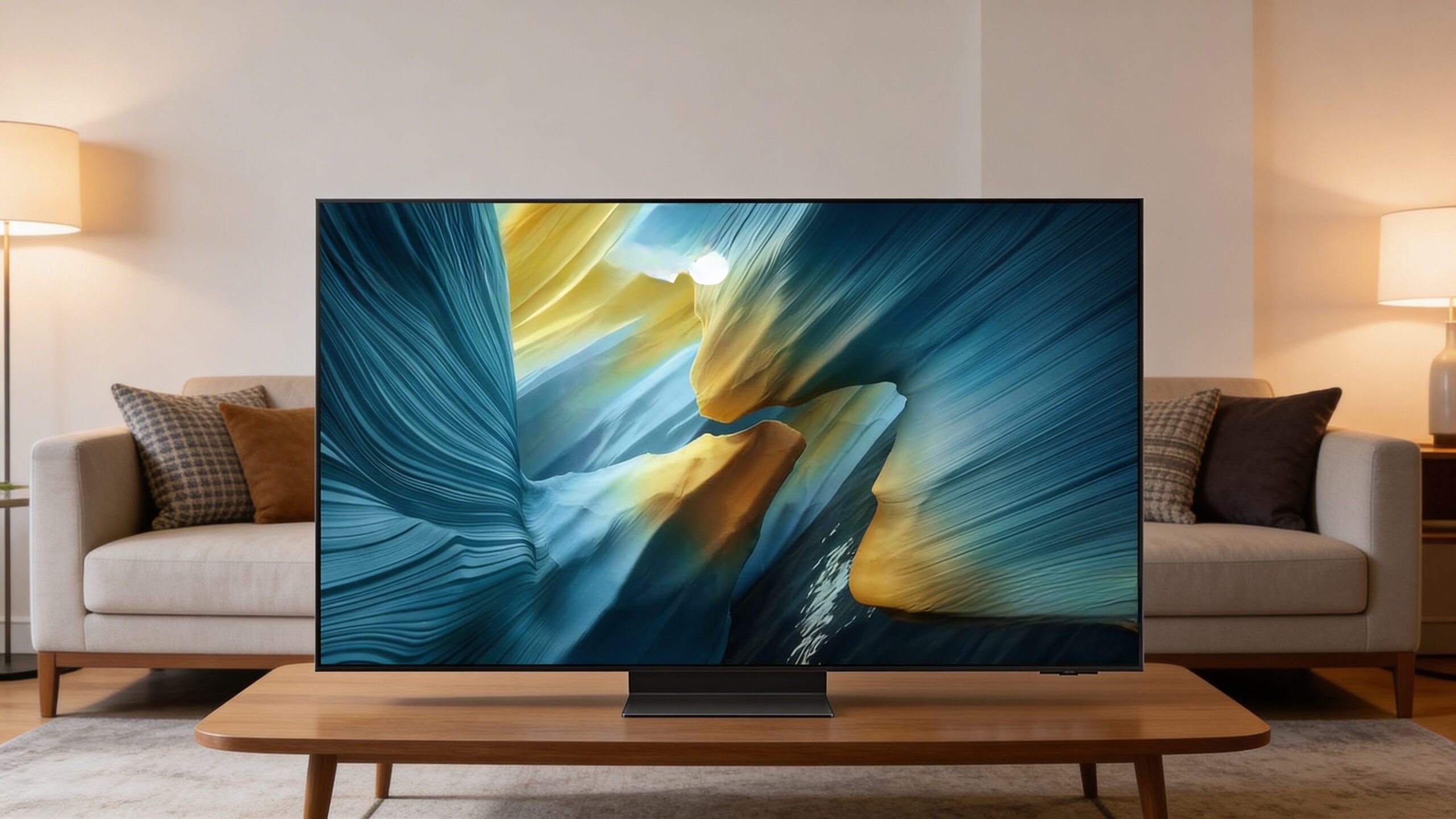
Samsung S90C OLED
Higher brightness
A strong option if you want OLED contrast with a bit more brightness for daytime viewing. It tends to feel more flexible in mixed lighting, though the overall interface and tuning differ from LG’s approach.
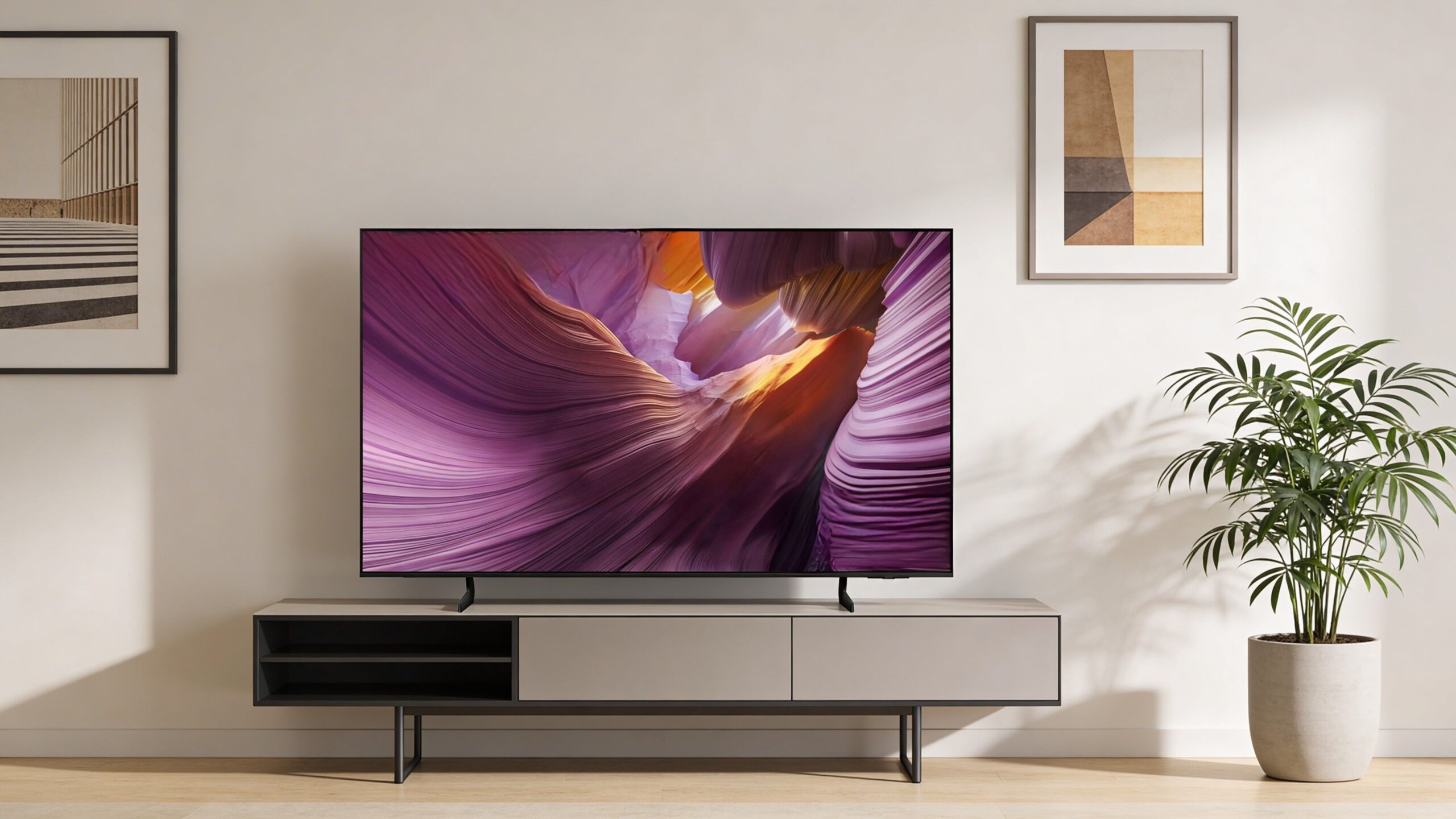
Sony A80L OLED
Film-focused
A good fit if you prioritize natural motion and out-of-the-box picture tuning for movies. It leans more toward a cinematic presentation, though it may not feel as gaming-focused as LG’s lineup.
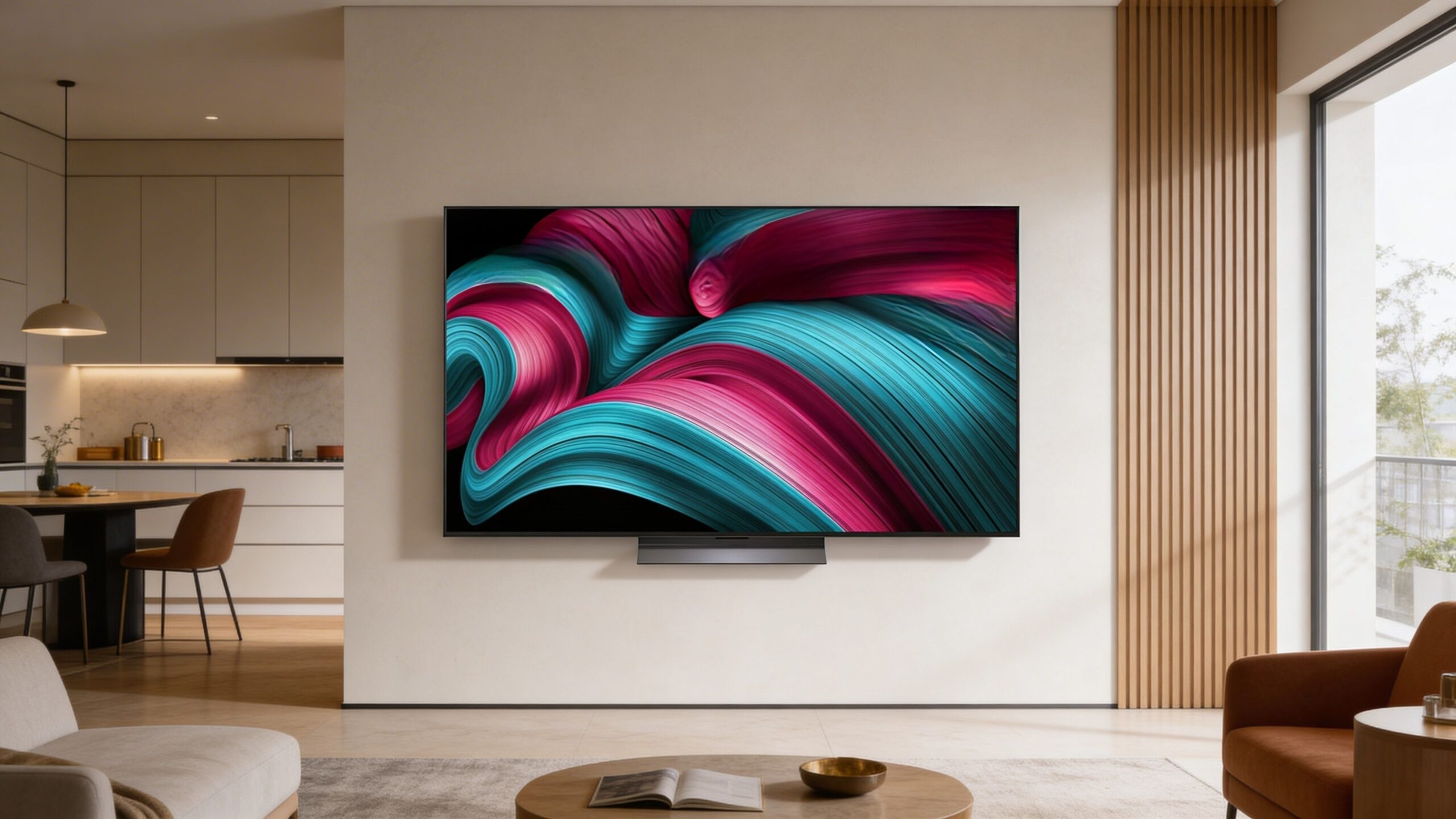
LG B4 OLED
Better value
A more budget-friendly OLED within the same ecosystem, offering a similar core experience at a lower cost. It gives up some refinement and peak performance but still covers most everyday viewing needs well.
Sources
Sources & reference notes
Specifications, platform details, and product positioning referenced in this review were verified using publicly available manufacturer information and current retail listings. Where features or included accessories vary by size or retailer bundle, those differences should be confirmed at the point of purchase.
- LG product documentation and published specifications for the LG C4 OLED TV.
- webOS platform and device compatibility information relevant to supported apps, inputs, and everyday use features.
- Retail product listings used to confirm current naming, size variations, model references, and bundled accessories.
Where to Buy
LG C4 OLED TV
4K Smart OLED Television
Typical price range: $899–$3,299
Pricing varies by screen size, retailer, and included bundle options.
Check Current PriceReview Snapshot
LG C4 OLED TV
9.0
Premium OLED for mixed use
Best for movies, gaming, and daily streaming where contrast and responsiveness matter more than maximum bright-room punch.
- Performance: Delivers rich contrast and smooth motion across movies, sports, and games
- Handling: Easy to live with day to day, though menus can take time to dial in
- Value: Makes more sense as a main TV than a casual or bright-room secondary set
Top 10 List
See the best OLED TVs right now
Want the full picture? Our Top 10 breaks down the best OLED TVs by picture quality, gaming performance, and everyday use.
View the Top 10Compare Models
Compare this TV head-to-head
See how the LG C4 OLED TV stacks up against other OLED TVs across picture quality, gaming performance, and overall value.
View ComparisonsAccessories You’ll Want
- High-speed HDMI cable (helps ensure smooth 4K playback and reliable gaming connections from modern source devices)
- Wall mount or sturdy stand (improves placement flexibility and helps the TV fit the room more cleanly)
- Soundbar or speaker system (adds fuller, clearer audio for movies, games, and everyday viewing)
- Surge protector (helps protect the TV and connected gear from power fluctuations and outlet overload)
- Microfiber cleaning cloth (makes it easier to remove dust and fingerprints without stressing the panel surface)
Tip: Accessory compatibility matters most with mounting, HDMI gear, and audio connections—getting those right early makes the TV easier to live with day to day and avoids unnecessary setup frustrations later.