
The MacBook Air M4 enters a competitive field where performance, efficiency, and portability must be carefully balanced. This review examines how it compares in real-world use, from everyday multitasking to sustained workloads, highlighting key tradeoffs in design, battery life, and value to help clarify who it best suits.
MacBook Air M4 Review
By: Review Streets Research Lab
Updated: April 3, 2026
Approx. 8–10 min read
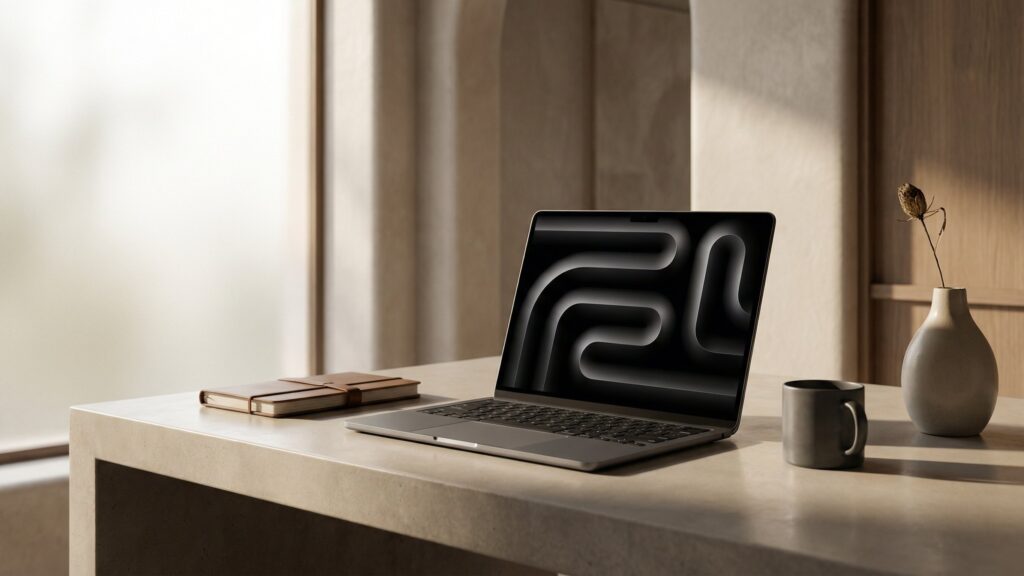
Quick Summary
The MacBook Air M4 delivers a polished everyday laptop experience with fast, quiet performance, excellent portability, and the kind of consistency that suits long work sessions, travel, and general creative or productivity use. Its biggest tradeoff is that buyers needing more ports, active cooling, or heavier sustained performance may be better served by stepping up to a more work-focused machine.
9.1
Score
Best for: Everyday productivity & travel
Pros & Cons
MacBook Air M4: what we liked (and what we didn’t)
A quick look at the biggest strengths and tradeoffs based on performance, portability, and everyday usability.
Pros
- Fast Everyday Performance: Handles multitasking, office work, browsing, and light creative tasks with a smooth, responsive feel.
- Excellent Portability: Thin, light design makes it easy to carry between classes, meetings, and travel days.
- Strong Battery Life: Holds up well through long work sessions without creating constant charger anxiety.
- Silent Operation: Fanless design keeps day-to-day use quiet and distraction-free, even in shared spaces.
- Premium Fit: Feels polished and durable, with a refined keyboard, trackpad, and overall user experience.
Cons
- Limited Ports: Adapter use is still part of the experience for anyone connecting several accessories or external displays.
- Not For Heavy Loads: Sustained demanding work is better suited to a more actively cooled, performance-focused laptop.
- Premium Pricing: Value can narrow once storage or memory upgrades push the total cost higher.
- Less Flexible Upgrading: Buyers need to choose their configuration carefully up front because there is little room to adjust later.
Specs
MacBook Air M4 key specifications
These are the core specs and practical details most buyers compare across thin-and-light laptops.
| Spec | MacBook Air M4 |
|---|---|
| Type | Thin-and-light laptop (fanless) |
| Platform | Apple silicon / macOS |
| Voltage | USB-C charging; wattage varies by configuration |
| Speed | Apple M4 chip; responsive for everyday work and light creative use |
| Chuck | Not applicable |
| Torque | Not applicable |
| Length | 13.6-inch or 15.3-inch display footprint, depending on model |
| Weight | Approx. 2.7 to 3.3 lbs, depending on size |
| Clutch settings | Not applicable |
| LED light | Backlit keyboard and display; no dedicated work light |
| Included | Laptop, USB-C to MagSafe 3 cable, and power adapter |
| Best use | Everyday productivity, school, travel, and light creative workflows |
| Warranty | Apple limited warranty; AppleCare+ optional |
Performance
How the MacBook Air M4 performs
We evaluated day-to-day speed, multitasking smoothness, comfort over longer sessions, and general usability across common work, school, and travel scenarios to understand how this laptop performs in real-world ownership.
Everyday Speed
Apps open quickly, waking from sleep feels instant, and normal daily work moves along with very little friction.
Multitasking
Handles browser-heavy workflows, documents, video calls, and background apps with a steady, confident feel.
Control & Handling
Keyboard, trackpad, and overall interface feel polished and easy to live with during routine daily use.
Battery & Comfort
Strong battery life and a light, compact build make it easy to carry and use through long sessions away from a desk.
Heat & Sustained Load
Stays quiet and comfortable in typical use, though heavier sustained workloads can reveal the limits of a fanless design.
Overall Performance
A fast, refined thin-and-light laptop that feels especially strong for everyday productivity, travel, and general creative work.
Testing note: Performance observations are based on real-world use patterns such as web work, document editing, media playback, video calls, multitasking, and extended everyday sessions.
Build Quality
Build quality & durability
The MacBook Air M4 feels carefully assembled and confidence-inspiring in daily handling. The chassis is rigid, the overall fit and finish are polished, and the lightweight design avoids feeling flimsy or hollow when carried from place to place.
Key contact points—keyboard, trackpad, hinge, and ports—come across as precise and well sorted. The keyboard deck feels stable under longer typing sessions, the hinge movement is controlled, and the trackpad maintains the solid, planted feel buyers tend to expect at this level.
In everyday use, it gives off strong durability cues for commuting, desk work, and frequent transport in a backpack or laptop sleeve. The fanless design also removes one moving part from the ownership equation, though the thin profile still encourages more careful handling than a bulkier workhorse laptop.
Compared with thicker performance-focused notebooks, the MacBook Air M4 clearly prioritizes portability over a more rugged, overbuilt feel. That tradeoff makes sense for buyers who want a laptop that feels premium and durable in normal use without carrying extra weight they may not need.
Setup & Maintenance
Setup, daily use, and upkeep
The MacBook Air M4 is straightforward to set up—sign in, connect to Wi-Fi, and adjust basic settings like display brightness, trackpad sensitivity, and battery preferences. Most “setup” comes down to tailoring the environment to your workflow so you get smoother multitasking, fewer interruptions, and more consistent day-to-day performance.
Best setup for common tasks
- Office Work: Enable split view and adjust display scaling for comfortable reading and multitasking across documents and browser tabs.
- Creative Tasks: Keep storage organized and close background apps to maintain smooth performance during editing or rendering.
- Video Calls: Set camera framing, microphone input, and lighting conditions before calls to avoid distractions and interruptions.
- Travel Use: Lower brightness slightly and manage background activity to extend battery life during long sessions away from power.
What to do for smoother starts
- Limit Startup Apps: Disable unnecessary login items so the system boots cleanly and stays responsive from the start.
- Manage Open Tabs: Keep browser tabs and apps in check to avoid slowdowns during heavier multitasking.
- Use Sleep Mode: Let the laptop sleep instead of fully shutting down for faster, more seamless restarts throughout the day.
Maintenance (simple but important)
- Keep It Clean: Wipe the keyboard, screen, and trackpad regularly to maintain visibility and smooth input.
- Monitor Storage: Keep available space open to prevent slowdowns and maintain consistent system performance.
- Battery Care: Avoid constant full discharges and use optimized charging settings to help preserve long-term battery health.
- Update Software: Install system updates periodically to maintain stability, security, and overall performance.
Tip: Use a stable surface, keep airflow around the device unobstructed, and manage background apps during heavier tasks to maintain consistent performance and reduce unnecessary heat buildup.
Real-World Use
Where the MacBook Air M4 fits best
On paper, the MacBook Air M4 is a thin, efficient laptop. In everyday use, it stands out most when portability, quiet operation, and steady performance across daily tasks matter more than raw sustained power.
Everyday productivity & multitasking
Well suited for email, documents, web work, and video calls. It stays responsive with multiple apps open, making it easy to move between tasks without interruptions or slowdowns during a typical workday.
School and on-the-go use
The lightweight design and strong battery life make it easy to carry between classes, meetings, or travel days. It supports long sessions without constant charging, which helps maintain a steady workflow away from a desk.
Light creative work
Handles photo editing, light video work, and content creation comfortably, especially in shorter sessions. It delivers a smooth experience for casual creative tasks without needing a bulkier performance-focused system.
Where it’s less ideal
For sustained heavy workloads like complex video editing, large-scale rendering, or intensive development, performance can taper compared to actively cooled laptops. In these cases, a more powerful, thermally robust machine may be the better fit.
Value
Is the MacBook Air M4 worth it?
The MacBook Air M4 makes the most sense when it is used often for school, work, travel, and general daily computing where battery life, portability, and a polished overall experience matter every day. If the workload is lighter or the budget is tighter, a less premium laptop may cover the basics well enough.
Price-to-performance takeaway
Buyers are paying for a refined thin-and-light design, strong everyday speed, long battery life, and the broader Apple ecosystem experience over time. The value tends to look better when the base configuration fits the workload, while upgraded configurations can push buyers closer to more performance-oriented alternatives.
Tip: Choose the configuration carefully at purchase. A base model can be a strong value for everyday use, but once storage or memory upgrades stack up, it is worth comparing against step-up laptops with more ports or stronger sustained performance.
FAQ
MacBook Air M4 FAQ
Quick answers to the most common questions about the MacBook Air M4—use cases, ownership expectations, and the tradeoffs that matter most in everyday use.
Is the MacBook Air M4 fanless?
Yes. The MacBook Air M4 uses a fanless design, which helps keep it quiet in everyday use. The tradeoff is that heavier sustained workloads are better handled by laptops with active cooling.
Is it good for everyday work?
Yes. It is well suited to common daily tasks like web work, documents, email, video calls, streaming, and multitasking across several apps without feeling cumbersome or noisy.
Can it handle creative work?
It can handle light to moderate creative tasks comfortably, including photo editing and lighter video work. For heavier sustained editing or rendering, a more performance-focused laptop is usually the safer choice.
Who is it best for?
It fits best where portability, battery life, and a polished day-to-day experience matter more than maximum sustained performance. It makes the most sense for general productivity, travel, school, and routine creative work.
Is it overkill for basic use?
For light browsing, occasional documents, and simple home use, it may be more premium than necessary. The benefit is getting a laptop that feels faster and more refined over a longer ownership window.
What should buyers compare before purchasing?
Pay close attention to storage, memory, port needs, and whether the base configuration matches the intended workload. Once upgrades add up, it becomes worth comparing against laptops with more connectivity or stronger sustained output.
What are the most common downsides?
The main tradeoffs are limited ports, less flexibility after purchase, and performance limits during long demanding workloads compared with thicker, actively cooled laptops. Buyers with heavier needs may want more headroom.
Alternatives
Best alternatives to the MacBook Air M4
If the MacBook Air M4 fits your needs but you’re considering a different tradeoff—more power, lower cost, or a different platform—these are the most relevant alternatives to look at.
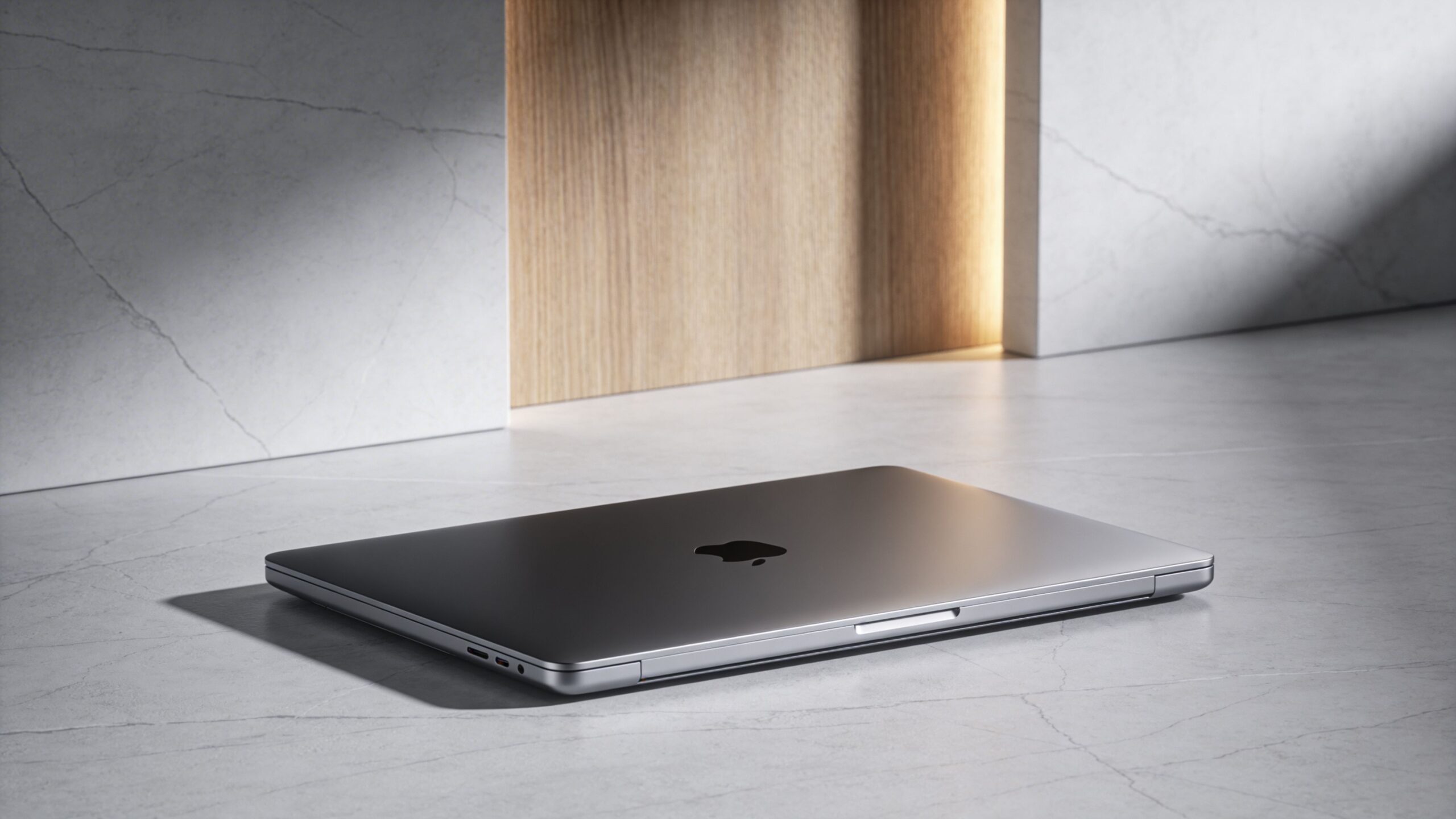
MacBook Air M3
Better value
A close alternative if the goal is a similar lightweight Mac experience at a lower entry cost. It delivers much of the same everyday feel, making it a practical choice when small performance gains aren’t the priority.
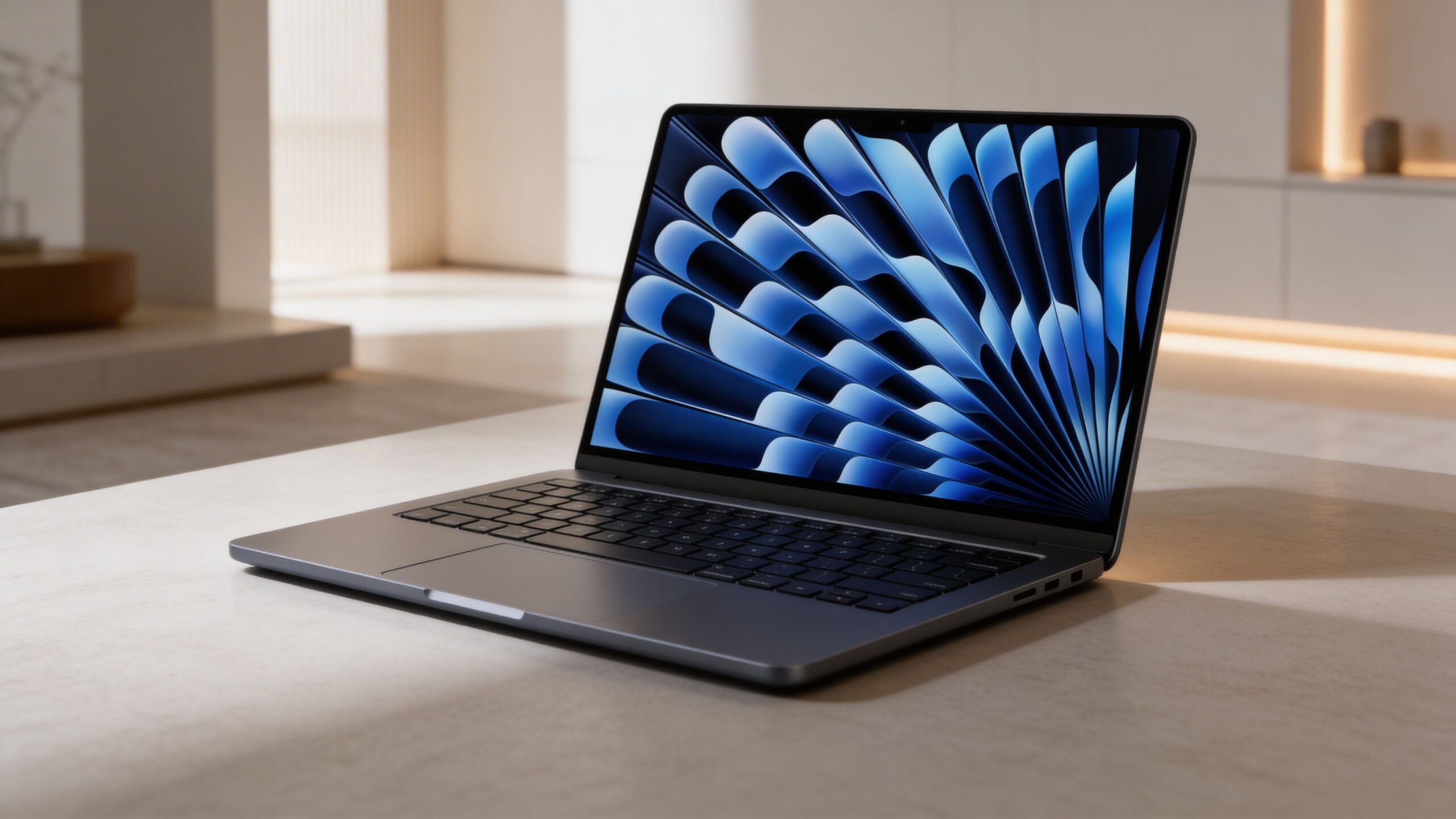
MacBook Pro M4
More power
A better fit for heavier workloads where sustained performance matters more than weight. It trades portability for stronger cooling, more ports, and greater consistency during longer demanding sessions.
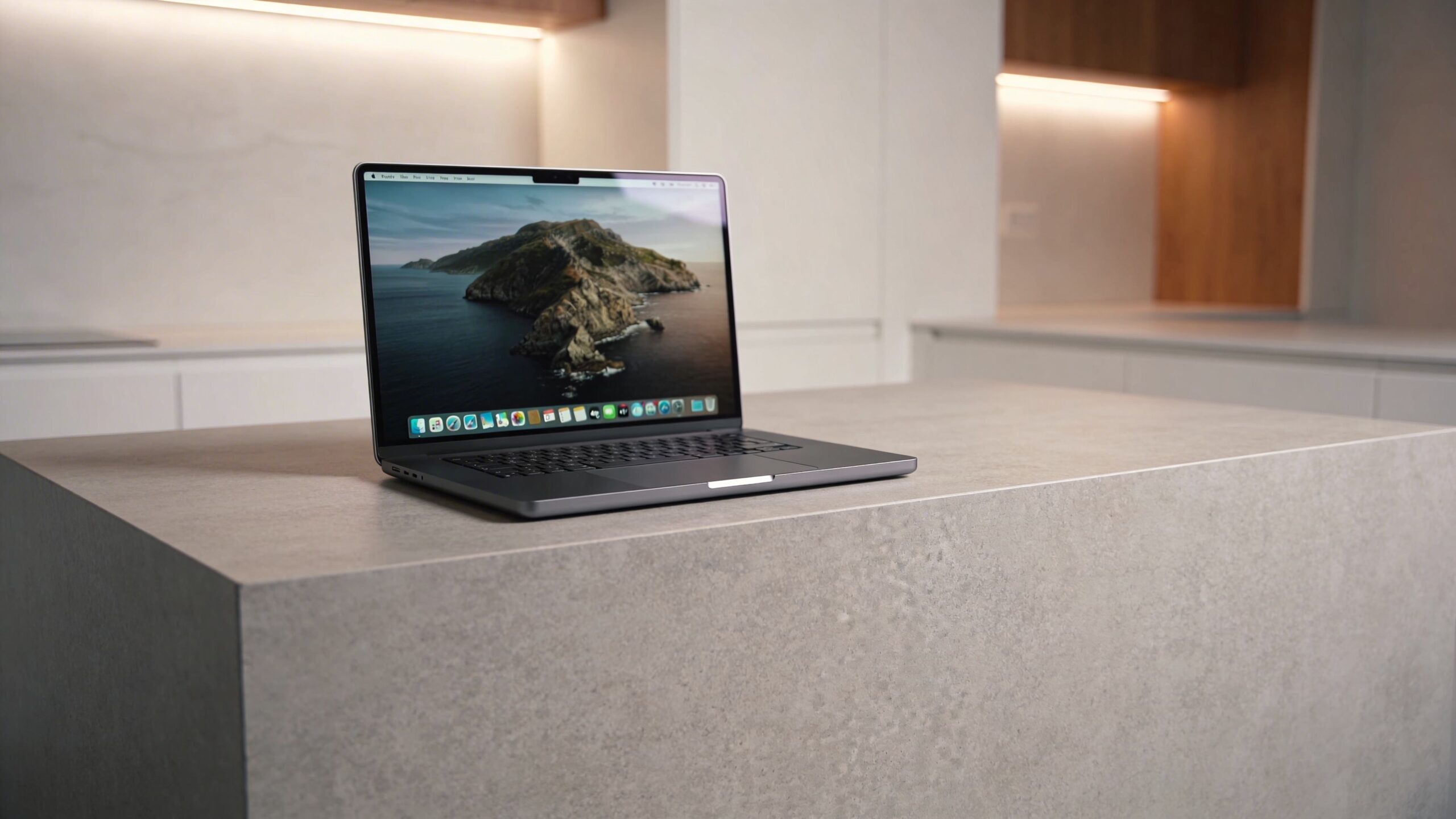
Dell XPS 13
Windows option
A strong alternative for those who prefer Windows or need broader software compatibility. It offers a similarly compact footprint with a different ecosystem and interface approach.
Sources
Sources & reference notes
Specifications, configuration details, and ecosystem references for this review were verified using publicly available manufacturer information and current product listings. Where configurations vary by size or included accessories, those differences should be noted directly in the article.
- Apple product documentation and published specifications for the MacBook Air M4.
- Apple ecosystem and macOS compatibility information relevant to accessories, services, and connected device use.
- Retail product listings used to confirm current naming, configuration variations, and included accessories.
Where to Buy
MacBook Air M4
Apple Laptop
Typical price range: $999–$1,599
Pricing varies by retailer and configuration.
Check Current PriceReview Snapshot
MacBook Air M4
9.1
Fast, light, and refined
Best for everyday work, school, and travel where battery life and portability matter more than sustained heavy-duty performance.
- Performance: Smooth in daily multitasking, office work, and light creative use
- Handling: Easy to carry and quiet to use, but limited by its fanless design under heavier loads
- Value: Makes the most sense when the base configuration fits long-term needs
Top 10 List
See the best laptops right now
Want the broader picture? Our Top 10 breaks down the best laptops by performance, portability, value, and real-world use.
View the Top 10Compare Models
Compare this laptop head-to-head
See how the MacBook Air M4 stacks up against other top laptops across portability, performance, battery life, and value.
View ComparisonsAccessories You’ll Want
- USB-C hub or dock (adds ports for displays, storage, and accessories without constant cable swapping)
- Protective sleeve (helps prevent scuffs and minor bumps during daily transport)
- External SSD (useful for extra workspace, large files, and lighter internal storage pressure)
- Portable charger or spare adapter (makes travel and all-day use easier when outlets are limited)
- Wireless mouse or ergonomic stand (improves comfort and desk posture during longer sessions)
Tip: Port needs and charging habits shape the long-term experience—choose accessories that match how often the laptop moves between desks, bags, monitors, and everyday peripherals.