NetDocuments vs iManage Work: Which Legal Document Management Software Is Better?

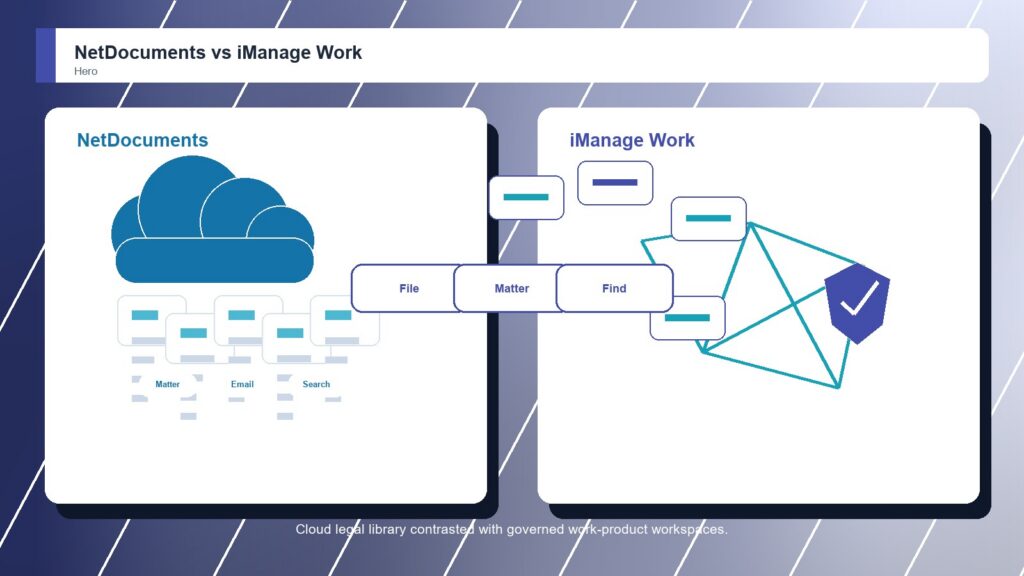
NetDocuments and iManage Work are two of the strongest names in legal document management, so the decision is not about whether either can organize legal work. It is about operating style. NetDocuments feels strongest when a firm wants a cloud-first DMS with matter documents, email management, collaboration, automation, and legal AI momentum. iManage Work feels stronger when a firm needs a mature work-product system for documents, emails, search, security, Microsoft 365 alignment, and large-scale adoption.

By: Review Streets Research Lab
Updated: September 8, 2026
Approx. 10-12 min read
NetDocuments vs iManage Work business comparison image

Head-to-head

NetDocuments vs iManage Work: Which Legal Document Management Software Is Better?

iManage Work narrowly wins for firms that need deeper work-product control and governance at scale. NetDocuments remains an excellent choice when cloud-first DMS modernization and legal automation are the sharper priorities.

NetDocuments comparison image

NetDocuments

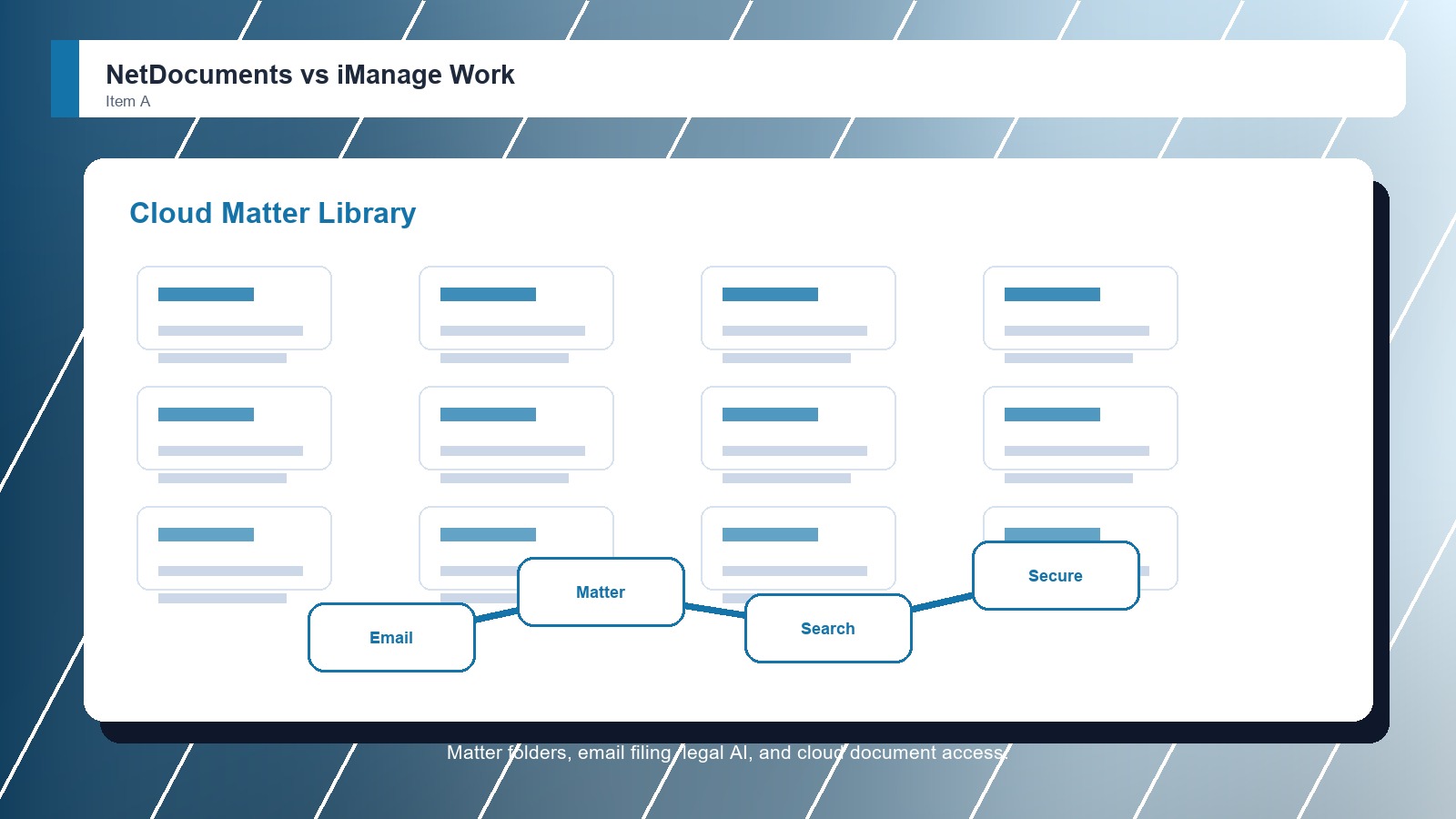
NetDocuments is stronger when the firm wants a cloud-native legal DMS with matter-centric document storage, email filing, search, collaboration, security controls, Microsoft integration, and room for legal AI and workflow automation.

Score 9.1/10 Best for cloud-first legal document and email management Focus Cloud DMS Why buy Fit
  • Strong cloud-native legal DMS foundation
  • Good document and email management depth
  • Useful collaboration, search, and automation path
VS
iManage Work comparison image

iManage Work

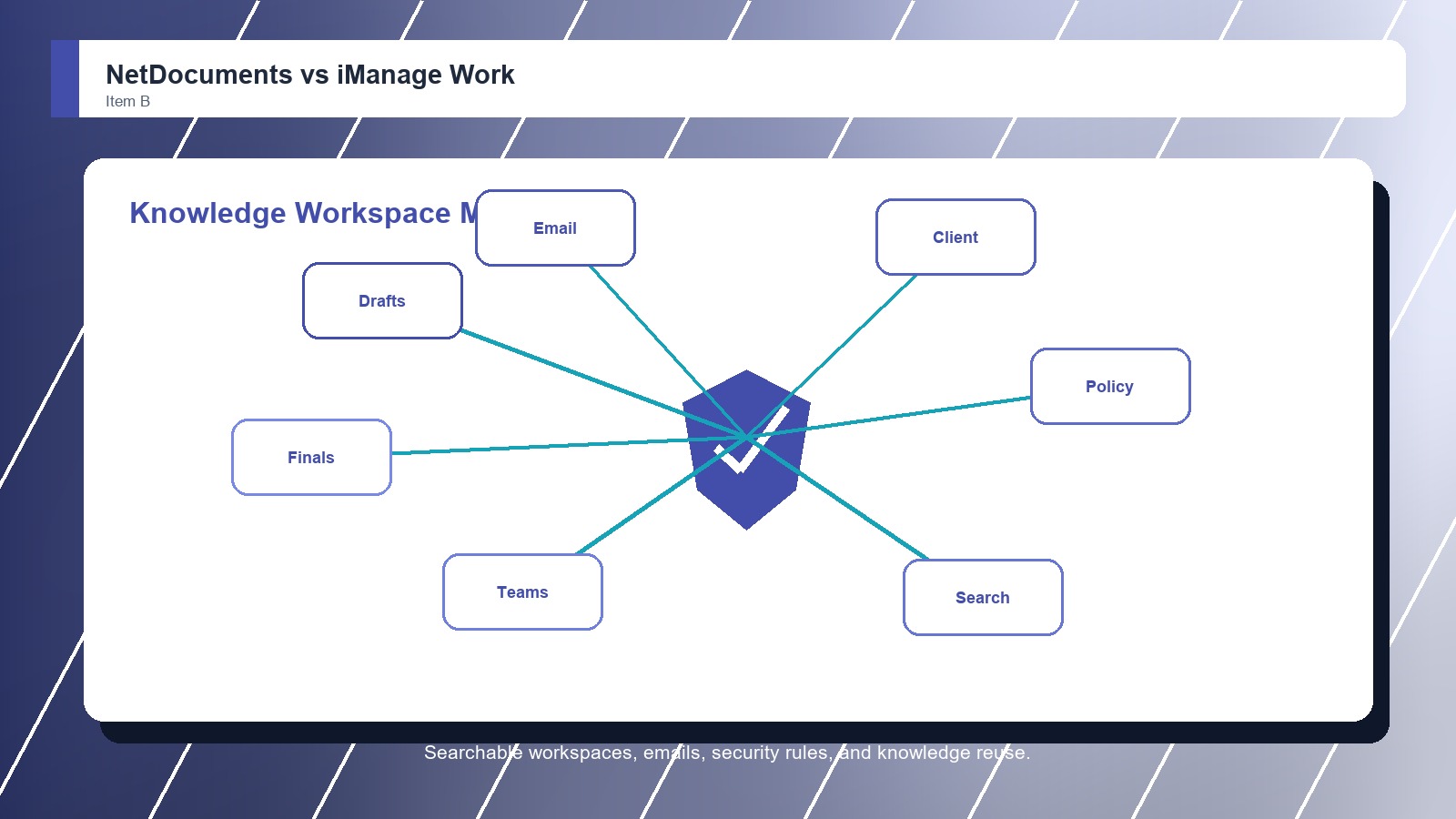
iManage Work is stronger when the organization needs a mature document and email management platform with strong search, workspaces, Microsoft 365 alignment, governance, security, mobility, and large-firm adoption patterns.

Score 9.2/10 Best for large-firm document, email, and knowledge work control Focus Knowledge work Why buy Fit
  • Excellent legal work-product management depth
  • Strong search, workspace, and email filing fit
  • Very good governance and large-firm adoption case
Metric
NetDocuments
iManage Work
Winner
Matter file control
Matter-centric cloud document work with strong legal context
Deep workspaces for documents, emails, and knowledge assets
iManage Work
Email and search
Strong email management, search, and document lifecycle tools
Excellent document and email search across organized workspaces
iManage Work
Security and governance
Strong cloud security, compliance posture, and DMS controls
Very strong security, need-to-know access, and governance fit
iManage Work
Collaboration and Microsoft fit
Good collaboration, Microsoft integrations, and legal workflows
Strong Microsoft 365 fit, mobility, sharing, and co-authoring path
iManage Work
Implementation fit
Needs matter taxonomy, migration planning, and DMS ownership
Needs disciplined change management for larger legal teams
NetDocuments
Best fit
Cloud-first legal DMS modernization
Large legal and professional-services knowledge work
iManage Work
Real-world context
iManage Work wins when the law firm wants one trusted work-product layer for documents, emails, search, security, and knowledge reuse. NetDocuments remains very close when the buyer values a cloud-native legal DMS path and wants modernization without overcomplicating the rollout.

Why people choose it

  • Strong cloud-native legal DMS foundation
  • Good document and email management depth
  • Useful collaboration, search, and automation path

Why people choose it

  • Excellent legal work-product management depth
  • Strong search, workspace, and email filing fit
  • Very good governance and large-firm adoption case
Winner: iManage Work iManage Work wins this Legal Document Management Software comparison by a narrow margin because its workspace, search, email, governance, and Microsoft-aligned knowledge-work model fits large legal teams especially well. NetDocuments is the better first demo when cloud-native modernization and faster DMS transformation matter more.
Read FAQs

Deep dive

What actually matters in this matchup

This is a top-tier DMS matchup, not a basic file-storage question. We weighted matter organization, email filing, search accuracy, workspace design, Microsoft integration, mobility, governance, implementation effort, legal AI direction, migration complexity, and whether attorneys will actually file and find work product consistently.

Workspace model: iManage Work is strongest when the firm wants a disciplined workspace for documents, emails, and knowledge assets. NetDocuments is also matter-centric, but its strongest pitch is the cloud-first DMS journey and the way the broader platform can modernize legal document work without starting from local-server habits.

Search and filing behavior: iManage Work gets the edge when attorneys and staff need highly trusted search across a large work-product estate. NetDocuments is strong for email and document management, but firms should test search with messy matter examples, not vendor sample folders. That keeps the choice practical.

Governance depth: Both platforms can satisfy demanding legal security needs. iManage Work has the stronger large-firm governance feel when need-to-know access, workspace control, threat awareness, and professional-services information management are central to the purchase. That keeps the choice practical. That matters during rollout.

Cloud modernization: NetDocuments can be the easier strategic story when leadership wants a cloud-native legal DMS and a cleaner move away from legacy filing behavior. iManage Work can still be cloud-forward, but its advantage is the maturity of the broader work-product environment.

Change management: The rollout risk is different. NetDocuments buyers should define matter templates, email filing rules, and automation ownership. iManage Work buyers should plan heavier change management around workspace standards, security rules, training, and knowledge reuse expectations. That keeps the choice practical.

Final choice: Choose iManage Work when the firm needs the strongest large-firm work-product layer for documents, emails, search, and governance. Choose NetDocuments when cloud-first legal DMS modernization, collaboration, and automation direction are the main reasons for change. That keeps the choice practical.

Methodology

How we evaluated the matchup

This review weighs legal document-management fit against real law-firm filing, search, security, migration, and adoption realities.

Scope: We evaluated NetDocuments and iManage Work as legal document management software for firms comparing cloud-native DMS modernization with large-scale legal work-product management. That keeps the choice practical. That matters during rollout. That keeps the buying decision grounded. That keeps the choice practical.

What we compared: The review weighs matter workspaces, document and email filing, search, Microsoft 365 fit, mobility, collaboration, security, governance, legal AI direction, migration work, user adoption, and administrative ownership. That keeps the choice practical. That matters during rollout. That keeps the buying decision grounded.

Interpretation: iManage Work wins by a narrow margin because the category rewards trusted search, controlled workspaces, email discipline, and governance across large professional-services environments. NetDocuments remains strong enough that buyers should run both demos. That keeps the choice practical. That matters during rollout.

Buyer checks: Before choosing, confirm current cloud options, document and email filing behavior, search relevance, ethical-wall needs, client-matter taxonomy, Microsoft integrations, migration services, retention controls, AI features, and support model. That keeps the choice practical. That matters during rollout. That keeps the buying decision grounded.

FAQ

NetDocuments vs iManage Work: common questions

Is NetDocuments better than iManage Work?
NetDocuments can be better when the firm wants cloud-first legal DMS modernization, collaboration, automation, and a platform that feels purpose-built for legal document work. iManage Work is better when the firm needs the most mature large-scale work-product layer for documents, email, search, and governance.
Where does iManage Work beat NetDocuments?
iManage Work beats NetDocuments when large-firm workspace control, email filing consistency, search confidence, need-to-know security, and Microsoft-aligned knowledge work are the most important requirements. That keeps the choice practical. That matters during rollout. That keeps the buying decision grounded. That keeps the choice practical.
Where does NetDocuments beat iManage Work?
NetDocuments beats iManage Work when the buyer wants a cloud-native legal DMS story with strong document management, collaboration, workflow automation, and legal AI direction without making the project feel like a heavy enterprise rebuild. That keeps the choice practical. That matters during rollout.
Which is better for large law firms?
iManage Work is usually the stronger default for very large firms because it is built around mature work-product management, search, governance, and adoption patterns across complex professional-services teams. That keeps the choice practical. That matters during rollout. That keeps the buying decision grounded.
Which is better for cloud-first firms?
NetDocuments deserves the first demo when cloud-first modernization is the point of the project. Firms should still compare iManage Work's cloud architecture, Microsoft 365 fit, security model, and implementation plan before deciding. That keeps the choice practical. That matters during rollout. That keeps the buying decision grounded.
Which is easier to roll out?
NetDocuments may feel easier when the firm is changing from older DMS habits to a modern cloud setup. iManage Work may require more change management, but that discipline can be worth it for complex firms with strict governance needs. That keeps the choice practical.
Can a firm migrate between them?
Yes, but migration should be treated as a serious project. Test metadata, matter structures, email filing history, security groups, versions, document numbers, client permissions, and user training before committing. That keeps the choice practical. That matters during rollout. That keeps the buying decision grounded.
Is this review based on hands-on testing?
No. This review uses official product information, public documentation, and legal document-management workflow analysis. Buyers should confirm current pricing, plan terms, security features, integrations, implementation support, and contract requirements with each vendor. That keeps the choice practical. That matters during rollout. That keeps the buying decision grounded.

Key Takeaways

  • iManage Work wins narrowly.
  • NetDocuments remains top tier.
  • Search quality should be tested.
  • Email filing decides adoption.
  • Cloud strategy affects rollout.
  • Large firms need governance depth.

Verdict

The Better Default for Large-Firm Work Product

iManage Work is the stronger default when legal document management depends on large-scale workspaces, email filing, search, and governance.

#1 Winner

iManage Work

iManage Work wins because its work-product management model gives large legal teams a slightly stronger foundation for secure documents, emails, search, and Microsoft-aligned collaboration.

  • Stronger large-firm workspace depth
  • Excellent email and search fit
  • Very good governance posture

Runner-up

Jump to the Head-to-Head

Tip: Use real closed matters during the demo. The product that finds the right email, draft, attachment, and final document fastest should lead.

Where to Buy

Use the official NetDocuments and iManage Work pages to confirm current demos, security details, integrations, implementation options, and contract terms.

Vendor terms, demos, pricing, and feature availability change regularly. Some links may earn a commission and never affect rankings.

Accessories You’ll Want

  • Matter workspace sample (tests document structure, email filing, security, and search with real matter patterns)
  • Email filing rules (defines how attorneys save correspondence without creating duplicate folders)
  • Ethical-wall checklist (confirms need-to-know access, client restrictions, and audit requirements)
  • Migration field map (tracks metadata, document numbers, versions, authors, and matter codes)
  • Adoption training plan (shows how attorneys, assistants, and records teams will file consistently)

Tip: Use the same matters, emails, security examples, and migration fields in every demo so the DMS differences are visible.