NetDocuments vs Worldox: Which Legal Document Management Software Is Better?

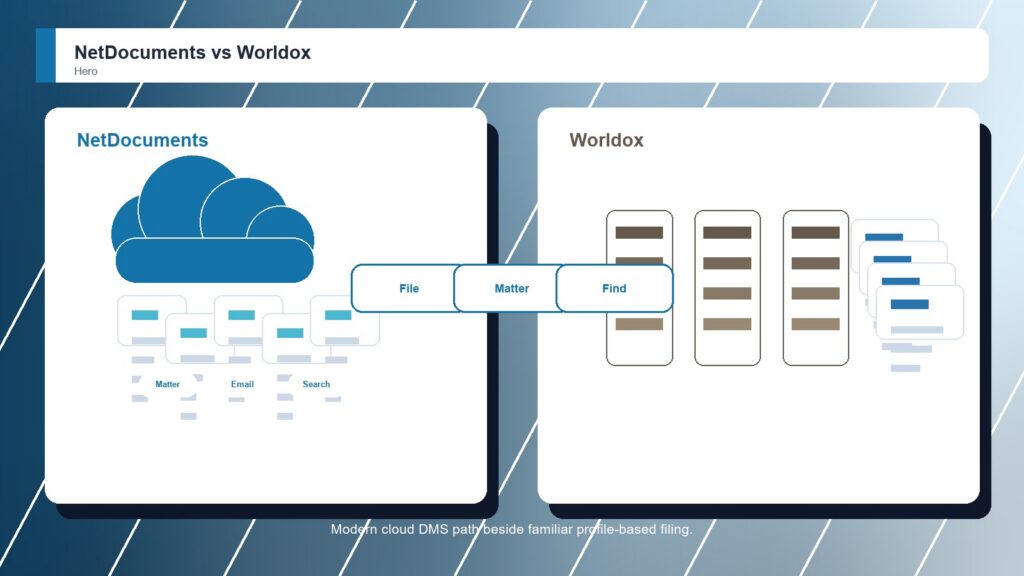
NetDocuments and Worldox speak to different stages of the legal DMS market. NetDocuments is the stronger modern choice for firms that want cloud-native document and email management, matter-centric collaboration, search, security, workflow, and legal AI direction. Worldox still matters for firms that know its profile-based filing habits and want continuity, but that familiarity is less compelling when the project is a fresh legal document-management decision.

By: Review Streets Research Lab
Updated: September 8, 2026
Approx. 10-12 min read
NetDocuments vs Worldox business comparison image

Head-to-head

NetDocuments vs Worldox: Which Legal Document Management Software Is Better?

NetDocuments wins for firms modernizing legal document management. Worldox is still practical when the buying committee wants a familiar DMS model and a lower-change transition for existing users.

NetDocuments comparison image

NetDocuments

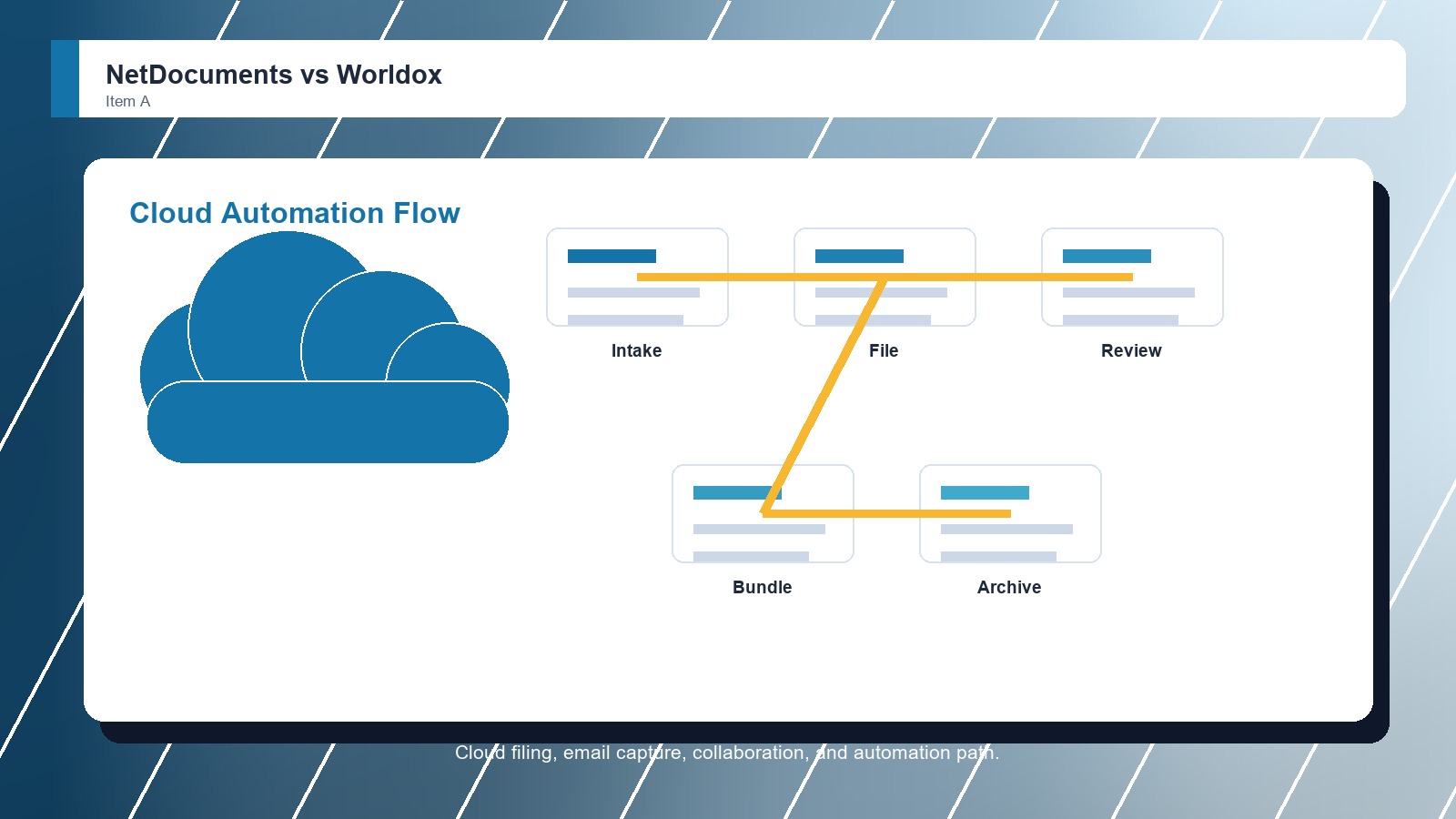
NetDocuments is stronger when the firm wants a cloud-native legal DMS with matter-centric document storage, email filing, search, collaboration, security controls, Microsoft integration, and room for legal AI and workflow automation.

Score 9.1/10 Best for cloud-first legal document and email management Focus Cloud DMS Why buy Fit
  • Strong cloud-native legal DMS foundation
  • Good document and email management depth
  • Useful collaboration, search, and automation path
VS
Worldox comparison image

Worldox

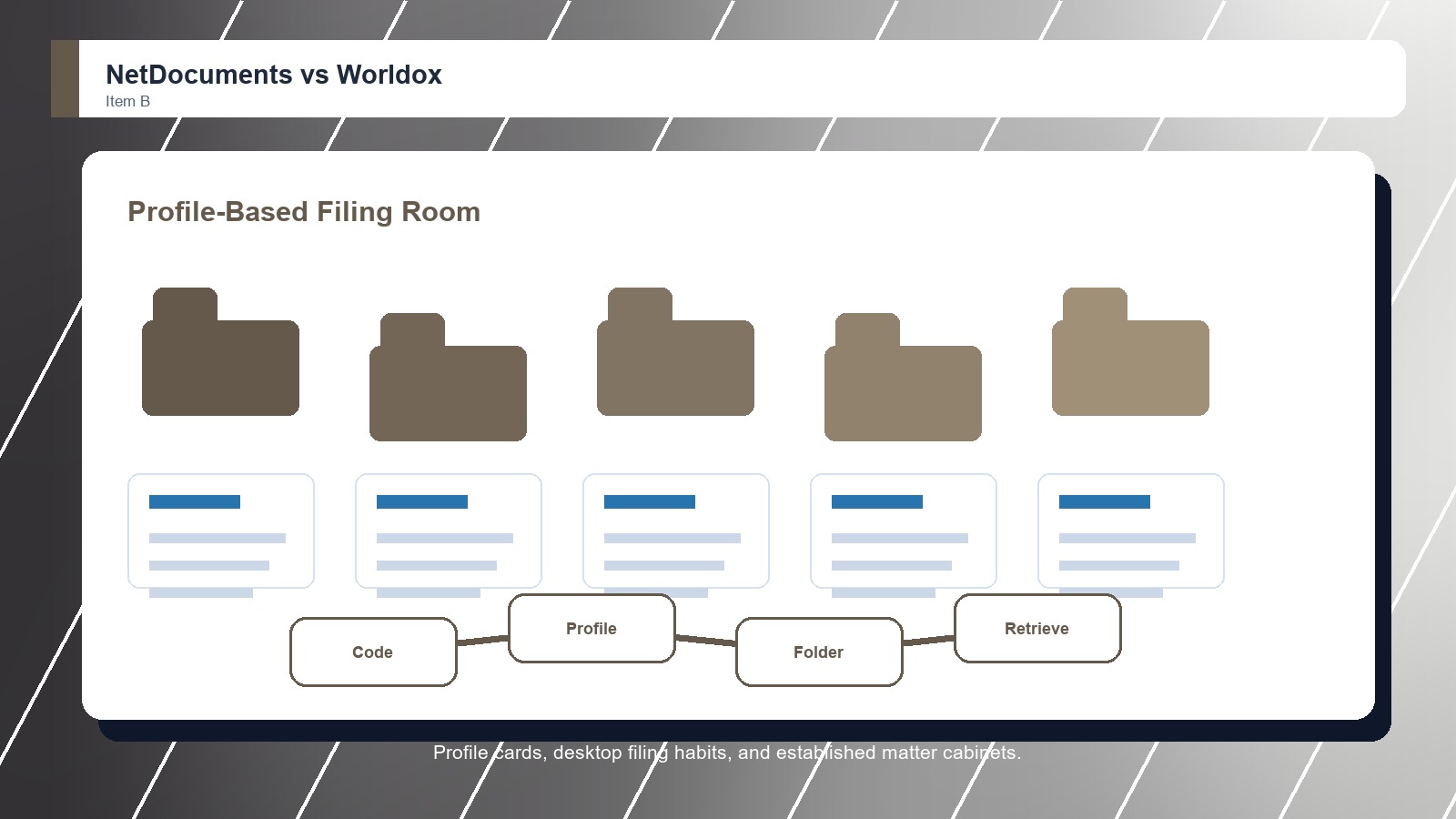
Worldox is stronger when the firm wants an established document and email management system with profile-based organization, remote access options, search, matter files, and a familiar model for legal teams that have used Worldox workflows before.

Score 8.4/10 Best for firms that value a familiar legal DMS model Focus Established DMS Why buy Fit
  • Familiar legal DMS experience
  • Useful profile-based filing and search
  • Good fit for firms preserving known workflows
Metric
NetDocuments
Worldox
Winner
Matter file control
Matter-centric cloud document work with strong legal context
Profile-based matter filing with familiar legal DMS habits
NetDocuments
Email and search
Strong email management, search, and document lifecycle tools
Good filing and retrieval when profiles are maintained
NetDocuments
Security and governance
Strong cloud security, compliance posture, and DMS controls
Established controls, but modernization depends on deployment path
NetDocuments
Collaboration and Microsoft fit
Good collaboration, Microsoft integrations, and legal workflows
Practical document access and remote work support
NetDocuments
Implementation fit
Needs matter taxonomy, migration planning, and DMS ownership
Best when preserving familiar workflows matters more than redesign
Worldox
Best fit
Cloud-first legal DMS modernization
Established firms with familiar DMS habits
NetDocuments
Real-world context
NetDocuments wins when a firm is ready to treat document management as a modern cloud platform decision. Worldox remains useful when the firm wants to protect established filing habits and avoid forcing attorneys into a completely new operating model at once.

Why people choose it

  • Strong cloud-native legal DMS foundation
  • Good document and email management depth
  • Useful collaboration, search, and automation path

Why people choose it

  • Familiar legal DMS experience
  • Useful profile-based filing and search
  • Good fit for firms preserving known workflows
Winner: NetDocuments NetDocuments wins this Legal Document Management Software matchup because it is better suited to cloud-first matter work, document and email collaboration, governance, automation, and future-facing legal operations. Worldox is the safer comfort pick for teams preserving known DMS behavior.
Read FAQs

Deep dive

What actually matters in this matchup

This comparison is about modernization versus continuity. We weighted cloud architecture, matter filing, email capture, document retrieval, security controls, collaboration, mobility, Microsoft workflows, migration burden, user retraining, and whether the firm wants to redesign document work or protect familiar habits.

Modern DMS direction: NetDocuments has the stronger strategic case when the firm wants a cloud-first legal DMS that can support matter documents, email, collaboration, automation, and governance in one direction. Worldox is more persuasive when the firm already trusts the way profiles and filing conventions work.

User familiarity: Worldox can win with users who have years of muscle memory around its filing approach. That advantage is real, but it fades when leadership is buying a platform for remote access, cloud operations, matter collaboration, and legal technology modernization. That keeps the choice practical.

Search and retrieval: NetDocuments should have the stronger default position for firms that want modern search and cloud access across active legal work. Worldox can retrieve documents effectively when the taxonomy is maintained, but buyers should test whether old profile habits still match current matter workflows.

Governance and mobility: NetDocuments is better when security, compliance, mobility, and remote collaboration are part of the same DMS conversation. Worldox can support remote work, but the larger buying case is often continuity rather than a clean reset of document operations. That keeps the choice practical.

Migration reality: Moving from Worldox to NetDocuments should not be treated as a simple export. Firms need to map metadata, document numbers, authors, versions, email links, security groups, and closed-matter retention before promising a smooth switch. That keeps the choice practical. That matters during rollout.

Final choice: Choose NetDocuments when the firm wants a modern cloud legal DMS with stronger collaboration, search, security, and automation direction. Choose Worldox when preserving a known DMS workflow matters more than moving quickly into a broader cloud platform. That keeps the choice practical.

Methodology

How we evaluated the matchup

This review weighs legal document-management fit against real law-firm filing, search, security, migration, and adoption realities.

Scope: We evaluated NetDocuments and Worldox as legal document management software for firms deciding between cloud-first DMS modernization and a familiar established DMS model. That keeps the choice practical. That matters during rollout. That keeps the buying decision grounded. That keeps the choice practical.

What we compared: The comparison weighs cloud access, matter documents, email filing, profile discipline, search, remote work, security, governance, collaboration, Microsoft fit, migration risk, user retraining, and long-term platform direction. That keeps the choice practical. That matters during rollout. That keeps the buying decision grounded.

Interpretation: NetDocuments wins because most new legal DMS projects now need cloud access, collaboration, security, automation, and modernization momentum. Worldox still scores respectably where continuity and familiar workflows matter. That keeps the choice practical. That matters during rollout. That keeps the buying decision grounded.

Buyer checks: Before choosing, verify current product roadmap, cloud hosting options, migration support, metadata handling, document numbering, email filing behavior, remote access, security model, retention needs, training effort, and contract terms. That keeps the choice practical. That matters during rollout.

FAQ

NetDocuments vs Worldox: common questions

Is NetDocuments better than Worldox?
NetDocuments is better for most firms choosing a legal DMS today because it has the stronger cloud-first document, email, collaboration, security, and automation story. Worldox is better when continuity with known filing habits is the main requirement. That keeps the choice practical. That matters during rollout.
Where does Worldox still beat NetDocuments?
Worldox can beat NetDocuments when users already understand its filing model and the firm wants to minimize change. That advantage depends on existing user habits, metadata quality, and whether the current Worldox setup still supports the firm's work. That keeps the choice practical.
Which is better for cloud document management?
NetDocuments is the stronger cloud document-management choice in this matchup. It is better aligned with firms that want remote access, matter collaboration, legal workflow automation, and a modern cloud DMS roadmap. That keeps the choice practical. That matters during rollout. That keeps the buying decision grounded.
Which is easier for longtime Worldox users?
Worldox is easier for longtime Worldox users because the filing model is familiar. NetDocuments may require retraining, but that change can be worthwhile when the firm wants better cloud access, collaboration, and platform direction. That keeps the choice practical. That matters during rollout.
Should a firm migrate from Worldox to NetDocuments?
A firm should consider migration if the current Worldox environment limits cloud access, collaboration, search, governance, or future integrations. The firm should run a structured migration test before committing. That keeps the choice practical. That matters during rollout. That keeps the buying decision grounded.
What migration issues matter most?
Metadata mapping, document numbers, versions, email links, security groups, client-matter codes, retention status, closed matters, and user training matter most. Poor mapping can make a technically successful migration feel broken to attorneys. That keeps the choice practical. That matters during rollout. That keeps the buying decision grounded.
Can small firms still use Worldox?
Yes. Worldox can still be reasonable for firms that value familiar document profiling and do not need a broader cloud-first platform. NetDocuments is stronger when growth, remote work, and modernization are priorities. That keeps the choice practical. That matters during rollout. That keeps the buying decision grounded.
Is this review based on hands-on testing?
No. This review uses official product information, public documentation, and legal document-management workflow analysis. Buyers should confirm current pricing, plan terms, security features, integrations, implementation support, and contract requirements with each vendor. That keeps the choice practical. That matters during rollout. That keeps the buying decision grounded.

Key Takeaways

  • NetDocuments wins modernization.
  • Worldox wins familiarity moments.
  • Migration mapping is critical.
  • Cloud access changes the value.
  • Search needs real matters.
  • Continuity can still matter.

Verdict

The Better Default for Cloud DMS Modernization

NetDocuments is the stronger default when legal document management needs cloud access, collaboration, governance, and future-ready workflow direction.

#1 Winner

NetDocuments

NetDocuments wins because it gives firms a stronger modern platform for matter documents, email filing, remote work, security, and legal DMS modernization.

  • Stronger cloud-first direction
  • Better modernization fit
  • More durable collaboration and workflow path

Runner-up

Jump to the Head-to-Head

Tip: Do not judge this only by feature lists. Put one active matter and one closed matter through a migration sample before choosing.

Where to Buy

Use the official NetDocuments and Worldox pages to confirm current demos, security details, integrations, implementation options, and contract terms.

Vendor terms, demos, pricing, and feature availability change regularly. Some links may earn a commission and never affect rankings.

Accessories You’ll Want

  • Worldox profile export sample (tests whether legacy metadata maps cleanly into the new DMS)
  • Closed-matter retention plan (keeps old matters searchable without bringing unnecessary clutter forward)
  • Remote-access checklist (confirms browser, mobile, desktop, and secure external access expectations)
  • Training delta notes (lists old filing habits that will change after migration)
  • Document number test (checks references, versions, and cited documents after import)

Tip: Use the same matters, emails, security examples, and migration fields in every demo so the DMS differences are visible.