
Radar Detectors Buying Guide for Driver Assistance Setups
A detector in modern traffic is listening beside thousands of automotive sensors. Blind-spot monitors and collision-warning systems can create moving K-band alerts, while the vehicle's own forward camera may occupy the mounting area that once seemed obvious in an older cabin.
Good coexistence requires more than switching on a filter. Inventory the vehicle's sensing hardware, protect every camera view, establish a baseline on representative routes, and change one quieting control at a time. The goal is a manageable information stream that never compromises factory safety features or demands sustained attention from the driver.
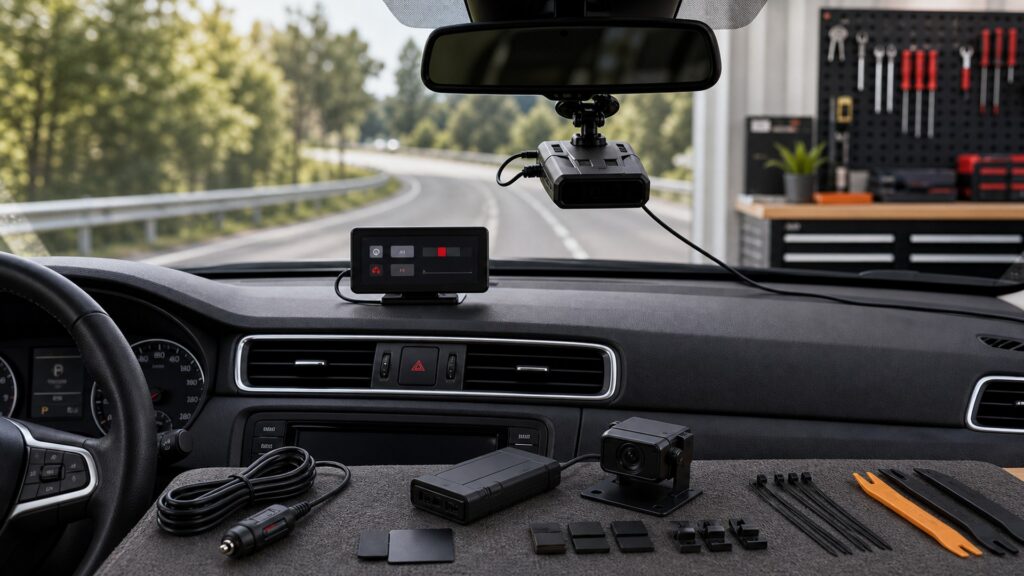
Buying framework
Build a coexistence baseline before adjusting filters
Separate noise generated by stationary infrastructure, surrounding traffic, and the host vehicle. Each source calls for different controls and verification.
Inventory the vehicle: Locate forward cameras, driver-monitoring cameras, mirror sensors, radar modules, heated glass, and prescribed keep-out zones using vehicle documentation. Do not mount or route cable through those areas.
Characterize the route: Drive urban, parking, freeway, and low-traffic segments with default settings. Note band, frequency, strength, direction, location, speed, and whether the source appears to move with traffic.
Assign the quieting tool: Use GPS rules for stable locations, speed logic for low-velocity noise, and BSM or traffic filters for supported patterns. Avoid using one blunt sensitivity reduction for every alert.
Preserve a rollback: Photograph or export the baseline configuration, then alter a single setting. Repeat the same route before keeping the change, and restore defaults if useful alerts become unpredictable.
Who this is for
Match filtering control to sensor density
The number of driver-assistance emitters in the host vehicle and surrounding traffic changes the value of adjustable filtering and signal context.
Older vehicle in light traffic: Straightforward city and highway modes may be sufficient when moving K-band noise is limited. Prioritize clear alerts and a legal unobstructed mount.
Urban commuter among newer cars: Current BSM filtering, GPS memory, low-speed quieting, and convenient mute controls can prevent repeated traffic and storefront signals from overwhelming daily use.
Highway driver wanting context: Directional arrows, frequency display, strength progression, and selectable filters help interpret signals that appear beside, approach from behind, or persist near adaptive-cruise traffic.
Vehicle with a crowded camera housing: Compact approved mounting or a remote antenna may be necessary. Protect the camera field, mirror movement, GPS reception, and driver view before considering display convenience.
What to pay attention to
Controls that separate moving clutter from useful awareness
No single feature classifies every source. Useful platforms combine several reversible controls and explain how each affects reception.
Signal Coexistence
Compare BSM recognition, K-band options, GPS rules, low-speed behavior, signal context, and multiple-alert priority.
Human & Vehicle Integration
Review camera clearance, mounting, mute access, firmware, update recovery, test workflow, and legal use.
BSM and K filters: Check which K-band patterns the modes target, their sensitivity effect, and whether adjustments are exposed. New vehicle emitters can behave differently, so perfect suppression is not a credible promise.
Traffic-sensor filtering: Some roads use pulsed radar infrastructure that needs a dedicated option. Enable it only where relevant and understand any response or scanning tradeoff stated by the manufacturer.
GPS and speed rules: Stationary lockouts, user marks, camera data, and low-speed quieting solve separate problems. Review learning thresholds, affected bands, radius, audible versus visual behavior, and deletion controls.
Context display: Frequency, band, strength, arrows, and bogey count can expose whether an alert is stable or moving. They support judgment but do not prove that a source is police or automotive.
Firmware support: Look for documented filter revisions, simple update utilities, recovery instructions, preserved settings, and a reasonable support history. Wi-Fi convenience matters only if updates remain available and understandable.
Mount and interaction: Keep the detector outside camera and sensor zones, level and forward, with mute reachable and alerts glanceable. Avoid adding a required phone interaction to solve ordinary nuisance signals.
Avoid these traps
Quieting choices that create new blind spots
A calm detector is valuable only when the driver understands why it is quiet and can undo the configuration.
Maximizing every filter immediately: Stacked filters, reduced sensitivity, disabled bands, and speed muting obscure which control caused a change. Begin from a documented default and tune one variable per route test.
Locking out a moving signal: GPS memory is intended for recurring location-based sources, not a quick guess in traffic. Confirm stationarity and review unexpected quiet areas near frequently traveled roads.
Mounting against the camera pod: A convenient gap beside the mirror may be part of the forward-camera field, heat envelope, or service cover. Follow the vehicle's keep-out instructions and calibration requirements.
Calling the detector a safety system: It does not replace speed compliance, attention, collision warning, blind-spot checks, or adaptive cruise. Configure it to minimize distraction and leave factory sensors unobstructed.
Updating without preserving settings: Firmware can reset or reinterpret filters and mutes. Record the known-good profile, read release notes, and retest representative roads after installation.
Decision guidance
Choose by clutter source and control discipline
Pay for the controls needed to isolate the traffic environment, plus an interface simple enough to maintain without constant experimentation.
If stationary alerts dominate: Prioritize mature GPS lockouts, transparent learning rules, manual deletion, low-speed behavior, and database maintenance over elaborate directional hardware.
If moving BSM alerts dominate: Look for current K-band filtering, adjustable modes, frequent firmware support, clear frequency or direction context, and a generous return period for testing on local traffic.
If factory cameras limit placement: Choose a compact legal mount in an approved zone or investigate a purpose-built remote system. Do not trade camera clearance for detector GPS or display convenience.
If settings feel too complex: Favor a stable automatic mode with understandable mute and reset functions. Advanced segmentation is poor value when the owner will not document, test, and maintain it.
Ownership & compatibility
Retest when either vehicle software changes
The detector and the traffic environment evolve through firmware. Treat configuration as a maintained baseline rather than a one-time setup.
Keep profiles and notes: Record firmware, active bands, filter levels, GPS rules, quiet-speed threshold, mount position, and representative route observations. Preserve the reason for each nondefault setting.
Stage updates: Read detector release notes and watch for vehicle ADAS updates after service. Apply one change set, confirm saved settings, then repeat city, highway, and parking tests.
Audit placement and memory: Inspect mount clearance and cable routing, clean camera glass without moving calibration hardware, and review lockouts or user marks when businesses and roads change.
FAQ
Driver-assistance coexistence questions
These answers support controlled setup; exact detector logic and vehicle safety-system requirements come from current manufacturer documentation.
Why do blind-spot monitors trigger radar detectors?
Can a BSM filter remove all vehicle false alerts?
Is GPS useful for moving ADAS false alerts?
What does low-speed quieting do?
Do directional arrows identify an ADAS signal?
Can I mount the detector beside the forward camera?
Should firmware be updated whenever a new version appears?
How do I test detector coexistence with my own vehicle?
Does a radar detector improve collision avoidance?
Bottom line
Make quieting explainable and reversible
A good ADAS-era setup reduces repetitive clutter without hiding its logic, obstructing factory sensors, or asking the driver to troubleshoot while moving.
Separate sources: Distinguish stationary locations, moving traffic emitters, host-vehicle states, and roadside infrastructure.
Tune methodically: Record defaults, change one control, repeat the route, and retain an easy reset path.
Protect safety systems: Honor camera zones, minimize interaction, maintain legal use, and never treat detection as driver assistance.
Reading Shortcuts
Move from sensor inventory to controlled quieting.
Decision Reminders
Quiet does not mean correctly classified.
- Baseline: Save defaults before tuning.
- Source: Separate moving and stationary clutter.
- Filter: Understand affected bands and tradeoffs.
- Camera: Keep factory views unobstructed.
- Update: Read notes and retest.
- Driver: Minimize interaction in motion.
Glossary Snippets
Terms for sensor-heavy traffic.
When to Use a Top 10 Review
Rank models after identifying the dominant clutter.
- Filter: By current BSM controls.
- Check: GPS, speed, and reset behavior.
- Fit: Outside camera keep-out zones.
- Review: Firmware history and tools.
Already down to 2–3 options? A Comparison is usually the faster next step.
When to Use a Comparison
Run finalists on the same ADAS-heavy roads.
- Baseline: Record default alert behavior.
- Tune: Change matching controls singly.
- Repeat: Compare city and highway routes.
- Recover: Test reset and update paths.
Still exploring? Start with a Top 10 to build a shortlist first.