Buying Guides
These guides cover employee time tracking, project time tracking, and remote employee time tracking software — breaking down key features, tradeoffs, and pricing models to help you choose the right fit for your workflow and team size.
Featured
High-impact time tracking software buying frameworks—covering the most common project types, feature classes, and use cases to help you narrow options quickly.
All Guides
Explore every time tracking software buying guide organized by type and use case—turning specs into decisions you can actually act on.
Browse
Jump straight to a Time Tracking Software type to explore buying guides built to help you choose the right features, level, and setup.

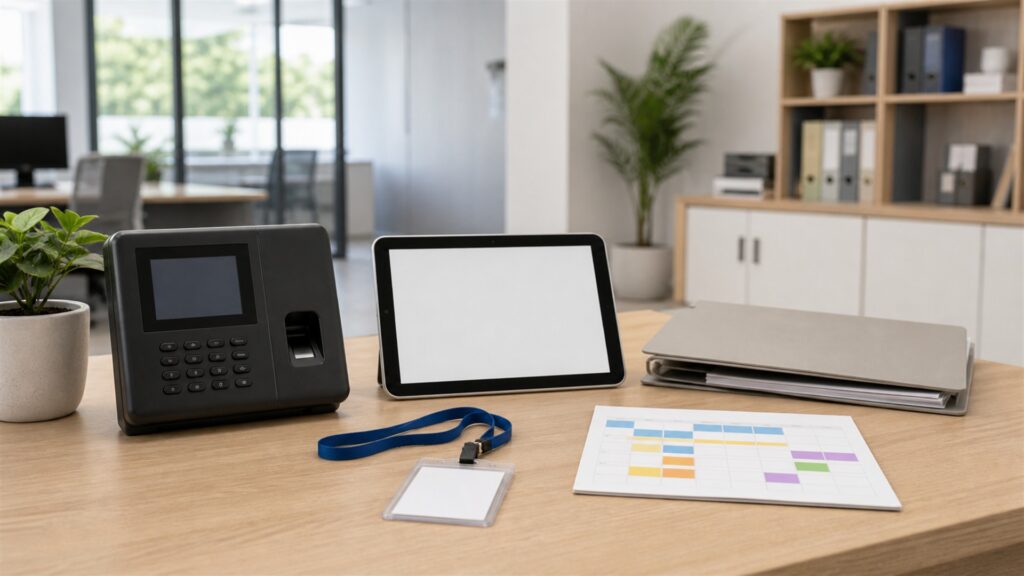
How to evaluate clock-in methods, payroll integration, and compliance features for your workforce.
Frameworks for comparing budget tracking, task-level logging, and reporting depth across tools.
How to assess monitoring depth, privacy tradeoffs, and async-friendly features for distributed teams.
Trust
We build buying guides to reduce confusion — clear decision frameworks, plain-English specs, and practical trade-offs so you choose the right time tracking software for your needs (not just the one with the loudest marketing).
Every guide starts with what you’re doing — your needs, frequency, and constraints — then maps that to the features and time tracking software type that actually fits.
We translate the specs that matter into what they mean in real use — so you can ignore noise and focus on the few details that affect your decision.
We update guides when new generations launch, options shift, or pricing changes — keeping recommendations aligned with what you can actually buy right now.
Next Steps
Use these buying frameworks to pick the right time tracking software type and setup—then jump to our top picks, narrow options with comparisons, or validate your choice with hands-on reviews.
Choose a retailer
Prices checked regularly. We may earn a commission at no cost to you.