This hub covers everything you need to choose the right disk imaging software — from full system backups to seamless drive migrations. Whether you're safeguarding a personal PC or managing fleet deployments, we break down real-world performance, features, and value. Use our reviews, comparisons, and guides to find software that protects your data without the guesswork.
Start Here
Browse by sub-category below to jump straight into the type of disk imaging solution that fits your specific need.
Jump straight to our strongest disk imaging software recommendations and best overall picks.
Browse the main kinds of disk imaging software to find the right fit for your needs.
See how types and top models stack up so you can understand tradeoffs before choosing.
Learn what matters most before you buy.
Featured
Our top picks highlight the disk imaging tools that deliver the best balance of speed, reliability, and ease of use. These are the options our editors and community consistently recommend across home and business use cases.
Start with the disk imaging software category that matches your needs. Each type has its own hub with Top 10 lists, reviews, comparisons, and buying guides.
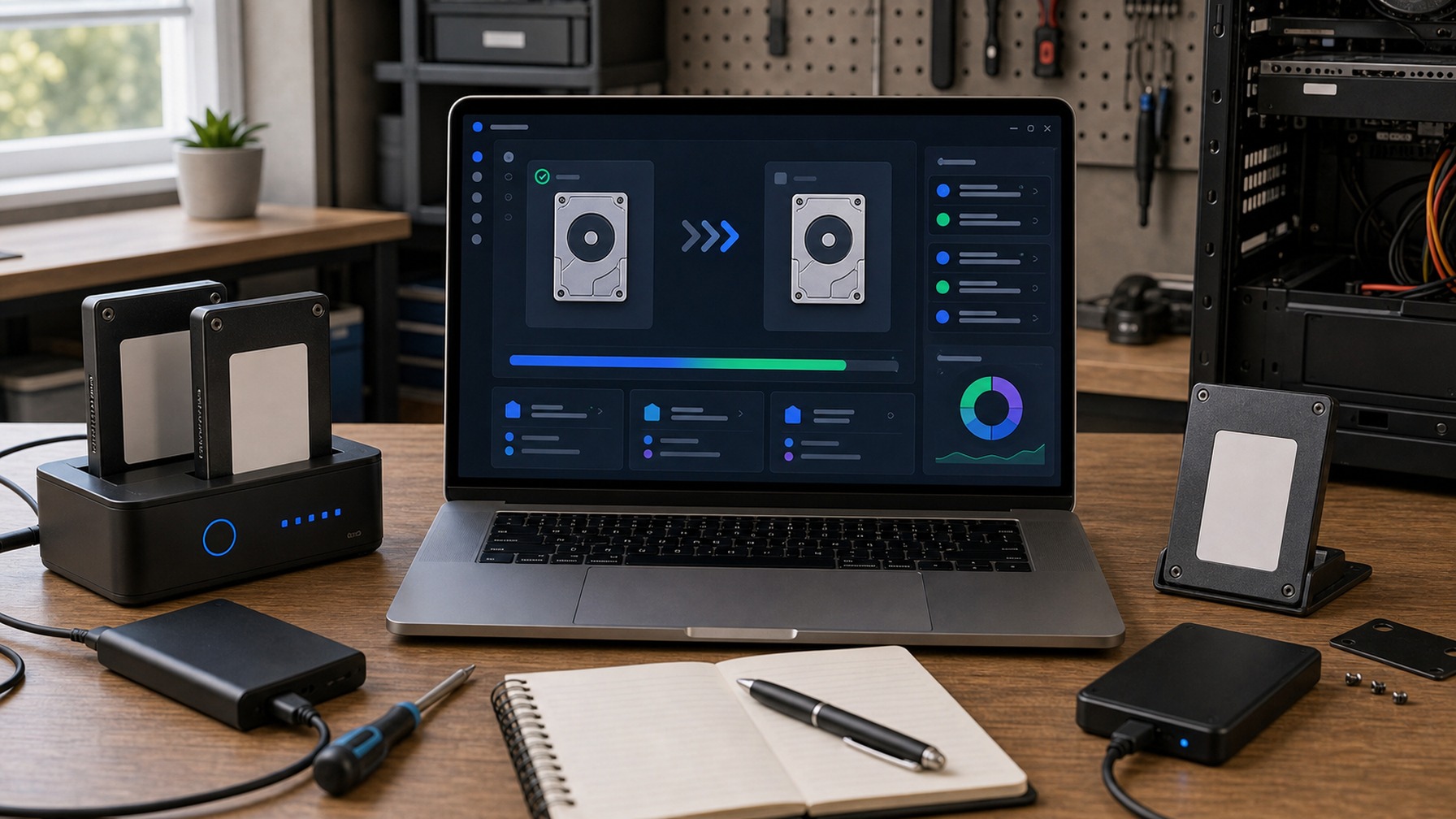
Disk cloning software creates a 1:1 copy of an entire drive, making it ideal for replacing failing hardware or upgrading to a larger or faster disk without reinstalling your OS.
Drive migration software moves your entire system — OS, apps, and data — from one drive to another, ensuring a smooth transition with no data loss or reconfiguration headaches.
System image tools capture a complete snapshot of your operating system and files into a single restorable archive, giving you a reliable recovery point after crashes, ransomware, or failed updates.
Fresh Drops
Each review puts disk imaging software through hands-on testing, evaluating backup speed, image integrity, restore reliability, and interface usability.
Side-by-side
Our comparisons stack disk imaging tools head-to-head on cloning speed, compression efficiency, scheduling options, and licensing value so you can decide faster.
Smart Decisions
Our buying guides walk you through the most critical factors — including image compression, incremental backup support, bootable media creation, and OS compatibility.
Our Process
Review Streets uses structured analysis and AI-assisted research to evaluate disk imaging software across performance, usability, and value. We combine manufacturer specifications, verified third-party testing data, professional feedback, and real customer experiences to surface meaningful differences between products.
Our system compares products side-by-side using normalized specifications, expert reviews, and aggregated user feedback to identify strengths, limitations, and best-fit use cases — delivering clear, practical guidance to help you choose the right disk imaging software for your needs.
Understand First
Our explainers demystify concepts like sector-by-sector cloning, differential vs. incremental imaging, MBR vs. GPT partition schemes, and bare-metal restore.
Browse by format
Prefer a specific format? Jump straight to it.
Choose a retailer
Prices checked regularly. We may earn a commission at no cost to you.