
Vehicle Security Systems Buying Guide for Vehicle Compatibility Checks
Compatibility is not proven because a catalog lists the model name. One trim may use push-button start, another a transponder key; factory alarm logic, hood status, door triggers, network messages, battery management, and software campaigns can also change within a production run.
Build a VIN-level function matrix before buying hardware. For each desired alarm, lock, notification, immobilization, or remote-start action, record the required interface module, firmware, wiring method, safety interlocks, and verified behavior. Then test normal factory operation, sleep current, emergency override, and vehicle service states after installation. This prevents a broad fitment claim from replacing exact support.
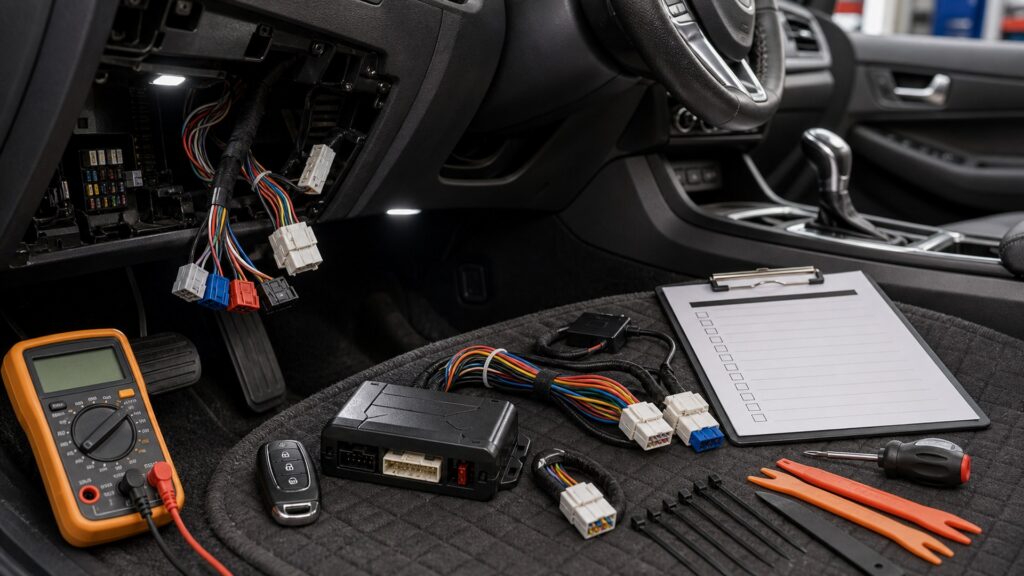
Buying framework
Turn compatibility into a VIN-level function matrix
Record each requested function, vehicle signal, interface, firmware, wiring method, and acceptance test before ordering.
Decode the exact vehicle: Record VIN, build date, trim, engine or propulsion, transmission, key type, factory alarm, immobilizer, telematics, and relevant campaigns.
List requested functions: Separate arm, disarm, lock, unlock, panic, door, hood, trunk, ignition, impact, tilt, start interruption, remote start, and tracking.
Map every interface: For each function, identify CAN data, discrete wire, added switch, RF antenna, immobilizer bypass, cellular module, firmware, and subscription.
Write acceptance tests: Include all keys, lock methods, triggers, false-alarm states, authorized start, takeover, brake and hood interlocks, sleep current, service mode, and factory reset.
Who this is for
Match integration depth to vehicle architecture
Older discrete wiring, networked keys, hybrids, EVs, and factory telematics demand different integration strategies.
Older discrete-wire vehicle: Direct triggers may be accessible, but polarity, current limits, starter circuits, and aging wiring still require accurate diagrams and protection.
Modern push-button vehicle: Key presence, immobilizer, CAN commands, takeover, locked-door behavior, and firmware coverage make the data interface central.
Hybrid or electric vehicle: Propulsion-ready states, high-voltage boundaries, battery management, charging, climate, and long parked periods require exact documented support.
Vehicle with active OEM campaigns: Complete security or body-control updates first and confirm aftermarket interaction; later dealer flashes may change alarm or remote-start behavior.
What to pay attention to
Specifications hidden behind a fitment checkmark
Part numbers and software versions matter as much as the alarm brain because the vehicle interface interprets factory behavior.
Vehicle Architecture
Verify VIN, model year, trim, key type, immobilizer, factory alarm, network, ignition, propulsion, locks, triggers, and campaigns.
Interface Lifecycle
Confirm module part numbers, firmware, flash tools, subscriptions, wiring guide, installer qualification, updates, service mode, and removal.
Coverage detail: Prefer databases listing exact trim, key type, transmission, firmware, limitations, required keys, functions, and install notes over a broad model match.
Interface module lifecycle: Check hardware revision, flash service, installer account, update support, recovery, subscription, replacement procedure, and behavior if the company discontinues access.
Factory-feature preservation: Test passive entry, keyless start, factory alarm, immobilizer, panic, trunk release, door handles, child locks, telematics, and warning messages.
Trigger and command states: Verify every door separately, hood and trunk status, delayed dome lights, lock confirmation, ignition states, and behavior from key, handle, app, and alarm remote.
Remote-start safety: Automatic versus manual transmission, hood switch, brake shutdown, gear state, takeover, key presence, garage precautions, and local law must all be supported.
Electrical sleep: Measure installed current after full vehicle sleep, observe wakeups and cellular check-ins, test weak-battery behavior, and confirm diagnostic trouble codes remain absent.
Avoid these traps
Compatibility assumptions that cause faults and no-starts
Most failures come from broad fitment assumptions, skipped campaigns, unsafe remote start, or unmeasured parked current.
Buying from year and model alone: Trim, key, engine, transmission, options, build date, and software can change the required module and supported functions.
Ignoring OEM security campaigns: Factory updates may improve theft protection or alter body-controller logic; aftermarket systems can behave differently afterward.
Assuming data control means complete control: A CAN module may support locks but not every trigger, hood status, takeover, or immobilizer function; verify line by line.
Skipping sleep-current measurement: A system can appear correct immediately yet wake modules or draw excess power after locking; test the full parked cycle.
Decision guidance
Choose only functions with documented support
Remove any feature whose exact command, state, interlock, or fallback cannot be documented and tested.
If OEM coverage already closes the gap: Use visible deterrence or a recovery layer that does not duplicate or disturb factory authentication and alarms.
If data integration is fully documented: Choose the specified interface and firmware with a qualified installer, then test every supported and unsupported function explicitly.
If one critical trigger is missing: Add an appropriate dedicated switch or sensor only when safe placement, wiring, diagnostics, and service access are documented.
If compatibility remains ambiguous: Do not install speculative interruption or remote start; select reversible nonintegrated protection until authoritative coverage exists.
Ownership & compatibility
Track firmware, campaigns, current draw, and service states
Vehicle and interface software evolve; compatibility records must survive dealer service and module replacement.
Save a compatibility dossier: Keep VIN, options, interface part and firmware, wiring revision, keys used, supported functions, limitations, tests, current draw, and installer.
Recheck after software service: Dealer flashes, body-module replacement, key programming, battery work, or campaign completion require full arm, trigger, start, sleep, and fault retesting.
Preserve emergency procedures: Maintain override PINs, valet sequence, backup remotes, account recovery, fuse locations, safe deactivation, and removal instructions outside the locked vehicle.
FAQ
Vehicle compatibility questions before purchase
Use exact vehicle, interface, and firmware documentation for each answer.
Why is the VIN necessary for compatibility?
Can one interface module fit several trims?
Will aftermarket security disable the factory immobilizer?
What does a CAN security interface control?
Does push-button start make installation harder?
Can factory software updates break integration?
How many keys are required for installation?
How should compatibility be tested after installation?
What if a desired function is unsupported?
Bottom line
Prove every command on the exact vehicle
A supported system preserves every factory safety and access state while adding only verified security functions.
Identify the exact build: Use VIN, trim, key, propulsion, transmission, factory security, telematics, and campaign status.
Map support function by function: Match modules, firmware, wires, triggers, commands, interlocks, limitations, and required accounts.
Test factory and added behavior: Verify access, alarms, immobilizer, remote start, warnings, sleep current, override, service, and post-update operation.
Reading Shortcuts
Move through the VIN-level electrical and firmware compatibility before feature selection decision in order.
Decision Reminders
A catalog checkmark is the start of compatibility research.
- Decode the exact vehicle: Verify and record this requirement.
- List requested functions: Verify and record this requirement.
- Map every interface: Verify and record this requirement.
- Save a compatibility dossier: Verify and record this requirement.
- Recheck after software service: Verify and record this requirement.
- Preserve emergency procedures: Verify and record this requirement.
Glossary Snippets
Terms used in this security system plan.
When to Use a Top 10 Review
Use rankings only after the requirements are fixed.
- Identify the exact build: Use this as a shortlist filter.
- Map support function by function: Use this as a shortlist filter.
- Test factory and added behavior: Use this as a shortlist filter.
- Exclude: Use this as a shortlist filter.
Already down to 2–3 options? A Comparison is usually the faster next step.
When to Use a Comparison
Compare finalists against the same arming, trigger, notification, disarm, start, sleep-current, and service-mode sequence.
- Decode the exact vehicle: Test this point on both finalists.
- List requested functions: Test this point on both finalists.
- Map every interface: Test this point on both finalists.
- Write acceptance tests: Test this point on both finalists.
Still exploring? Start with a Top 10 to build a shortlist first.