Wasp InventoryCloud vs inFlow Inventory: Which Barcode Inventory Systems Is Better?

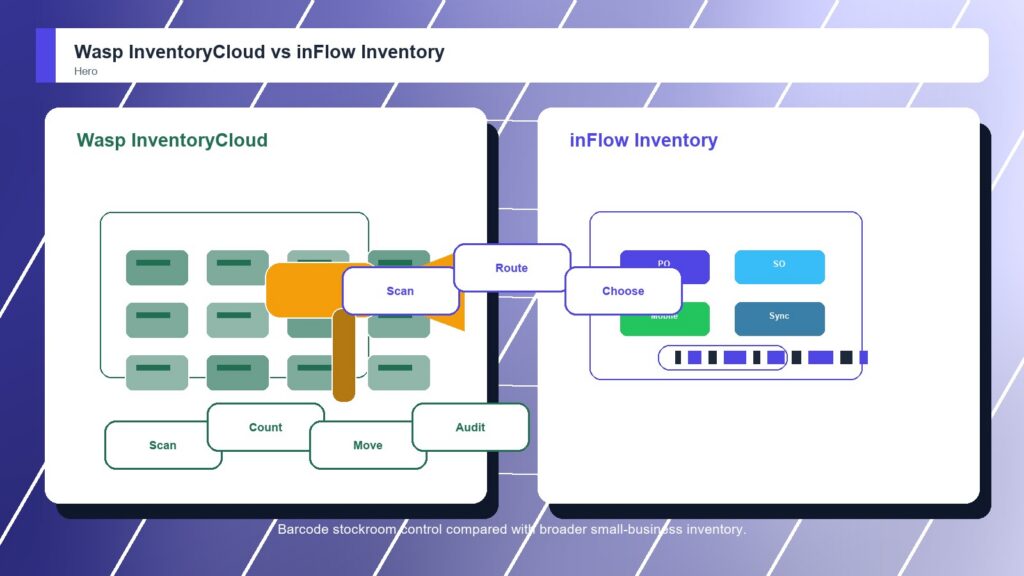
Wasp InventoryCloud and inFlow Inventory both appeal to teams that want more reliable inventory than spreadsheets, but their strengths are different. Wasp is more barcode-first, with stockroom control, item moves, cycle counts, locations, permissions, and reports. inFlow is broader for small-business inventory, combining barcode labels, mobile apps, purchase orders, sales orders, ecommerce, shipping, and accounting integrations.

By: Review Streets Research Lab
Updated: September 9, 2026
Approx. 10-12 min read
Wasp InventoryCloud vs inFlow Inventory business comparison image

Head-to-head

Wasp InventoryCloud vs inFlow Inventory: Which Barcode Inventory Systems Is Better?

inFlow Inventory wins by a small margin because it gives growing teams a broader small-business inventory system around barcode work. Wasp InventoryCloud is still the better fit when the buyer wants focused barcode discipline for stockrooms, assets, tools, counts, and multi-site location control.

Wasp InventoryCloud comparison image

Wasp InventoryCloud

Wasp InventoryCloud is stronger when barcode scanning, item moves, cycle counts, permissions, reporting, multi-site stock visibility, and a barcode-centered operating model are the main needs.

Score 8.5/10 Best for barcode-first inventory control across stockrooms and small warehouses Focus Barcode control Rating 8.5/10
  • Barcode-centered inventory workflow
  • Good stockroom and asset tracking fit
  • Useful multi-site cloud inventory controls
VS
inFlow Inventory comparison image

inFlow Inventory

inFlow Inventory is stronger when barcode labels, scanner workflows, mobile inventory apps, purchase orders, sales orders, ecommerce connections, accounting integrations, and quick team adoption need to stay approachable.

Score 8.6/10 Best for approachable small-business inventory operations Focus Small-business fit Rating 8.6/10
  • Approachable inventory software for growing teams
  • Barcode labels, scanning, mobile apps, and order workflows
  • Good ecommerce, shipping, and accounting integration fit
Metric
Wasp InventoryCloud
inFlow Inventory
Winner
Barcode scanning workflow
Barcode-centered counts, item moves, receiving support, and label-driven control
Good barcode label, scanner, item lookup, and mobile inventory workflows
Wasp InventoryCloud
Warehouse and stock control
Good stockroom, tools, assets, locations, and small warehouse tracking
Good stock control for small warehouses, stockrooms, purchasing, and order teams
inFlow Inventory
Mobile inventory work
Useful mobile audits, scans, permissions, and cloud inventory visibility
Good mobile app support without the heavy feel of a warehouse suite
inFlow Inventory
Accounting and operations
Practical reports and controls, with less manufacturing depth than Fishbowl
Good sales orders, purchase orders, ecommerce, shipping, and accounting integrations
inFlow Inventory
Ease of rollout
Approachable when teams already want barcode discipline and fixed processes
Approachable rollout for small teams that need structure without enterprise weight
inFlow Inventory
Best fit
Barcode-first inventory control for stockrooms and small warehouses
Approachable small-business inventory operations
inFlow Inventory
Real-world context
Wasp is the more focused barcode-control choice. inFlow is the broader small-business inventory choice. If the buyer wants scanning plus order and integration coverage, inFlow is stronger. If the buyer only wants tighter stockroom scanning, Wasp is cleaner.

Why people choose it

  • Barcode-centered inventory workflow
  • Good stockroom and asset tracking fit
  • Useful multi-site cloud inventory controls

Why people choose it

  • Approachable inventory software for growing teams
  • Barcode labels, scanning, mobile apps, and order workflows
  • Good ecommerce, shipping, and accounting integration fit
Winner: inFlow Inventory inFlow Inventory is the better overall barcode inventory system for small and midsize businesses that want scanning plus purchasing, sales orders, mobile apps, ecommerce, shipping, and accounting integrations. Wasp InventoryCloud is better when barcode control itself is the main requirement.
Read FAQs

Deep dive

What actually matters in this matchup

This comparison turns on whether scanning is enough. Wasp gives barcode inventory work a focused control model. inFlow wraps scanning inside broader small-business inventory operations, including orders, purchasing, mobile work, integrations, and daily stock decisions. That keeps the choice practical.

Barcode Focus: Wasp InventoryCloud is stronger when the problem is barcode discipline itself. Locations, counts, scanner routines, permissions, item movement, and reports help teams create accountability around stockrooms, assets, tools, supplies, and multi-site inventory. That keeps the choice practical. That matters during rollout.

Business Breadth: inFlow Inventory is stronger when barcode work is only one part of the inventory system. Sales orders, purchase orders, mobile apps, ecommerce, shipping, accounting integrations, and labels make it a broader fit for small businesses. That keeps the choice practical.

Process Fit: Choose Wasp when the inventory team needs a focused scanning rollout. Choose inFlow when managers also want order visibility, purchasing context, integrations, and mobile updates in the same system. That distinction should guide the demo. That keeps the choice practical.

Demo Evidence: Buyers should make Wasp InventoryCloud and inFlow Inventory run the same inventory workflow with real items, labels, locations, and scanners. A good demo shows whether counts stay accurate when people receive, move, count, and adjust stock. That keeps the choice practical.

Control Check: The winning barcode inventory system should fit the team's control model. That means roles, locations, labels, exceptions, count approvals, reports, and support handoffs are clear enough that workers do not rebuild side spreadsheets. That keeps the choice practical. That matters during rollout.

Adoption Reality: Inventory systems only work when people scan consistently. Buyers should watch whether warehouse staff, field workers, managers, and accounting users can update records without slowing the job or creating cleanup work after each count. That keeps the choice practical. That matters during rollout.

Methodology

How we evaluated the matchup

This review weighs barcode inventory systems fit against real buyer workflows, adoption risk, control needs, and long-term ownership.

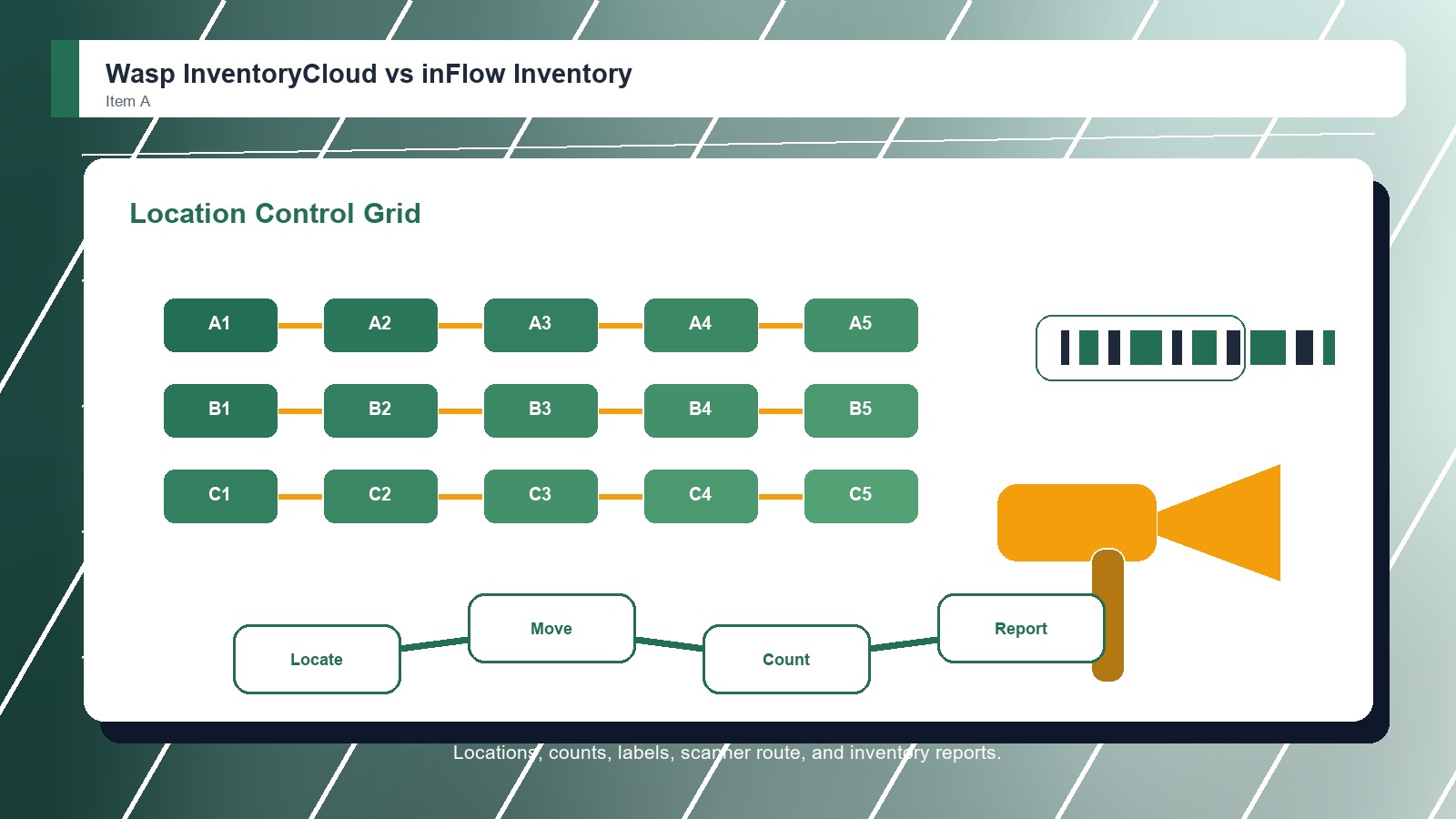
Barcode discipline: We weighted scan routines, labels, item movement, cycle counts, location control, permissions, reporting, multi-site visibility, and how clearly each product supports accountable stockroom work. That keeps the choice practical. That matters during rollout. That keeps the buying decision grounded.
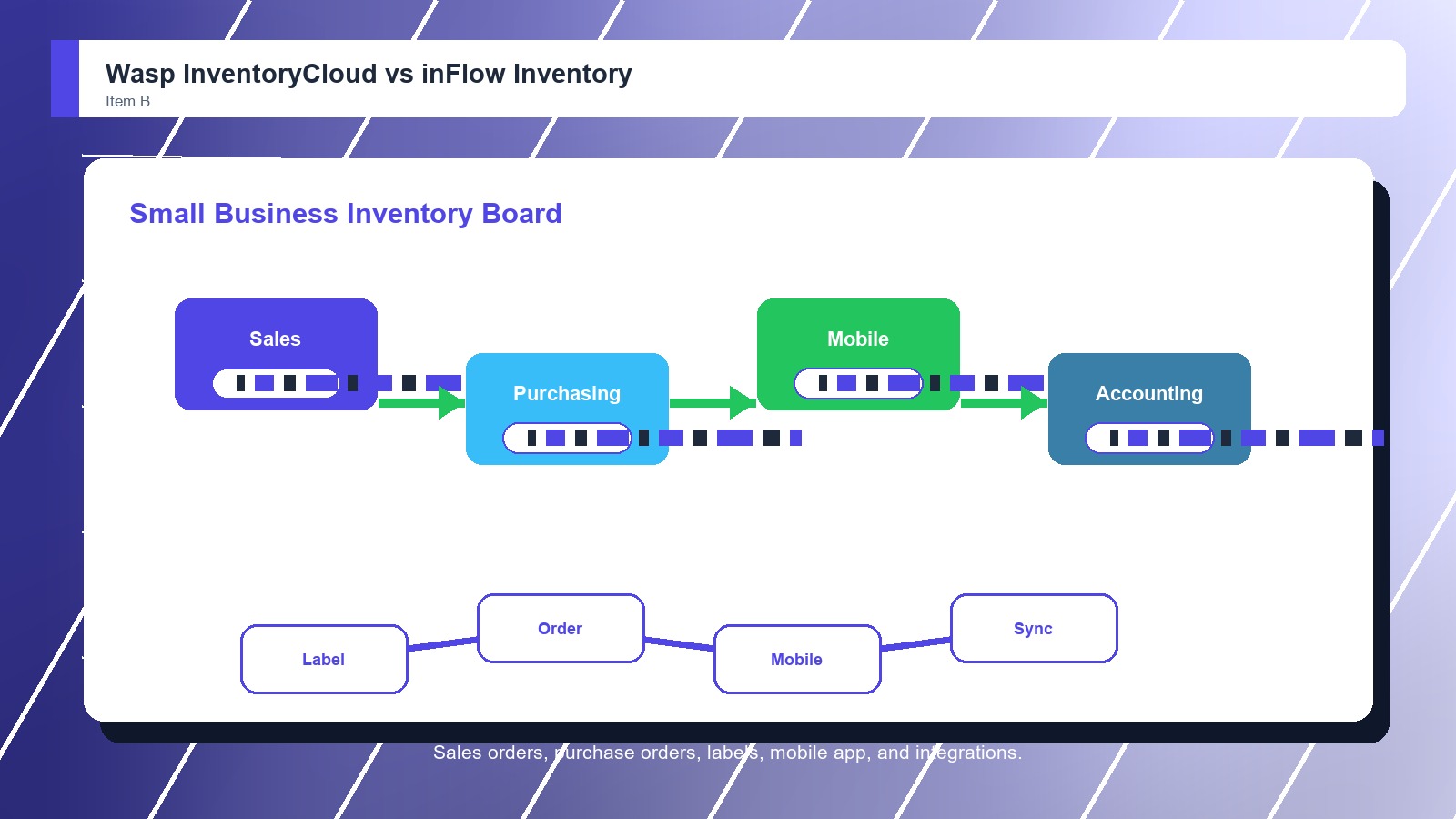
Small-business breadth: We compared sales orders, purchase orders, mobile apps, ecommerce links, shipping workflows, accounting integrations, item setup, inventory visibility, and whether the tool reduces extra software for growing teams. That keeps the choice practical. That matters during rollout. That keeps the buying decision grounded.
Adoption fit: We considered setup effort, item import quality, label planning, scanner habits, user training, support scope, workflow ownership, and whether the buyer needs narrow barcode control or broader inventory operations. That keeps the choice practical. That matters during rollout.

Buyer checks: Before choosing a barcode inventory system, confirm scanner support, label needs, user permissions, import quality, reporting, integrations, mobile behavior, support scope, pricing, and contract terms with the vendor. That keeps the choice practical. That matters during rollout. That keeps the buying decision grounded.

FAQ

Wasp InventoryCloud vs inFlow Inventory: common questions

Is Wasp InventoryCloud better than inFlow Inventory?
Wasp InventoryCloud is better when the buyer mainly needs barcode-first stockroom control, locations, counts, permissions, and reports. inFlow Inventory is better when scanning must sit beside orders, purchasing, ecommerce, shipping, accounting integrations, and mobile inventory. That keeps the choice practical. That matters during rollout.
Where does inFlow Inventory beat Wasp?
inFlow Inventory beats Wasp when small-business inventory breadth matters. Sales orders, purchase orders, mobile apps, barcode labels, ecommerce connections, shipping workflows, and accounting integrations make inFlow more useful beyond focused barcode control. That keeps the choice practical. That matters during rollout. That keeps the buying decision grounded.
Which is better for stockrooms?
Wasp InventoryCloud is the better stockroom fit when the project centers on barcode counts, locations, item movement, permissions, reports, and accountability. inFlow can still work when the stockroom also supports orders, purchasing, and integrations. That keeps the choice practical. That matters during rollout.
Which should a growing small business choose?
A growing small business should choose inFlow if it wants barcode inventory plus orders, purchasing, mobile apps, ecommerce, shipping, and accounting integrations. It should choose Wasp when barcode discipline is the main operational problem. That keeps the choice practical. That matters during rollout.
Should buyers demo Wasp InventoryCloud and inFlow Inventory with real inventory?
Yes. Buyers should bring real SKUs, labels, locations, scanners, count rules, users, and exception examples into both demos. The best barcode inventory system choice becomes clearer when workers receive, scan, move, count, and report inventory instead of watching sample records. That keeps the choice practical.
Should pricing decide the winner?
Pricing should narrow the shortlist, but it should not decide the winner alone. A cheaper barcode inventory system can cost more if counts stay inaccurate, scans are skipped, imports fail, reports confuse managers, or support cannot solve rollout problems. That keeps the choice practical.
Can a team migrate from Wasp InventoryCloud to inFlow Inventory later?
Yes, but migration should be treated as a project. Confirm exports, item history, location structures, barcode labels, user permissions, count records, integrations, reporting fields, training needs, and support responsibilities before assuming a future move will be simple. That keeps the choice practical. That matters during rollout.
Who should own the final decision?
The final decision should include the people who receive, scan, move, count, reorder, report, and audit inventory every week. Leadership can approve the budget, but the best barcode inventory system fit depends on real work habits. That keeps the choice practical. That matters during rollout.

Key Takeaways

  • inFlow Inventory wins overall.
  • Wasp InventoryCloud still fits a clear use case.
  • Scanning habits decide value.
  • Mobile adoption needs testing.
  • Inventory data must stay current.
  • Support ownership should be named.

Verdict

inFlow Inventory wins for Barcode Inventory Systems

Choose inFlow Inventory if barcode scanning needs to sit beside sales orders, purchase orders, ecommerce, shipping, accounting integrations, mobile inventory, and approachable small-business workflows. Choose Wasp InventoryCloud if the main goal is barcode-first stockroom control, locations, counts, permissions, and reports.

#1 Winner

inFlow Inventory

inFlow Inventory wins because it balances barcode inventory work with small-business usability, orders, purchasing, mobile access, and integrations

  • Warehouse and stock control
  • Mobile inventory work
  • Accounting and operations

Runner-up

Jump to the Head-to-Head

Tip: A maintenance team or stockroom that only needs disciplined barcode counts may prefer Wasp. A small wholesaler or retailer managing purchasing, sales orders, ecommerce stock, mobile inventory, and accounting handoffs may prefer inFlow.

Where to Buy

Use the official Wasp InventoryCloud and inFlow Inventory pages to confirm current demos, features, implementation options, support details, and contract terms.

Vendor terms, demos, pricing, and feature availability change regularly. Some links may earn a commission and never affect rankings.

Accessories You’ll Want

  • Item import (cleans SKUs, names, categories, units, and locations before setup)
  • Label plan (defines barcode or QR formats, printers, durable labels, and relabeling rules)
  • Scanner test (checks handheld, mobile, and workflow compatibility before rollout)
  • Count routine (sets cycle count owners, exception handling, approvals, and recount rules)
  • Report checklist (names the stock, reorder, variance, and audit reports managers need)

Tip: Before choosing either barcode inventory system, run one real receiving, move, count, adjustment, and report workflow with the people who will use it every week.