What Makes Guided Meditation Devices Different from Attention Support Devices

A guided meditation device can give you a practice to follow. A visual timer is one example of attention support. It shows how much time is left for an activity you choose. The useful comparison is what the feature supplies and what you still have to decide.

By: Review Streets Research Lab
Updated: November 25, 2026
Explainer · 9–11 min read
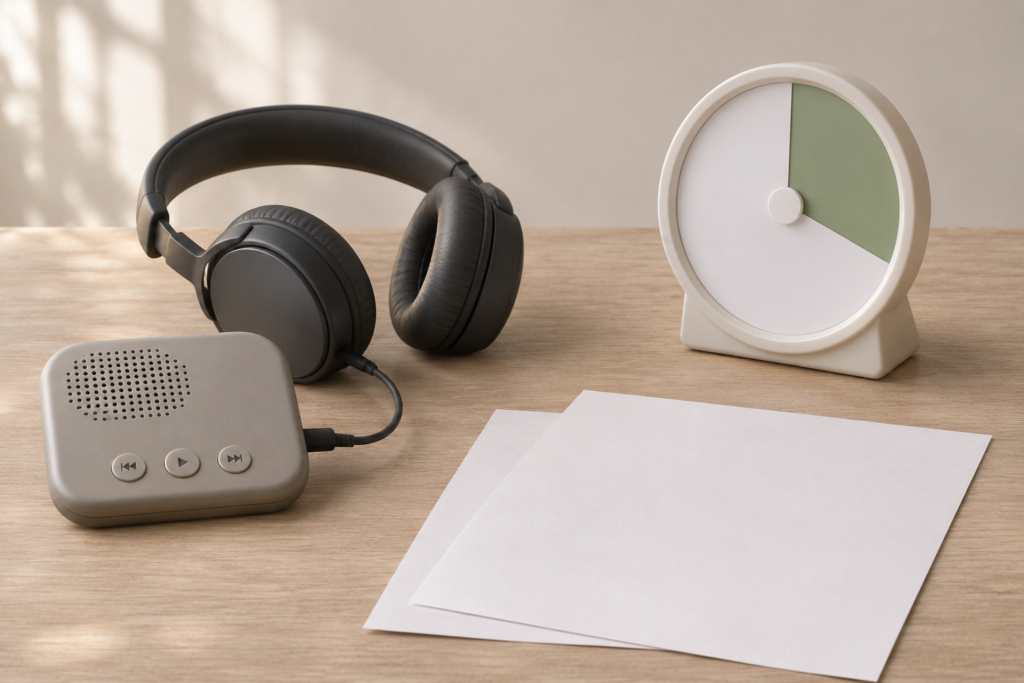
An audio player and headphones beside a visual countdown timer and two blank sheets.
What you’ll learn

Where the directions come from

Start by naming what you plan to do. “Pay attention” leaves out the object of attention and the help you want.

  • Identify the exercise a guided mode actually leads.
  • Describe the job a timer does while you work.
  • Find out who sets the next step in each activity.
  • Trace a signal back to the event that triggers it.
  • Read separate functions from a single device’s menu.
  • Sort out what happened, how it felt and what a test could measure.
  • Spot a shift from describing a feature to making a medical claim.

Tip: Think of a check-in with someone else. Would you need to show them the directions you’re following or agree on when to compare your work?

Key terms

Words that describe the job

These terms help you read the feature description and see which part of the activity it covers.

Guided practice

A meditation exercise you do by following directions.

  • Exercise: A body scan is one example among several kinds of meditation.
  • Subject: Instructions can direct your attention to a specific body area.
  • Participation: When a mode plays guided audio, ask what the person is supposed to do.

Attention task

An activity that asks you to keep track of, or respond to, something specific.

  • Everyday goal: Sorting a stack of receipts might mean matching each receipt to a purchase.
  • Timing: You could give the sorting a set window and still decide which receipts to tackle first.
  • Test setting: If it’s an assessment, ask what counts as a correct response.

Instruction

A prompt that names an action to take or a place to direct your attention.

  • Focus: Look for the words that name where to put your attention.
  • Sequence: The VA’s body scan moves through body areas in a set order.
  • Format: A direction can come from written steps or guided audio.

Task prompt

A signal that refers you to a step or a point in an activity.

  • Trigger: For an expiry alert, the event is the interval ending.
  • Notice: Picture where you’ll be when an expiry alert sounds.
  • Response: You might use the signal to wrap up your current step or mark your place.

Feedback

Information about what has changed or where something stands.

  • State: The disk shows time left.
  • Change: Ask whether the display is responding to you or to the device’s own clock.
  • Scope: If you want to know how far you got, look at the work itself.

Endpoint

The particular result you want to observe or measure.

  • Question: “Did I feel settled?” asks about your experience.
  • Observation: “How many invitations did I proofread?” asks about completed work.
  • Interpretation: An answer to either question leaves the other open.

Tip: When a description says “feedback,” try replacing it with the name of the thing being reported.

The guided exercise

A body scan directs attention to the body

The original Morphée offers several themes. One way to understand what you’re choosing is to look at what a session asks you to do.

  • The maker describes its Body recordings as body scans that direct attention to the listener’s body.
  • On the original unit, one key chooses the theme and a second chooses the session. You can set the length before starting playback.
  • In a separate VA Whole Health example, the guide moves through body areas in sequence.
  • You can read the instructions ahead of the exercise.
  • The handout also acknowledges that a reader’s attention may wander during the exercise.

For a recorded session, look up that track’s description or a sample before you choose it.

The work interval

A timer gives a separate task a time boundary

The Time Timer MOD Home Edition makes a countdown visible. Think of the interval as something you set around a task such as sorting papers.

  • Setting the duration with the front knob starts the countdown.
  • You see less of the disk as time passes, and what remains visible shows how much of the interval is left.
  • An optional beep signals that time is up. What happens after it sounds is up to you.

Give yourself a time window in which to sort papers. Use the papers themselves to decide which client each one belongs to.

The next action

What you follow once you start

Put both devices on the same table. The useful distinction is which question you’re asking when you reach for one.

  • If you need an exercise to follow, a body-scan guide supplies something to attend to. Your next step can come from the guide.
  • The timer can mark the same interval whether you sort a stack by client or by year.
  • When an activity ends, ask what would count as having done it. Reaching the end of a guide and finishing the work you set aside are two different observations.

Ask which direction would change if you changed the activity. Sorting by year gives you a new rule for the papers. In the VA example, the order comes from the handout.

One device, separate modes

Read the cue in the mode that produced it

A direction in a practice gives you something to do. A timer’s beep marks the end of an interval.

  • Garmin’s fēnix 8 Series manual describes audio guidance in the Meditation activity’s Session option.
  • In that activity the watch can show either a countdown or an intention.
  • The same watch has a countdown in its Clocks menu. That gives you a time window for something you’ve chosen yourself, such as reviewing a document.

A countdown can appear during practice. Look for the timer’s separate start instructions if you want to set time for something else.

What the result means

Function, experience and performance

A description of what a feature does answers only the first question. The next question is what you’d have to observe to support a claim about the person using it.

  • Someone might say they felt settled after following a guide. That statement describes the experience they report, even when they haven’t tried a separate attention task.
  • In the NIH Toolbox Flanker assessment, a person attends to a target while disregarding items on either side. A result there concerns that test. Proofreading has a different demand and its own way of checking the result.
  • For adult ADHD, the CDC describes a healthcare evaluation that considers symptoms and a person’s history.

If a claim is about results on a task, look for that task and its result in the evidence. A product description alone answers a question about the feature.

Two everyday examples

A practice to follow or a window to work in

These two imagined cases use written practice instructions or a separate countdown to help two people work from a common reference.

Sharing the directions for a practice

Imagine doing the VA’s written body scan with a friend. Agree to work from the same directions.

Afterward, compare which line each of you followed at a particular point. The handout gives you a common reference for the conversation.

Sharing a check-in during a proofread

Imagine that you and a colleague check the same event invitation against two lists. You agree to pause and compare notes. A countdown in the watch’s Clocks menu can mark that shared check-in.

Suppose you’ve checked the venue, while your colleague is still checking names. When the countdown ends, bring your marked copies together. Your check marks show which details each of you verified.

Common mix-ups

What the feature alone can tell you

Each statement below takes a real detail and asks it to answer a different question.

Does the “attention support” label tell me the U.S. medical-device status?

The label tells you how a product is being described. The FDA considers the product’s purpose and stated uses when deciding whether it meets the U.S. definition of a medical device.

Does following the instructions show I’ll do better on a different task?

Following a direction shows what you did in that exercise. To answer a question about a later task, you’d need to observe how you did on that task.

Does feeling settled mean I scored better on attention?

Feeling settled is something you can report directly. A better score would require a defined test and a result to compare against.

Can my response to a timer cue tell me whether I have ADHD?

An expiry cue tells you the interval is up. A clinician evaluating an adult for ADHD takes a broader look at symptoms and history.

Do two modes with similar feedback have the same medical use?

Seeing similar feedback tells you something about the interface. A claim about a medical use calls for information about the purpose of each mode and the evidence for that use.

Tip: When a conclusion sounds stronger than the feature description, name the missing observation.

Frequently asked questions

Reading labels, previews and displays

A few details can help you figure out which job a feature would do in your setup.

What should I look for in a mode called Focus?

Look at what happens after you select it. A content description can tell you whether there’s an exercise to follow. The controls can tell you whether you’ll be setting a work interval.

How much can a guided audio preview tell me?

Morphée labels its Body sample as an excerpt. If you can play a preview, you can listen for how the directions are delivered in that clip. You’d need to hear more to judge the rest of the session.

Does a session-length setting make the guide a task timer?

On the original Morphée, you choose a length for the recording you’ll play. To time other work, look for a separate countdown.

What does Free mean in the watch’s Meditation menu?

On that watch, Free records a practice you structure yourself. Session provides audio guidance.

What if I only have a photo of the screen?

A photo shows a moment from the feature. If the picture is labeled Garmin Session, look up the audio described for that mode.

What if someone else gave me the work instructions?

Use those instructions to learn what to check. A separate countdown can still give you both a time to compare your work.

How can I tell whether a display is reporting work progress?

A countdown shows how much time is left. If you’re checking entries against a form, tally the ones you still need to review.

What makes a claim about attention performance specific enough to evaluate?

Look for what people used, the task they performed and the result that was measured. “Attention improved” leaves too much open if you can’t tell what people actually did differently.

Tip: If the description is vague, write down the action you want the feature to help with and look for that action in the instructions.

Bottom line

Find the menu where the feature starts. On the fēnix, you can start a timer from Clocks.

For a shared review, agree on the point when you’ll check in and bring the work you can compare. For a practice, look for the exercise directions you want to follow.

Related reading

Explore Guided Meditation Devices

Visit the category archives by format.