
Recruiting to-do
An action entered by hand in Recruiterflow’s Tasks area.
- Action: The title describes the work to be done.
- Job link: A to-do can point to a specific job.
- Completed view: The widget has a completed view.
Recruiterflow gives a recruiting teammate a task and a deadline. In FreshBooks, a time entry records how long work took. Eligible project hours can then become part of a client invoice. Both examples use dates and checkmarks. The difference is in what each action records.
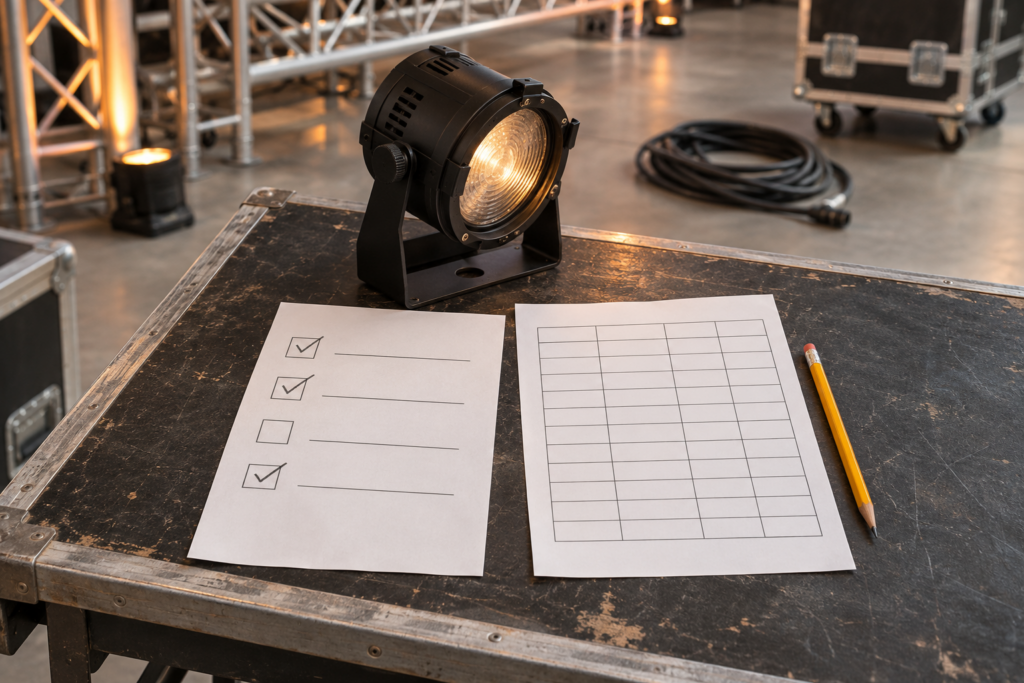
Consider two pieces of work at the same fictional lighting business. The recruiting partner keeps its assignment in a task list. The technician can pull eligible project hours into a client invoice.
Tip: Look for hours in the project’s time view and charges in the invoice view.
The terms below follow the two documented web workflows. The recruiting task has an assignee. The FreshBooks project has distinct time and invoice views.
An action entered by hand in Recruiterflow’s Tasks area.
The person responsible for the task.
When the task is due.
A record of hours worked.
Billable hours that are still available to invoice.
A bill to a client that can include eligible project hours.
Tip: In the task queue, the date tells you when work is due. In the FreshBooks time calendar, it identifies the day being logged.
A Recruiterflow to-do can link to a job. The linked item then appears in the job’s Tasks tab and on the assignee’s list.
Opening the linked task takes the teammate back to the relevant job.
A FreshBooks project can be set to bill the client by the hour. A service name, such as fixture focusing, identifies the work being logged.
The project’s time view gives you a place to review the work log separately from the invoices.
The familiar controls are easiest to read in context. The task widget groups assignments by deadlines and completion. FreshBooks can show project time by day on a calendar.
A Friday deadline says when an action is due. Friday’s logged hours show how much time went into project work that day.
In FreshBooks, project billing method shapes what gets charged. A project set up at a flat rate can show the fee on one line and leave the logged hours off the invoice.
Once you’re looking at the invoice, its own status tells you whether it is a draft, sent and unpaid, or paid in full.
Recruiterflow’s platform for recruiting firms includes applicant tracking and tools for managing client relationships. FreshBooks describes a web-based accounting product.
The category label tells you where to start looking. The record on screen tells you which part of the work you’re seeing. FreshBooks gives project time and invoices their own views. Recruiterflow’s task widget has a view for completed assignments.
In this fictional U.S. example, an exhibition lighting technician has a recruiting partner and a separate client project. The partner tracks an internal assignment in Recruiterflow. The lighting business logs client work in FreshBooks.
A vacancy is already approved, and the site-access contact has already been supplied. At the recruiting partner, a coordinator assigns a teammate a To-do linked to the existing job. The teammate’s assignment is to check that the internal job brief includes the supplied contact.
The coordinator sets a deadline and adds an email reminder. The teammate is the intended recipient. After checking the brief, the teammate clicks the task’s checkmark and the item moves out of the active list.
The technician has just finished focusing fixtures for an exhibition client. In FreshBooks Plus, the client project was hourly from the start, with a single project rate. The technician logs the time under the focusing service. The entry is billable and unbilled.
The technician generates an invoice from the project using a date range that includes the eligible entry. The time goes on the invoice. The technician saves the new invoice as a draft and leaves it unsent.
A billed marker belongs to the time entry. The invoice has its own status.
The task needs a deadline. Choosing the email reminder is a separate step.
It leaves the active queue. The completed view still lets you find it.
A flat-rate FreshBooks project can keep its hours for tracking and show the fee as a single line.
FreshBooks lets users mark selected time entries as billed directly. Look for the actual invoice in the project’s invoice view.
FreshBooks treats Sent as an unpaid invoice status. Paid indicates full payment.
Tip: For an outstanding charge, read the invoice’s status. A partially paid invoice still has an unpaid balance.
The same record can raise a different question once you need to make a correction. Recruiterflow lets you reopen a completed task. FreshBooks lets you mark an invoice as sent directly.
Reopen it from the completed list. Recruiterflow restores the task to the active list with its original deadline.
Recruiterflow creates a separate task for each person, so each has their own item to complete.
Leave the job unlinked and the to-do stays on the assignee’s list.
On the task widget, filters for type or priority can exclude the item from view.
The project uses a single hourly rate across services. FreshBooks also lets an hourly project use service rates, where the service can affect the amount charged.
Yes. FreshBooks’ Time Entry Details report offers a current-week date filter and a project filter.
FreshBooks can log either the length of the work or the times when work began and ended, depending on the tracking preference.
FreshBooks offers distinct actions for emailing, sharing a link and setting the Sent status. The status itself leaves the delivery method open.
Tip: Use the week and project filters to isolate the hours you want to review before comparing the time report with an invoice.
Start with what you’re trying to verify. The completed status in Recruiterflow shows that the item was marked done.
FreshBooks keeps the work log and invoice in separate project views. If you’re checking a client charge, open the invoice that includes the imported hours.
These links lead to three sections of the Recruitment Software category.
Open the category’s lists page.
Go to the category’s comparison archive.
Visit the category’s buying guide section.
Choose a retailer
Prices checked regularly. We may earn a commission at no cost to you.