Worldox vs MyCase: Which Legal Document Management Software Is Better?

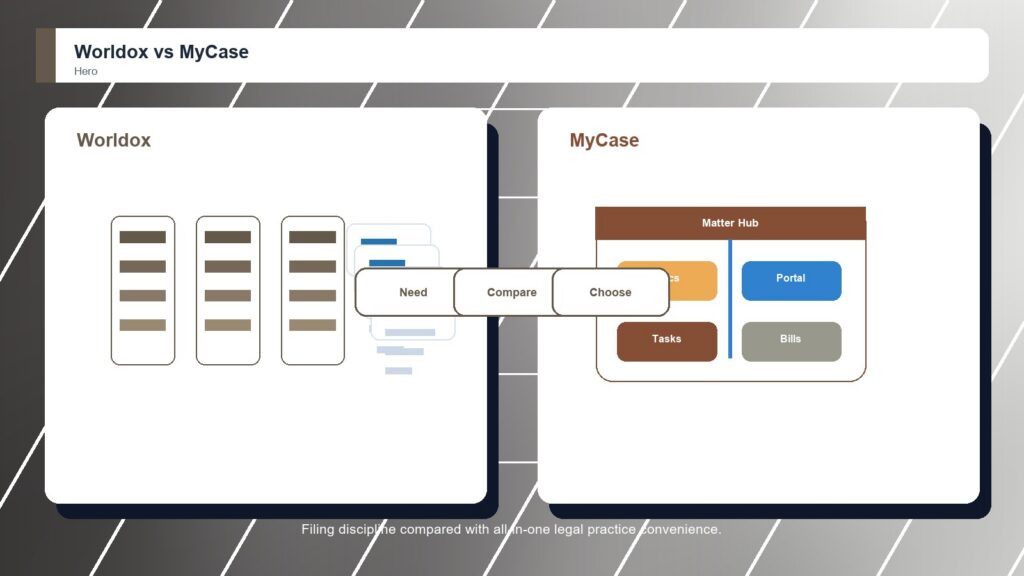
Worldox and MyCase both help firms move away from scattered legal documents, but they take different routes. Worldox is a dedicated legal DMS that focuses on filing discipline, searching, and structured matter files. MyCase is a practice-management platform where document storage supports cases, client communication, billing, and daily operations.

By: Review Streets Research Lab
Updated: September 8, 2026
Approx. 10-12 min read
Worldox vs MyCase business comparison image

Head-to-head

Worldox vs MyCase: Which Legal Document Management Software Is Better?

Worldox wins for firms that want a dedicated legal document management system and are willing to enforce better file habits. MyCase wins in a narrower scenario where the firm mainly needs practice-management simplicity and wants documents connected to cases rather than managed through a specialist DMS.

Worldox comparison image

Worldox

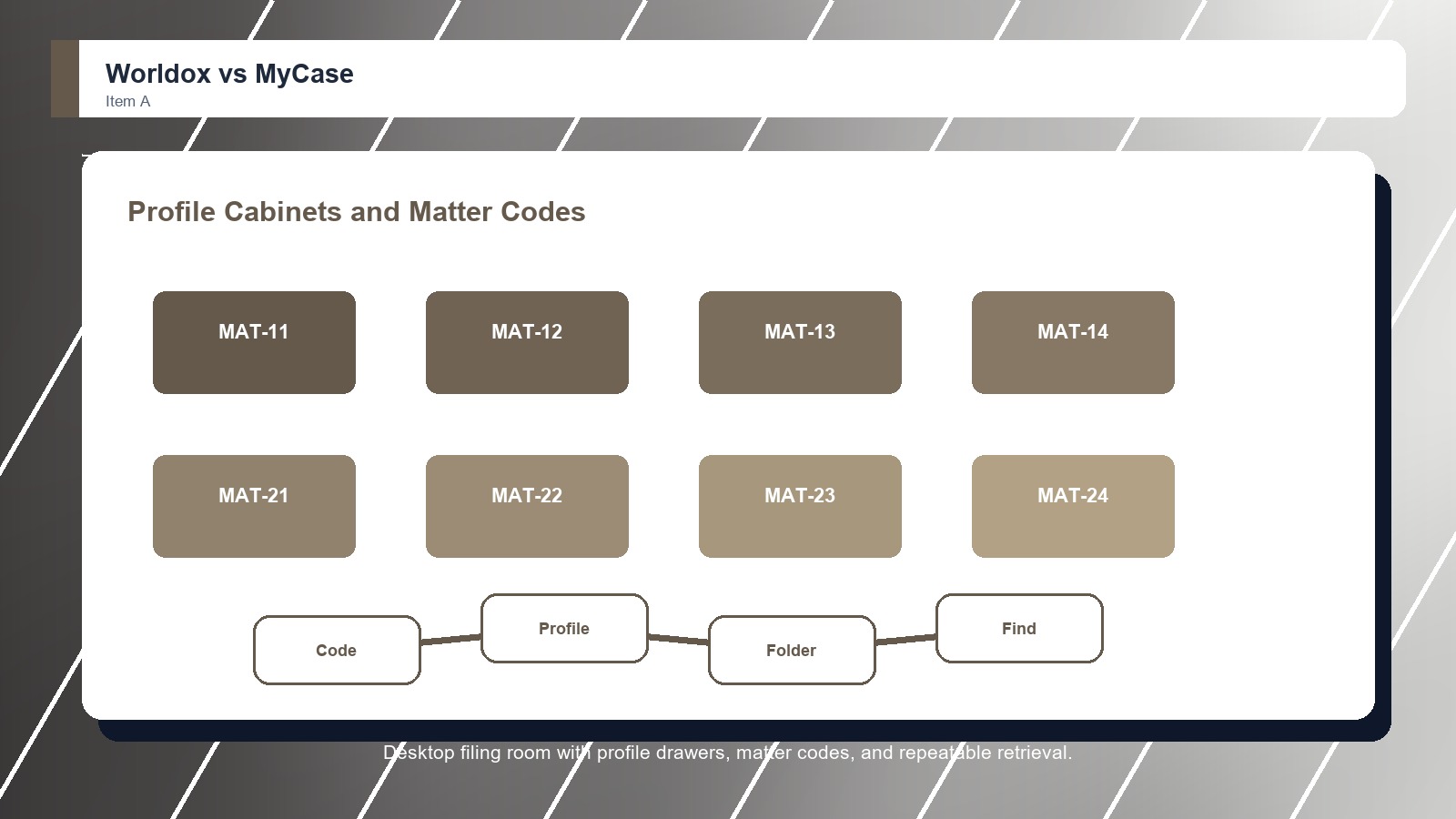
Worldox is stronger when the firm wants an established document and email management system with profile-based organization, remote access options, search, matter files, and a familiar model for legal teams that have used Worldox workflows before.

Score 8.6/10 Best for firms that value a familiar legal DMS model Focus Established DMS Rating 8.6/10
  • Familiar legal DMS experience
  • Useful profile-based filing and search
  • Good fit for firms preserving known workflows
VS
MyCase comparison image

MyCase

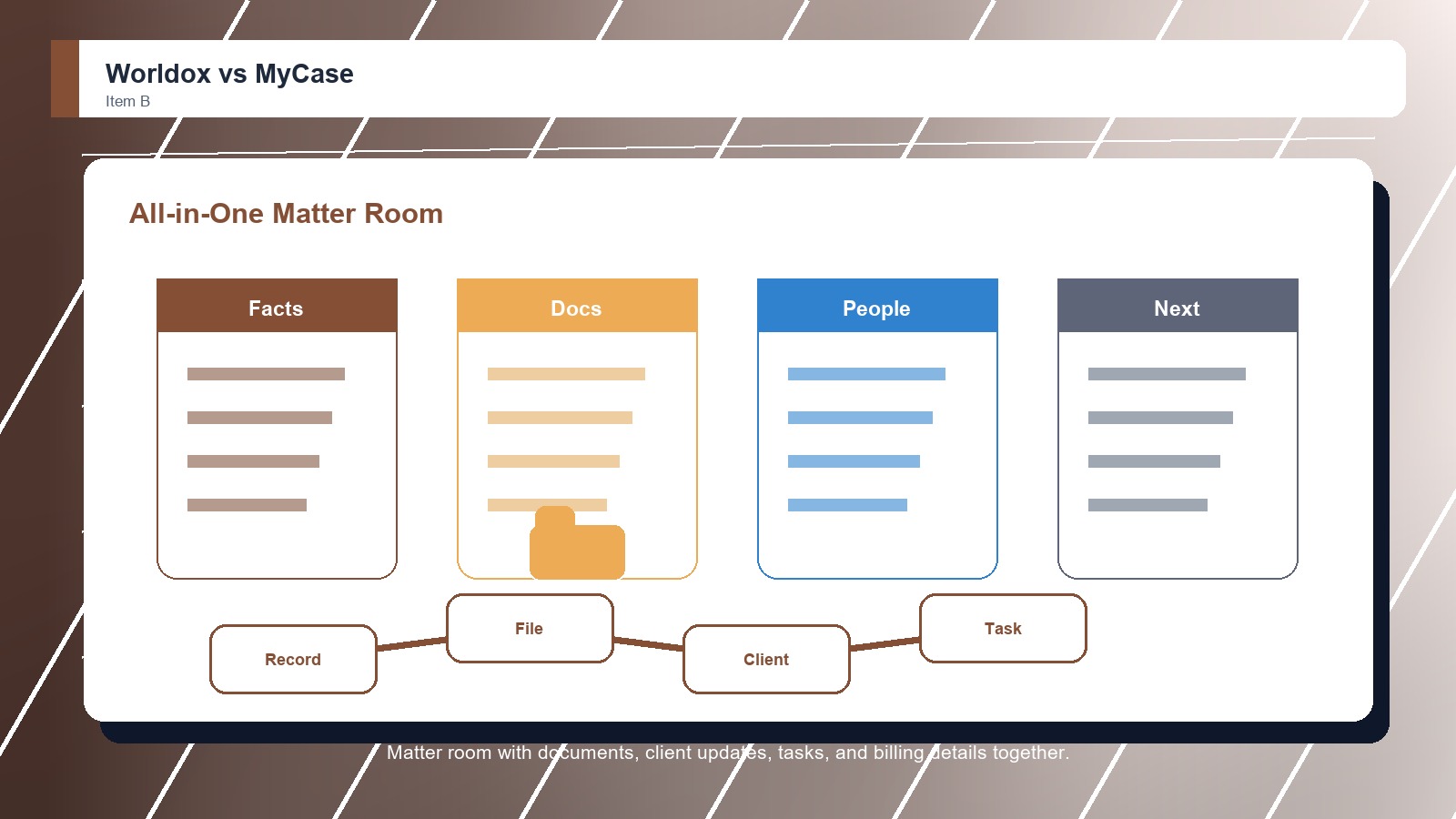
MyCase is stronger when the firm wants documents tied directly to matters, client messages, billing, intake, and daily case work in one approachable legal operations workspace.

Score 8.4/10 Best for small and midsize law firms that want practice management with document storage Focus Practice hub Rating 8.4/10
  • Good document storage inside practice management
  • Useful client portal and matter context
  • Approachable for smaller law-firm operations
Metric
Worldox
MyCase
Winner
Matter file control
Profile-based matter filing with familiar legal DMS habits
Matter records with documents inside the practice workflow
Worldox
Email and search
Good filing and retrieval when profiles are maintained
Case documents and portal sharing, lighter specialist email filing
Worldox
Security and governance
Established controls, but modernization depends on deployment path
Secure practice-management controls with less DMS governance depth
Worldox
Collaboration and Microsoft fit
Practical document access and remote work support
Client portal collaboration rather than heavy Microsoft DMS depth
MyCase
Implementation fit
Best when preserving familiar workflows matters more than redesign
Approachable rollout for firms centralizing practice work
MyCase
Best fit
Established firms with familiar DMS habits
Small and midsize firms wanting one legal operations hub
Worldox
Real-world context
Worldox is the cleaner pick if the buyer is truly shopping for legal document management. MyCase belongs in the conversation only when the firm wants practice management first and document features second.

Why people choose it

  • Familiar legal DMS experience
  • Useful profile-based filing and search
  • Good fit for firms preserving known workflows

Why people choose it

  • Good document storage inside practice management
  • Useful client portal and matter context
  • Approachable for smaller law-firm operations
Winner: Worldox Worldox is the better overall legal document management choice because it is built for document-first control. MyCase remains appealing for small firms that would gain more from bringing cases, clients, tasks, billing, and document storage into one system than from adopting a separate legal DMS.
Read FAQs

Deep dive

What actually matters in this matchup

Both platforms can reduce scattered legal documents, but the better choice depends on the firm's dominant pain. Worldox treats document organization as the main event. MyCase treats documents as one part of a complete practice-management workspace. That keeps the choice practical.

File Discipline: Worldox gives firms more structure for repeatable filing and retrieval. That makes it stronger when users need predictable document behavior across matters, teams, and long-running client files rather than a loose attachment area. That keeps the choice practical. That matters during rollout.

All-in-One Convenience: MyCase is more convenient when a firm wants document storage connected to the rest of the case record. It can reduce tool switching even though it does not match Worldox for specialist DMS depth. That keeps the choice practical. That matters during rollout.

Decision Trigger: Choose based on the complaint you hear most often. If users cannot find or trust documents, Worldox is the better answer. If users jump between too many systems, MyCase may solve the larger frustration. That keeps the choice practical. That matters during rollout.

Demo evidence: Buyers should make Worldox and MyCase show the same live workflow, using familiar files and real permission examples. A controlled demo reveals whether the stronger product advantage appears in daily work or only in vendor positioning. That keeps the choice practical.

Governance check: The winner should also fit the team's control model. For legal document management software platforms, that means administrators can explain access, sharing, retention, exports, and exceptions clearly enough that staff do not create parallel folders or side workflows. That keeps the choice practical.

Adoption reality: The practical choice depends on who will keep the system orderly after launch. If attorneys, staff, managers, or external partners cannot follow the filing and sharing routine, even the better-rated option can lose value quickly. That keeps the choice practical.

Methodology

How we evaluated the matchup

This review weighs legal document management software fit against real buyer workflows, governance needs, adoption risk, and long-term ownership.

Filing quality: We focused on how well each platform can support consistent document organization, useful search, matter context, and repeatable law-firm behavior under daily workload pressure. That keeps the choice practical. That matters during rollout. That keeps the buying decision grounded.

Workflow consolidation: We also considered whether the platform reduces the number of tools a small or midsize firm needs to manage cases, clients, billing, tasks, and documents. That keeps the choice practical. That matters during rollout. That keeps the buying decision grounded.

Fit over breadth: We weighted category fit heavily because a product with more broad features is not automatically better when the buyer's actual need is document management. That keeps the choice practical. That matters during rollout. That keeps the buying decision grounded.

Buyer verification: We recommend confirming current pricing, implementation scope, permissions, migration support, export options, integrations, security documentation, administrator controls, and contract terms before choosing a legal document management software platform for production use. That keeps the choice practical. That matters during rollout.

FAQ

Worldox vs MyCase: common questions

Is Worldox better than MyCase for document management?
Yes. Worldox is better when the main requirement is dedicated legal document management with stronger filing and retrieval habits. MyCase is better when a firm wants useful document storage inside broader practice management instead of a specialist DMS. That keeps the choice practical.
Is MyCase better for small law firms?
MyCase can be better for small law firms that want one system for matters, billing, tasks, client communication, and documents. Worldox can still fit small firms, but it makes the most sense when document organization is the main problem. That keeps the choice practical.
Which product is easier for staff to adopt?
MyCase is usually easier for general staff adoption because it covers familiar practice-management tasks in one interface. Worldox can take more discipline, especially around filing standards, but that effort helps firms that need stronger document control. That keeps the choice practical. That matters during rollout.
Which platform is better for long-term file organization?
Worldox is better for long-term file organization because that is the center of its product design. MyCase can organize documents around matters, but its broader practice-management focus means it is not as deep for formal document repositories. That keeps the choice practical. That matters during rollout.
Should buyers demo Worldox and MyCase with real files?
Yes. Buyers should bring real matters, folders, client files, sharing rules, and search examples into both demos. The best legal document management software platform choice becomes clearer when users test everyday retrieval, permissions, handoffs, and administration instead of watching polished sample data. That keeps the choice practical.
Should pricing decide the winner?
Pricing should narrow the shortlist, but it should not decide the winner alone. A cheaper legal document management software platform can cost more if search fails, migration drags, permissions confuse users, support is weak, or adoption requires workarounds after launch. That keeps the choice practical.
Can a team migrate from MyCase to Worldox later?
Yes, but migration should be treated as a project. Confirm export options, folder structures, metadata, permission mapping, version history, archived files, training needs, and support responsibilities before assuming a future move from MyCase to Worldox will be simple. That keeps the choice practical.
Who should own the final decision?
The final decision should include the people who create, approve, share, search, and administer files every week. Leadership can choose the budget, but the best legal document management software platform fit depends on real user behavior and long-term ownership. That keeps the choice practical.

Key Takeaways

  • Worldox wins overall.
  • MyCase still has a clear buyer.
  • Document depth matters most.
  • Adoption planning changes results.
  • Matter workflows need testing.
  • Category fit is Legal Document Management Software.

Verdict

Worldox wins for Legal Document Management Software

Choose Worldox if your team complains about finding, filing, and trusting documents. Choose MyCase if the bigger problem is operational sprawl and the firm needs one place to run cases, communicate with clients, track work, and store files.

#1 Winner

Worldox

Worldox wins because familiar legal dms experience

  • Matter file control
  • Email and search
  • Security and governance

Runner-up

Jump to the Head-to-Head

Tip: A real estate firm handling repeatable closing files and strict folder habits may prefer Worldox because consistency matters every day. A small criminal defense practice may prefer MyCase because case notes, client messages, billing, and documents need to stay together more than they need advanced DMS controls.

Where to Buy

Use the official Worldox and MyCase pages to confirm current demos, security details, integrations, implementation options, and contract terms.

Vendor terms, demos, pricing, and feature availability change regularly. Some links may earn a commission and never affect rankings.

Accessories You’ll Want

  • Workflow map (shows who creates, files, shares, reviews, approves, and retrieves documents)
  • Permission checklist (keeps access, external sharing, client data, and administrator rules visible)
  • Migration inventory (identifies old folders, email attachments, versions, metadata, and owners before rollout)
  • Pilot workspace (tests one real matter, client, or partner file set before a full migration)
  • Adoption scorecard (captures search success, training friction, support issues, and user confidence)

Tip: Before choosing either legal document management software platform, map who creates, reviews, shares, stores, and retrieves files. The better product is the one that matches those real behaviors instead of forcing every team into a generic file cabinet.