
Reviews You Can Trust
Browse
Remote Desktop Software Comparisons by Type
Jump straight to a Remote Desktop Software type to compare top models side-by-side.

Browser-Based Remote Desktop Tools
Comparisons
Compare browser-based tools on ease of setup, session stability, and access restrictions.
Compare models →
Side-by-side

Cross-Platform Remote Desktop Apps
Comparisons
See how cross-platform apps handle OS compatibility, UI consistency, and file transfer.
Compare models →
Side-by-side

Remote Access for Teams
Comparisons
Compare team-focused tools on user management, concurrent sessions, and collaboration features.
Compare models →
Side-by-side
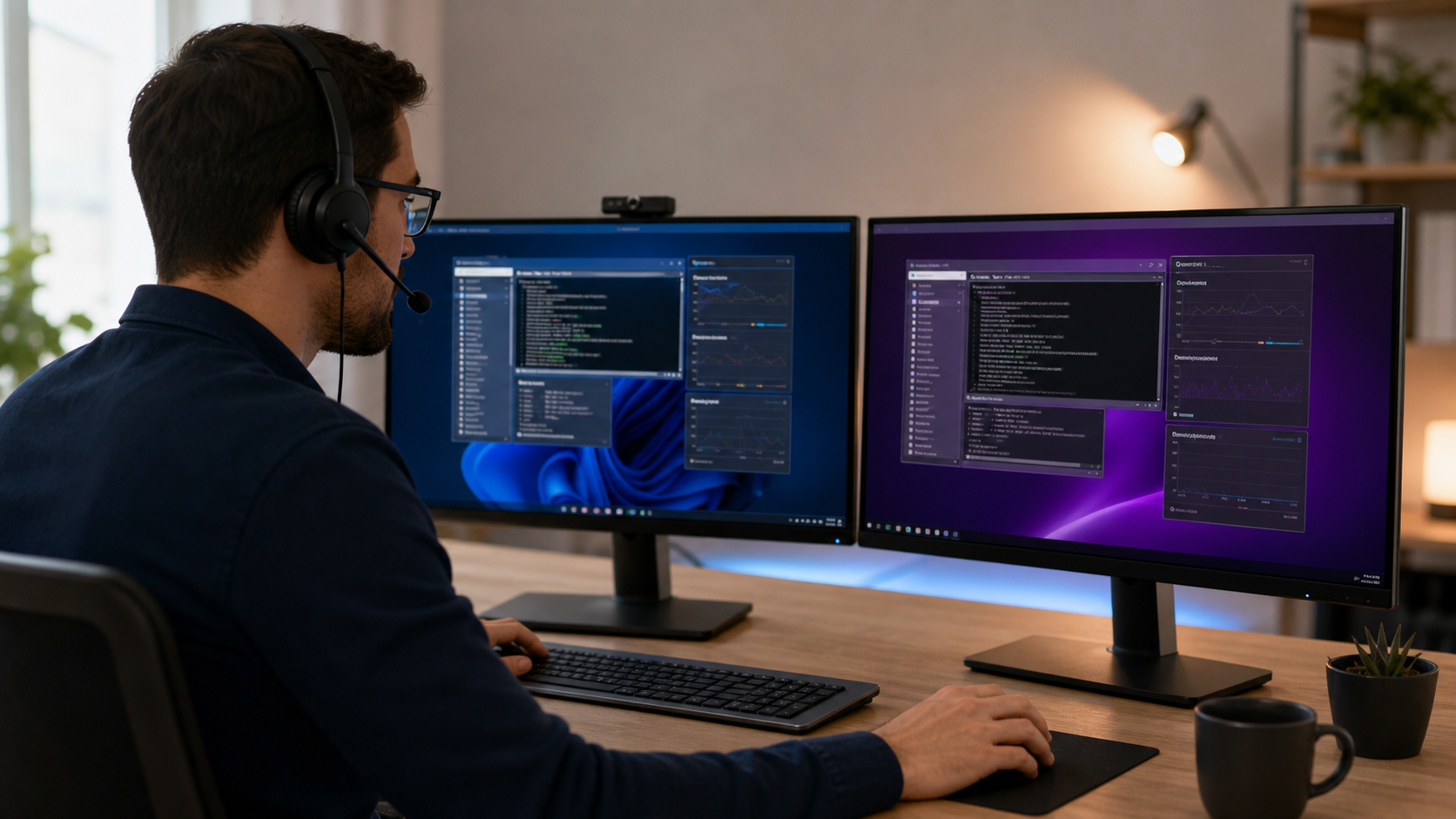
Remote Desktop for IT Support
Comparisons
Matchups covering unattended access, audit logs, ticketing integrations, and device control.
Compare models →
Side-by-side
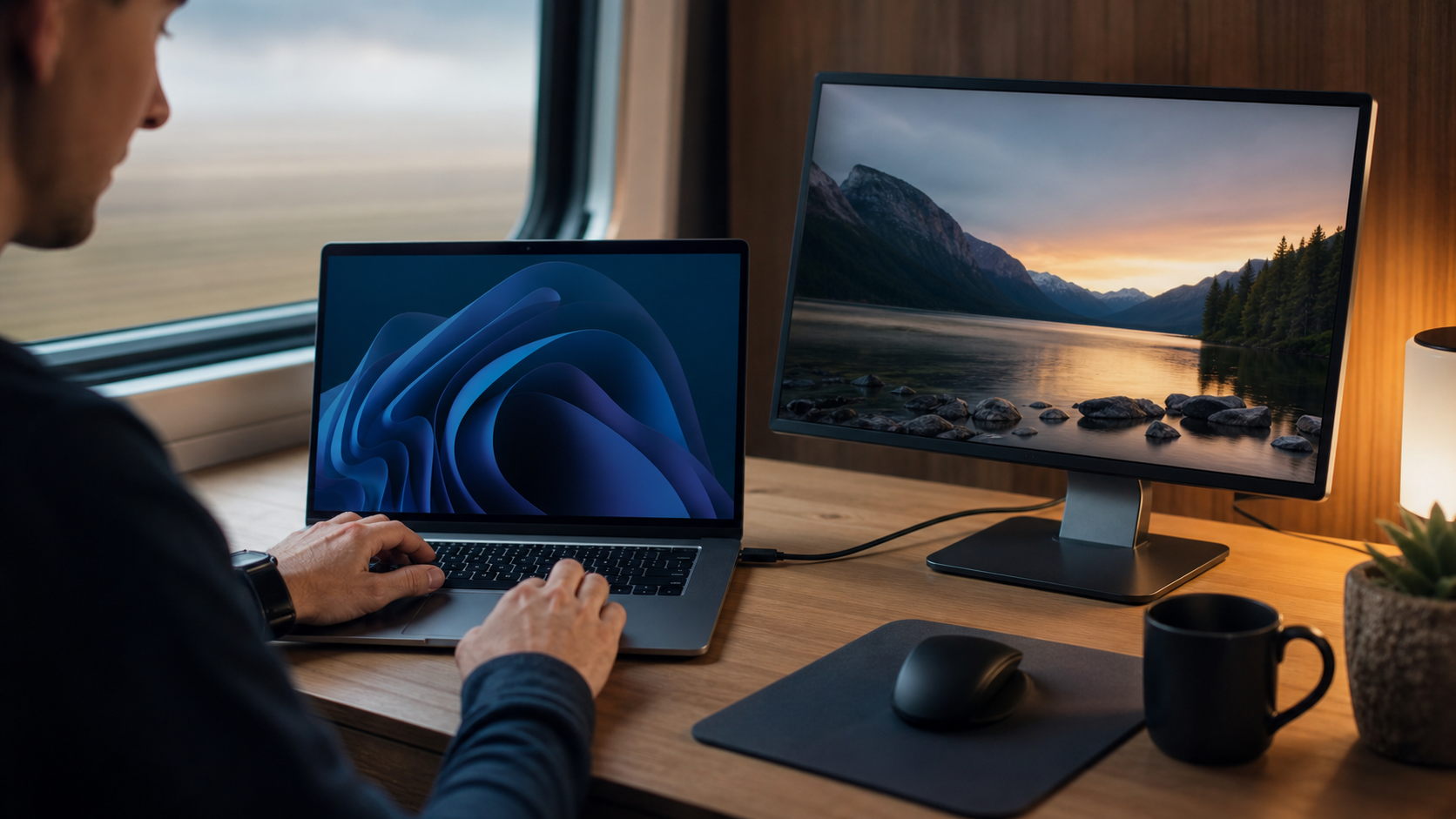
Remote Desktop for Personal Use
Comparisons
Side-by-side picks on free tier limits, home network setup, and ease of personal use.
Compare models →
Side-by-side

Secure Remote Desktop Software
Comparisons
Compare encryption standards, MFA options, session recording, and compliance certifications.
Compare models →
Side-by-side