
Reviews You Can Trust
Browse
Remote Desktop Software Explainers by Type
Jump straight to a Remote Desktop Software type to explore all explainers inside it — how they work, key specs, and when to use each.
Explainers
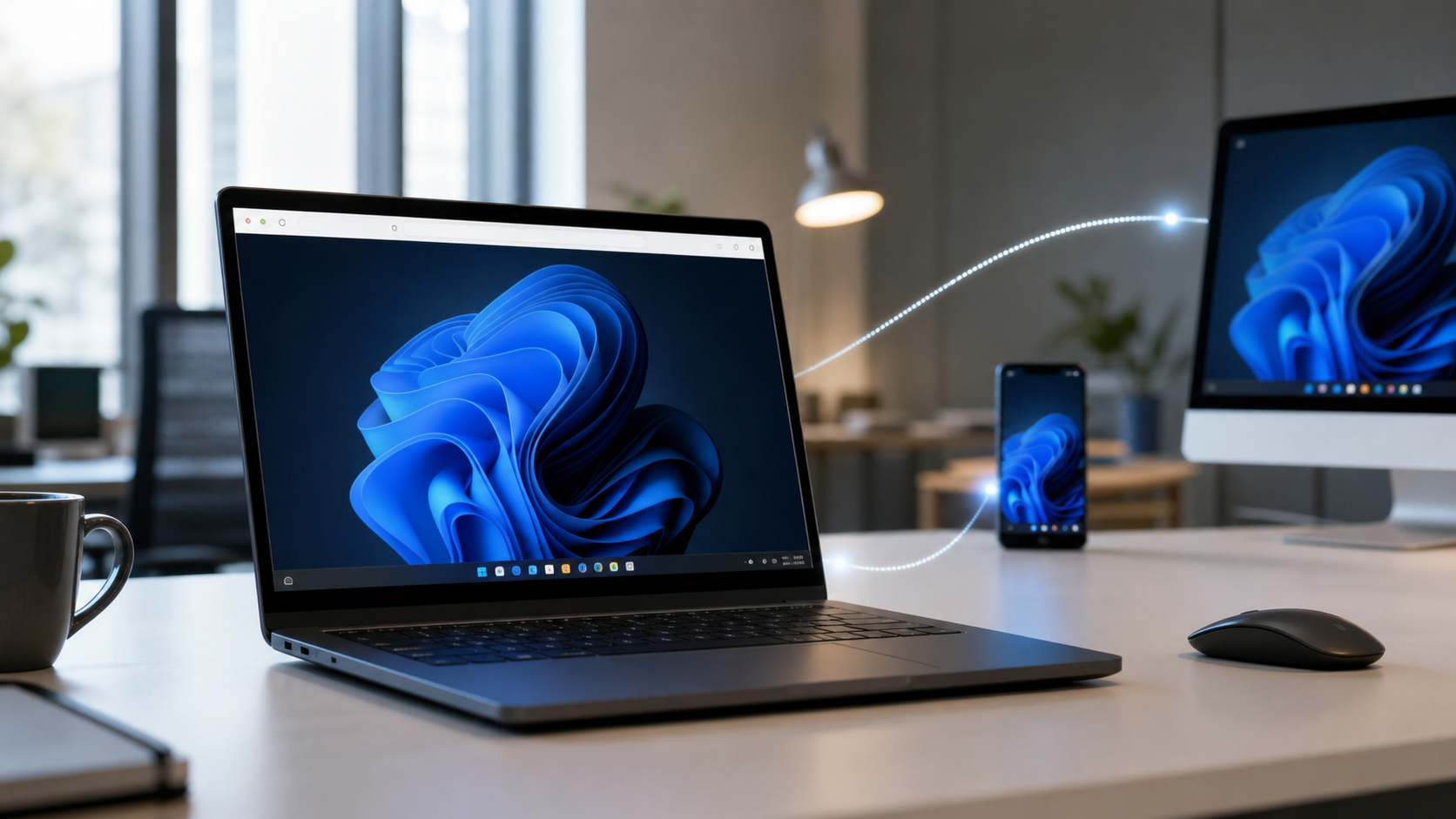
How browser-based access works, what limits it, and when it suits you over installed apps.
Explainers
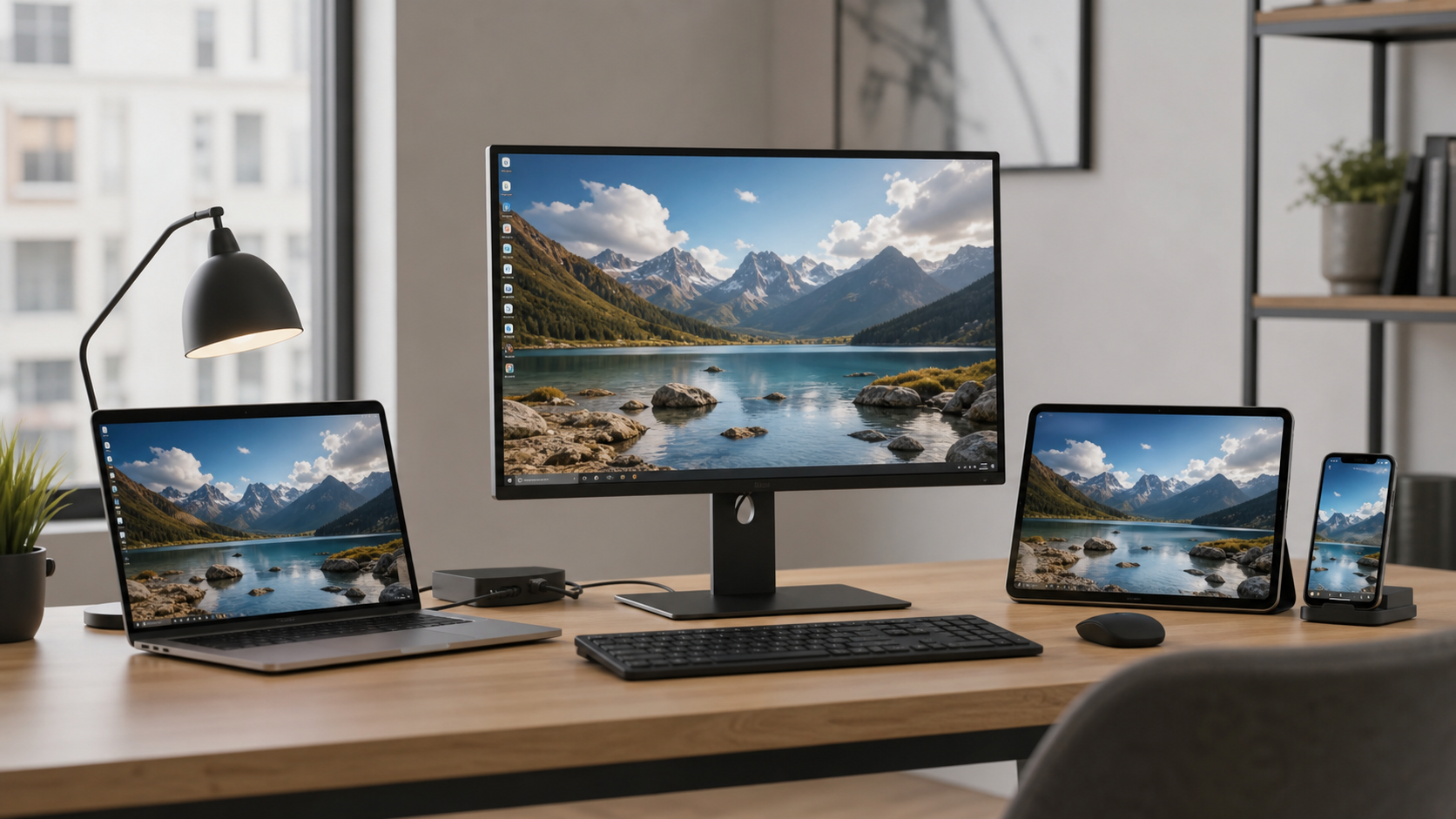
What cross-platform compatibility means, which protocols enable it, and what trade-offs to expect.

Explainers
How shared remote access works, key collaboration features, and what scales for team environments.
Explainers
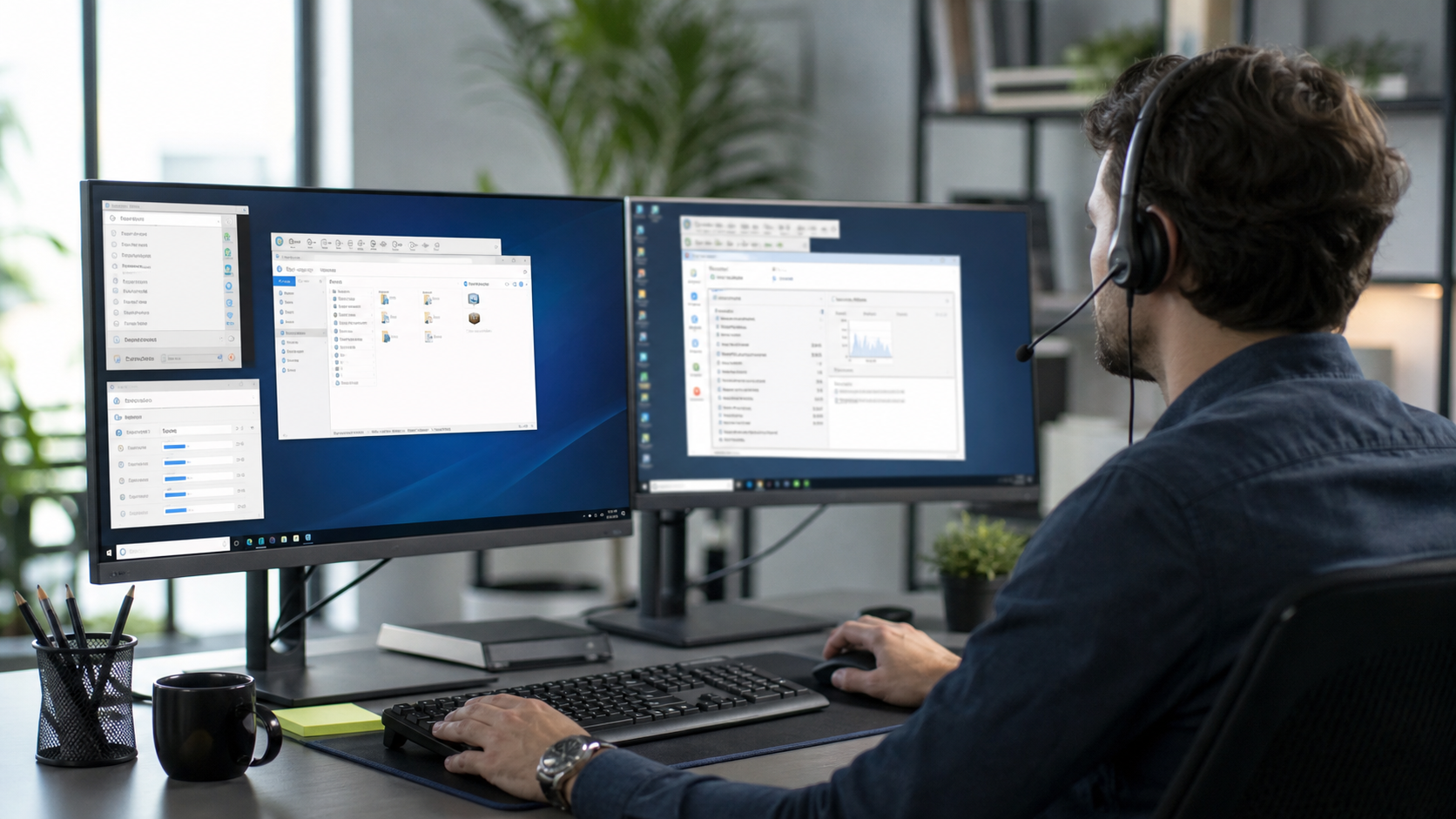
How IT support tools differ from personal apps, including session control, audit logs, and permissions.
Explainers
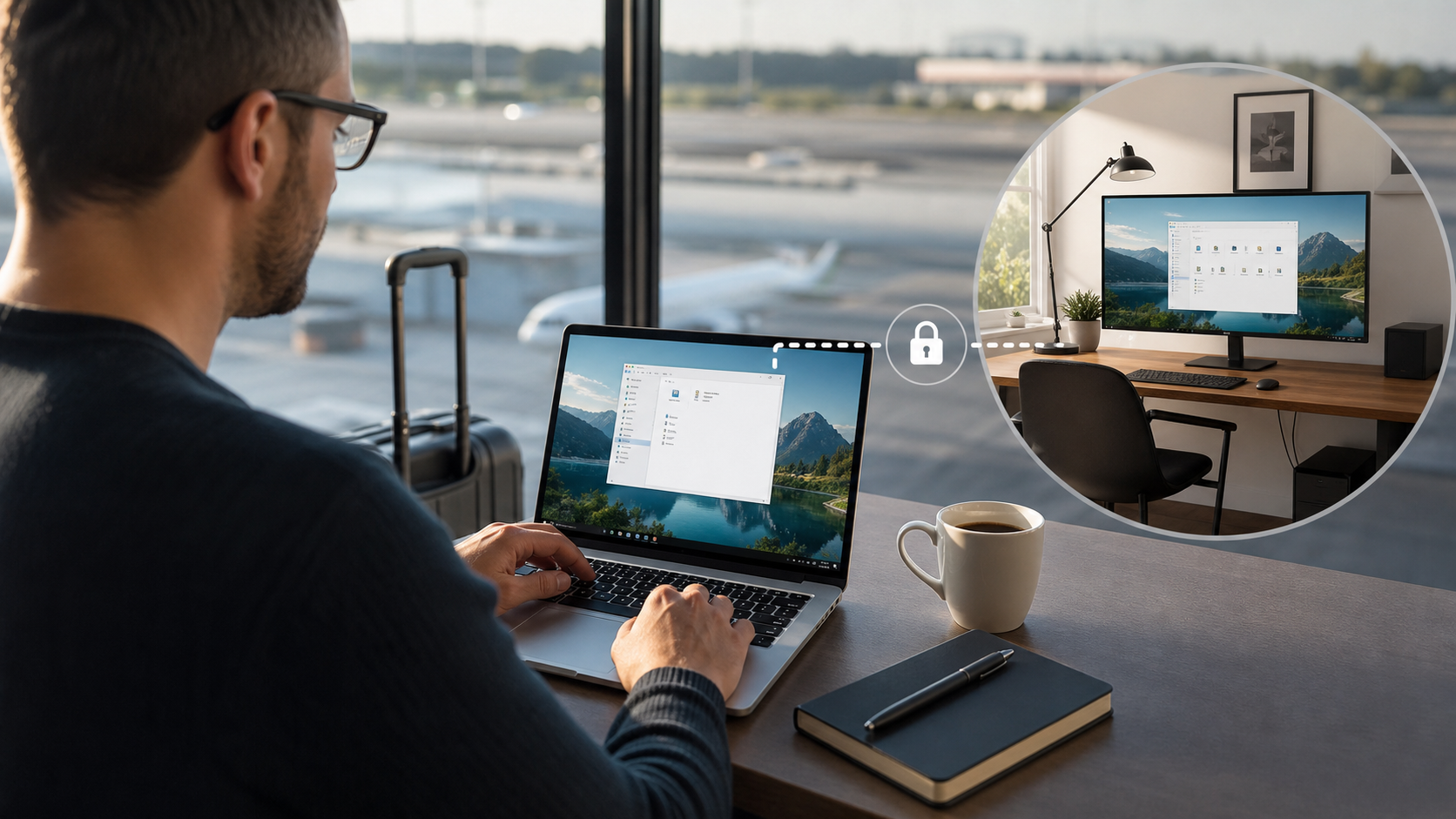
What personal remote desktop means, common use cases, and which features actually matter at home.

Explainers
How encryption, authentication, and access controls protect remote sessions and why they matter.