Welcome to our desktop computers hub. Start here to understand performance, upgrade paths, and real-world usability—then explore Top 10 lists, in-depth reviews, side-by-side comparisons, and practical buying advice built for how people actually use their machines.
Start Here
Shopping for a desktop computer? Start with the path that fits how you want to decide — whether you want the best overall picks, help choosing the right desktop type, side-by-side comparisons, or a practical buying guide before you buy.
Jump straight to our strongest desktop recommendations, from everyday home setups to high-performance workstations.
Browse key desktop categories like all-in-ones, towers, and compact PCs to find what fits your space and workflow.
See how different desktop types and configurations stack up in performance, upgradeability, and long-term value.
Learn what matters most, from CPU and GPU performance to upgrade paths, storage, cooling, and everyday usability.
Featured
Our top-performing desktop computers across towers, all-in-ones, and compact PCs — selected for performance, upgradeability, reliability, and real-world value, then organized into the best picks for how people actually use their systems.
Start with the desktop category that matches how you work, play, or create. Each type has its own hub with Top 10 lists, reviews, comparisons, and buying guides.

Built for strong graphics performance, cooling, and upgrade headroom for modern games and demanding play.

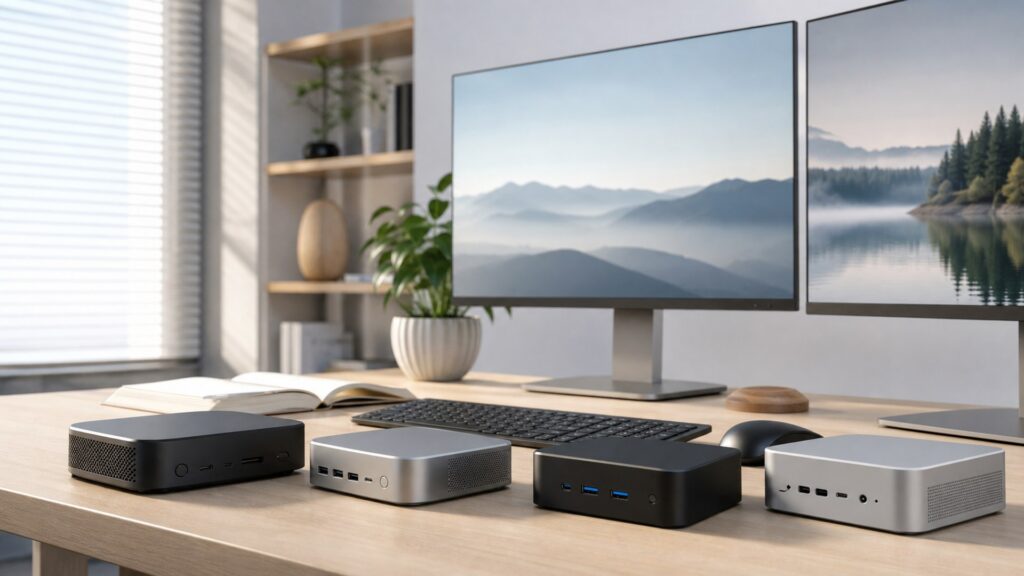
Compact systems for desks, dorms, and media setups where size, efficiency, and simplicity matter most.

Streamlined desktops that combine screen and system in one unit for simple, clutter-free everyday use.

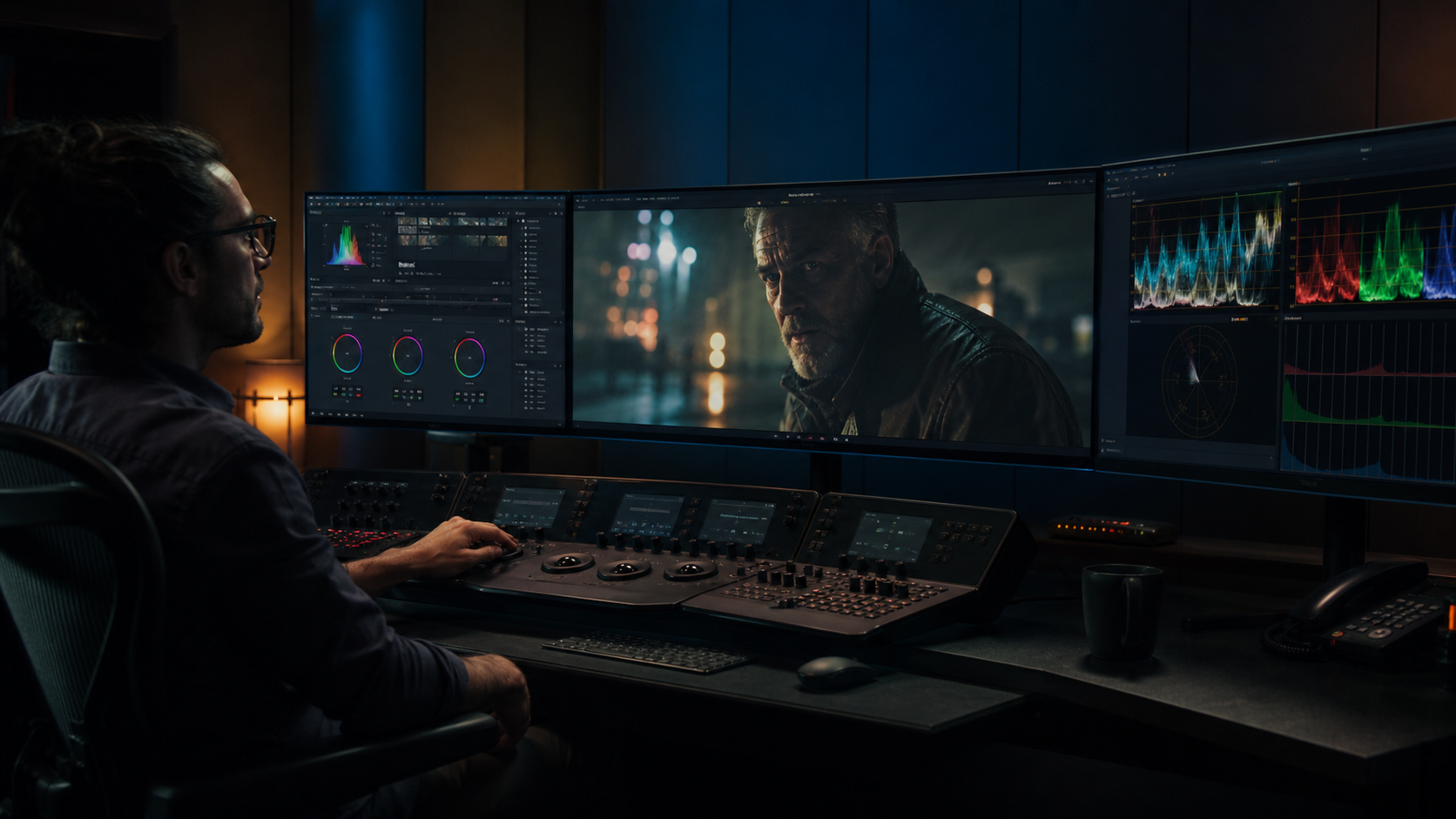
Purpose-built systems for intensive creative, engineering, and technical workloads that demand sustained performance.

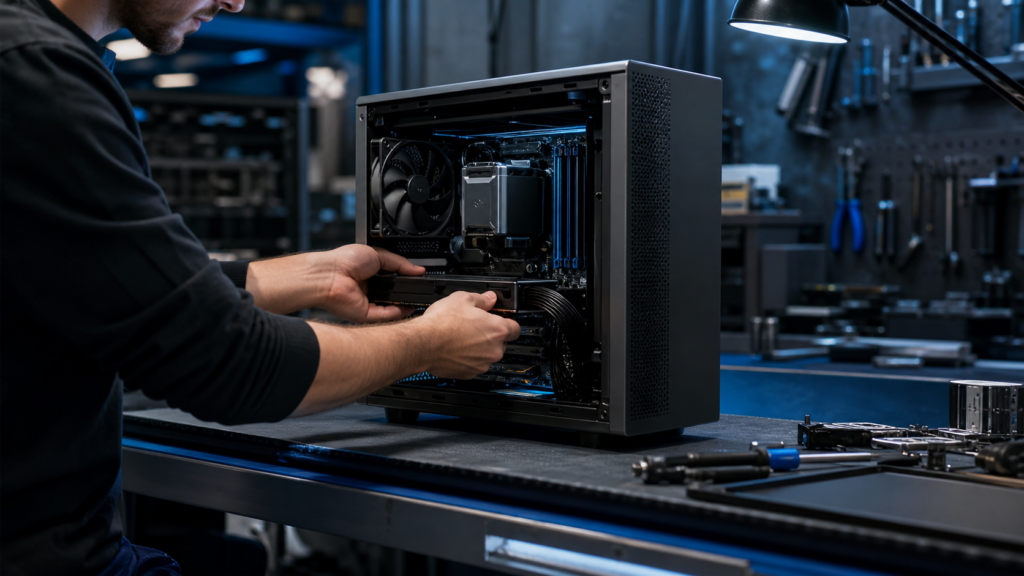
Traditional desktop builds with the most room for upgrades, customization, airflow, and long-term flexibility.
Find displays for gaming, office work, and creative tasks with the right size, clarity, refresh rate, and panel quality.
Fresh Drops
Deep dives on real-world performance, upgradeability, thermals, everyday usability, and who each desktop computer is truly for.
Side-by-side
Side-by-side matchups to answer the big questions: gaming vs workstation, all-in-one vs tower, mini PC vs full desktop, upgradeability, performance tiers, and long-term value.
Smart Decisions
Straight talk on what matters: CPU and GPU performance, RAM and storage, upgrade paths, cooling, connectivity, and long-term value for how you actually use your desktop.
Our Process
Review Streets uses structured analysis and AI-assisted research to evaluate desktop computers across performance, usability, upgradeability, and long-term value. Rather than relying on spec sheets or brand positioning alone, we combine manufacturer data, verified benchmarks, expert insights, and real user experiences to surface meaningful differences between systems.
Our system compares desktop computers side-by-side using normalized specs, benchmark data, and aggregated user feedback to highlight strengths, tradeoffs, and best-fit use cases. The result is clear, practical guidance designed to help you choose a system that fits how you actually work, create, or play.
Understand First
Quick answers and clarity: CPU vs GPU roles, RAM vs storage, integrated vs dedicated graphics, all-in-one vs tower, and what specs actually mean in real-world use.
Browse by format
Prefer a specific format? Jump straight to it.
Choose a retailer
Prices checked regularly. We may earn a commission at no cost to you.