
Reviews You Can Trust
Browse
Desktop Computers Explainers by Type
Jump straight to a Desktop Computers type to explore all explainers inside it — how they work, key specs, and when to use each.
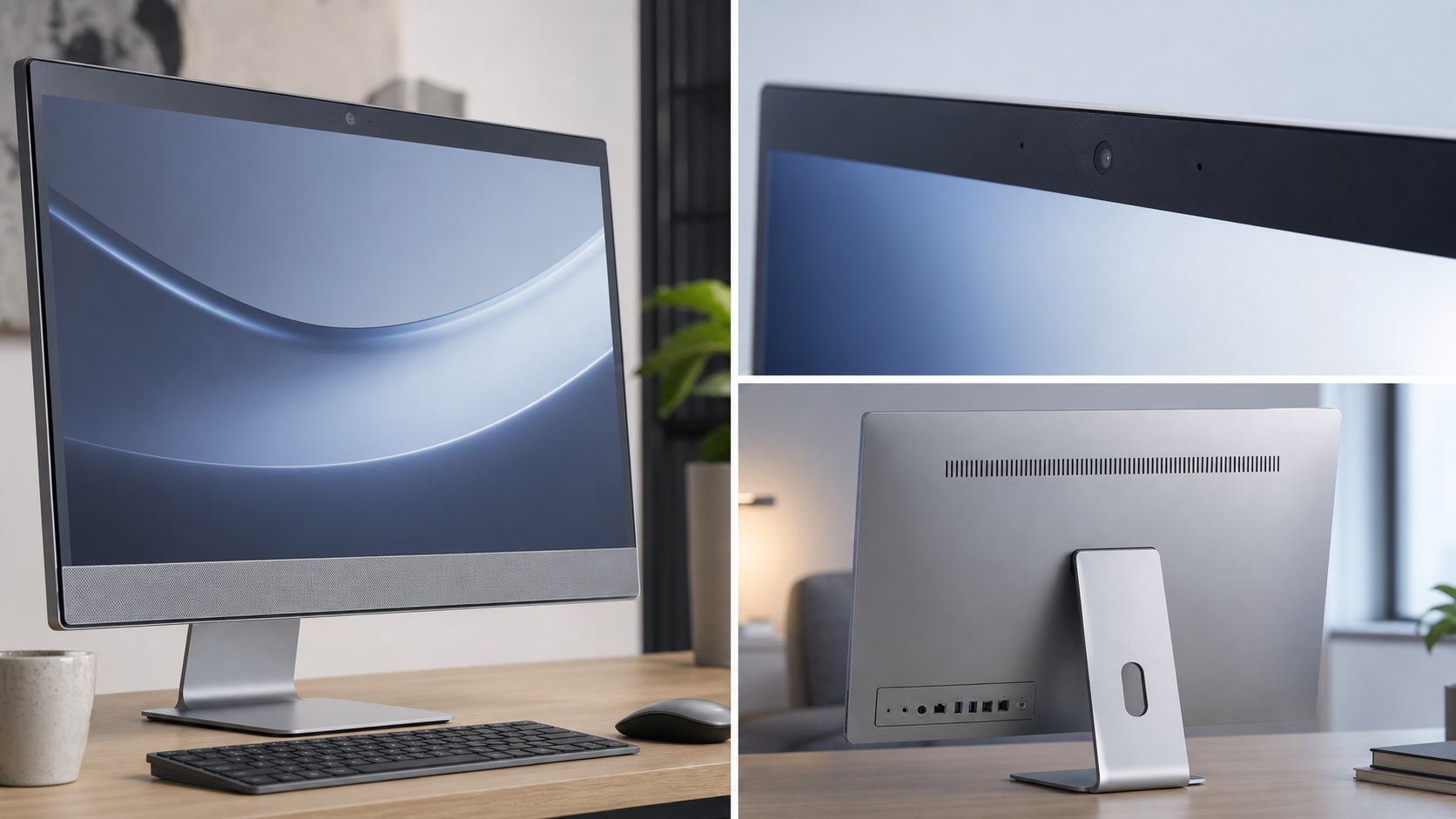
All-in-One PCs
Explainers
How all-in-one PCs integrate components, their design trade-offs, and key specs to understand.
Explore explainers →
Fundamentals
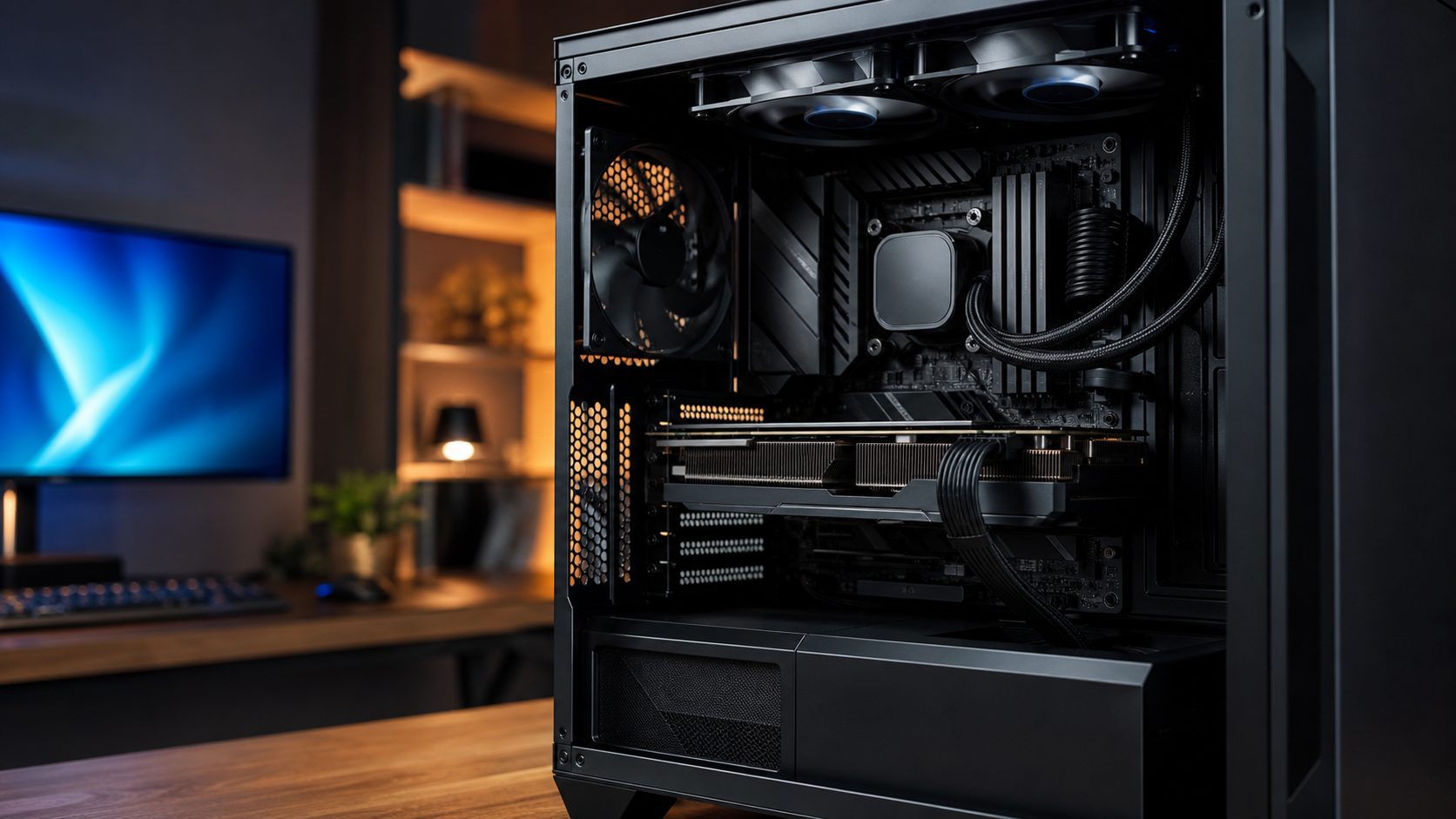
Gaming Desktops
Explainers
How gaming desktops are built, what GPUs and CPUs do, and what hardware terms mean.
Explore explainers →
Fundamentals
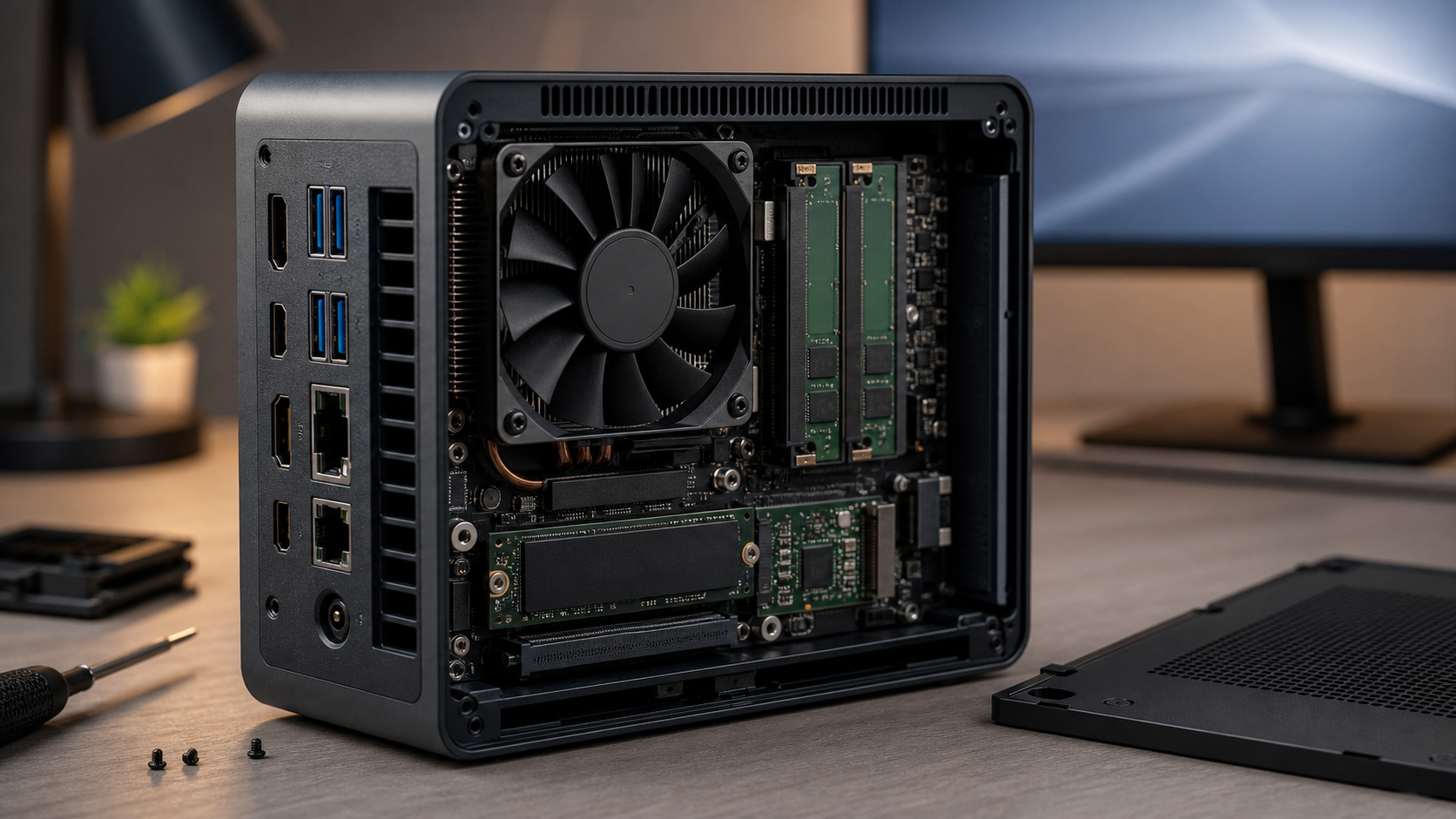
Mini PCs
Explainers
What makes a PC 'mini,' how they balance size and power, and typical use cases explained.
Explore explainers →
Fundamentals
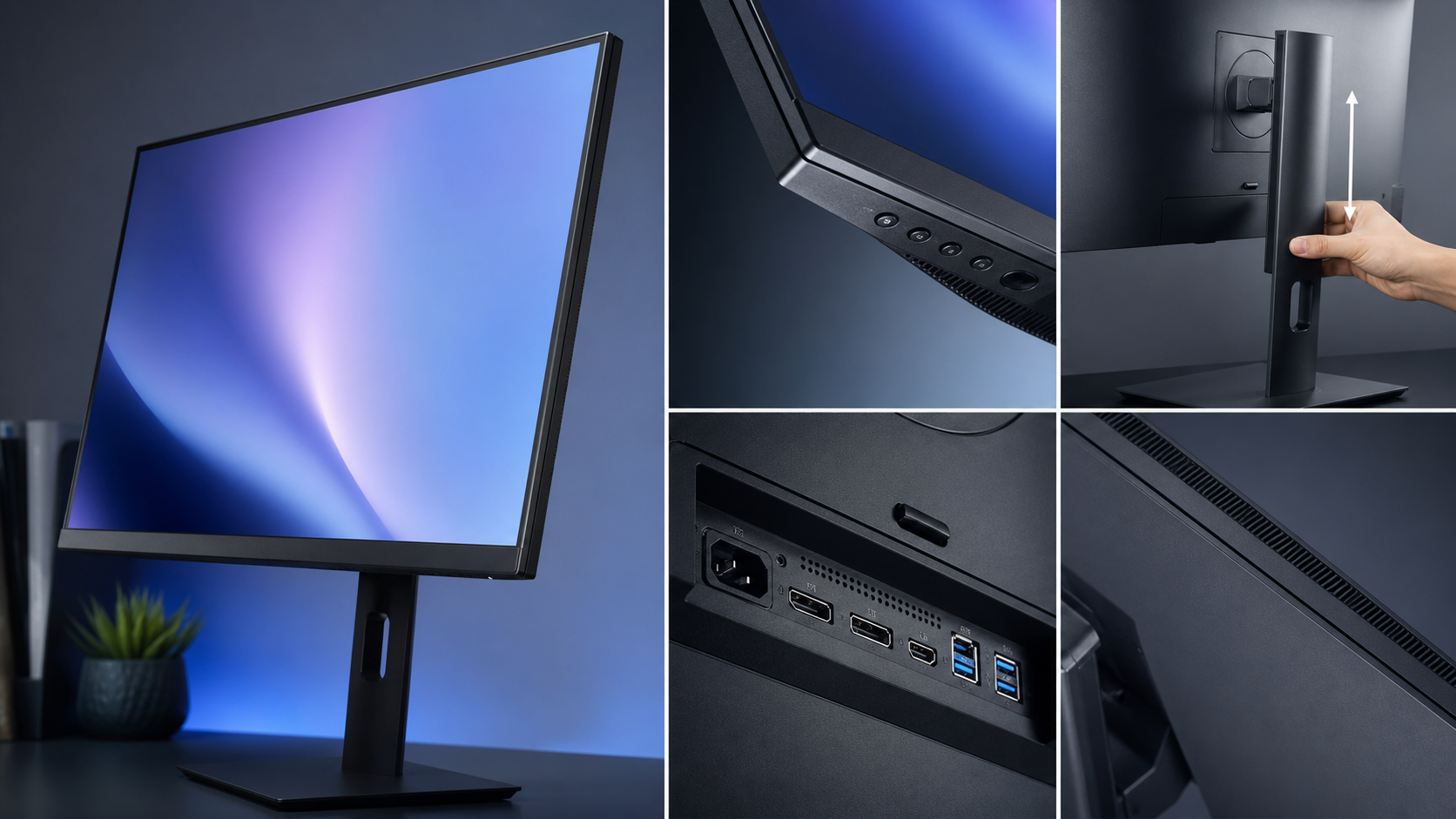
Monitors
Explainers
How monitor panels work, what resolution and refresh rate mean, and key display technologies.
Explore explainers →
Fundamentals
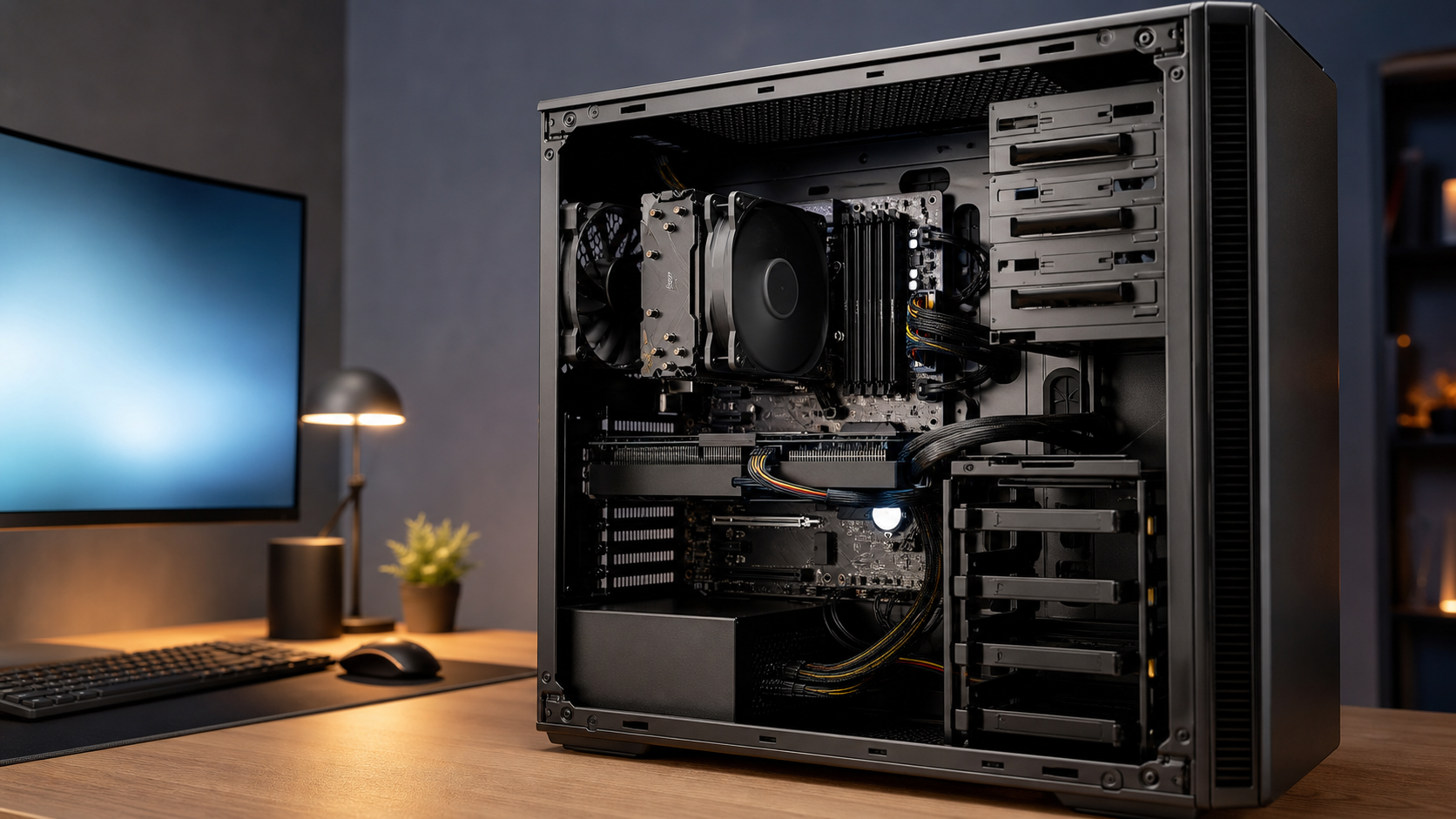
Tower PCs
Explainers
How tower PCs are structured, what expandability means in practice, and core components explained.
Explore explainers →
Fundamentals
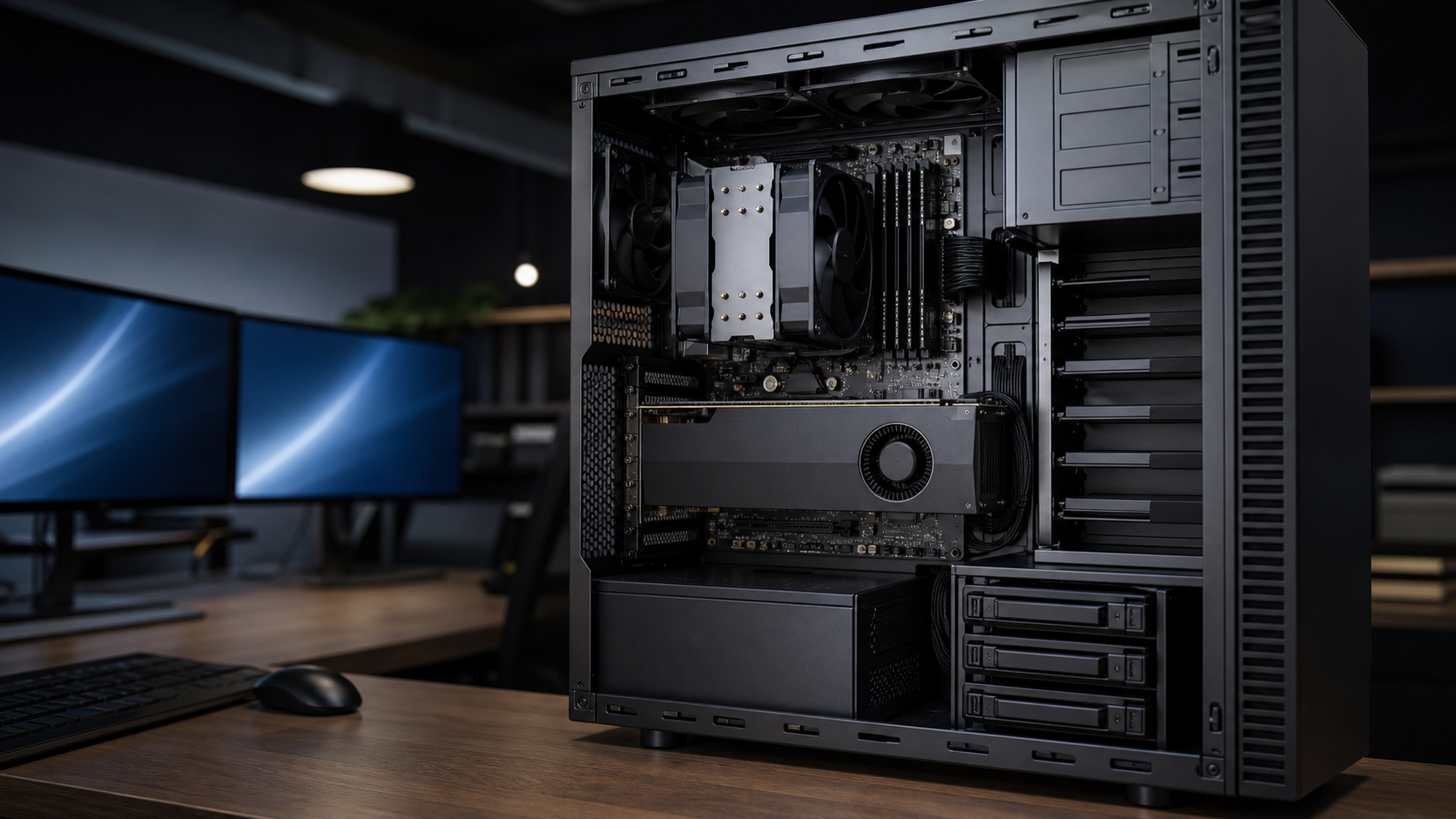
Workstations
Explainers
What separates workstations from standard desktops, how they handle demanding tasks, and key specs.
Explore explainers →
Fundamentals