
Shared time clock
A timekeeping app on a device that several employees use at work.
- Devices: Deputy's current app runs on iPad and Android.
- Browser: Deputy documents a separate browser clock.
- Versions: Older Deputy kiosk apps have similar names.
A hosted time clock still leaves work for the business. Deputy hosts the service behind its current shared Time Clock app. The workplace manages the clock in its account, keeps the tablet powered, and assigns corrections to someone who can edit the timesheet.
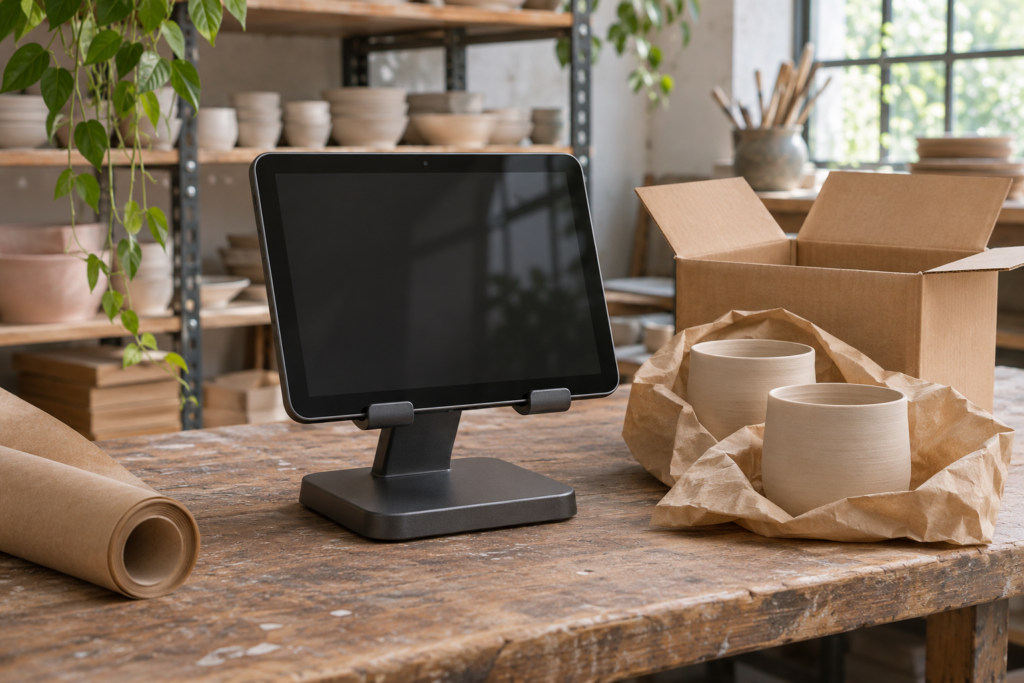
Follow the jobs from putting a station into service to handling a problem after it opens.
Tip: Start with what needs attention. Clock settings and shift corrections are handled in different parts of Deputy.
These terms identify what someone is looking after at each point.
A timekeeping app on a device that several employees use at work.
A workplace or job represented inside the business's Deputy account.
Managing the station as a clock in the business's Deputy account.
One employee’s visit to the clock while signed in.
The record of time worked for an individual shift.
The Deputy platform running on cloud infrastructure.
Tip: Think of the tablet as equipment and the Location as the workplace represented in software.
App installation is the first step. The workplace still has to create its clock.
The station remains something the business can manage. Deputy documents clock management in Business Settings.
An employee profile can have a workplace assignment. A name missing from the clock is one reason to look at that detail.
If a name is still missing after a search, a missing Location link is one possible explanation.
The tablet has its own connection and app maintenance needs.
Even the display can affect whether the screen is ready. Deputy suggests keeping the iPad from going to sleep.
A station can be working normally while a specific timesheet still needs attention.
That puts the correction with the person who can edit the affected shift detail.
Deputy provides the platform and uses AWS to host it.
A service report describes the provider’s side. It leaves a separate question for the workplace about the station’s own connection.
The room and both incidents are fictional. The business has already set its recording policy and made its staffing and financial choices.
The workshop has already picked the replacement iPad and assigned a caretaker and a location manager. The new tablet goes by the same packing bench.
The location manager registers the replacement for the chosen Deputy Location. The account is eligible for kiosk management access. The manager has that access for this Location and can disable the old clock. The caretaker's assigned job is to plug in the replacement by the bench.
The tablet is working. One pending record says Labeling, and the business has already confirmed it should say Box Packing. The manager has been assigned the correction.
Using the newer timesheet view and the required access, the manager updates the Area on that entry. The caretaker has no tablet job in this case.
The same device is involved in several of these situations. The questions below separate the jobs.
With PIN sign-in, the employee enters a personal code.
Deputy describes setup as a one-time job, with no routine installer sign-in.
Sign-out ends the personal session. Disabling is handled through the company’s clock controls.
The current Deputy app needs an internet connection for punches.
Only if that person also has the access needed to make the specific edit.
Tip: When a help article says Kiosk, match it to the app that is installed before applying its instructions.
These answers use the current app as the starting point.
Yes, if both are selected in the clock's setup and use the same time zone.
Deputy documents PIN recovery by text or email where available.
Yes. The App Store offers manual updates for apps installed from it.
In the newer timesheet view, a manager with access can add an entry when one truly does not exist.
Its status page lists components such as login and regional services.
Deputy documents a Time clocks area in Business Settings. The interface can vary by account.
Yes. Deputy can represent a named job or workplace as a Location.
Yes. Deputy lists Web Time Clock as a separate option.
Tip: When identifying the station, distinguish the current app from the legacy apps and the browser option.
A time clock can be both a hosted service and a station in the workplace. The business still has a clock to manage in its account.
Start by asking what needs attention. A local connection problem belongs with the station. A wrong work area goes to the person who can correct the timesheet.
Choose a reading format in the broader Time Tracking Software category.
Open the parent category's list archive.
Go to the comparison archive for the broader category.
Visit the parent category's guide archive.
Choose a retailer
Prices checked regularly. We may earn a commission at no cost to you.