
Task-Device Fit
The degree to which equipment capabilities, controls, and geometry match a specific user's recurring work.
- Function: supports required operations
- Scale: fits workload and content
- Access: accommodates user and environment needs
Office productivity equipment matters because nearly every digital task crosses a physical interface. Employees read from displays, enter commands through keyboards and pointing devices, convert paper through scanners, produce controlled output through printers, and exchange speech through headsets and conference systems.
Those interfaces shape the work before software logic begins. Poor display geometry can force repeated navigation; unreliable scanning creates illegible records; audio problems consume meeting time; slow shared devices produce queues; and incompatible drivers turn routine jobs into support incidents. Well-matched equipment reduces avoidable handling, preserves information quality, and supports consistent workflows. The effect depends on task fit, accessibility, environment, configuration, maintenance, security, and user technique—not equipment quantity or premium branding alone.
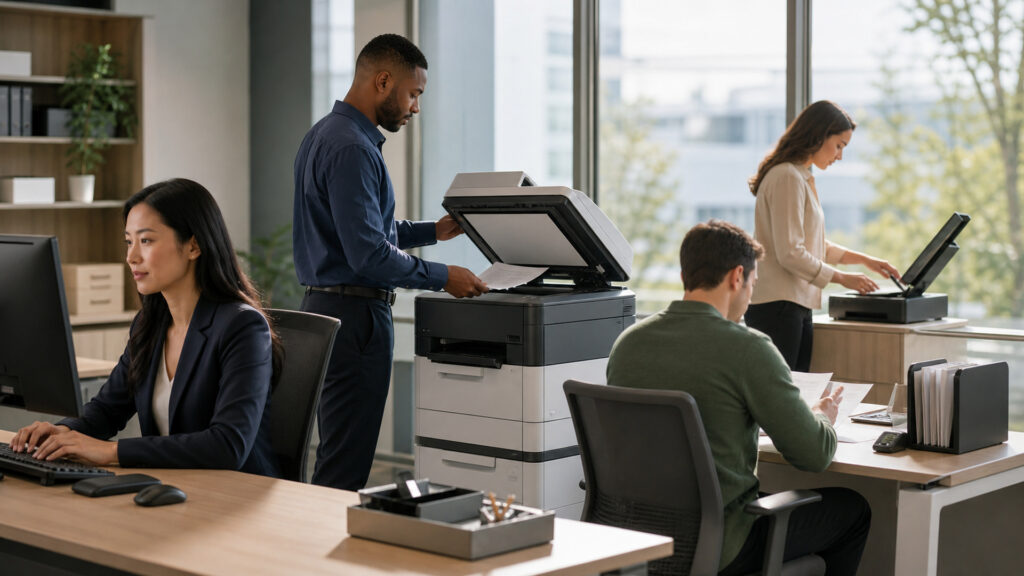
Equipment matters through repeated micro-interactions: seeing, entering, capturing, hearing, printing, sharing, authenticating, and recovering from faults.
Tip: Observe one frequent task end to end and count view changes, re-entry, physical reach, waiting, rescans, print retries, support interruptions, and handoffs; those repeated costs reveal the equipment requirement.
These concepts describe the fit, interaction quality, shared capacity, and support controls that connect office devices to actual work outcomes.
The degree to which equipment capabilities, controls, and geometry match a specific user's recurring work.
The accuracy and completeness with which a device captures intended text, image, audio, barcode, or command data.
The delay between a user action and visible, audible, or physical system response.
The ability to position or configure equipment for individual reach, viewing, posture, and control needs.
The jobs waiting for a common printer, scanner, room system, or specialized office device.
The controlled inventory, configuration, security, monitoring, update, support, and retirement of office equipment.
Tip: Measure the repeated task, not the equipment category: a device that excels at occasional high-quality output may be a poor fit for continuous low-latency transaction work.
Displays determine visible context and legibility; keyboards, pointing devices, touch surfaces, and specialized controls determine how precisely users navigate and enter information. Geometry and adjustability affect repeated movement.
Small delays and awkward motions compound because employees repeat these interactions across hundreds of daily actions.
Scanners, multifunction devices, cameras, and printers move information between physical and digital forms. Feed reliability, image quality, recognition, metadata, routing, and secure output determine whether the result can enter the next workflow.
Document equipment matters when it preserves meaning and identity, not merely when it produces an image or sheet of paper.
Headsets, microphones, cameras, speakers, and room systems capture and reproduce communication. Poor pickup, echo, framing, switching, or connection recovery interrupts turn-taking and causes repetition or missing decisions.
Communication equipment reduces coordination cost by preserving intelligibility and predictable participation, not by making every meeting necessary.
A shared device pools cost and capability, but workload bursts, large jobs, consumable changes, faults, and distance create waiting. Placement, priority, redundancy, and self-service recovery determine whether sharing remains efficient.
The economic benefit of sharing disappears when queueing, walking, failed jobs, and support effort exceed the avoided equipment cost.
Device management controls approved models, drivers, firmware, identity, encryption, remote administration, inventory, warranty, support, data sanitization, and replacement. Standardization reduces variation while exceptions preserve specialized needs.
Reliable office equipment is an operated fleet whose configuration and support state remain known, not a collection of unmanaged purchases.
Devices influence interaction quality and availability, while workflow design determines whether the work itself is necessary and correctly sequenced.
Appropriate interfaces can reduce re-entry, preserve document and audio fidelity, shorten repeated navigation, and make access more consistent.
Managed shared devices can provide reliable specialized capability without duplicating every asset.
A faster scanner cannot repair ambiguous indexing rules, and another monitor cannot resolve conflicting systems of record.
Premium specifications add little when software latency, approval queues, poor training, or unclear ownership remain the real constraint.
These assumptions confuse device specifications and quantity with useful, accessible, and dependable office work.
Additional display area can reduce window switching for some tasks, but poor placement, excessive visual load, software fragmentation, or work requiring concentrated single-context attention can add distraction without improving accuracy or cycle time.
Engine speed addresses only image production. Job preparation, network transfer, authentication, queueing, warm-up, supplies, finishing, walking, fault recovery, and downstream handling may dominate the complete document cycle experienced by employees.
A standard should define supported outcomes, configurations, security, and serviceability while allowing justified accessibility and specialized-task exceptions. Literal uniformity can create poor fit, workarounds, injury concerns, or additional unsupported personal devices.
Printers, scanners, conferencing systems, and connected peripherals may store documents, credentials, contacts, or usage data and expose administrative services. Procurement should address updates, access, encryption, support, retention, and secure retirement.
Tip: Use observed task friction, quality defects, queue time, support incidents, accessibility needs, and lifecycle evidence to justify equipment—not status, novelty, or isolated benchmark scores.
These questions connect device selection with repeated tasks, information quality, shared capacity, and support operations.
Start with frequent tasks, content types, users, locations, accessibility, required quality, workload peaks, software interfaces, security, support capacity, and recovery needs. Convert those observations into testable capability and service requirements before comparing models.
It can help when users repeatedly compare sources, monitor one context while editing another, or keep reference material visible. Validate placement, text scale, application behavior, desk geometry, focus demands, and individual preference.
Consider feeder reliability, double-feed detection, supported paper sizes, duty cycle, image controls, recognition quality, metadata, routing, secure storage, driver support, maintenance access, and validation procedures for legally or operationally important records.
Measure arrival patterns, job sizes, finishing needs, acceptable wait, device uptime, supplies, walking distance, and recovery time. Separate rare specialty demand from routine volume and provide redundancy where delays interrupt critical work.
Define approved capability tiers, models or specifications, operating-system and application compatibility, security settings, accessories, accessibility options, drivers, firmware, support ownership, available spares, replacement windows, and documented exceptions for specialized work.
Track task cycle time, capture or output errors, queue delay, incident rate, downtime, supply use, support effort, user accommodation, and replacement cost. Combine telemetry with observation because counters cannot reveal every workaround.
Office productivity equipment matters because displays, input devices, scanners, printers, audio systems, and shared resources mediate repeated actions between people, information, and software.
Task fit, input fidelity, latency, adjustability, queue behavior, compatibility, secure management, and support determine whether those devices reduce errors and interruptions or merely add cost and complexity.
These explainers place office devices inside the broader equipment architecture and show how workflow state, shared queues, and scaling constraints determine end-to-end results.
Learn the shared power, control, sensing, interface, capacity, maintenance, and lifecycle model behind business devices.
See how state, ownership, dependencies, exceptions, and history coordinate the work moving through office tools.
Understand how queues, bottlenecks, workload shape, and capacity affect systems as demand changes.
Choose a retailer
Prices checked regularly. We may earn a commission at no cost to you.