
Route Graph
A connected digital model of roads, turns, restrictions, and costs used by navigation software to search for a path.
- Maps supply the links
- Rules constrain movement
- Costs rank alternatives
Choose a GPS navigation device when the missing result is a calculated path: current position placed on a map, a destination resolved, road constraints evaluated, and upcoming maneuvers delivered in time. Those functions depend on satellite reception, map data, routing software, and a usable driver interface.
Choose a car audio system when the gap is sound reproduction or media control. An audio system can play spoken directions from another source, and an integrated receiver may host navigation, but speakers do not calculate a route. Define the required output first, then verify placement, data coverage, offline behavior, prompt routing, and retained vehicle functions.
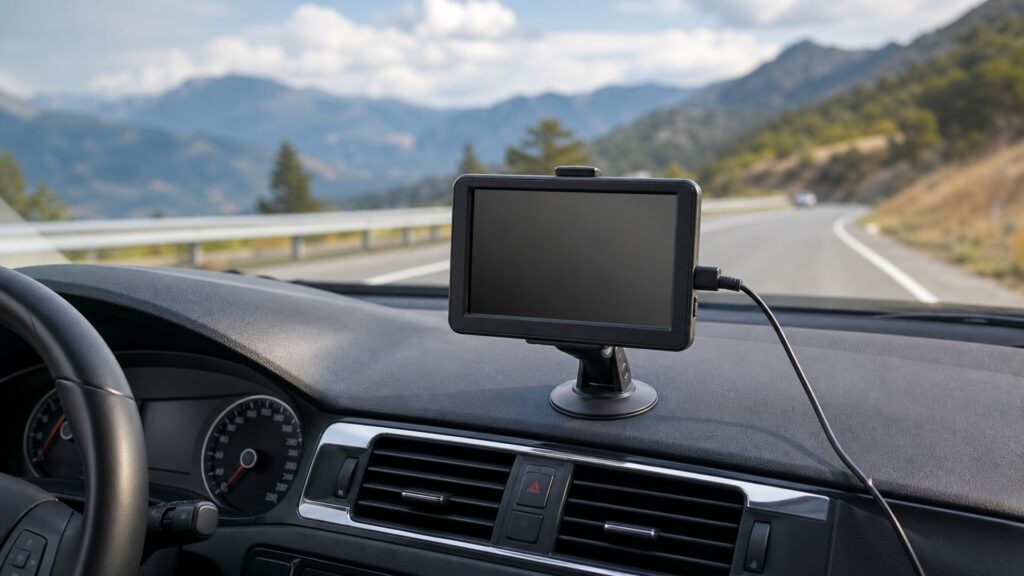
Navigation and audio may share a screen or speakers, yet their core processing chains solve different problems.
Tip: Write the required outcome in one sentence before comparing hardware: guidance needs a route solution; listening needs an acoustic chain.
The distinction becomes clear when position, map data, route calculation, and sound playback receive separate names.
A connected digital model of roads, turns, restrictions, and costs used by navigation software to search for a path.
A visual or spoken instruction derived from the active route and timed to an upcoming action.
Road and place data stored locally enough to support specified navigation functions without a live data connection.
Supported dimensions, restrictions, or preferences applied when a navigator evaluates roads for a particular vehicle.
The selected stream or medium supplied to an audio chain for decoding, processing, amplification, and playback.
A dashboard unit that may combine media, audio processing, navigation, phone, camera, and vehicle interfaces in one enclosure.
Tip: Treat a shared screen or speaker as an interface, not evidence that both systems own the same function.
A navigator earns its place when destination search, current position, suitable route calculation, maneuver timing, or offline coverage is missing. A larger audio screen alone does not establish any of those capabilities.
Selection begins with the information that must be computed.
Weak playback, poor source control, missing codecs, inadequate amplification, or unsuitable speaker output belongs to the audio chain. Navigation hardware cannot correct those faults merely because it can speak through the cabin.
A spoken turn is content; the audio system is its delivery path.
A receiver may calculate routes and manage audio, but route accuracy and sound quality still depend on distinct inputs and processing. Test navigation states separately from source, channel, volume, and speaker behavior.
One enclosure can carry two responsibilities without merging their proof.
A portable navigator may offer strong routing yet create cable, heat, theft, obstruction, or reach concerns. An installed receiver may fit cleanly but lose portability or specialized profiles. Evaluate the exact vehicle and driver.
The better capability can still be the wrong installation.
Enter representative destinations, calculate under intended connectivity, inspect route restrictions, follow prompt timing, deviate safely, and verify recalculation. Then test audio recovery, calls, warnings, and shutdown behavior around the same trip.
A route completed under realistic constraints is stronger evidence than a feature list.
Even a current map and strong position estimate can miss a closure, access rule, height limit, temporary hazard, or changed road geometry.
It combines position, mapped roads, destination search, route costs, and timed maneuvers.
Offline capability can preserve core guidance where data service is weak.
Road signs, direct observation, legal restrictions, and actual conditions override a recommended path.
A car audio upgrade cannot repair incomplete navigation data or unsuitable routing logic.
These misconceptions usually begin when a common display or speaker is mistaken for a common purpose.
Speakers reproduce a prompt supplied by navigation software; they do not determine position, search mapped roads, or choose maneuvers. The routing source may be a phone, portable unit, or integrated receiver using the audio path.
Screen area can improve presentation, but route quality also depends on maps, profiles, positioning, software, updates, and constraints. A large display can present an unsuitable path clearly, so evaluate computation and coverage separately.
Satellite positioning does not inherently require cellular data. A device with stored maps and local routing may guide offline, although searches, traffic, corrections, or map downloads can still depend on a connection.
Navigation and audio can cooperate without duplicating their central jobs. One calculates and presents a route; the other manages sound. Duplication occurs only when two products provide the same required function without a useful boundary.
Tip: Assign every expected result to the system that actually produces it.
Use these answers to resolve common purchase decisions before comparing screens, brands, or connector lists.
It can suit vehicles with adequate safe mounting and power when dedicated offline maps, specialized routing, portability, or simple removal matter more than dashboard integration. Confirm reception, sightlines, thermal limits, and prompt audibility first.
Often, if the navigation source and receiver support a compatible wired or wireless audio path. Verify volume ownership, prompt priority, media ducking, call interaction, latency, and recovery rather than assuming pairing guarantees usable guidance.
Prioritize the audio system for the persistent sound problem, then use a compatible phone or navigation source for occasional routing. Test mount position, charging, data coverage, prompt playback, and distraction controls as one installed scenario.
They require a supported product and current data capable of representing the relevant dimensions, weight, restrictions, and road classes. Enter the profile accurately, review the route, and obey posted limits regardless of the recommendation.
Test familiar destinations, an offline segment, difficult intersections, prompt timing, recalculation, map coverage, vehicle profile, startup power, shutdown, audio priorities, mount stability, glare, and safe reach from each regular driver position.
Use GPS navigation instead of a car audio system when the missing capability is position-aware route calculation and timely maneuver guidance, especially where offline maps or specialized vehicle profiles matter.
Use car audio for source management and sound. When one receiver combines both, demand separate proof of route behavior and acoustic behavior while preserving safe fitment and vehicle functions.
These explainers show how routes are produced, what installation must support, and which maintenance keeps maps and hardware dependable.
Trace satellite timing through position, map matching, routing, and maneuver delivery.
Check antenna view, mount geometry, power, maps, prompts, and service access in the vehicle.
Maintain maps, software, saved data, storage, battery, mounting, and known-route behavior.
Choose a retailer
Prices checked regularly. We may earn a commission at no cost to you.