
Lens Contamination
Film, dust, condensation, fingerprints, or interior reflection that lowers captured contrast or hides fine scene detail.
- Night glare can expose it
- Interior and exterior glass both matter
- Cleaning methods follow the lens coating
A dash camera can look normal while its evidence path has already weakened. Road film softens detail, a mount creeps downward, the clock drifts, an intermittent power lead creates gaps, protected clips consume capacity, or a worn card accepts commands without committing reliable video.
Maintenance matters because most of those failures stay invisible until someone needs a file. A useful routine preserves the entire chain from scene to retrieval: clean optics, stable aim, dependable power states, accurate time, healthy storage, documented firmware, and sample playback. The goal is not cosmetic care or arbitrary replacement; it is confidence based on a recently opened recording.
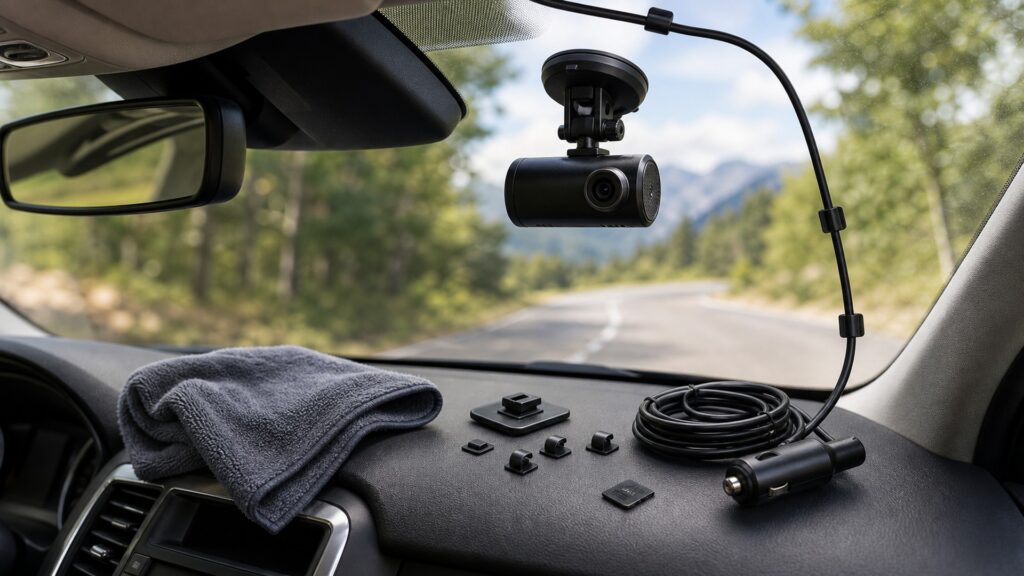
Each check protects a distinct property of the eventual record: visible detail, coverage, continuity, chronology, retention, or retrievability.
Tip: Choose a recent ordinary trip, retrieve several segments including a restart, and compare them with the documented view, clock, sound, and continuity baseline.
These terms describe maintenance failures that may not appear on the camera's live preview.
Film, dust, condensation, fingerprints, or interior reflection that lowers captured contrast or hides fine scene detail.
A gradual change in aim or stability caused by adhesive creep, loose joints, vibration, heat, or disturbed trim.
Agreement between recorded timestamps and dependable local time across restarts, daylight changes, or lost satellite synchronization.
The finite ability of flash storage to accept repeated erase-and-write cycles under its specified conditions.
The recorder's ability to close one segment, reclaim eligible space, and begin the next without unexplained gaps.
A dated sample set proving that current files open, carry expected time and sound, and cover the intended scene.
Tip: Tie every inspection to a property of the saved evidence instead of cleaning or resetting by habit.
The lens and windshield form the recorder's optical entrance. Haze, condensation, reflections, adhesive movement, or a loosened joint can preserve the existence of video while removing plate detail, traffic-signal position, or the edge of the relevant lane.
Maintenance protects coverage and contrast before encoding begins.
A loose plug, fatigued cable, weak accessory outlet, incorrect hardwire setting, or vehicle sleep behavior can interrupt recording. Testing should include engine start, delayed accessory power, parking transitions where configured, and shutdown, while avoiding assumptions about battery protection.
A power lamp during one state cannot certify an uninterrupted trip.
Continuous capture repeatedly closes, protects, and overwrites files. Media capacity, speed class, endurance, formatting method, temperature, and protected-file accumulation affect whether the loop remains healthy. Follow the recorder's supported-card and formatting guidance rather than improvising intervals.
Storage maintenance is complete only after new files can be opened.
Updates or resets can change resolution, exposure, audio, event sensitivity, wireless access, time zone, and parking behavior. Record the existing version and configuration first, use stable power, then verify every important function and timestamp after any change.
A successful update is not the same as a preserved evidence configuration.
Maintenance ends with evidence outside the camera. Review ordinary segments, a segment boundary, an engine restart, and an intentionally protected event. Confirm image, sound when enabled, time, sequence, coverage, and export without relying solely on the companion app's thumbnail.
The latest successfully reviewed file is stronger evidence than months of warning-free operation.
Condition checks reduce preventable gaps and degraded imagery while finite coverage, occlusion, impact, and component failure remain possible.
Clear optics, stable mounting, continuous power, accurate time, supported storage, and verified settings protect the intended evidence path.
Regular retrieval catches silent failure before a high-value event exposes it.
A camera records only its field of view and may miss detail because of distance, light, weather, motion, or obstruction.
Severe power loss, device damage, file corruption, or overwrite can still remove a needed event.
These myths replace retrieval evidence with appearance, warning lights, or fixed calendar rules.
Some storage faults are intermittent or appear only during sustained writing, segment closure, or playback. A status icon cannot prove chronology and file integrity; retrieve several recent files and inspect their duration, sequence, image, and sound.
Formatting can rebuild the file structure when performed by the supported method, but it cannot restore worn flash cells, fix unstable power, correct overheating, recover overwritten video, or compensate for an unsupported card specification.
Adhesive, adjustment joints, windshield service, cabin cleaning, cable tension, heat, and vibration can move the view. Compare stable scene references and confirm the mount is rigid rather than trusting the device's remembered position.
An update can change behavior or fail if the model, file, media, or power is wrong. Preserve versions and settings, read exact release instructions, maintain stable power, and repeat the complete acceptance test afterward.
Tip: Use observed file quality and system condition to decide the next maintenance action.
These answers address intervals, storage replacement, lens care, timestamps, and the file checks that make maintenance meaningful.
Use risk, usage, environment, and manufacturer guidance rather than one universal interval. Check after installation, extreme heat, windshield or battery work, warnings, unexplained restarts, firmware changes, card errors, mount movement, or before relying on an important trip.
Replace it when the recorder reports errors, files show gaps or corruption, writing becomes unreliable, supported formatting no longer restores normal operation, or the manufacturer specifies a service limit. Choose capacity, speed, and endurance the model supports.
Follow the camera and vehicle-glass instructions. Power the device down, use suitable materials and controlled moisture, avoid spraying openings, clean both relevant glass surfaces, then inspect the nighttime image for smear, flare, condensation, or reflections.
Time can drift or reset after power loss, battery depletion, time-zone changes, daylight adjustments, failed satellite synchronization, or firmware resets. Compare with a dependable clock and verify the setting after electrical or software service.
Open multiple ordinary segments, a file spanning a start or shutdown, and one deliberately protected event. Confirm continuous sequence, correct time, expected field of view, usable image, enabled audio, and successful copying outside the camera.
Dash-camera maintenance matters because a recorder can appear normal while optics, aim, power, time, storage, or file continuity has already failed.
Maintain the complete evidence path and finish every check by retrieving representative files. Condition-based inspection and documented baselines reveal silent degradation without inventing replacement schedules or promising that any camera captures every event.
These explainers show the mechanism being preserved, the vehicle-specific installation boundaries, and the operating contracts a maintenance check should retest.
Follow the complete sensor-to-storage sequence that maintenance is intended to preserve.
Review mounting, wiring, sightline, heat, and service-access constraints that determine long-term condition.
Test each recording feature by its required source, state, output, and storage dependency.
Choose a retailer
Prices checked regularly. We may earn a commission at no cost to you.