
Recording Readiness
The state reached after power-up, self-check, storage recognition, and initialization permit normal capture.
- Startup delay can omit early motion
- Alerts may signal a blocked state
- Settings can change readiness
A dash camera's operating function is to create a usable record under the vehicle states it claims to support. That begins before the image: power must arrive, the camera must finish startup, the lens must see the intended scene, exposure must adapt, and the encoder must deliver data quickly enough for storage.
The function ends after capture. Loop segments must remain continuous, an event must be protected before overwrite, timestamps should be plausible, parking transitions must follow the configured limits, and the chosen clip must open and export. Evaluating this chain matters because a camera can appear active while recording the wrong view, corrupting files, or preserving nothing useful.
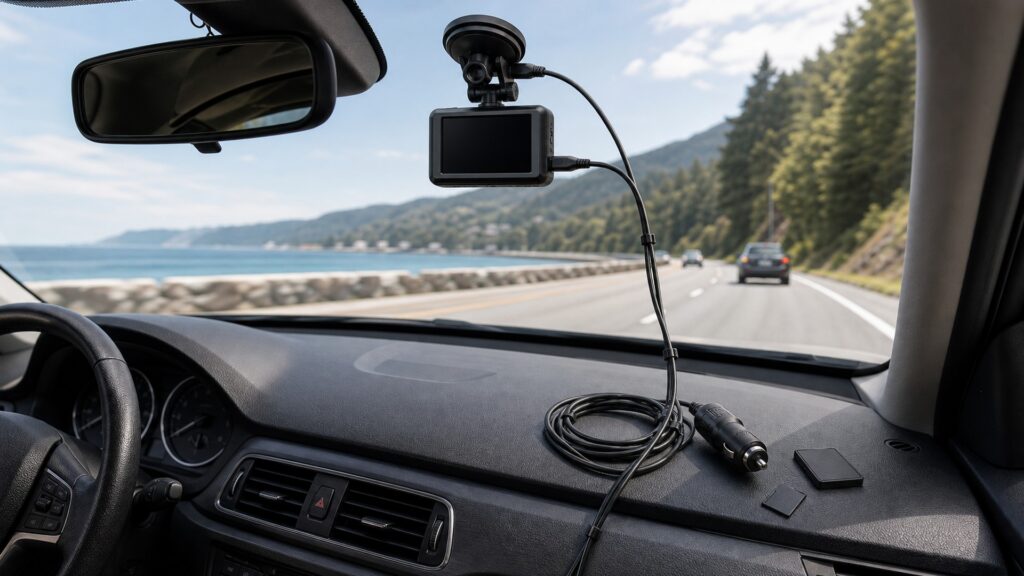
Readiness, image usability, write continuity, event handling, metadata, vehicle state, and export each need their own proof.
Tip: Select a known drive, mark an event, shut down normally, and retrieve the exact interval; this single drill exercises far more than a status LED.
These terms convert vague camera availability into measurable operating stages.
The state reached after power-up, self-check, storage recognition, and initialization permit normal capture.
The camera's adjustment as scene brightness changes between sun, shade, tunnels, headlights, and darkness.
The expected time sequence across adjacent recording files without unexplained gaps, duplication, or corruption.
The finite storage area or file class reserved for clips marked by impacts, buttons, or software rules.
The plausibility and consistency of time, location, speed, channel, or status information attached to footage.
The process for locating, opening, copying, and preserving the original relevant clip.
Tip: Verify the artifact produced by each stage, then record the first boundary that fails.
Switched or constant power, ground, storage recognition, self-checks, firmware, and temperature influence the interval between vehicle state and active capture. Audible or visible confirmation should be understood and should not demand prolonged driver attention.
Power at the connector is an input; readiness is the first meaningful operating output.
Correct aim, clean glass, stable focus, frame timing, and exposure response determine whether the video has relevant context. Review moving footage in bright, dark, and transition conditions rather than judging only a parked preview.
A file can be technically valid yet functionally useless when the scene is poorly captured.
The camera compresses frames and writes sequential segments continuously. Unsupported capacity, format, speed class, worn media, heat, or file-system errors can interrupt that stream. Adjacent clips and device alerts provide stronger evidence than remaining free-space estimates.
Continuous operation is demonstrated by an intact timeline, not by one successful clip.
Impact sensors or manual commands mark footage for retention, while time and optional GNSS data help locate it. Sensitivity, protected-space limits, clock settings, reception, and segment boundaries can all alter which file appears important.
Markers organize the record; they do not guarantee that the decisive action is visible or correctly interpreted.
Parking operation may depend on constant power, accessory state, cutoff, timer, motion, impact, or buffering. Normal shutdown should finalize files. The final operating proof is finding the marked interval and copying a playable original to separate storage.
If the desired segment cannot be retrieved intact, the camera has not completed its purpose.
The chain can prove readiness, continuity, retention, and retrieval under sampled conditions; real events can still fall outside physical and contextual limits.
A defined drive can show correct startup, framing, segment continuity, event marking, metadata, shutdown, and independent playback.
Repeated samples expose storage or state-transition problems before an important event depends on them.
Weather, occlusion, impact direction, lighting, motion, card aging, heat, and power interruptions can create different future conditions.
Even intact footage represents one viewpoint and does not automatically establish identity, intent, or legal responsibility.
These myths stop verification at the camera body instead of following the record to retrieval.
An icon can indicate an intended state without proving correct aim, exposure, encoder stability, card writes, segment continuity, event allocation, or finalization. Periodic playback of adjacent files is required to confirm the actual record.
Protection behavior and reserved capacity vary. False triggers can fill the event area, formatting can remove files, and media can fail. Retrieve and back up important footage promptly rather than treating an internal flag as permanent preservation.
A plausible clock helps sequence clips, while GNSS can add context when available. Settings, reception, drift, time zones, and interpretation still matter, and accurate metadata cannot supply actions outside the lens view.
The camera also needs correct mode detection, settings, storage, triggers, temperature, cutoff or timer behavior, and adequate battery conditions. Constant voltage alone can leave it in the wrong state or create unwanted drain.
Tip: Open the expected segment and inspect its timeline; intermediate indicators cannot substitute for the file.
These answers cover readiness, gaps, event protection, timestamps, and a complete operating test.
Learn the model's ready indication, then compare vehicle startup time with the first saved segment. Repeat after a cold soak and during engine cranking because initialization, storage checks, temperature, and voltage behavior can change delay.
Power interruption, restart, slow or failing media, overheating, encoder faults, file-system problems, event handling, or deliberate mode changes can interrupt continuity. Compare timestamps, neighboring clips, device alerts, and the vehicle state around each gap.
Only briefly. Internal storage is exposed to loop overwrite, event-area limits, heat, corruption, theft, damage, and accidental formatting. Copy the original relevant files to separate storage promptly and preserve their surrounding context when appropriate.
The clock may lack correct time zone, daylight adjustment, phone synchronization, GNSS reception, or backup power. Verify settings and compare a known reference; do not assume that otherwise clear footage makes its metadata automatically accurate.
Confirm startup, all channel views, day and night exposure, adjacent segment continuity, manual and automatic event handling, clock, optional location, driving-to-parking transition, normal shutdown, card status, and successful export to another device.
Dash-camera operating function matters because readiness, usable capture, continuous writing, event retention, metadata, parking behavior, and retrieval can fail independently.
Verify the complete path with a marked drive and exported clip. A powered camera or recording icon proves only an intermediate state, not a preserved record.
These explainers show how files are created, how mounting and power enable them, and how safety controls constrain the installation.
Follow the physical and digital transformations behind each operating stage.
Connect readiness and capture tests to lens position, routing, power states, temperature, and access.
Audit view obstruction, attachment, electrical protection, battery impact, and data handling around operation.
Choose a retailer
Prices checked regularly. We may earn a commission at no cost to you.