
Workout Role
Workout role is the job the watch has in the user's training routine.
- Example: guiding pace during intervals
- Check: name the decision the watch should support
- Limit: unclear roles make metrics noisy
Workout role matters for GPS sports watches because the watch should support a specific decision before, during, or after training. It might guide pace, record a route, manage intervals, support navigation, track effort, or summarize weekly training.
A GPS sports watch becomes less useful when every metric feels equally important. The role tells the user which data to watch, which alerts to use, and which readings deserve only light attention.
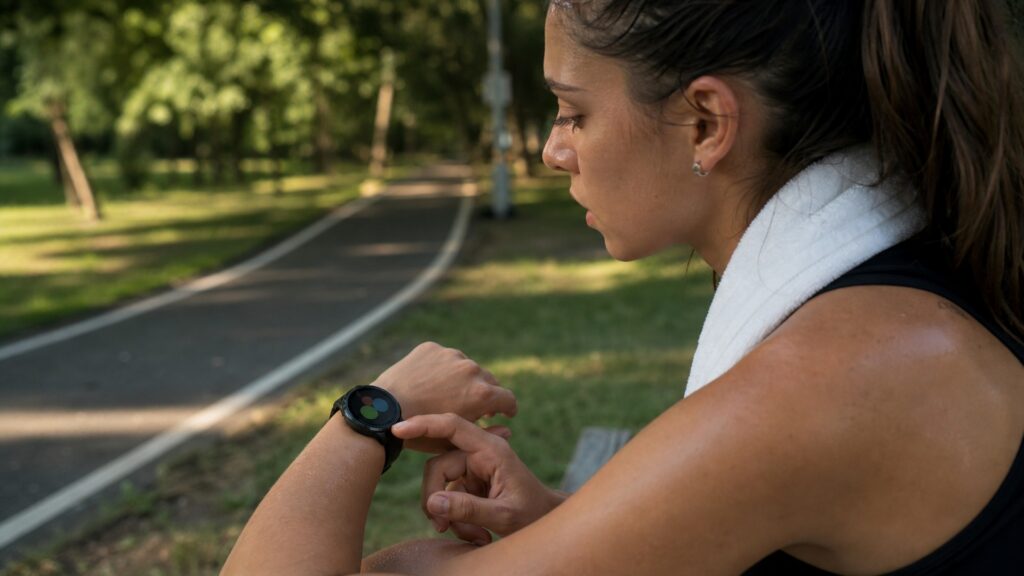
A practical guide to matching GPS watch features with the job they should perform in a sport routine.
Tip: Use the workout role to decide which GPS watch data matters.
These concepts clarify the practical signals readers should check before choosing equipment or planning workouts.
Workout role is the job the watch has in the user's training routine.
A pace role uses splits, lap pace, or speed to manage effort.
A route role uses GPS tracks, maps, or navigation.
An interval role uses timers, laps, or alerts for structured work.
A review role uses saved workouts to compare trends.
A decision filter separates useful metrics from distracting ones.
Tip: The best equipment choice is the one that matches the training job, available space, and user's current ability.
A GPS sports watch should have a clear role in the workout. It may guide pace, record distance, handle intervals, support navigation, or help review training history.
The role makes watch data easier to use.
Pace, lap pace, and split alerts can help during steady work or races. The user should avoid chasing every instant fluctuation and focus on the feedback that fits the session.
Pace data should guide, not distract.
Maps, breadcrumbs, elevation, and navigation tools help when place matters. These features are most useful when the user has checked the route and battery beforehand.
Navigation helps most when prepared.
Intervals work best when screens, buzzes, and laps are easy to understand during effort. Overly complex settings can pull attention away from the workout.
The watch should reduce mental load.
A watch may show many numbers, but only a few should influence training. The workout role helps decide which readings deserve attention and which can stay secondary.
The role keeps wearable data practical.
A clear role turns GPS watch data into useful action.
It identifies which metrics should guide the workout.
It reduces distraction from features the user does not need.
It does not make GPS or wrist sensors perfect.
It cannot replace coaching, medical care, or user judgment.
More data does not automatically mean better training.
The useful metric is the one tied to the role.
Too many alerts can distract.
Maps still need awareness and preparation.
The watch should support decisions, not control them alone.
Tip: Treat strong claims as reasons to inspect the workout fit more closely.
Short answers for practical training and buying decisions.
It tells the user which watch data should guide the session.
Common roles include pace guidance, route tracking, intervals, navigation, and review.
No. Focus on the metrics that support the current role.
Yes. A user may start with route tracking and later use intervals or training-load review.
Choose screens, alerts, and metrics around the job the watch needs to do.
Workout role matters because GPS sports watches should support specific training decisions.
Use the role to decide which metrics, alerts, and trends deserve attention.
Use these Review Streets paths to compare related categories and practical next decisions.
Review how satellite, sensor, and app data work together.
See how watch features should support training decisions.
Compare sport feedback with dedicated indoor cardio equipment.
Choose a retailer
Prices checked regularly. We may earn a commission at no cost to you.