Worldox vs MyCase: Which Legal Document Management Software Is Better?
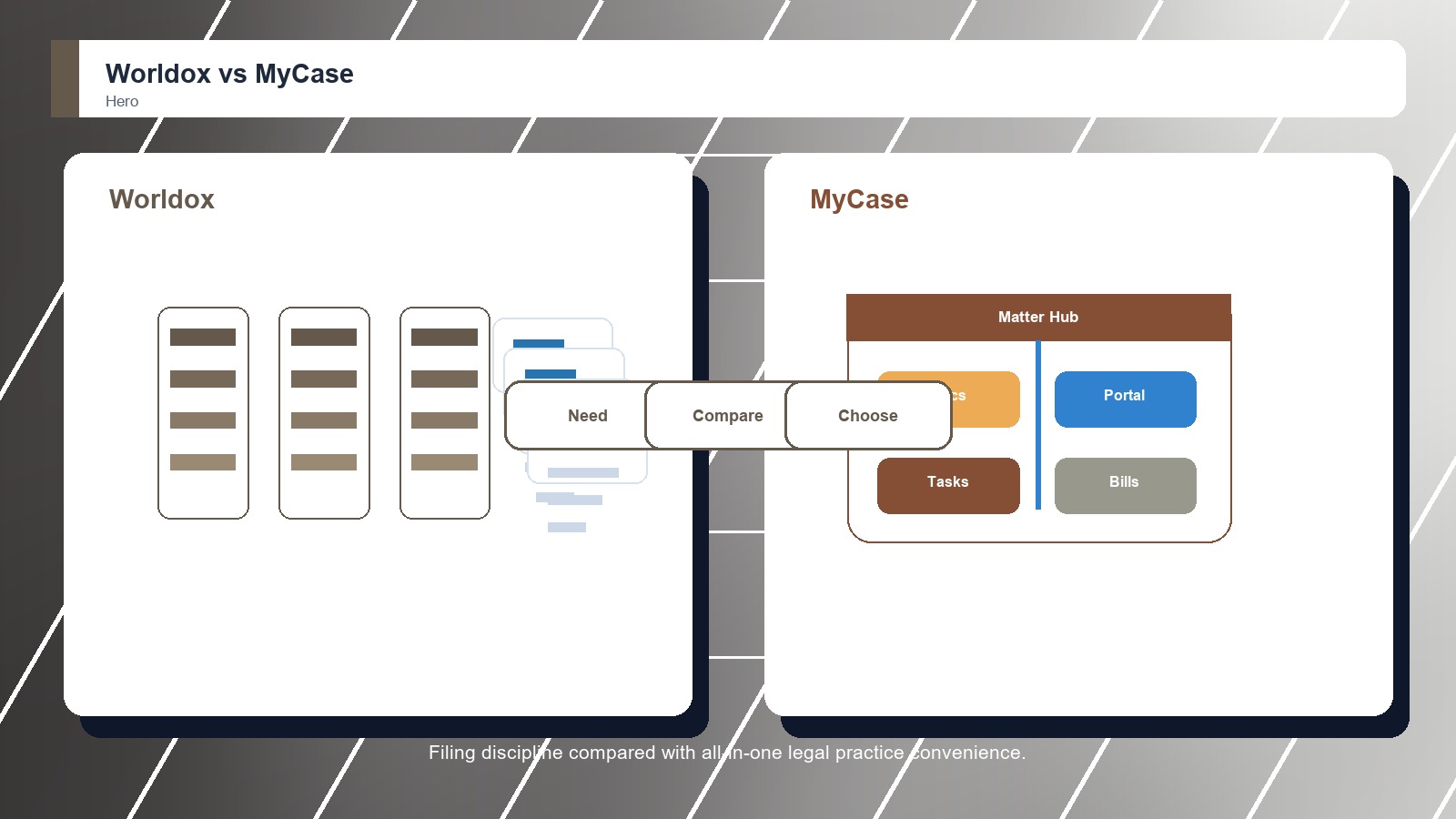
Worldox wins for dedicated legal document management, while MyCase is better for firms that want a simpler all-in-one practice hub.

Reviews You Can Trust
Worldox wins for dedicated legal document management, while MyCase is better for firms that want a simpler all-in-one practice hub.
iManage Work is stronger for advanced legal document management, while MyCase is better for simpler all-in-one practice operations.
NetDocuments is stronger for serious legal document management, while MyCase is better for firms that want documents inside practice management.
Worldox is the stronger legal document management pick, while Clio Manage is better when a firm wants document storage inside broader practice management.
iManage Work and Clio Manage are compared for legal document management buyers weighing matter files, email filing, search, security, collaboration, migration risk, adoption, and firm fit.
NetDocuments and Clio Manage are compared for legal document management buyers weighing matter files, email filing, search, security, collaboration, migration risk, adoption, and firm fit.
iManage Work and Worldox are compared for legal document management buyers weighing matter files, email filing, search, security, collaboration, migration risk, adoption, and firm fit.
NetDocuments and Worldox are compared for legal document management buyers weighing matter files, email filing, search, security, collaboration, migration risk, adoption, and firm fit.
NetDocuments and iManage Work are compared for legal document management buyers weighing matter files, email filing, search, security, collaboration, migration risk, adoption, and firm fit.
Use legal document management instead of a general cloud document system when matter filing and professional-responsibility controls become recurring operational requirements. Warning signs include wrong-matter risk, difficult email filing, inconsistent legal profiles, ethical-wall administration, precedent governance, legal holds, and weak reconstruction of final work product.
Legal documents move through decisions that carry deadlines and consequences: intake, matter assignment, drafting, internal review, client approval, signature, filing, service, closing, and retention. The document system’s workflow role connects the current evidence to the lawyer, assistant, records specialist, or risk reviewer responsible for what happens next.
Secure file sharing protects a bounded exchange with recipients through authentication, encryption, expiry, revocation, and activity logs. Legal document management maintains the continuing matter file through profiles, versions, privilege context, ethical walls, precedent controls, legal holds, filing history, and retention.